Smart meal planner: a meal plan from your recipes at signup
New clients answer a few food questions during onboarding. Scraler builds their meal plan from your recipes, on their calories and macros.
See where it fits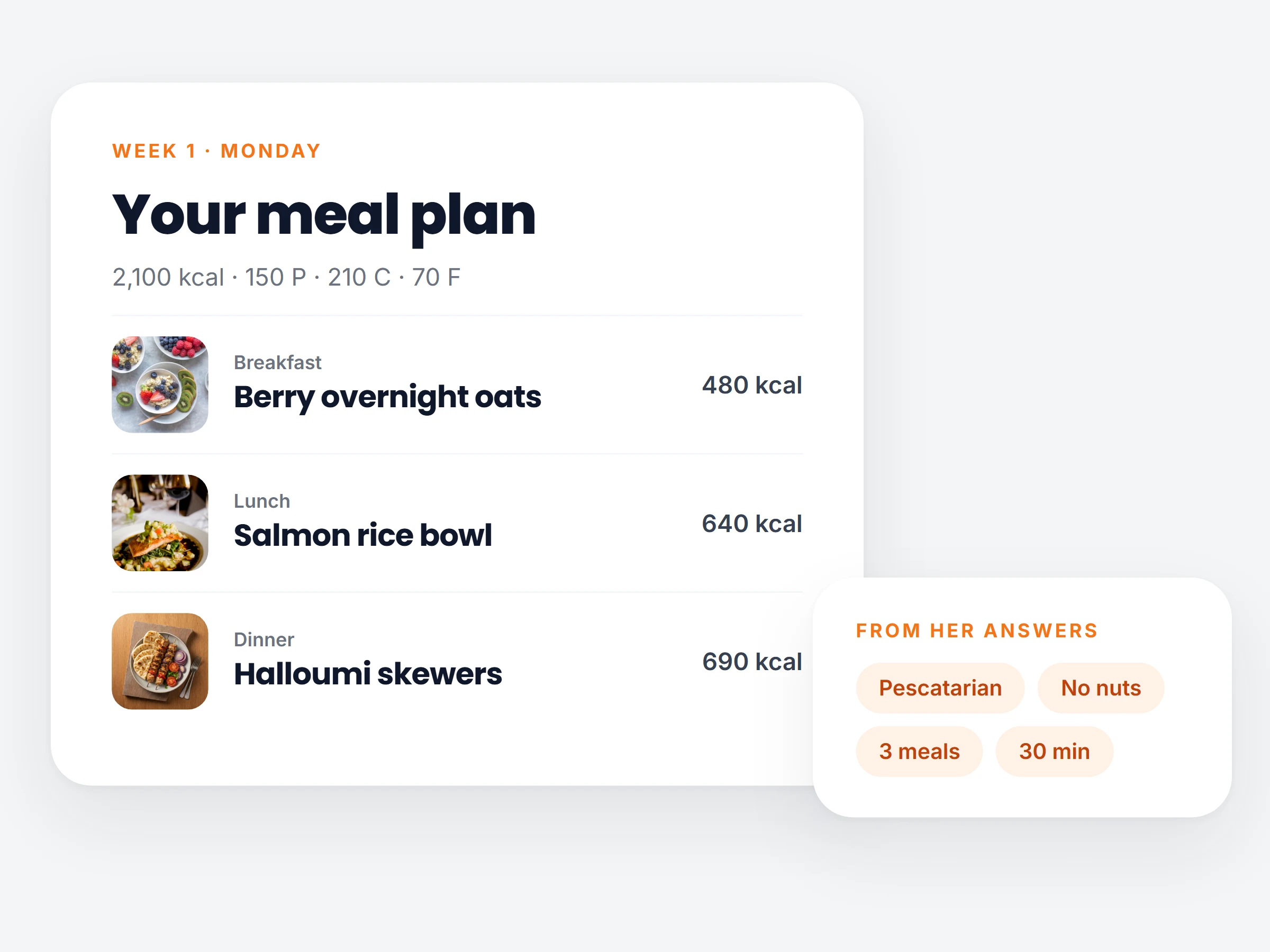
How trainers can use it
Personal meal plans without building each one yourself.
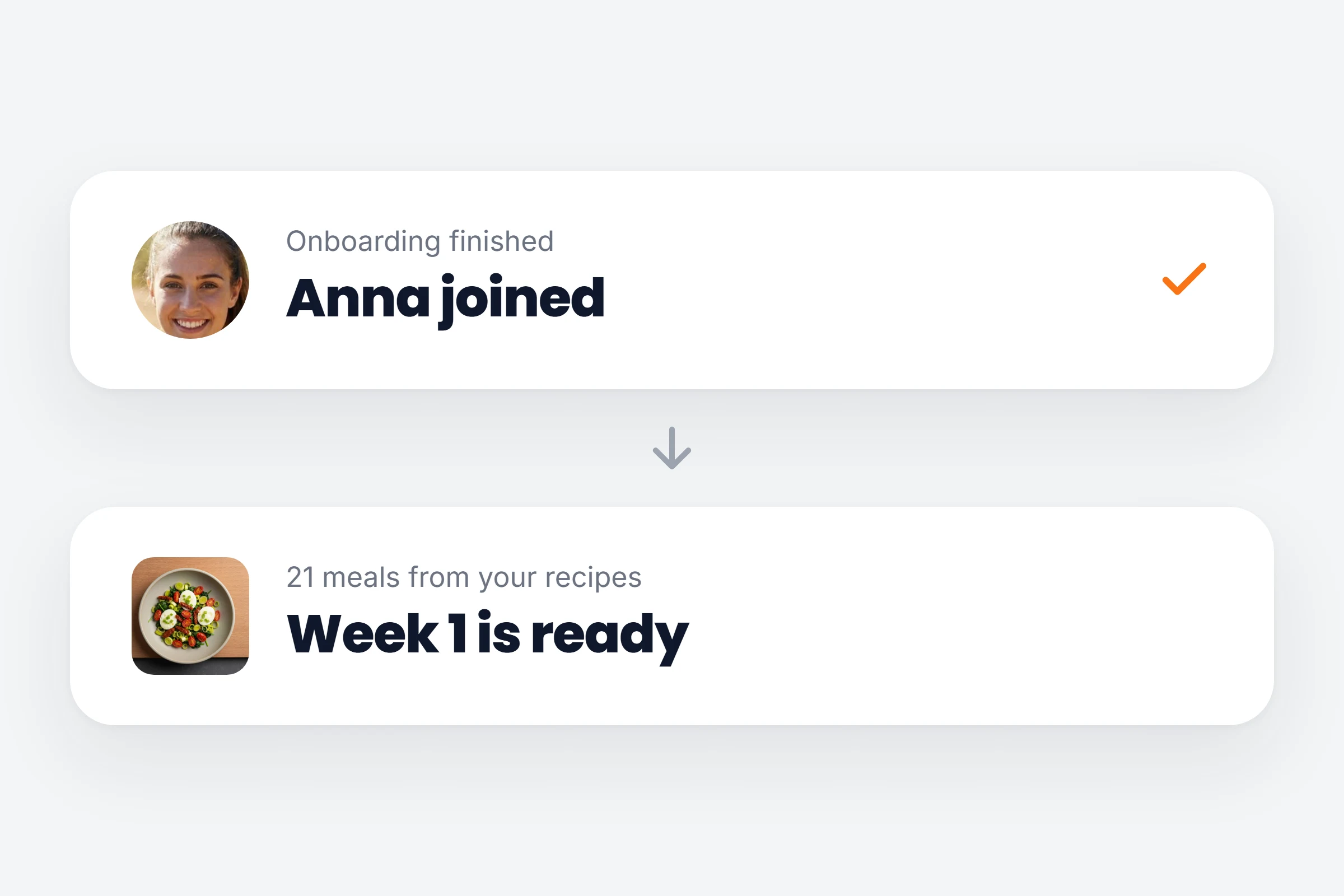
Every new client, a plan
Someone signs up at night and has a full week of meals before you wake up.
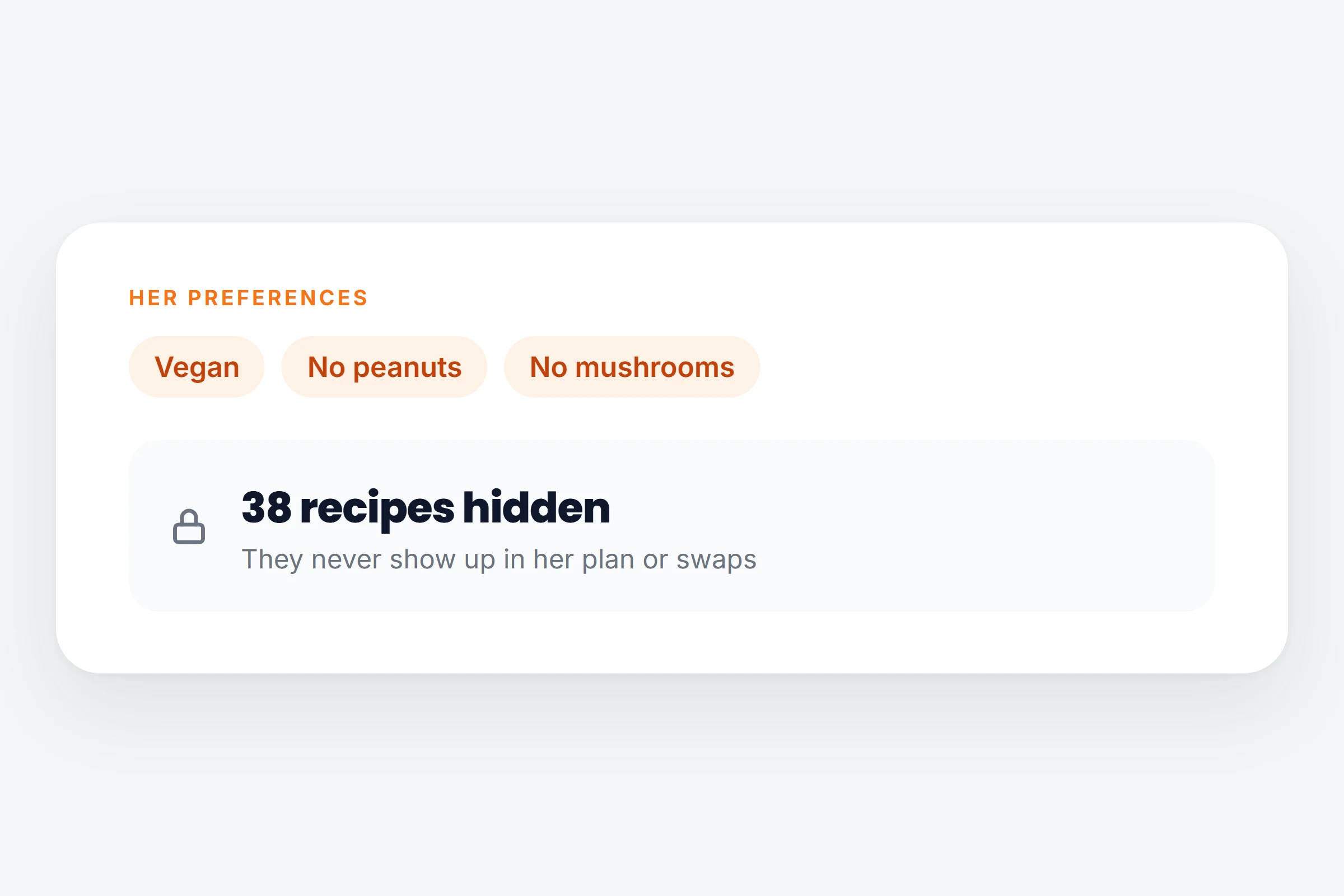
Allergies taken care of
A vegan client with a peanut allergy never sees a recipe that does not fit.
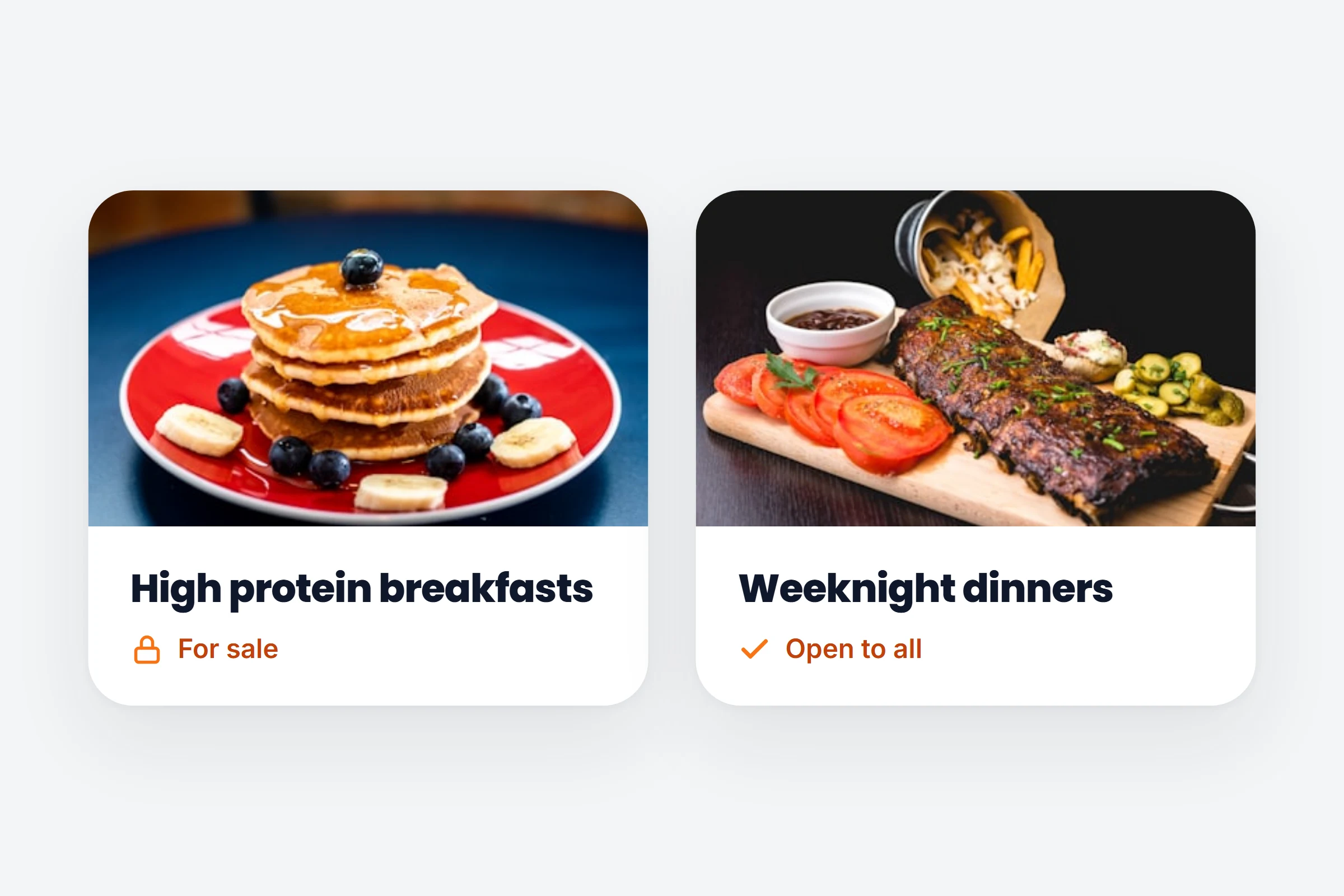
Paid cookbooks stay paid
Recipes you sell stay out of plans. Cookbooks open to all clients are used.
How it works
- 01
Choose your recipes
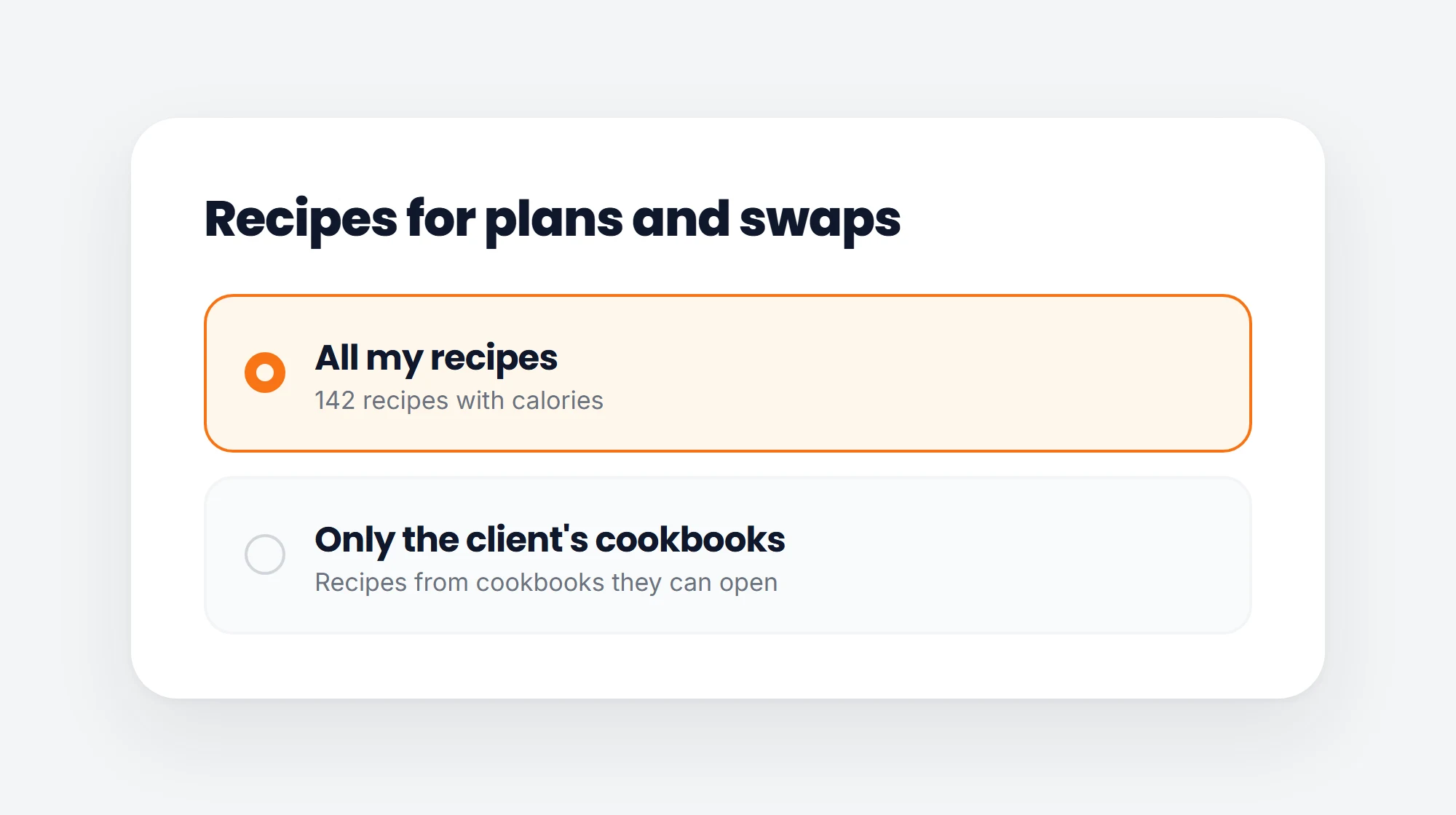
In Clients, Onboarding, choose Smart plan from my recipes. Use all your recipes, or only the client’s cookbooks.
- 02
Ask the food questions
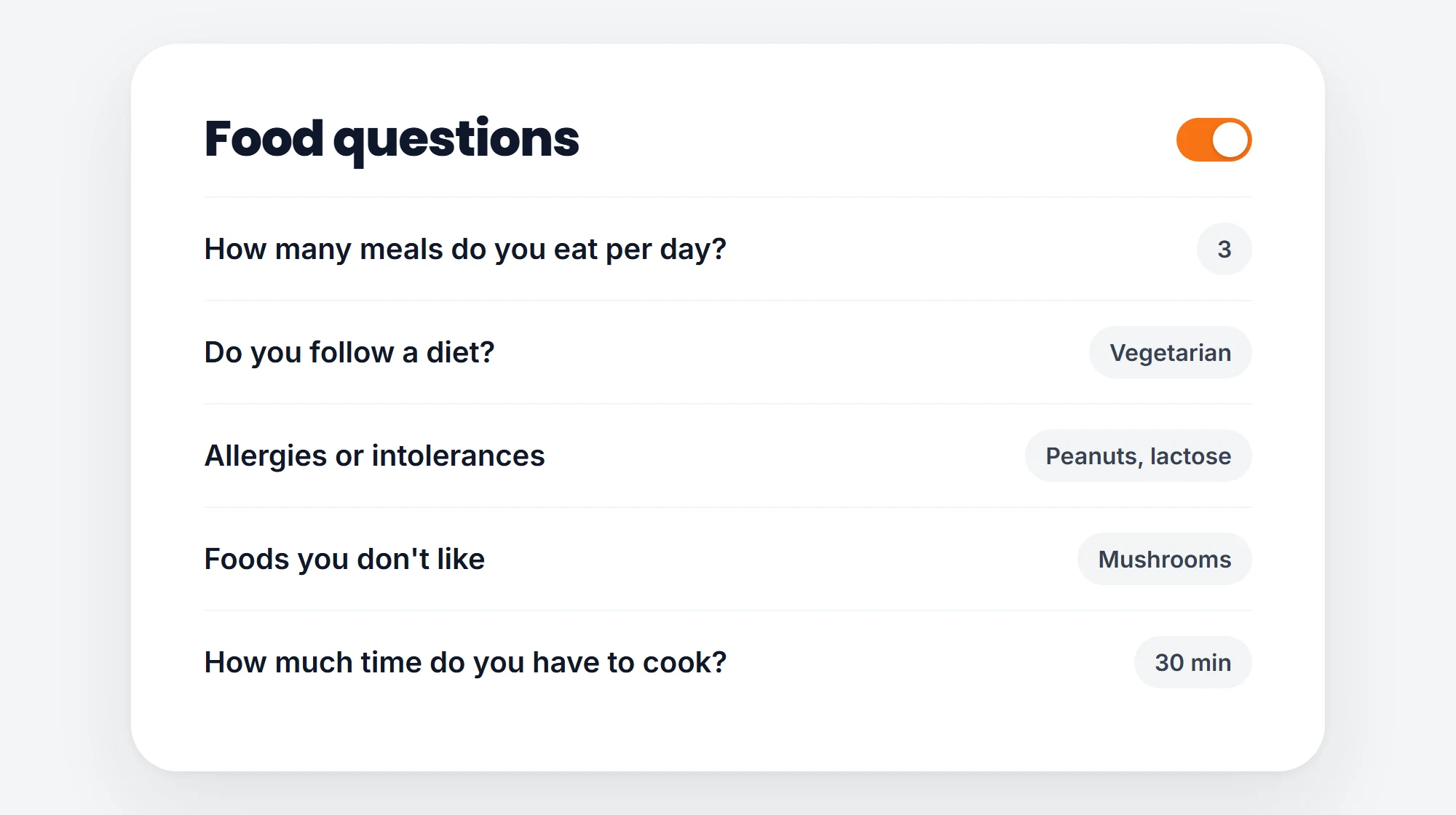
Meals per day, diet, allergies, foods they dislike and cooking time. Switch each question on or off.
- 03
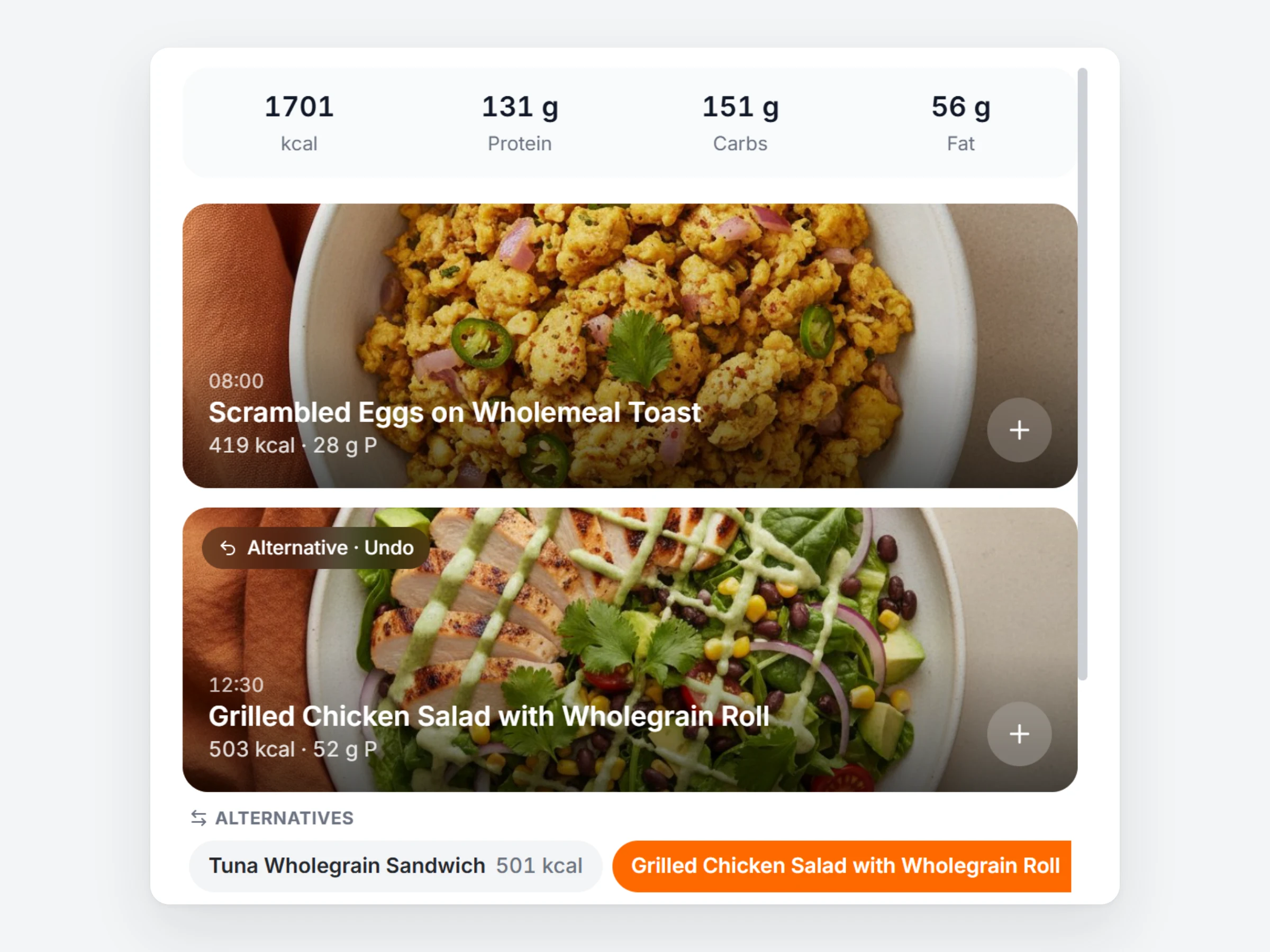
They get a plan and can swap
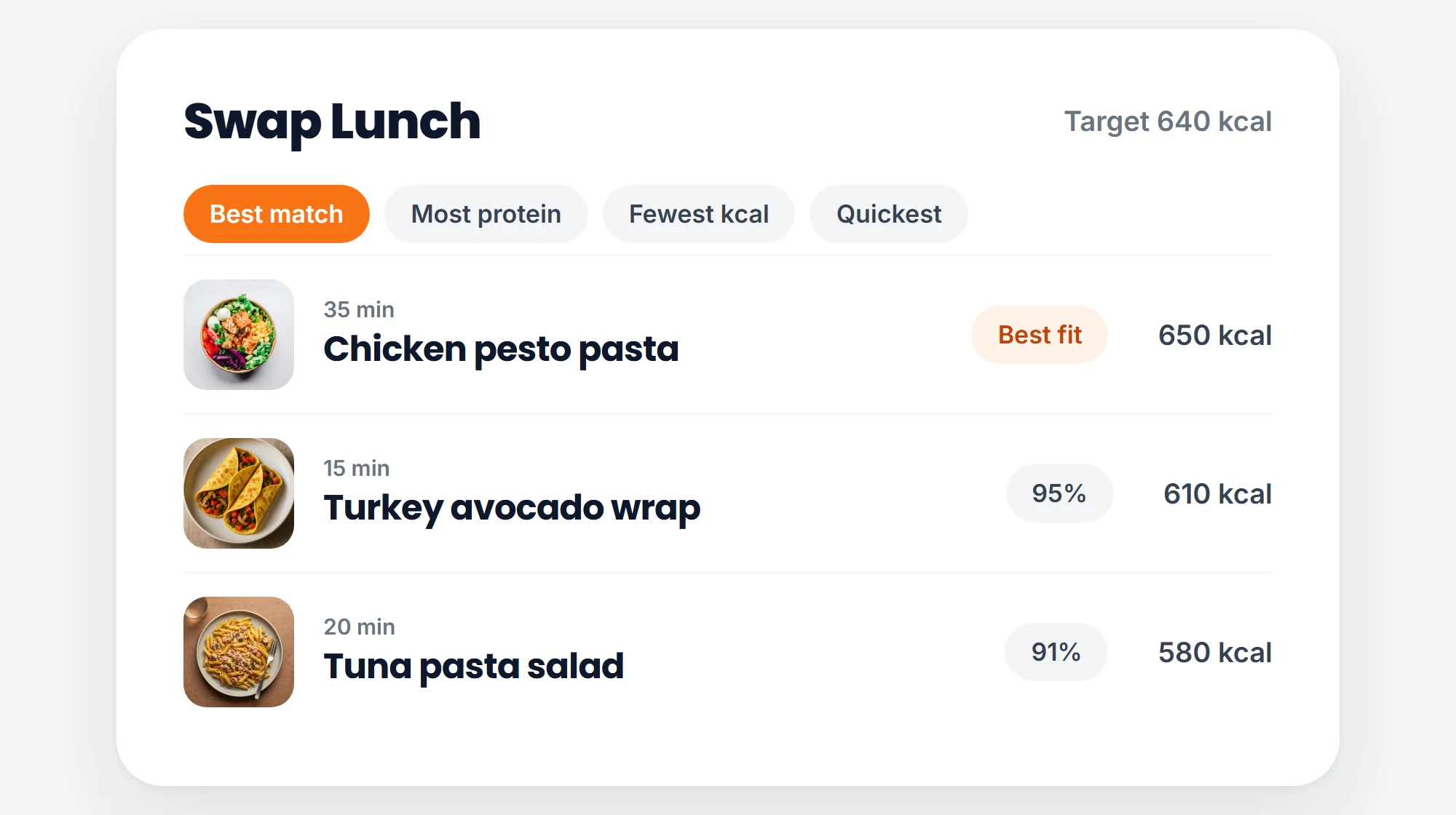
The plan is ready when onboarding is done. The client can swap a meal for another recipe that fits the same target.
You stay in charge
Only your recipes
Every meal comes from your own recipe library.
Their numbers
Meals are portioned to each client’s calories and macros.
You stay in control
Edit any meal, lock it, or reset a swap.
Warns you early
Too few recipes to fill every meal? You see it before a client does.
Let the first meal plan build itself.
Start a 14 day free trial, add your recipes and switch on the smart plan in onboarding.