Scraler connects to Claude, not to your other apps. Connect those to Claude too and one prompt uses them together.
Ads from real client results
Real numbers from a client who said yes, turned into ad creatives by Higgsfield.
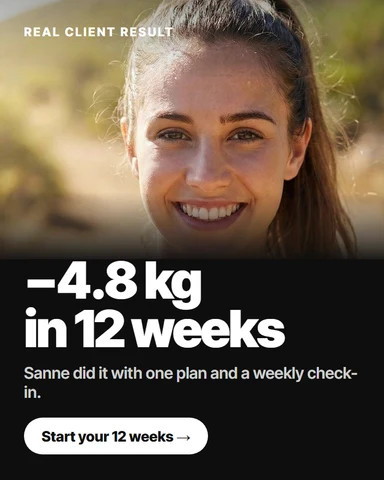
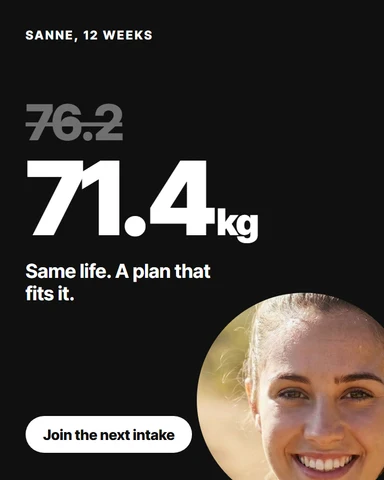
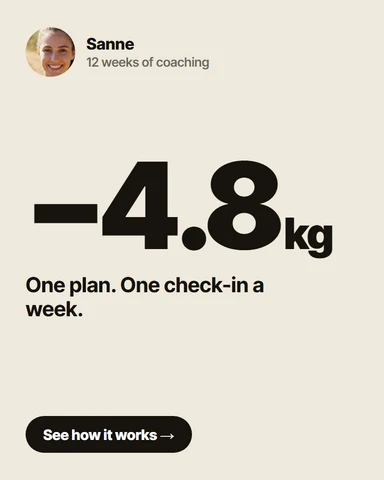
Take Sanne’s 12 week results and make three Instagram ad creatives with Higgsfield. She agreed to share them.
ScralerSanne’s progress
ClaudeWrites the brief
HiggsfieldMakes three ads
Needs Higgsfield connected to Claude too
A recipe from a photo
Snap a dish or a handwritten recipe. It lands in your library with ingredients and macros per serving.
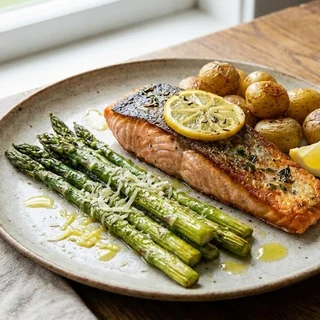
Here is a photo of tonight’s salmon with asparagus. Add it to my recipes with macros per serving.
Your photoTonight’s dinner
ClaudeWorks out the recipe
ScralerSaves it with macros
Programs from your Drive
The docs and sheets you already wrote become training plans built from your exercise library.
Turn the programs in my Google Drive folder Programs 2026 into training plans.
Google DriveYour old programs
ClaudeReads each one
ScralerBuilds the plans
Needs Google Drive connected to Claude too
Client wins as social posts
This week’s new bests and milestones, designed in your brand colours.
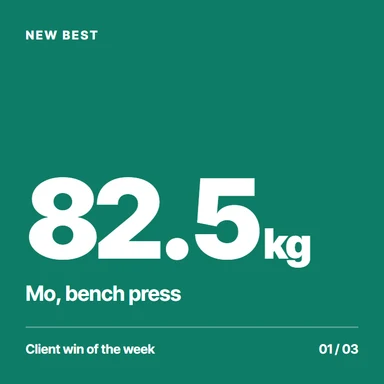
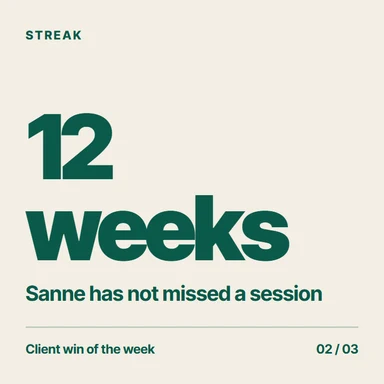
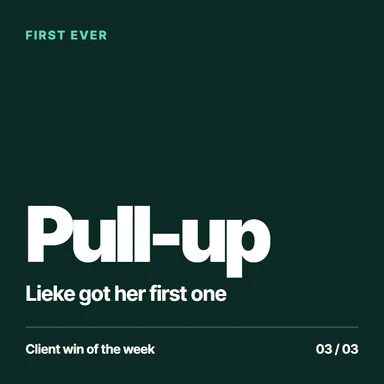
Turn this week’s client wins into three Instagram posts in Canva, in my brand colours. First names only.
ScralerThis week’s wins
ClaudeWrites three posts
CanvaDesigns them
Needs Canva connected to Claude too
One calendar, no clashes
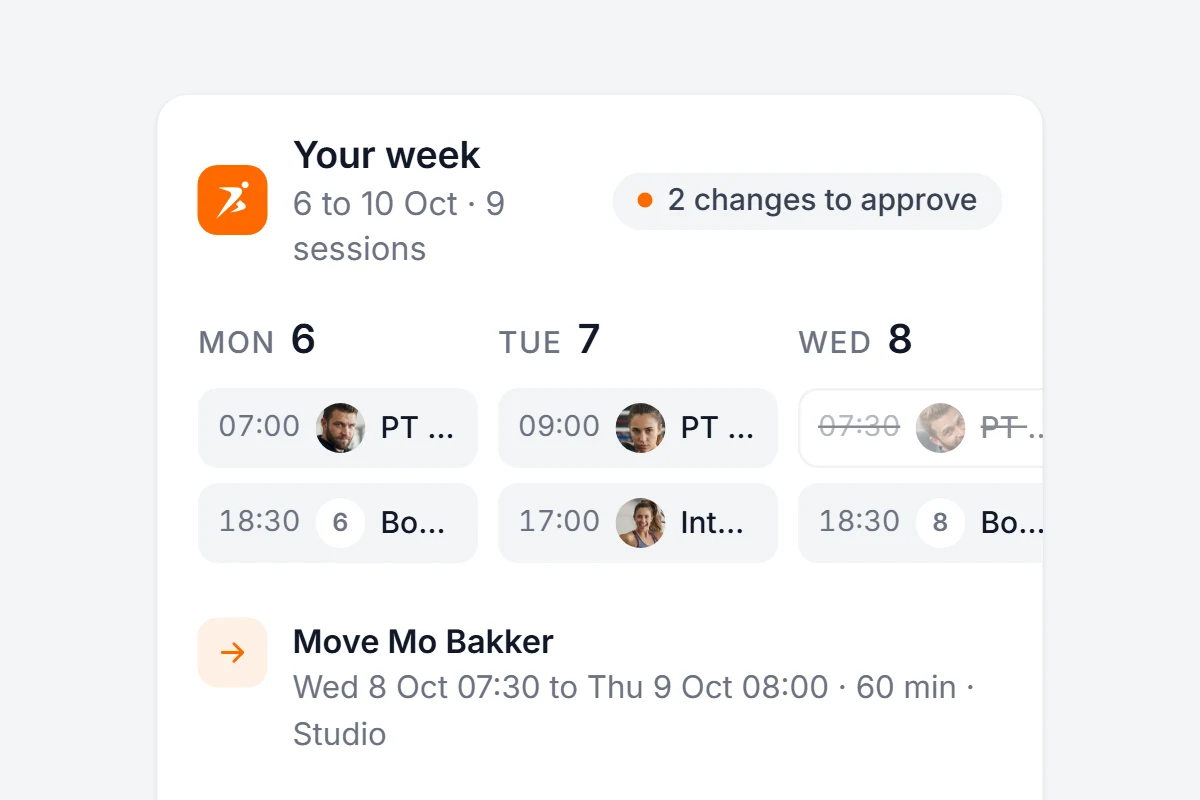
Your Scraler week checked against your own calendar, with moves you approve.
Needs Google Calendar connected to Claude too
A monthly business review
Revenue, new and cancelled subscriptions and who is at risk, written up in Notion.
Needs Notion connected to Claude too
A video ad for your offer
Your package, your price and what is included, straight into a short video ad.
Needs Higgsfield connected to Claude too
Meal plans from what they eat
A week of meals built from the foods a client already logs, at their calorie target.
Programs backed by research
It reads the current evidence, then builds the plan from exercises you already have.
Your monthly newsletter
New recipes, class times and a client win, waiting as a draft in Gmail.
Needs Gmail connected to Claude too
Body scans, logged
A photo of a scan printout becomes a progress entry with weight, body fat and muscle mass.
Fill your empty slots
Free slots matched with clients who have not booked lately, with an invite drafted for each.
Content from real questions
What your clients ask in their check-ins becomes next week’s content plan.
A whole intake, added at once
The names in a sheet become clients, tagged and ready to onboard.
Needs Google Sheets connected to Claude too
Adjust for an injury
What hurts gets swapped for what works, in one client’s plan, for as long as needed.
Check-in replies, drafted
Every reply written from the numbers that changed. You edit and send.
Monday review
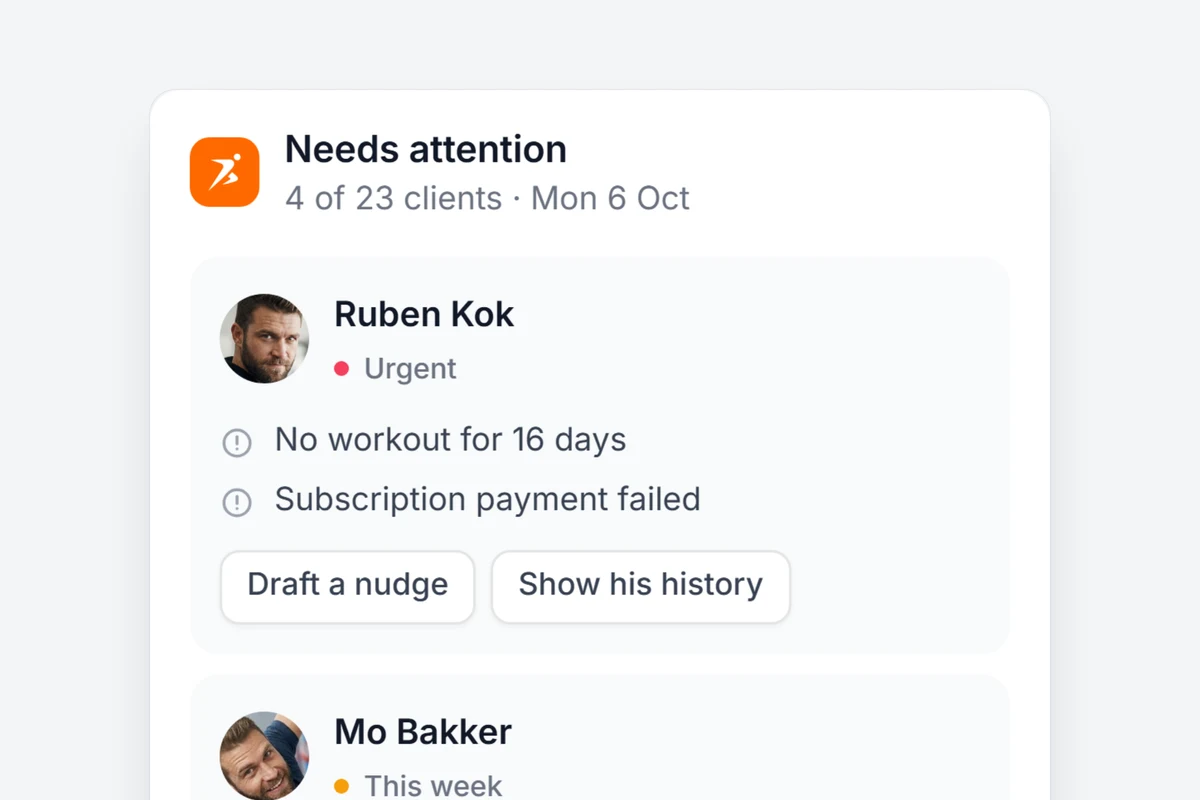
One question shows who needs you this week: missed workouts, failed payments and check-ins waiting.
A cookbook in one chat
Ten recipes on a theme, each with macros, saved as a cookbook you publish when ready.
Offers that fit your market
Your packages next to what coaches near you charge, and a new offer saved switched off.
A brief before every session
Between clients: the last session, the last check-in and what to push today.
A daily digest for your team
Who needs attention today, posted where your coaches already talk.
Needs Slack connected to Claude too
Move in from another platform
Point Claude Code at your export. Clients, exercises and programs are rebuilt in Scraler.
Ask your clients before you share their results.
The answer comes back as a card
Built from your client data, with the buttons to act on it.
Answers from your real data
Not a guess. A card built from what your clients logged.
Changes wait for you
Every move, booking or delete shows up first. You approve it.
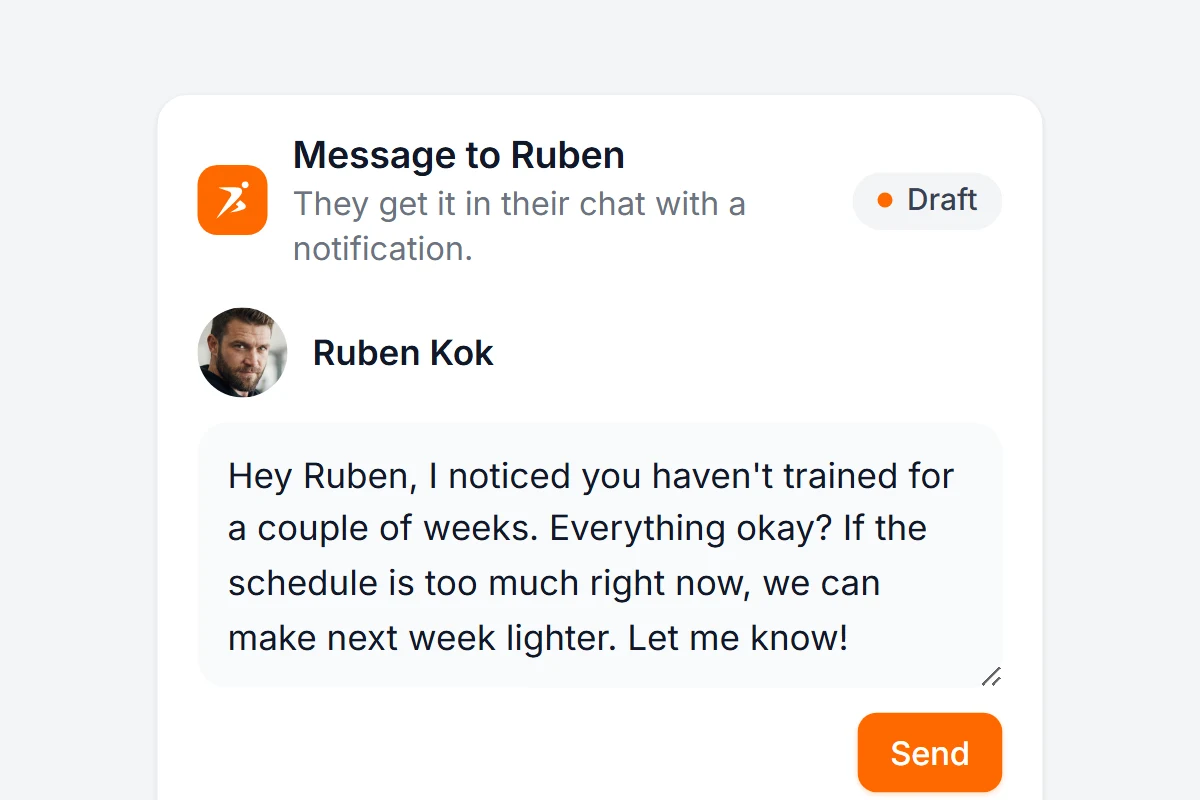
Messages you edit first
It writes the draft. You change what you want and press Send.
Your whole coaching business, inside Claude
Give Claude access to everything you already run in Scraler.
Clients
Profiles, goals, body stats and tags.
Check-ins
Every answer and measurement, ready for your reply.
Training
Plans, workouts and logged sessions, set by set.
Nutrition
Food logs, macros, meal plans and recipes.
Schedule
Appointments, classes and free slots.
Habits
Who kept their streak this week.
Automations and offers
Onboarding flows, products and subscription plans.
Finances
Revenue, recurring income and failed payments. Read only.
Safe by design
You stay in charge
You approve every change
Nothing is created, sent or deleted until you click.
You pick what it can do
Read only, or switch on create, assign, delete and finances.
Only your own data
It never sees another coach’s data, card details or medical notes.
Revoke in one click
Every app and action is listed in Settings, AI connections.
Before you connect.
The AI connector is part of Ultimate. Start a 14 day free trial on Ultimate and connect in two minutes. Only the account owner can connect apps. Studio team members cannot yet.
No. Scraler connects to your AI app, and so do those apps. Add each one to Claude or ChatGPT yourself, the same way you added Scraler, and your AI app uses them together in one chat. Without them, everything that only needs Scraler still works.
Claude on web, desktop and mobile, Claude Code, and ChatGPT on web and desktop with Developer mode switched on. Other AI apps are not supported yet.
No. Every change shows up as a card first and nothing happens until you approve it. You also choose per connection what an app may do: read only, or also create and edit, assign to clients, delete and read finances.
Another coach’s data, card details and medical notes. Your finances stay hidden unless you allow them, and even then it can only read: it can never charge, refund or change a price.
When you ask about a client, the data the AI app reads is sent to that app’s provider, such as Anthropic, OpenAI or Microsoft, under your own agreement with them. Use a business plan with model training turned off, make sure your clients have agreed and mention it in your privacy notice. Settings, AI connections has a ready-made text you can copy.
No. Custom connectors work on every Claude plan, and the free plan allows one. For client data we recommend a business plan with model training turned off.
Settings, AI connections lists every connected app and what it did recently. Revoke cuts access immediately.
Let your AI do the admin.
Start a 14 day free trial on Ultimate, connect Claude or ChatGPT in two minutes and ask your first question.