



Keep every client on track with structured check-ins
Create custom check-in templates, automate recurring schedules, and review submissions with an approval workflow. Track weight, measurements, photos, and more.
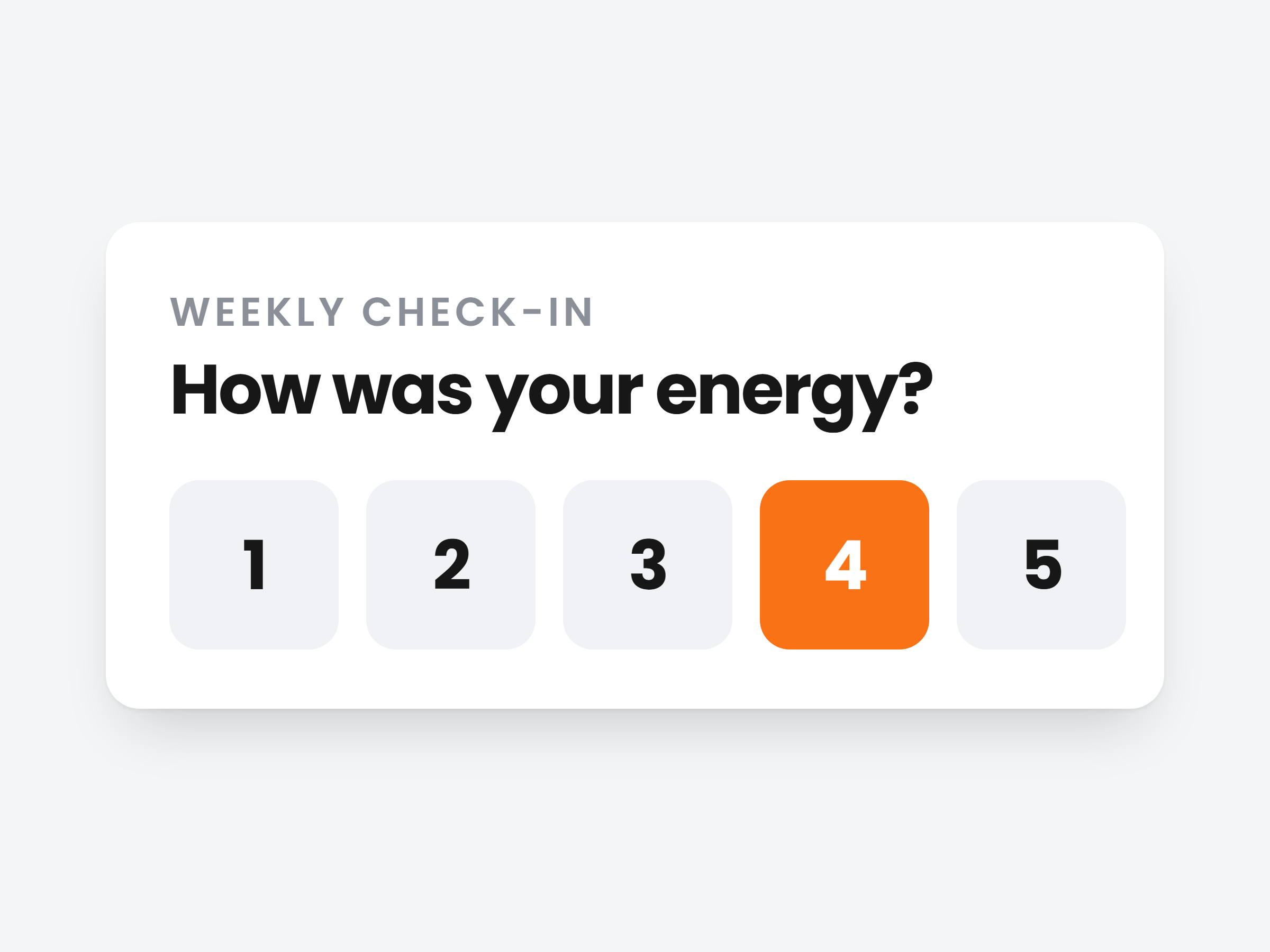
Ask exactly what you need to know.
Build a check-in template once with the fields you care about, then send it to any client. Weight, a sleep rating, their photos, a question in their own words.
Six field types
Body measurements, custom numbers, ratings, progress photos, exercise 1RMs and open questions.
Chart anything you ask
Track a rating or number question and every answer lands as a point on their Progress tab.
Templates you reuse
Save a weekly weigh-in or a monthly review once, file it in a category, send it to anyone.
Check-in template
Weekly check-in
In charts
Weight
Body measurement · kg
How did you sleep?
Rating · 1 to 10
Alcohol-free days
Custom metric
Front, side, back
Progress photo
Your biggest win
Open question
Set it once. It sends itself.
Pick a template, how often, a start date and a send time. Every check-in after that goes out on its own and shows on their Check-ins calendar.
Daily, weekly, every 2 weeks or monthly
Or send one right now. Pick one client or several at once.
Skip one date, keep the series
Holiday or deload week? Skip that single check-in and the schedule carries on.
Skip the review if you like
Turn on Add to progress automatically and answers go straight into their charts.
Request check-in
Send a check-in to Sarah Mitchell
Template
Frequency
Repeat every
Starts on
Send at
Every Monday at 08:00, from Oct 5
Add to progress automatically
Answers go straight to their charts.
Reply on the check-in. Type it or record it.
Every answer, photo and rating on one screen. Write your feedback right underneath, or record a video without leaving the dashboard.
Camera, screen or both
Talk over their weight chart or logged sets while you record. Switch modes mid take, up to 3 minutes.
No Loom account needed
It records in your browser. Prefer Loom or YouTube? Paste the link instead.
Add to progress, or send it back
Commit the numbers to their charts, ask for changes, or leave a private note only you see.

Anna Meijer
Weekly check-in · this morning
Your reply
Weight
64.2 kg
Every check-in becomes progress you can see.
Approved answers flow into the client's Progress tab: weight and body fat, measurements, the questions you chose to chart, and their photos over time.
A chart for every metric
Pick 1M, 3M, 6M, 1Y or All and see the trend and the change for each one.
Arrange it your way
Drag cards into the order you read them, hide what you do not use, add any metric.
Photos by angle
Front, side and back, lined up week by week. Pull them into a progress report you send in chat.
Progress
Weight
64.2 kg
Sleep
From weekly check-in
8 / 10
Photos · front
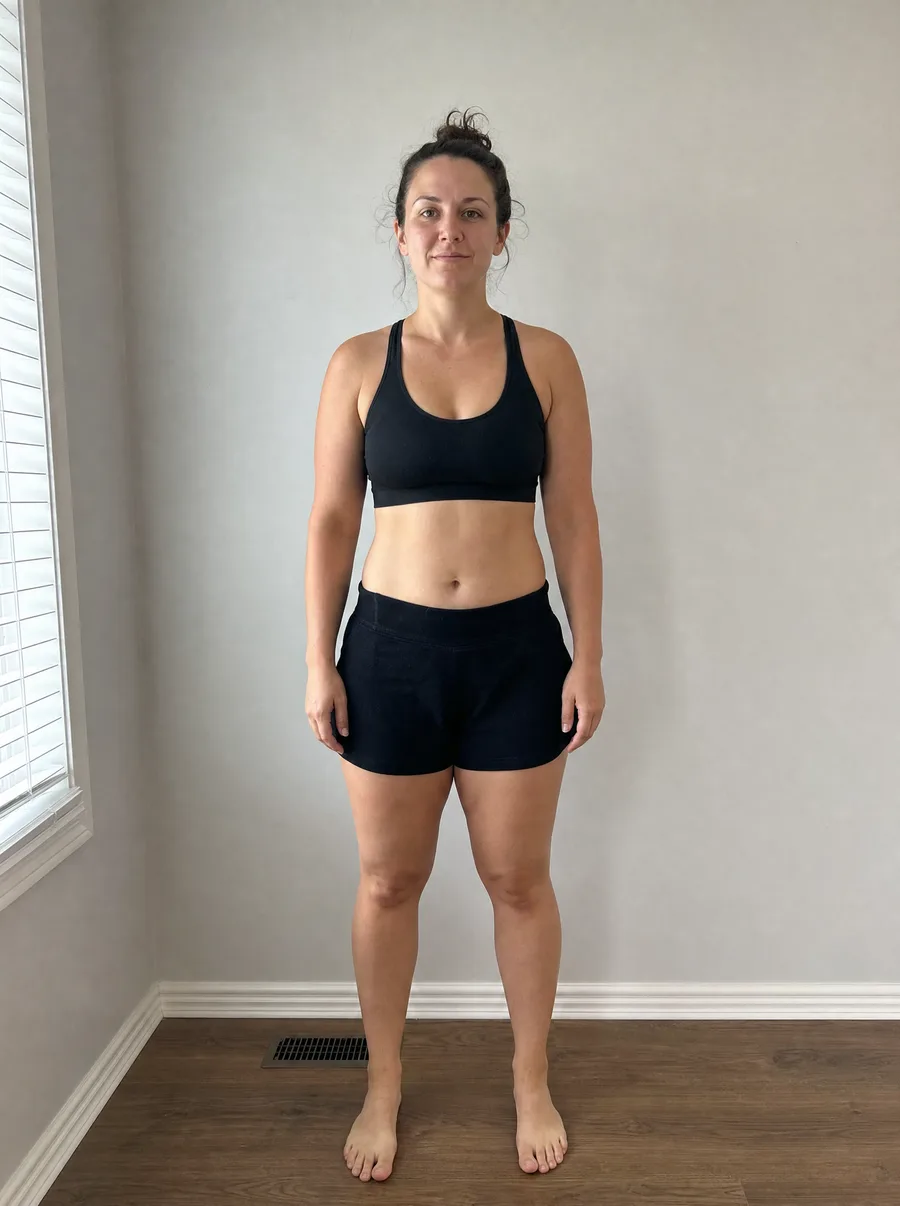 Week 1
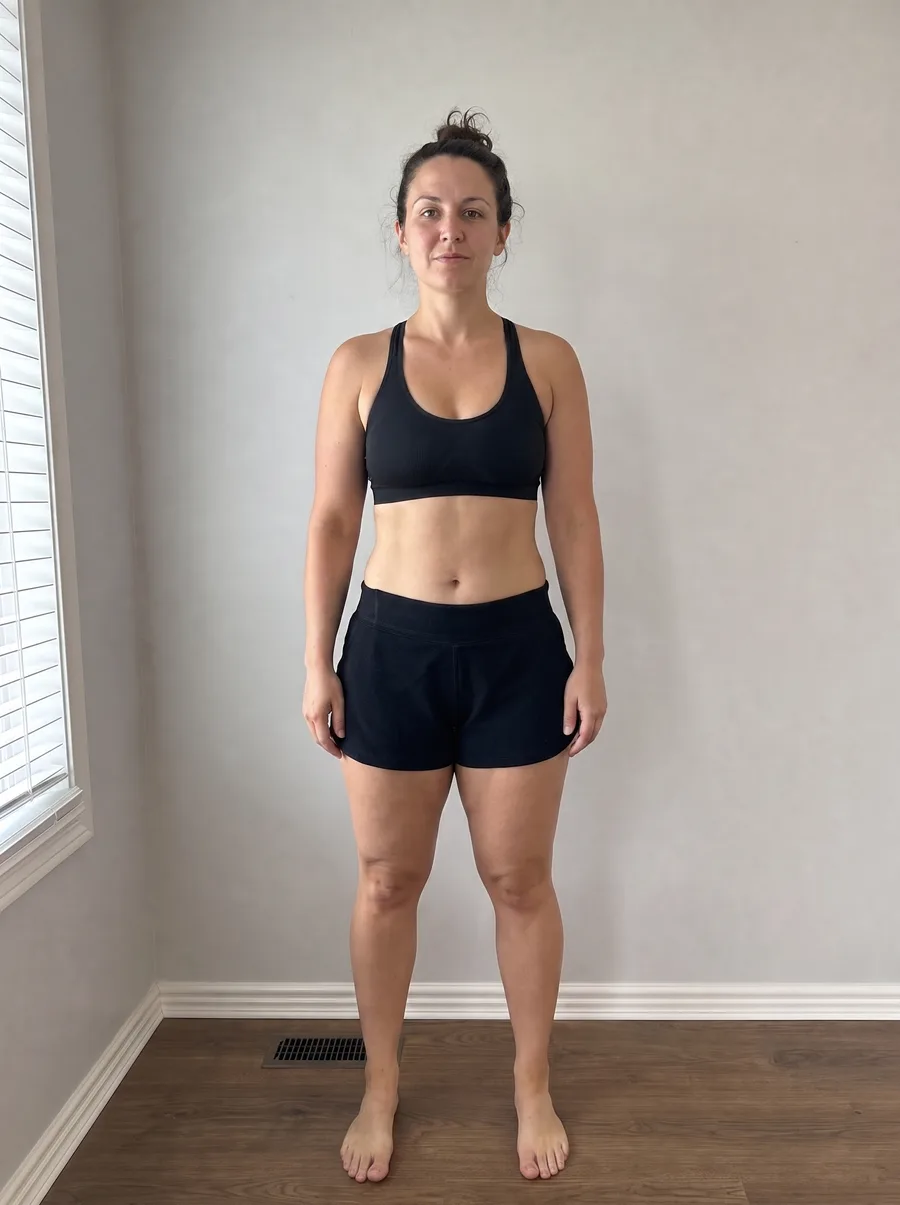 Week 8
Quick for them. The full picture for you.
Clients fill in check-ins in the app, one question per screen, and your reply shows up right on the check-in they sent.
Rating
How was your energy this week?
Weekly check-in
Reviewed by your coach
Weight
64.2 kg
Energy
4 / 5
Reply from your coach
Good week. I recorded a quick look at your trend, watch it before Friday.
 0:42
0:42Arrives on schedule
The check-in shows up in their app on the day you set, at your send time.
Notified when you reply
They see your feedback attached to the exact check-in it is about.
Video replies for 90 days
They watch in the app on iPhone and Android. Your written reply stays for good.

Stay on top of every client's progress
Automated check-ins, templates and approval workflows, all included in Scraler.
Full access, cancel anytime