



Every client conversation, in one inbox.
Real-time chat with file sharing, payment requests, and voice messages. Build stronger client relationships with integrated communication.
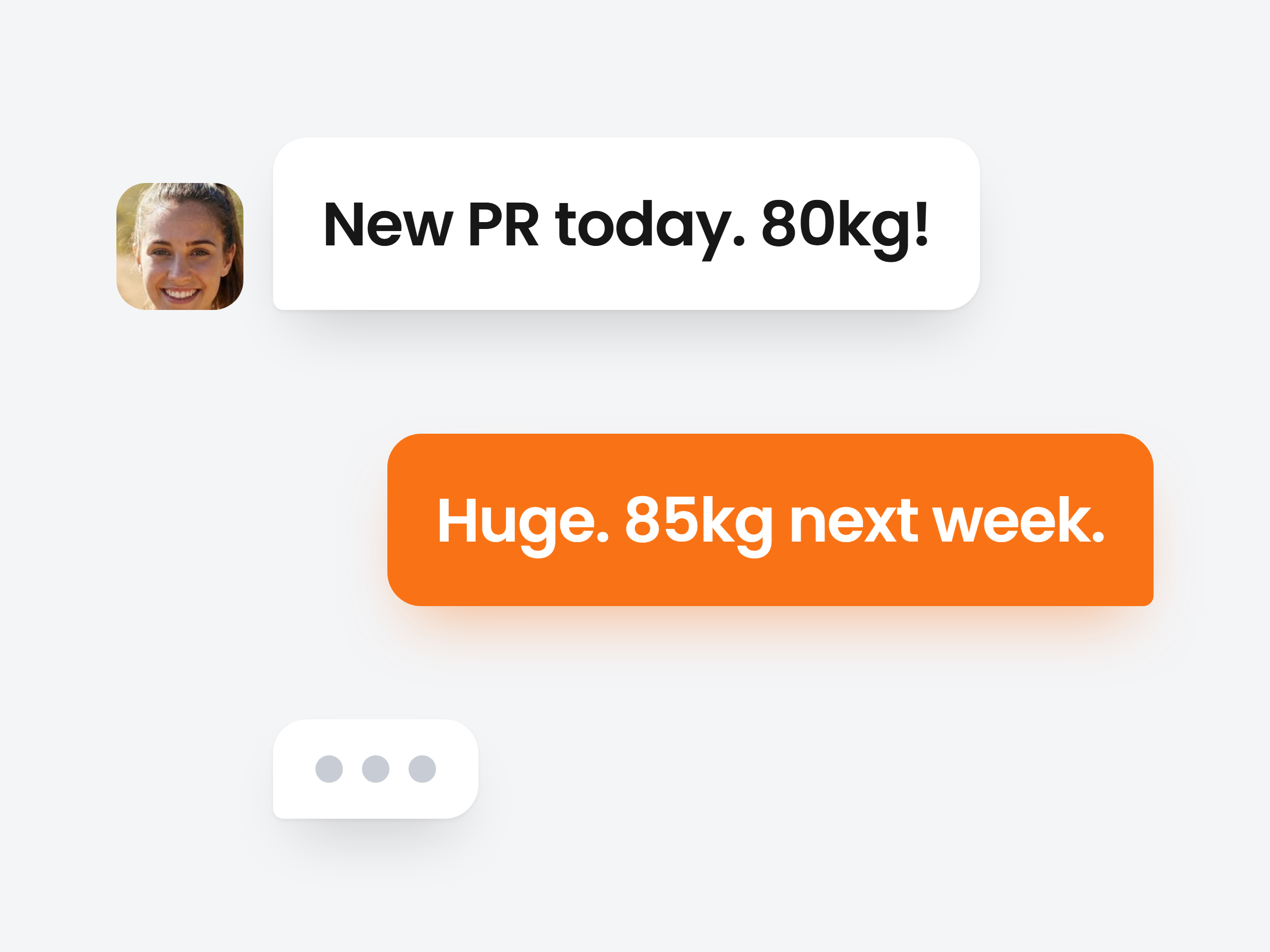
Every client conversation, one inbox.
Clients message you from their app. You answer from the dashboard or from your phone, and every message arrives the moment it is sent.
Reply to a message
Quote the exact message you are answering, so nothing gets lost in a long thread.
Requests inside the chat
Send a check-in request from the + button, or a payment link on Premium and up. They fill it in or pay right there.
See them typing
A typing indicator shows when a reply is on its way.
Chats
New ChatEmma de Vries
12mThank you! Doing the hip flow now.
Olivia Grant
nowCan I swap Thursday for Friday?
2
Monday HIIT(4)
1hSee you all at 6!

James Kim
2hVoice message
Daniel Reyes
3hCheck-in request: Weekly check-in
Emma de Vries
emma.devries@gmail.com
Morning Emma! How did yesterday's lower body session go?
09:02
Emma de Vries
Really well, added 2.5 kg to the RDLs. Hamstrings are a bit sore though. Still do the mobility work?
09:15
Emma de Vries
Still do the mobility work?
Yes, keep it light. 10 minutes of the hip flow will help the soreness settle.
09:24
Say it in a voice note, not a wall of text.
Record a voice message, get a form check on video or send a PDF. It all lands in the same thread, on the web and in their app.
Voice messages
Tap the mic and talk for up to two minutes. They play it right in the thread.
Short videos
Clips up to 20 seconds, compressed automatically. Enough for a form check.
Photos and files
Meal photos, progress pictures, a PDF or a document, shown inline.

Rachel Torres
rachel.torres@outlook.com
 0:14
0:14Talk to a whole class, or just your staff.
The same New Chat button starts a one-to-one or a group. Studios on Ultimate also get team chats that clients never see.
New Chat
Pick one client, or several for a group.

Anna Kowalski
anna.kowalski@gmail.com

Lisa Park
lisa.park@icloud.com

David Chen
david.chen@gmail.com
Sophie van Dijk
sophie.vd@gmail.com
Replies find you, wherever you are.
Every new message sends a push to the other side. Nobody has to keep the chat open to know a reply is waiting.
On your phone
New message from Emma de Vries
Thank you! Doing the hip flow now. See you Thursday.
On theirs
New message from Peak Form Coaching
Great work on the deadlifts. That is a new best for you.
Push on both sides
You get one when a client writes. They get one when you reply.
Email, without the spam
Clients can also get an email, never more than one per chat every 30 minutes.
You choose what pings you
Switch client message alerts on or off in your notification settings.

Start connecting with your clients today
Join thousands of trainers using Scraler to build stronger client relationships through better communication.
Full access, cancel anytime