



Every file your clients need, one tap away.
Upload guides, explainer videos, grocery lists and contracts once, organise them into your own categories, and share them with a single client or your whole roster. Stored privately, never on a public link.
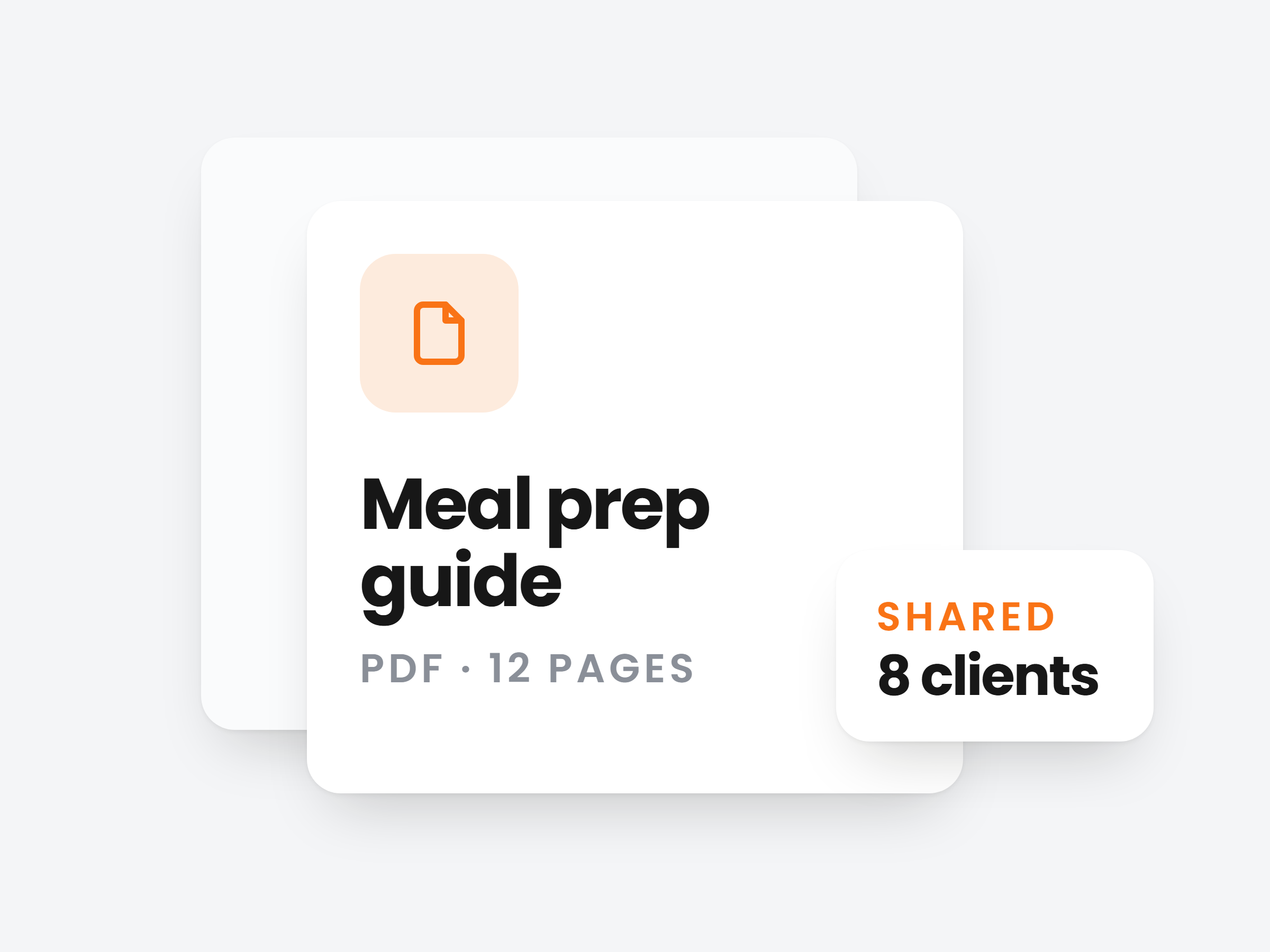
Every file you send clients, in one place.
Welcome packs, technique videos, grocery lists, contracts. Upload them once and stop digging through Drive, your camera roll and old chat threads.
PDFs, videos, images and docs
Videos up to 100 MB, PDFs and docs up to 25 MB, images up to 10 MB. Each gets a real preview.
Upload once, reuse for every client
The same welcome pack goes to client 1 and client 100 without uploading it again.
Storage that grows with your plan
1 GB on Plus, 5 GB on Premium, 20 GB on Ultimate. Your usage shows right under the title.
Resources
Manage your file vault
Using 2.4 GB of 5 GB
Welcome pack
Your first four weeks.
PDF · 1.8 MB
 2:14
2:14Squat setup
Bar path and bracing.
Video · 23 MB
Kitchen starter list
Staples for every week
Kitchen starter list
Staples for the cupboard.
PDF · 403 KB

Swing cues
Hinge, snap, float.
Image · 688 KB
Organised the way you coach.
File types sort themselves. Categories are yours: name them, colour them, and give any file a cover so clients spot it at a glance.
Your own categories
Colour-coded in the sidebar. Rename or delete one any time, its files stay put.
Uploads land where you are
Open a category, hit Upload, and the file is filed for you. No second step.
A cover for any file
A photo, or an icon and a colour. Leave it empty and the file preview shows instead.
File types
Categories
Nutrition guides
9 files

Meal prep basics
PDF · 2.1 MB
Eating out guide
PDF · 911 KB
Share with one client, or all of them.
Pick a file, tick who gets it, done. Clients who already have it are marked, so nobody gets it twice.
Select many, share once
Tick three clients or select all. It shows on each of their Resources straight away.
Visible or private
Switch Visible to client off to attach a file to their profile without showing it yet.
Or from their profile
Add a file on a client’s Resources tab, from the vault or a fresh upload. Make it private or remove it there too.
Share with clients
Welcome pack · PDF
Visible to client
Shows on their Resources right away
 Anna Meijer
 James Okafor
 Lisa Bergstrom
 Rachel OrtizShared
 David Sullivan
They open it in the app, not their inbox.
Everything you share sits on one screen in their app and on their web dashboard. No lost email, no expired download link.
Search and filter
Find a file by name, or show only PDFs, videos or images.
Tap to open
Videos play and PDFs and images open right there. They can download anything they want to keep.
Private by default
Files sit in private storage behind short-lived links, never a public URL. Unshare and the access goes too.
Vault
Welcome pack
PDF · 1.8 MB
 3:12
3:12Your first week
Video · 41 MB
Grocery list
Week 3
Grocery list
PDF · 890 KB

Hip mobility
Image · 540 KB

Stop resending the same file
Build the library once and share it with every client, from onboarding pack to technique video, always the current version.
Full access, cancel anytime