Scraler, now inside Claude and ChatGPT
Connect your AI app to Scraler and just ask. It reads your coaching data, does the work and waits for your OK.
Read more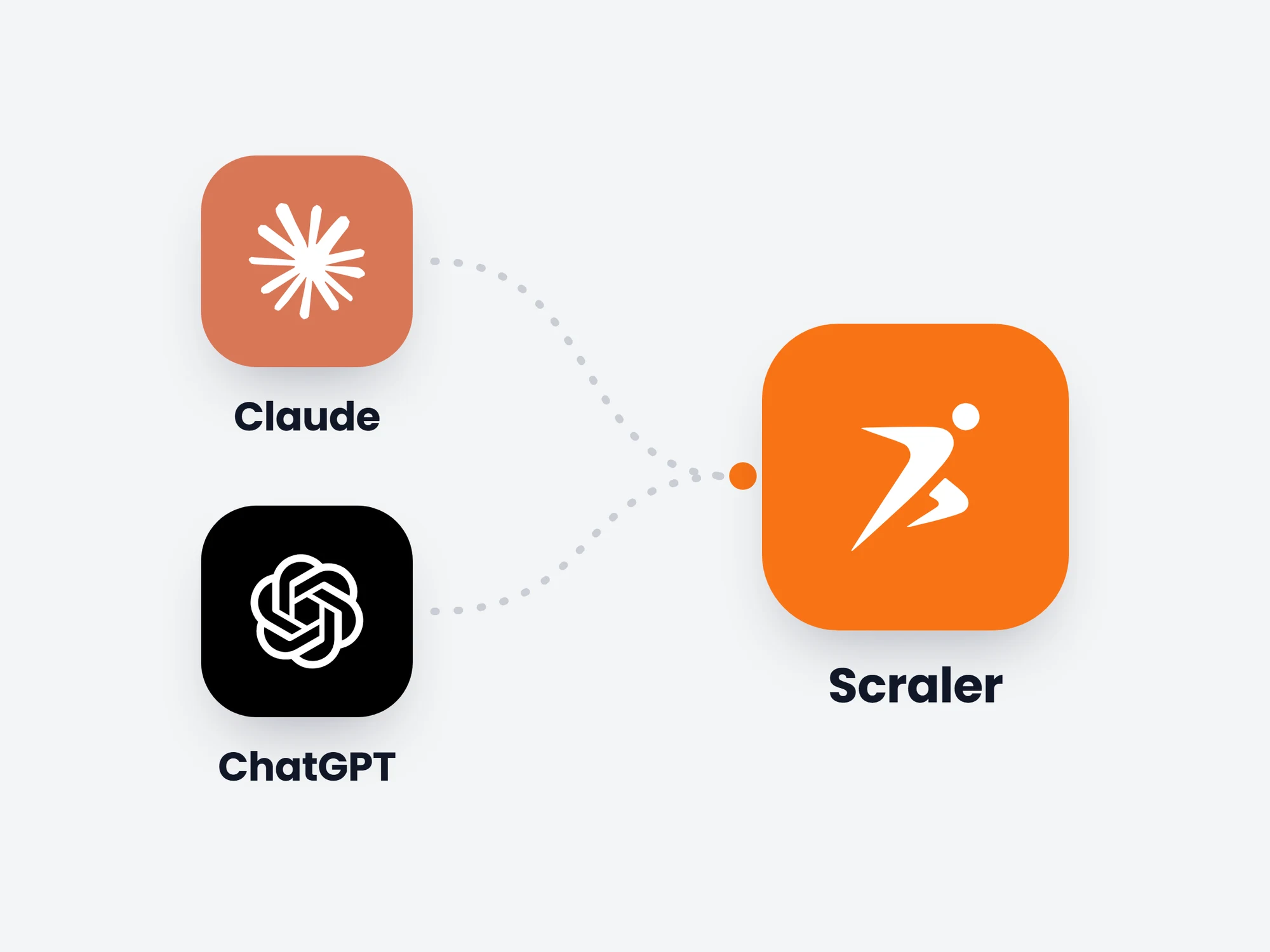
Major new features land in Scraler every month — across your dashboard, the client app, and your own branded app. Here’s what’s new.
Split any workout into named sections, so a client sees at a glance what is the warm-up, what is the real work and what closes the session.
Read more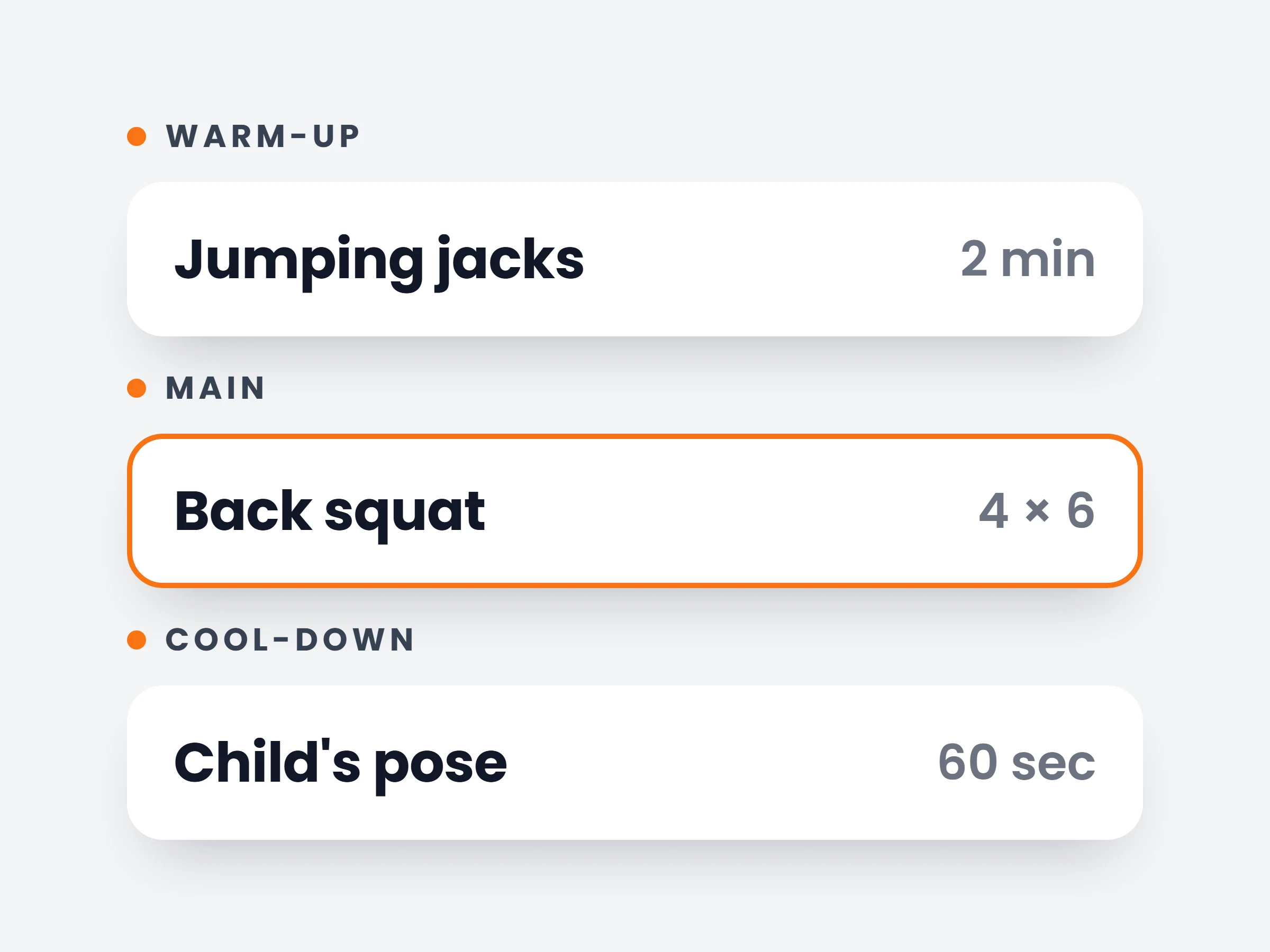
Turn a habit into a challenge. Set a target that grows every day, time it with a stopwatch, reward streaks with points and let clients compete on a board in your community.
Read more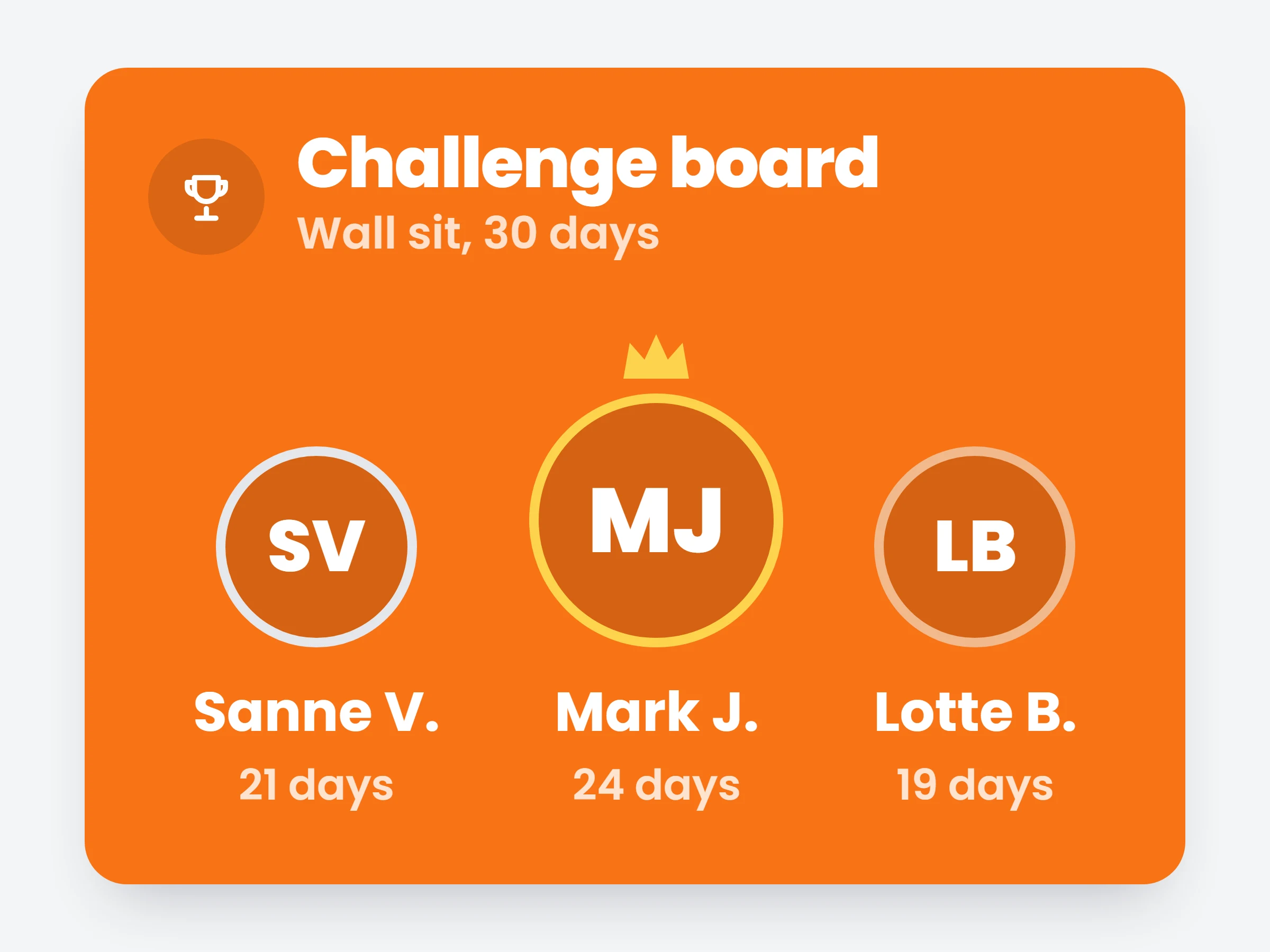
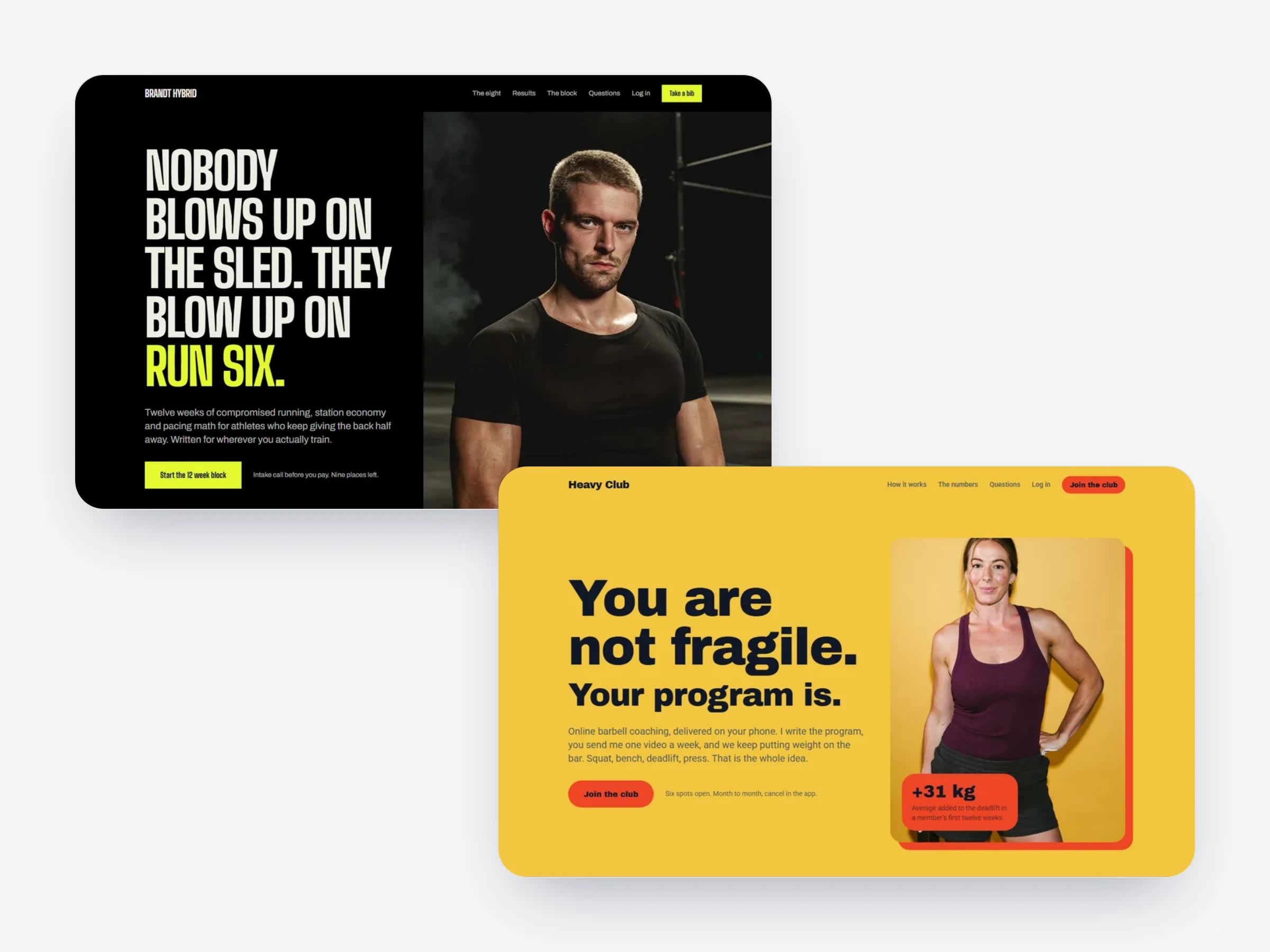
A full style layer, new sections, templates for your niche and a sign-up popup that takes payment. Your published page is now your home page.
Read more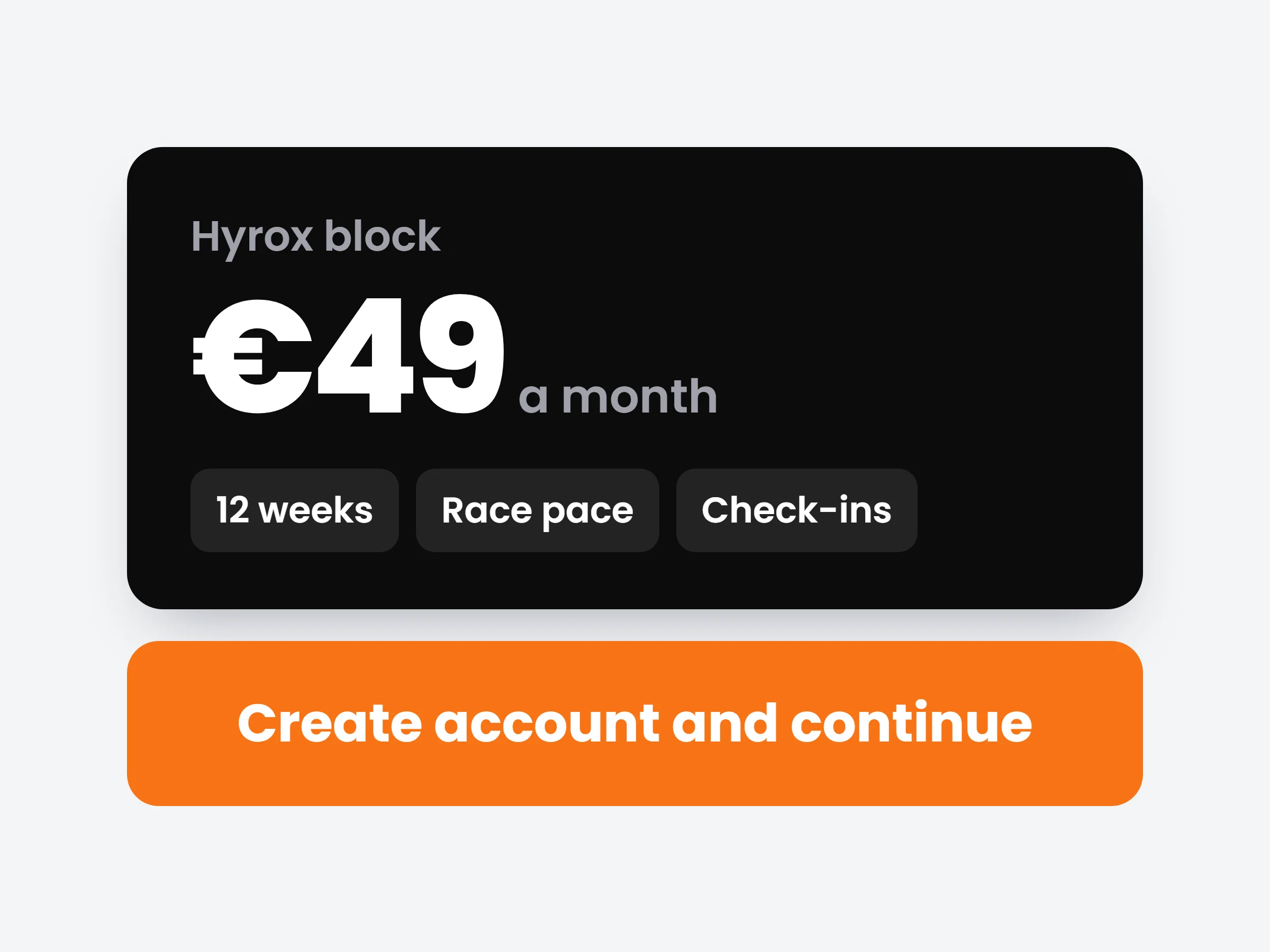
Building a training plan with AI now starts with the choice that matters most: a calendar plan or a fixed program. Then describe it and get a complete plan to edit.
Read more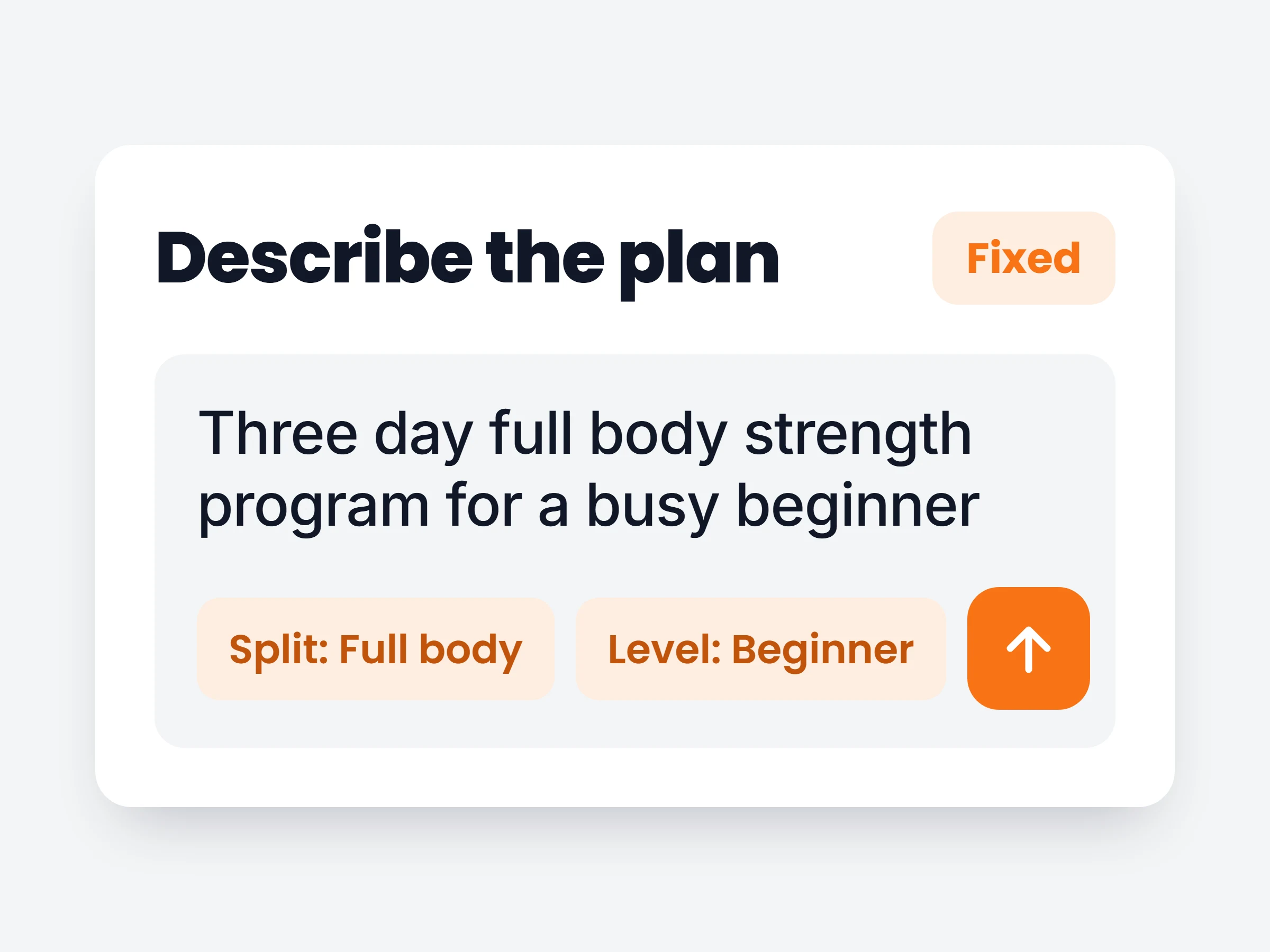
Every product and subscription plan now has its own buy link. Paste it anywhere; the buyer signs up, pays and lands in your app with access unlocked.
Read more
Training a client in person? Open their workout on your phone, tablet or laptop and tick off every set. The session lands in their history automatically.
Read more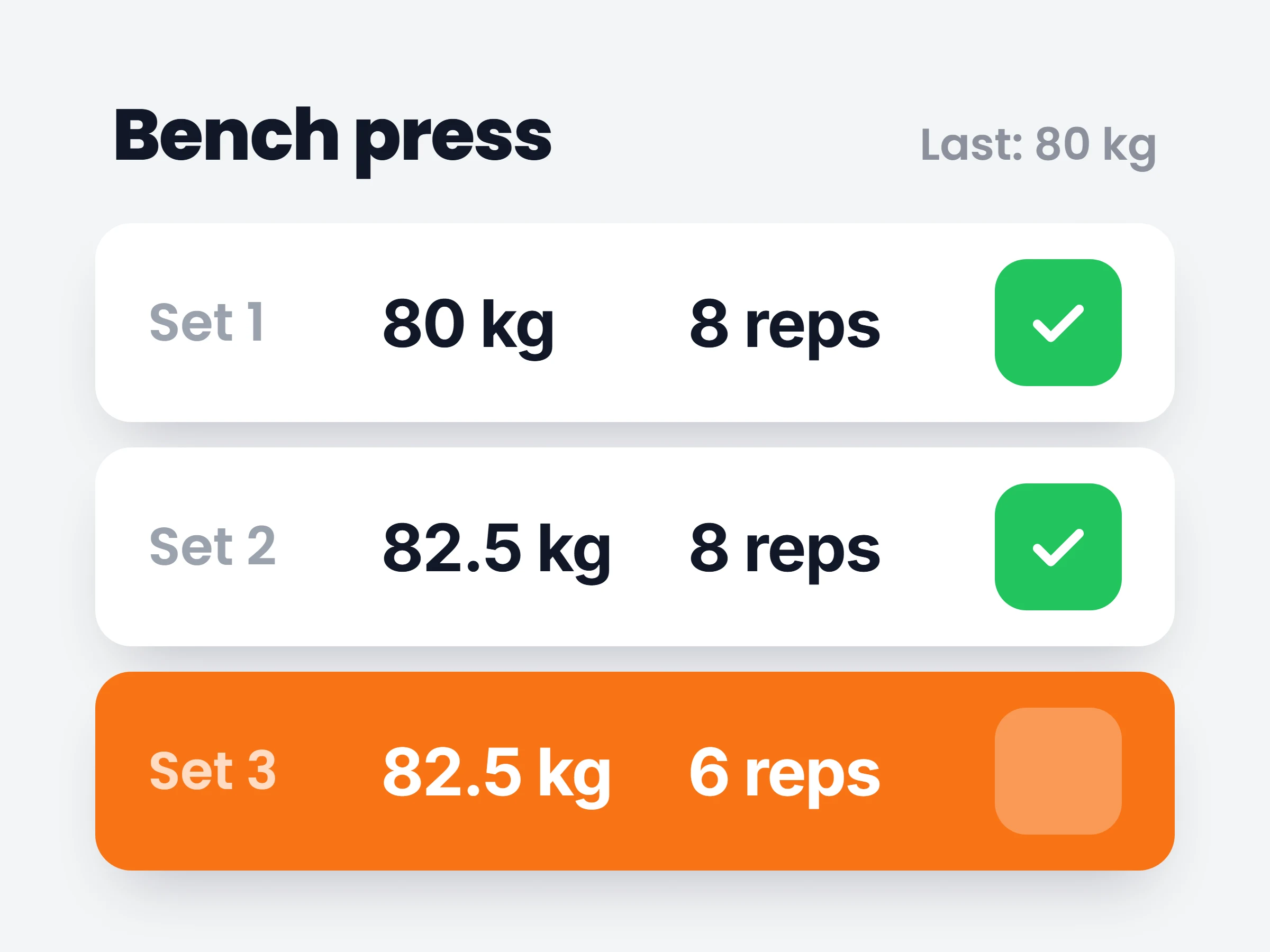
Preset a language for new clients in onboarding, detect it from their browser, or let each client choose. Every invite and email arrives in that language.
Read more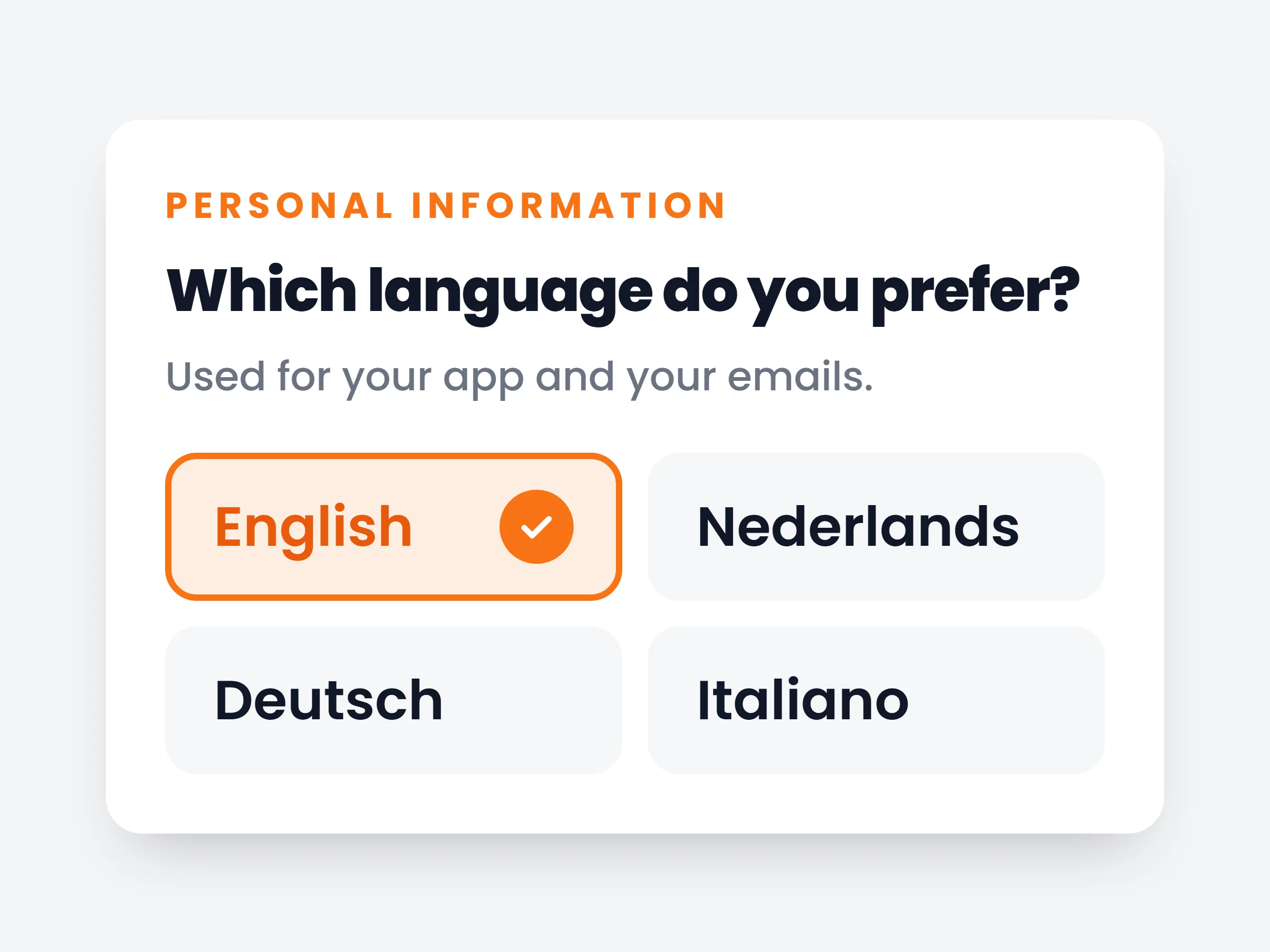
A second way to deliver training: assign a programme of numbered days instead of dated workouts. Clients train at their own pace and nothing counts as missed.
Read more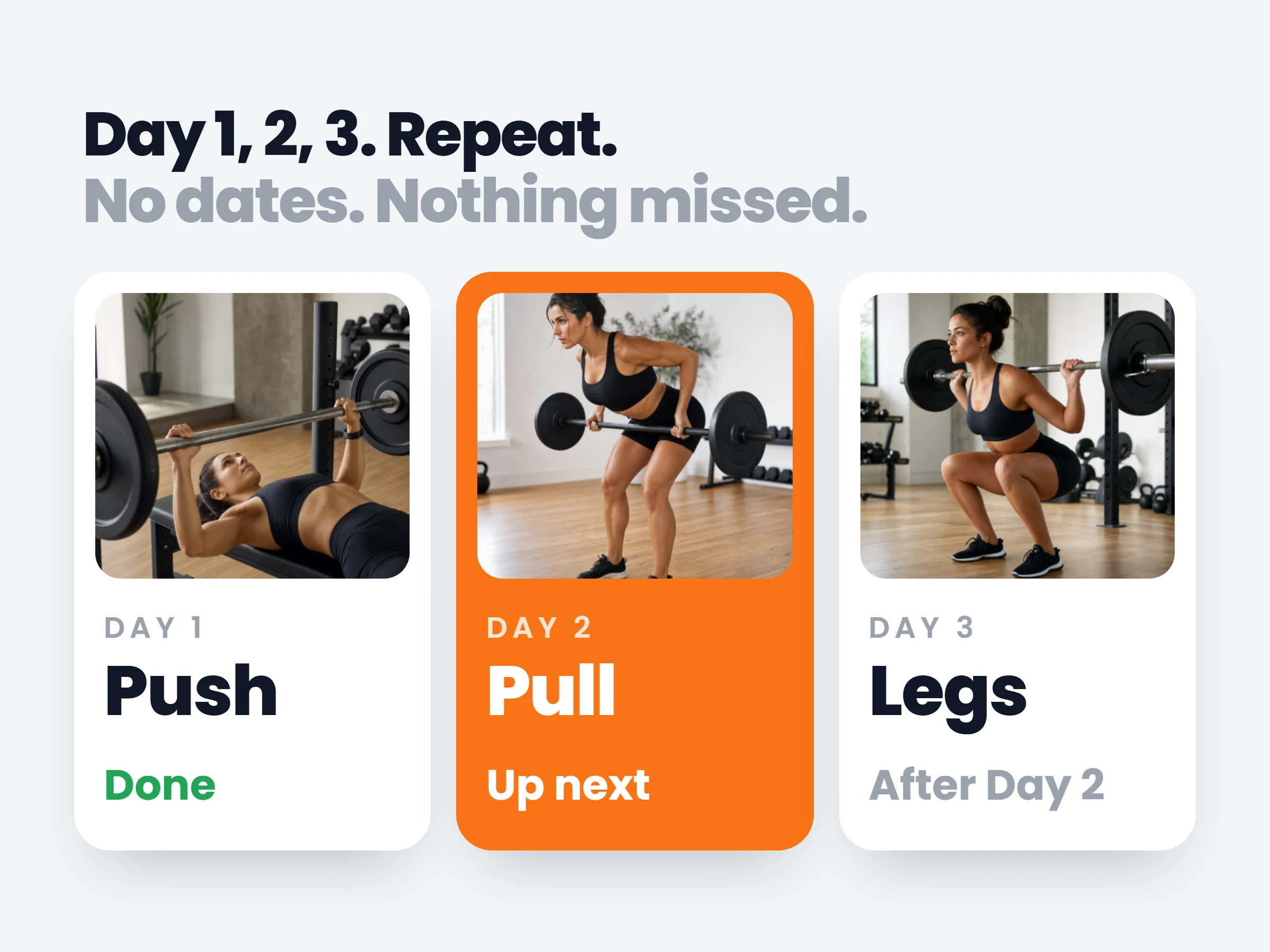
The nutrition half of Fixed Program Mode: set standing macro targets, build reusable day types like training day and rest day, for clients to log against.
Read more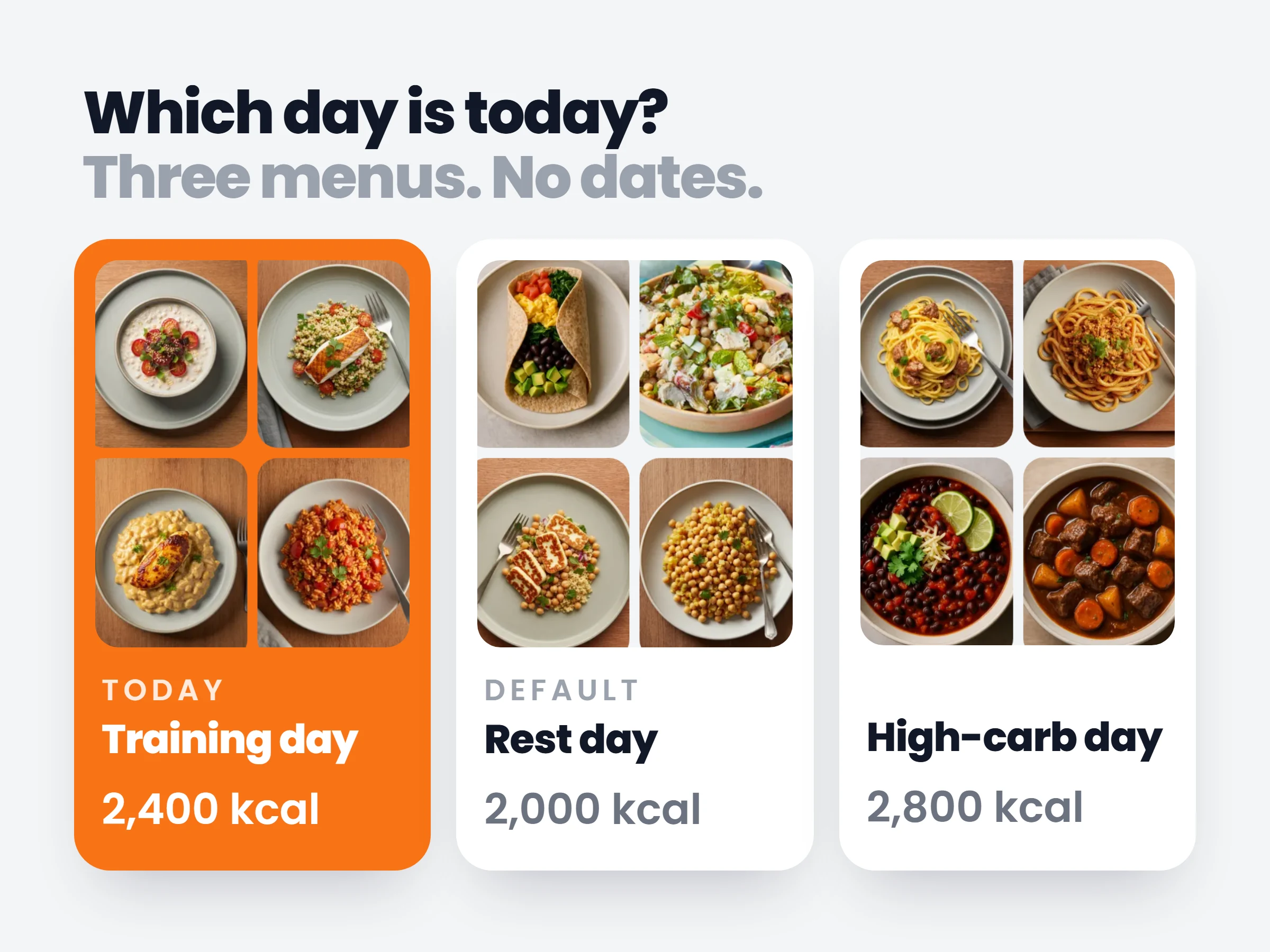
Reply to a check-in with a video recorded right in the dashboard: your camera, your screen, or both at once, up to three minutes, no Loom account needed.
Read more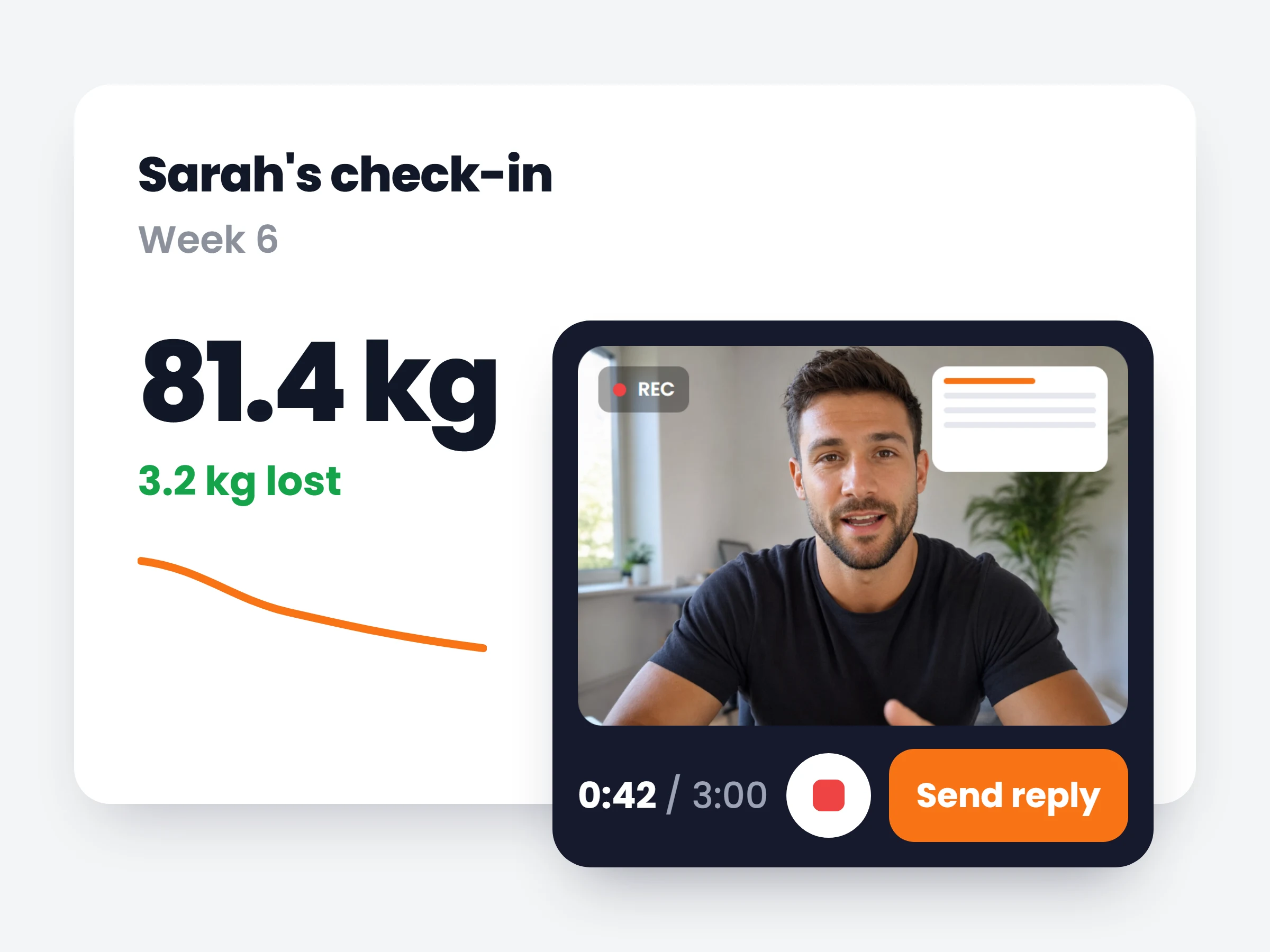
Any rating or number question on a check-in can now feed a chart on the client’s Progress tab, which you can rearrange, hide or add any metric to.
Read more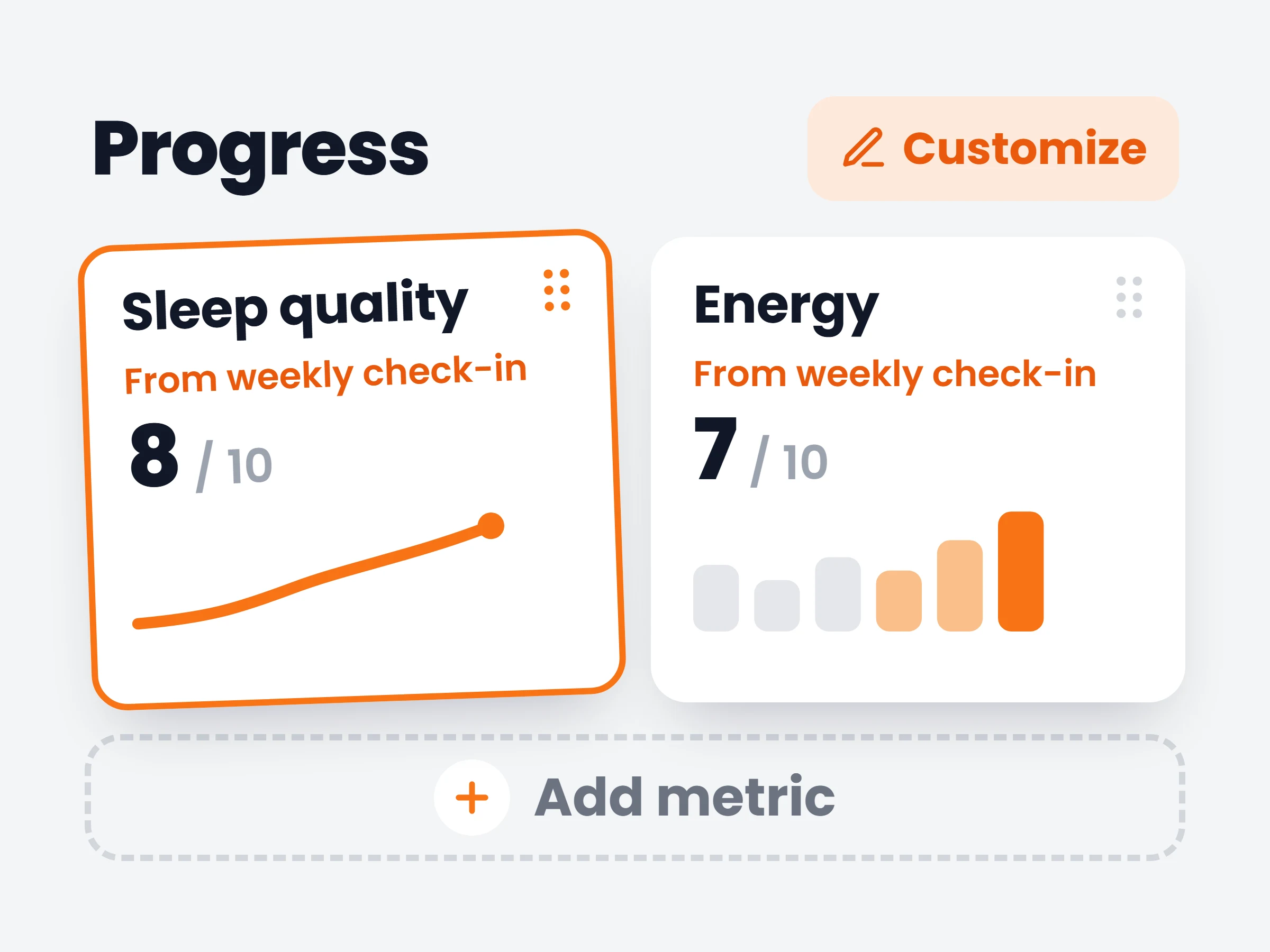
Combine several automation triggers, now nine covering the whole client journey, and let AI suggest plan changes that wait in your inbox for approval.
Read more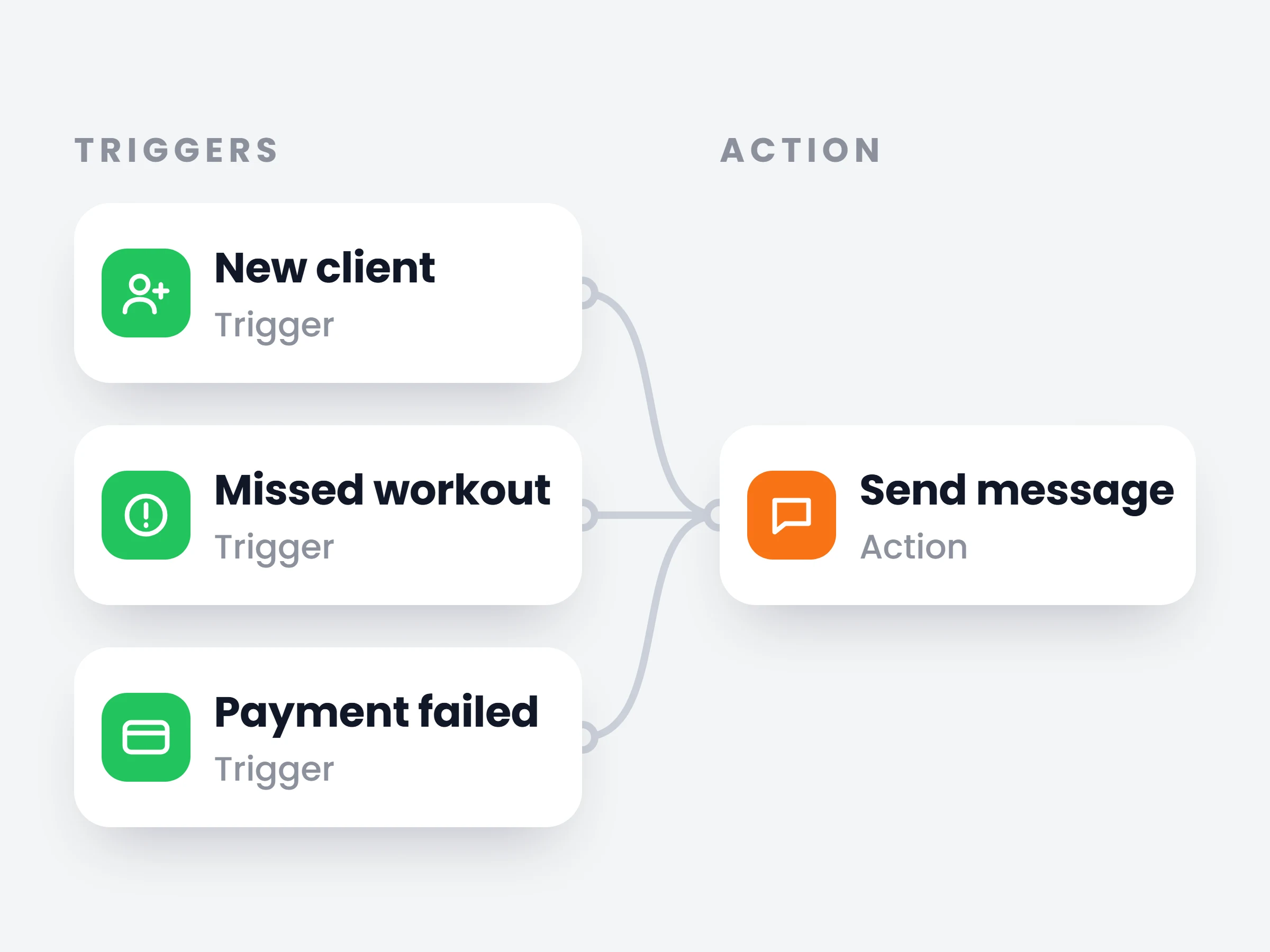
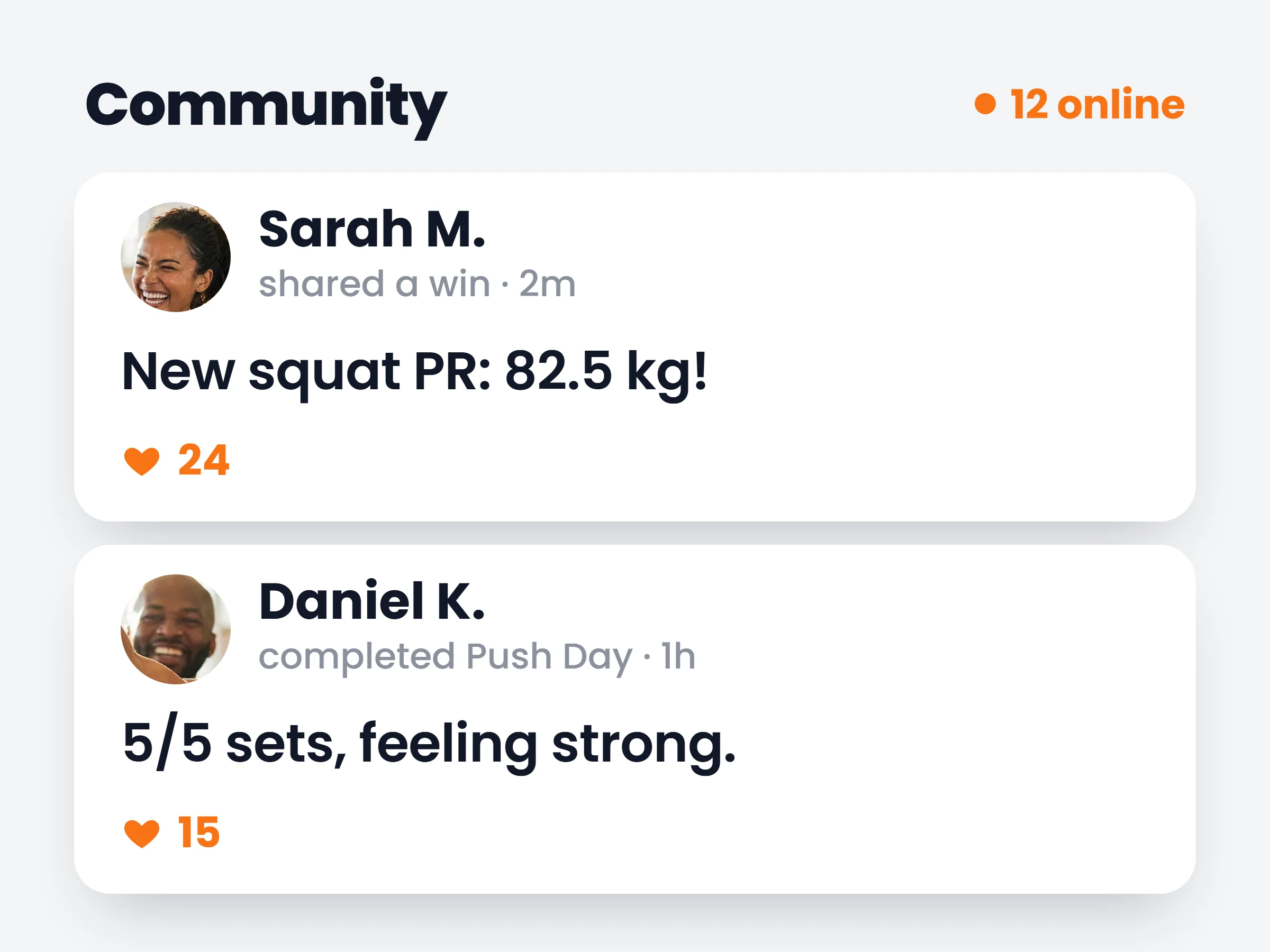
Design the app your clients open: nav bar pages, home screen cards, headers, backgrounds and typeface, all on a live phone preview published in one click.
Read more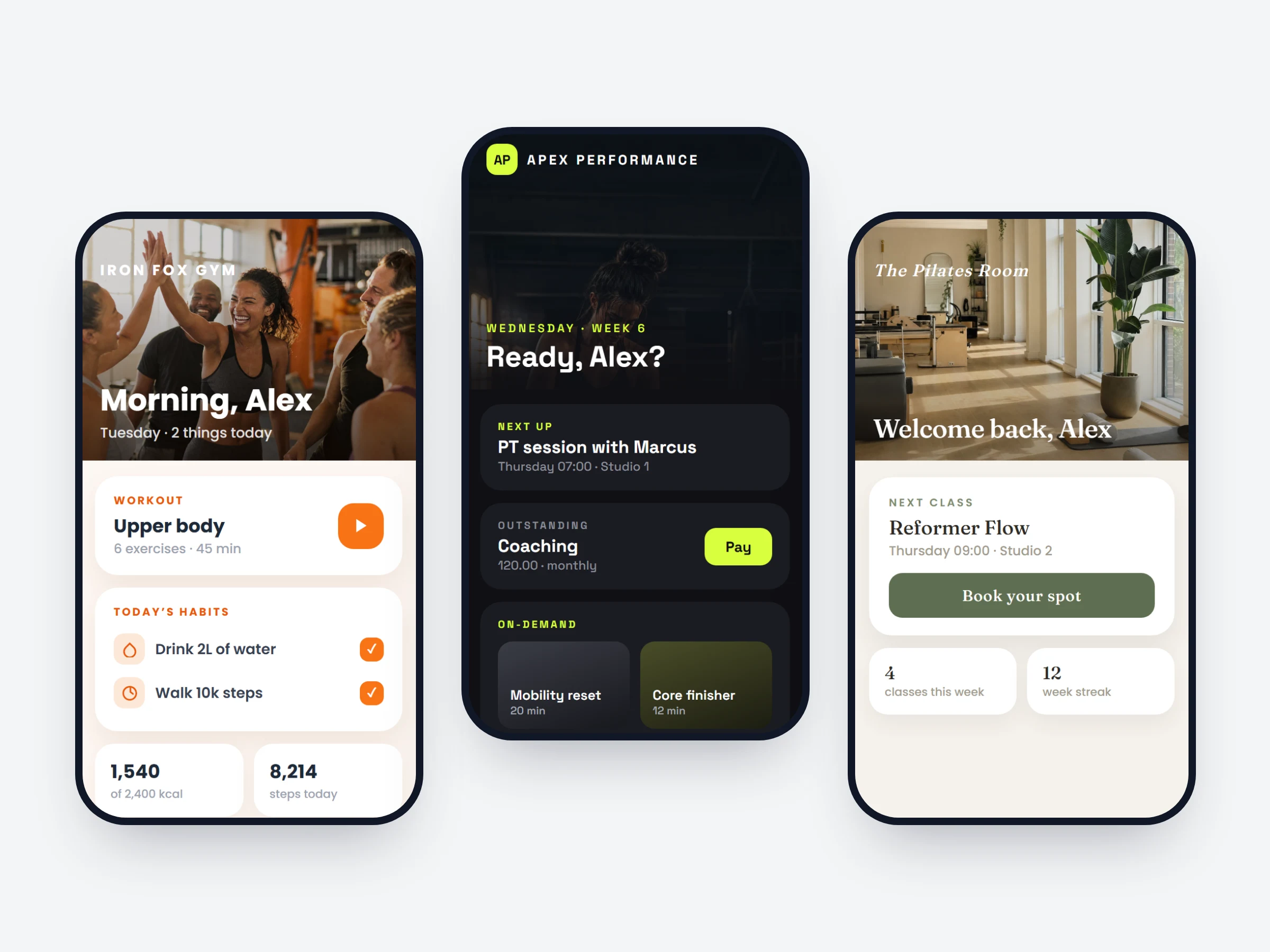
Create as many community spaces as you coach — one default space every client joins automatically, plus invite-only groups for program cohorts and VIPs.
Read more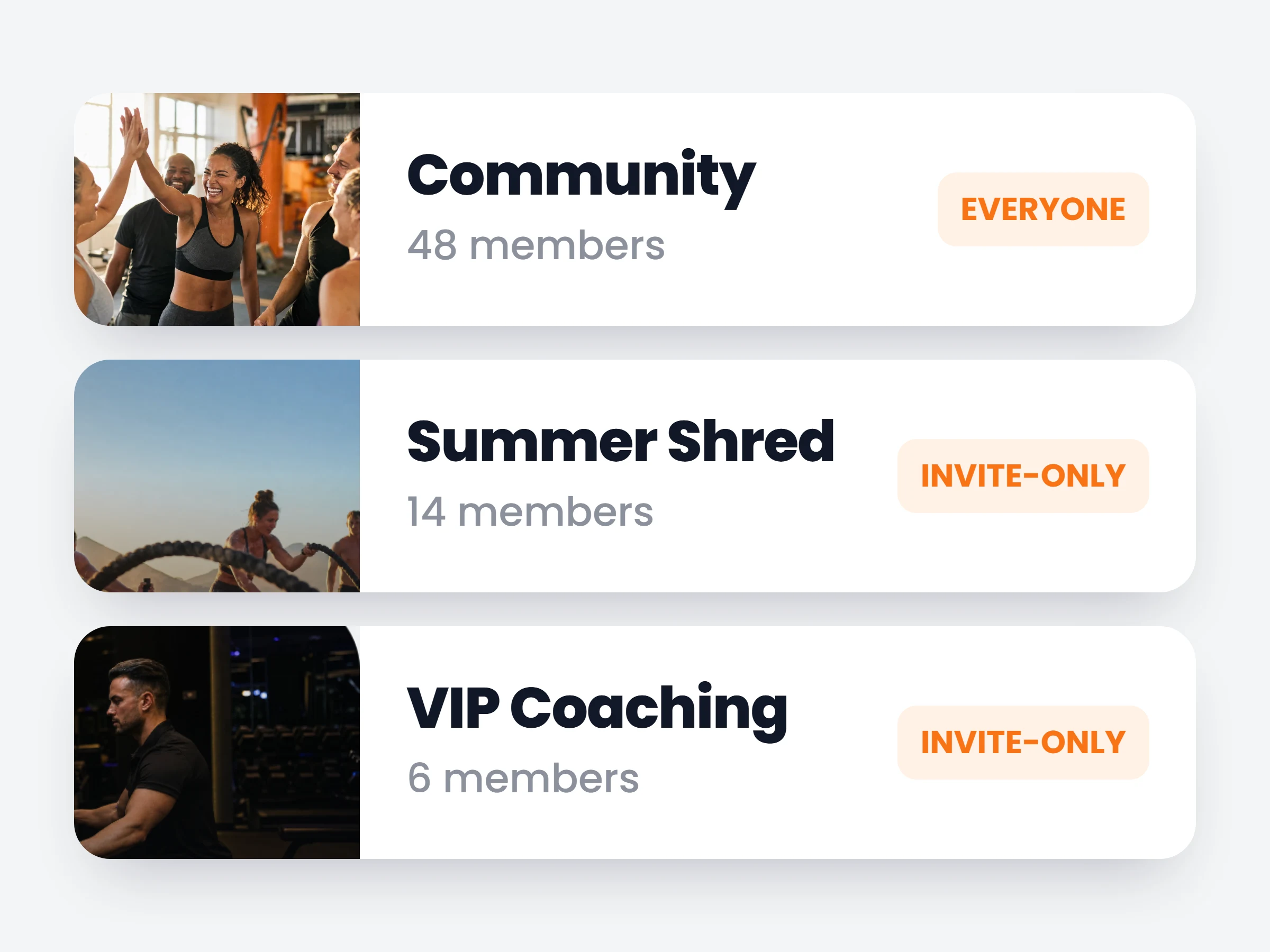
Run every club from one account, each with its own coaches, clients and schedule, and write a weekly class once instead of every week on Ultimate.
Read more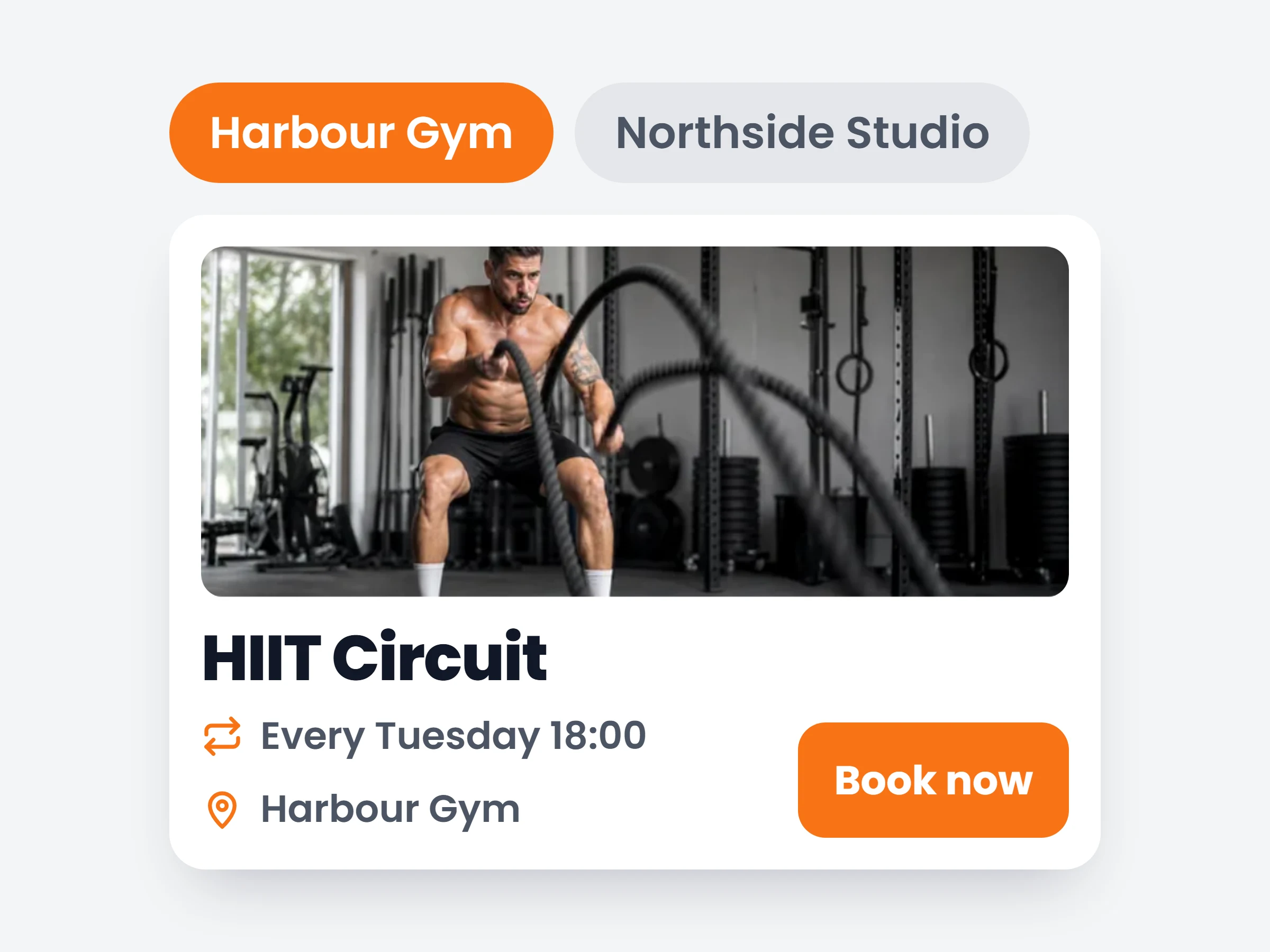
One button on any client profile builds a formatted Excel workbook of everything they’ve logged: profile, progress, workouts, check-ins and nutrition.
Read more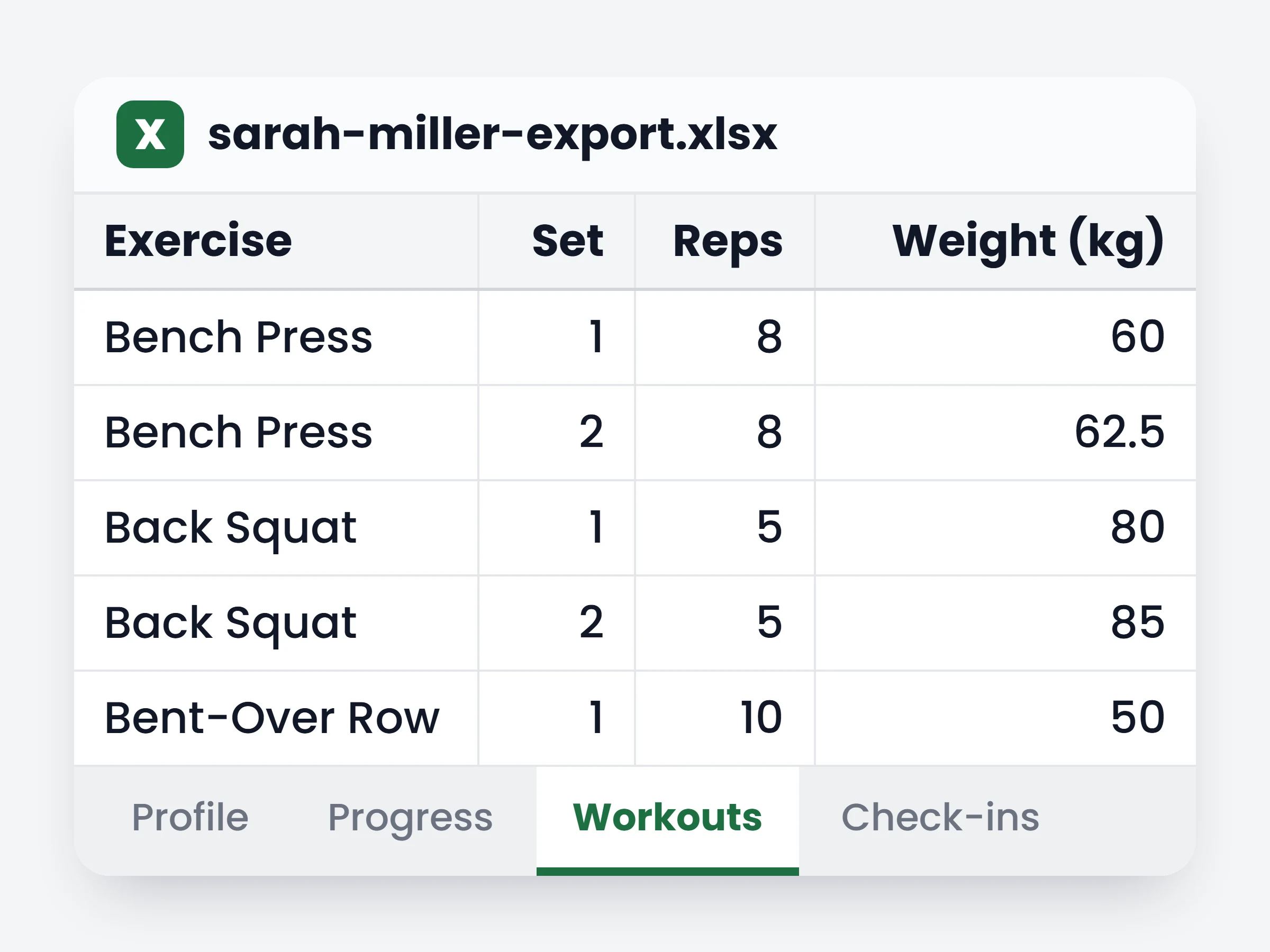
Curate collections of standalone workouts clients can browse and start anytime — plus your own exercise demo videos in place of the stock loop.
Read more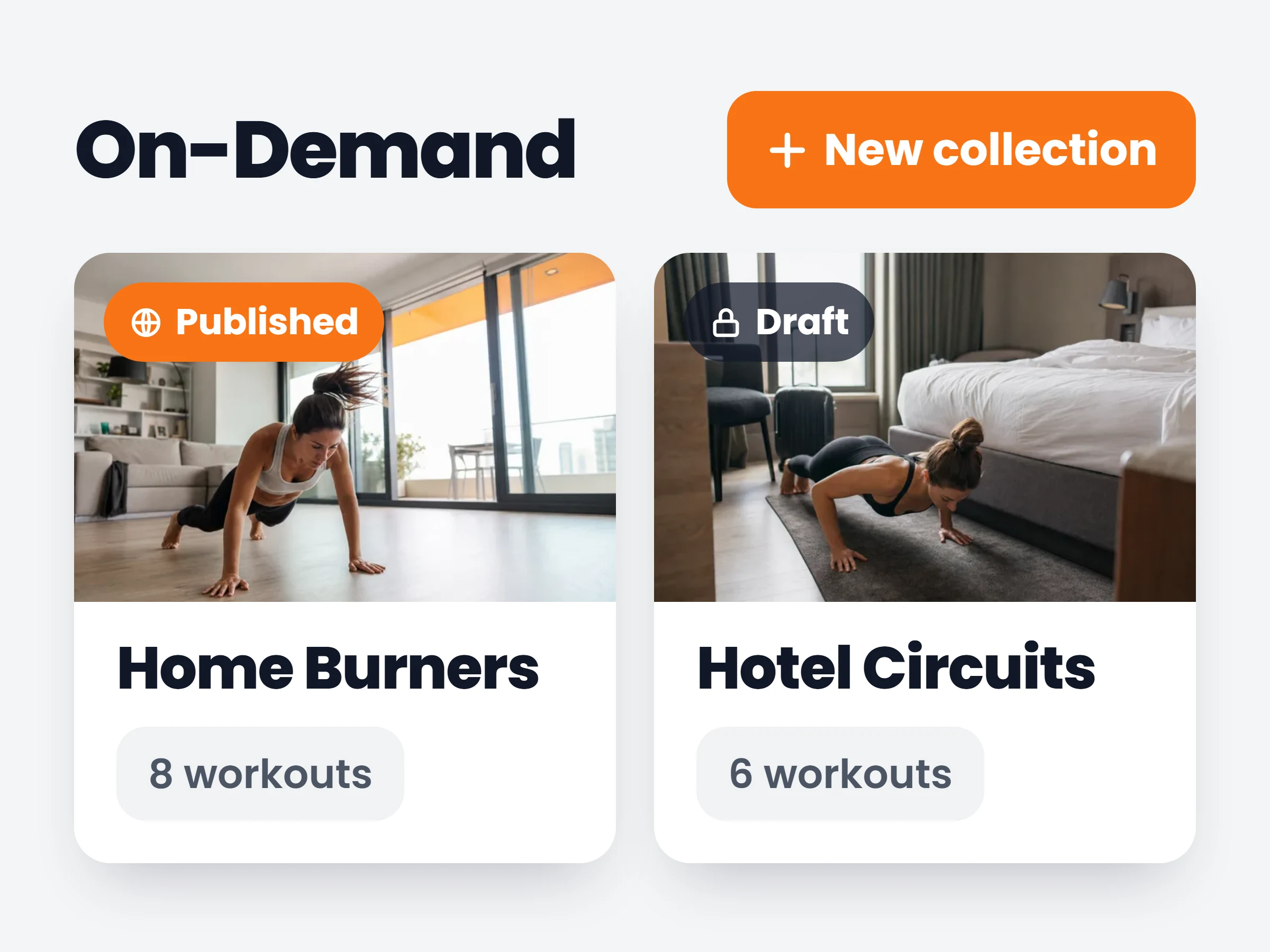
Upload PDFs, videos, images and docs once, file them into your own categories, and share with one client or your whole roster, stored privately.
Read more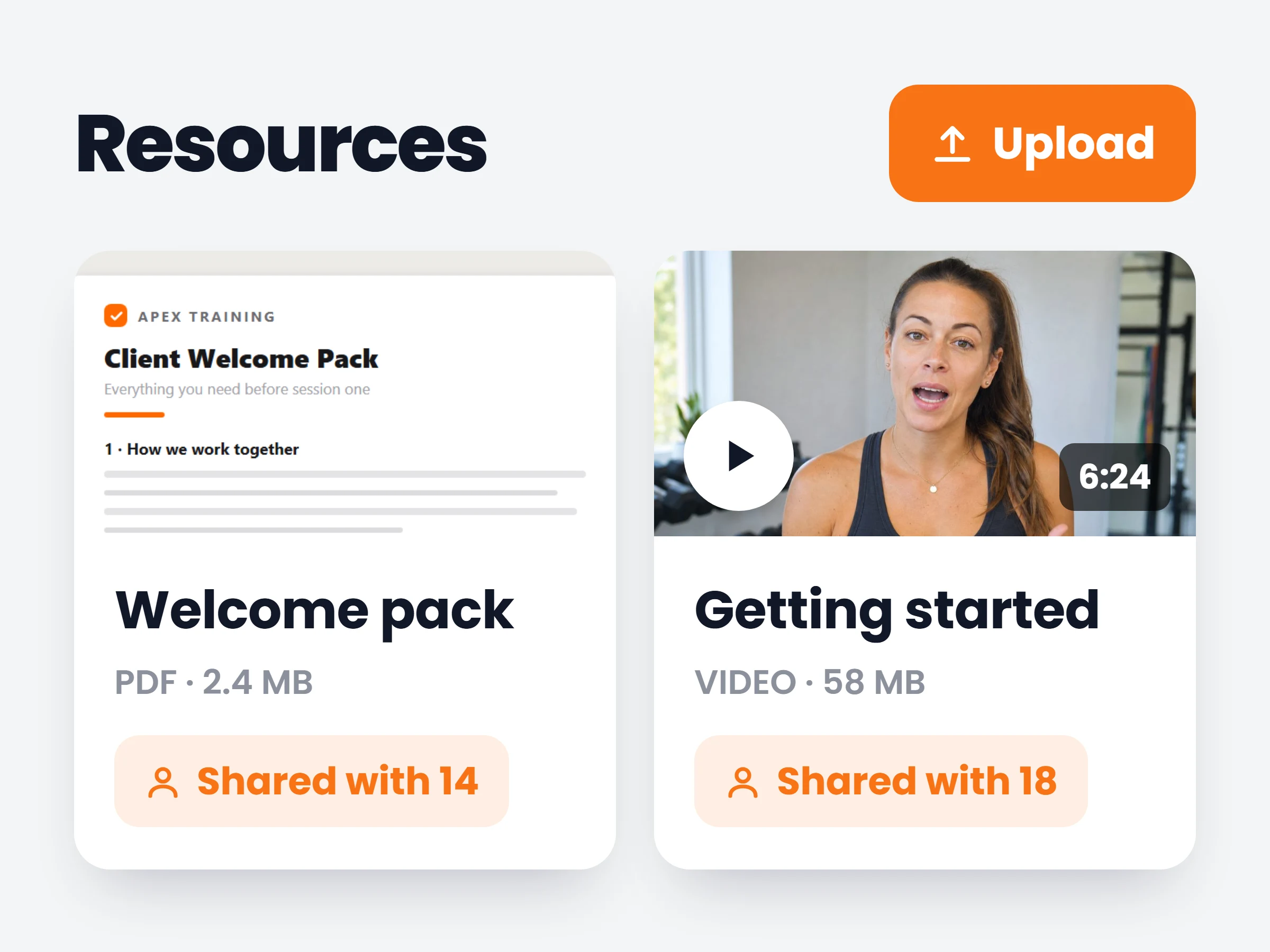
Assign daily habits from a library or your own, schedule each per client, and let them log in one tap — with streaks and completion tracking.
Read more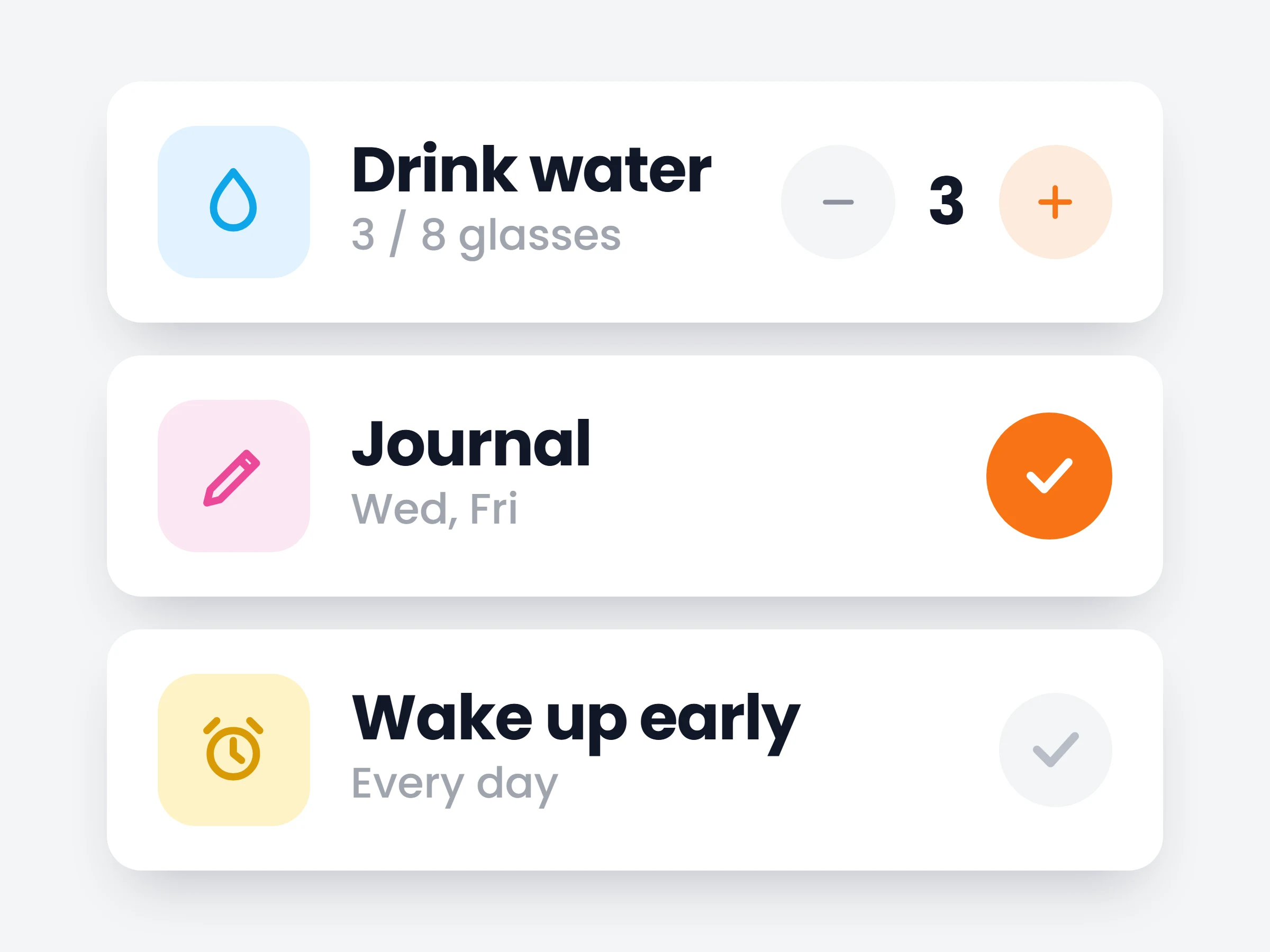
A private, client-owned menstrual cycle tracker with consent-gated coach visibility — phase context to coach the whole athlete, only ever what she chooses to share.
Read more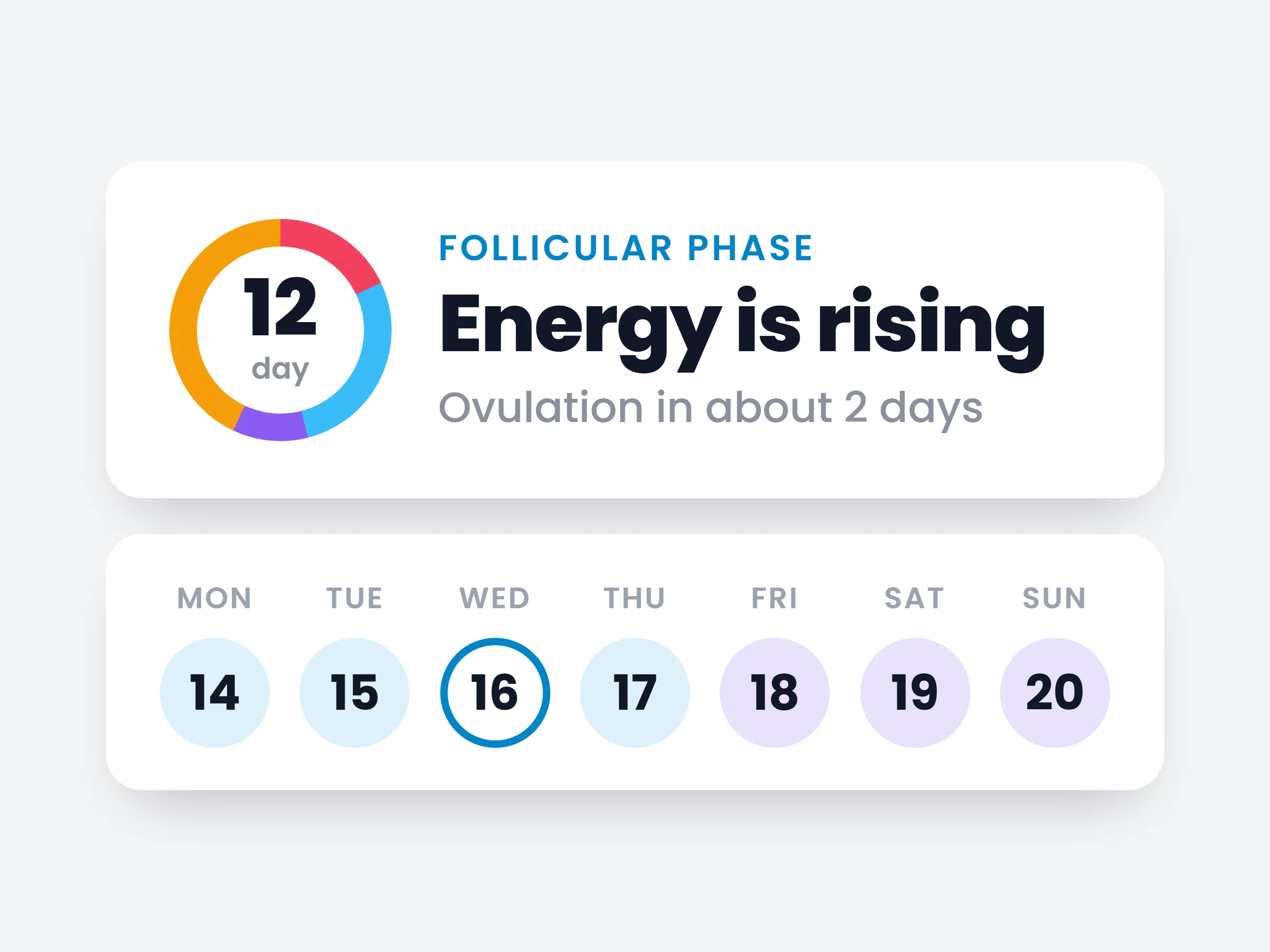
Group exercises into supersets and circuits in the workout builder — with rounds, rest, and guided execution in the app.
Read more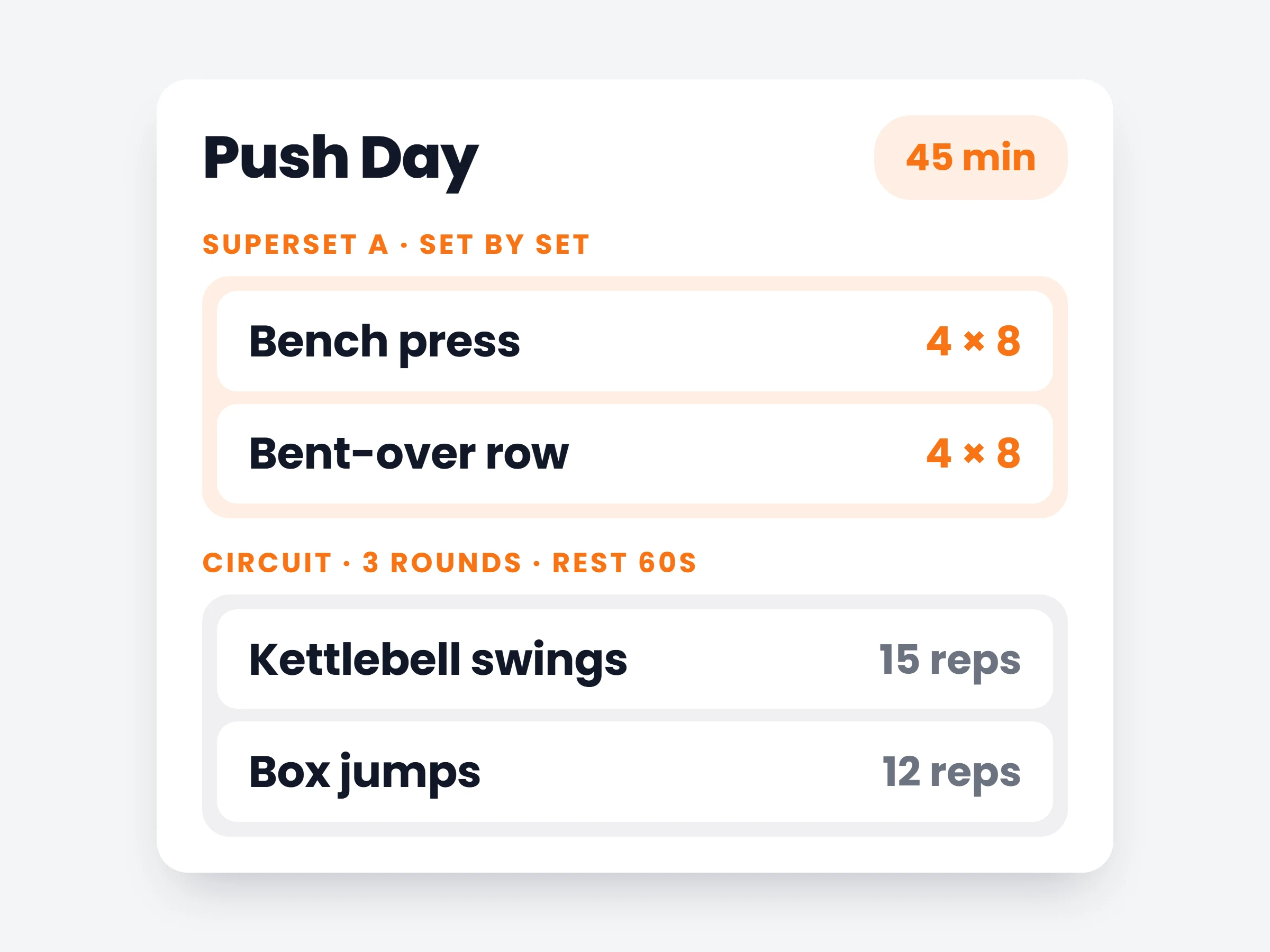
Design your own client intake. Group questions into forms, collect exactly the information you coach from, and edit any answer later.
Read more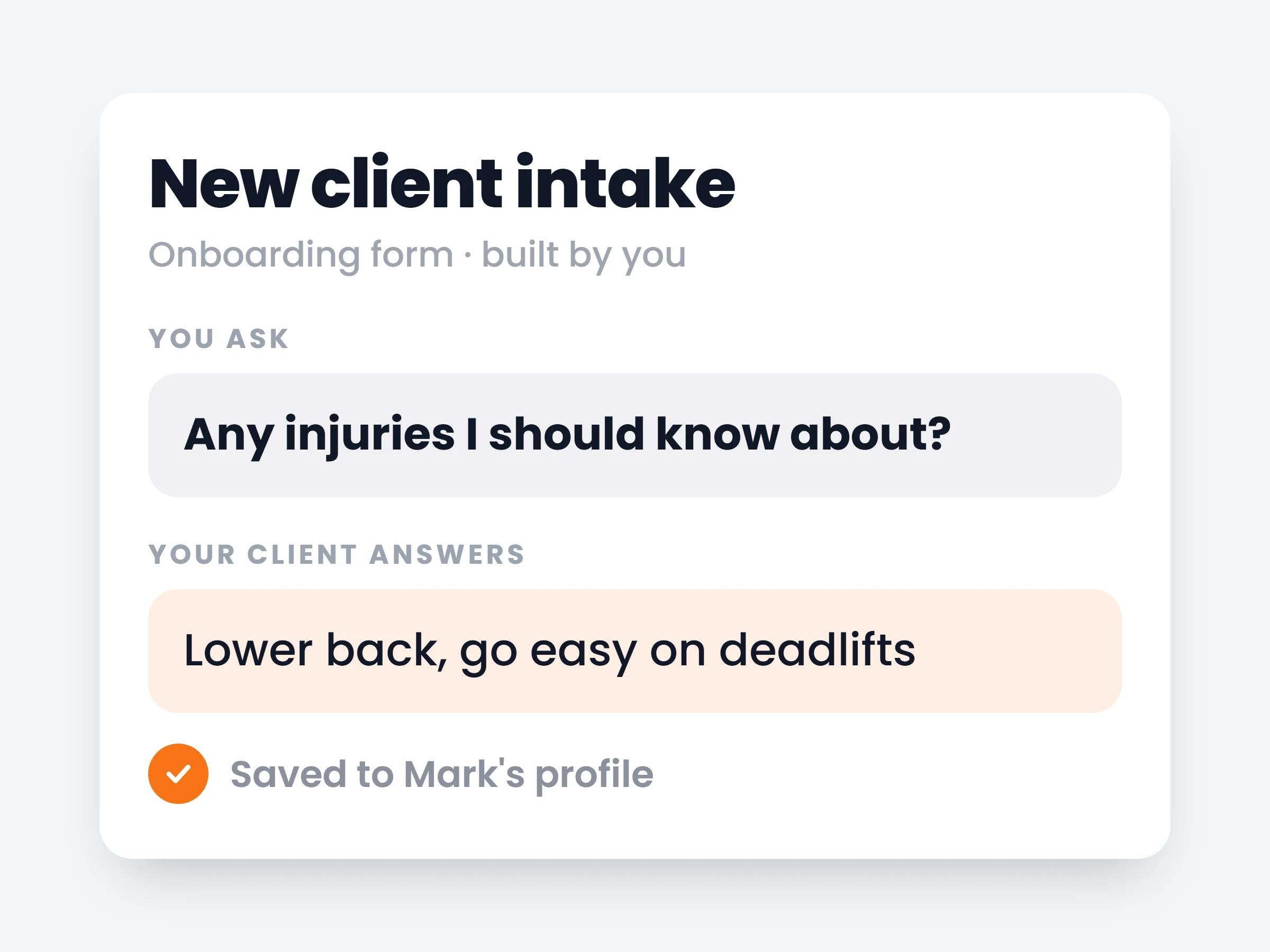
A ready-made recipe library with full macros and consistent photography — searchable, saveable, and ready to drop into meal plans.
Read more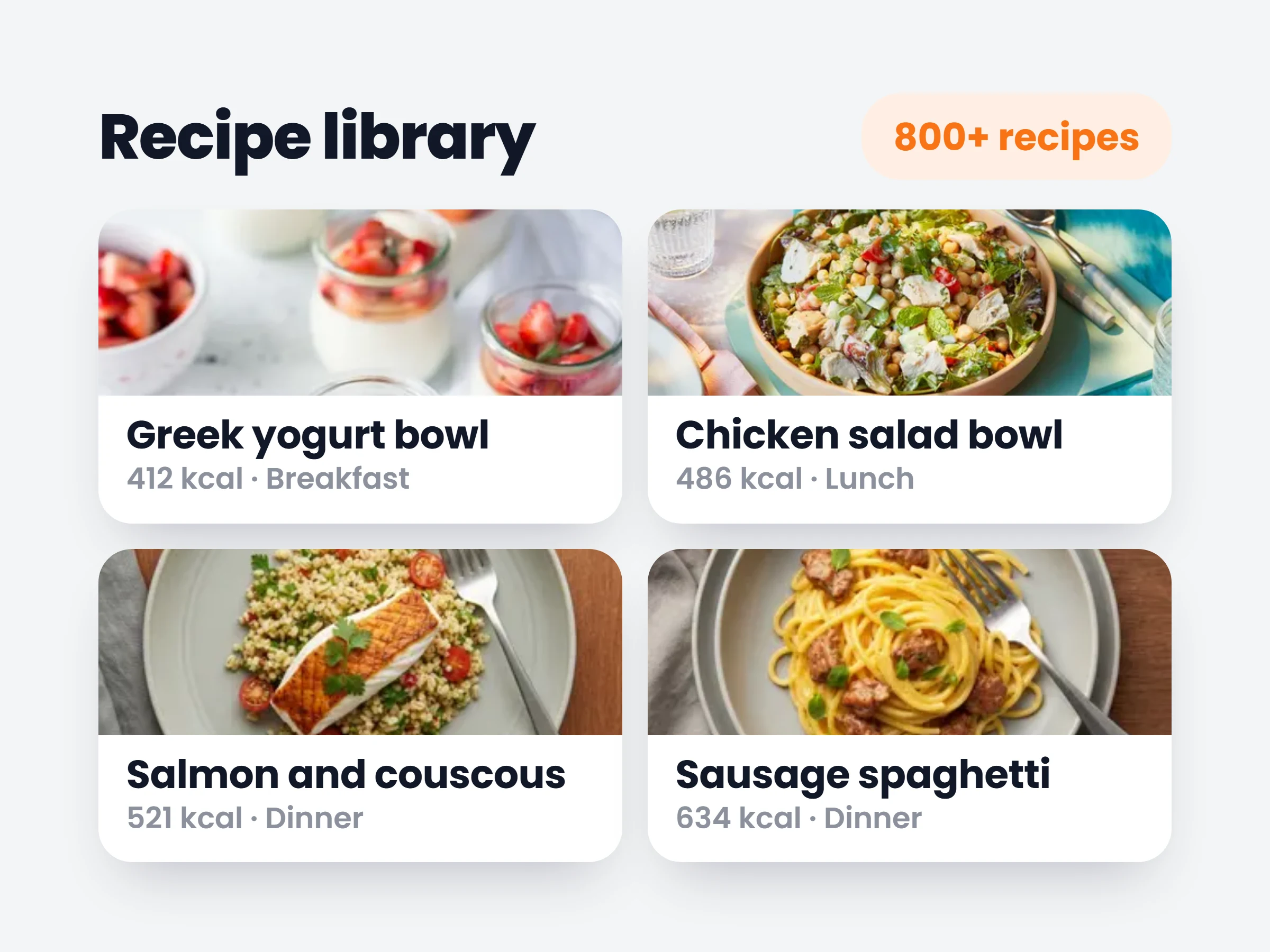
Community posting leveled up: polls with images or video attached, scheduling for any post type, and full editing of scheduled posts.
Read more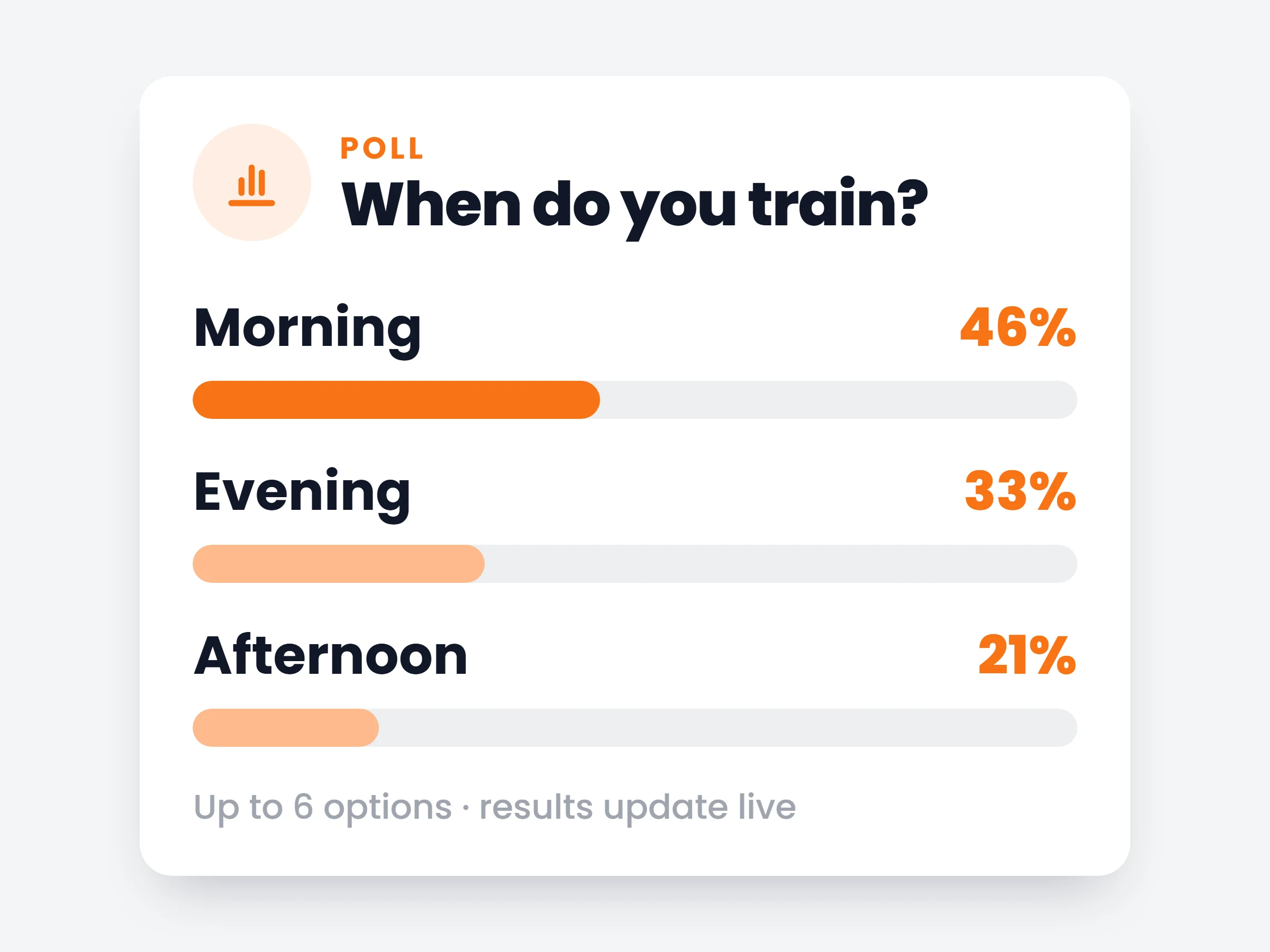
Respond to a client’s check-in right where they submitted it — clients see your feedback in the app the moment you send it.
Read more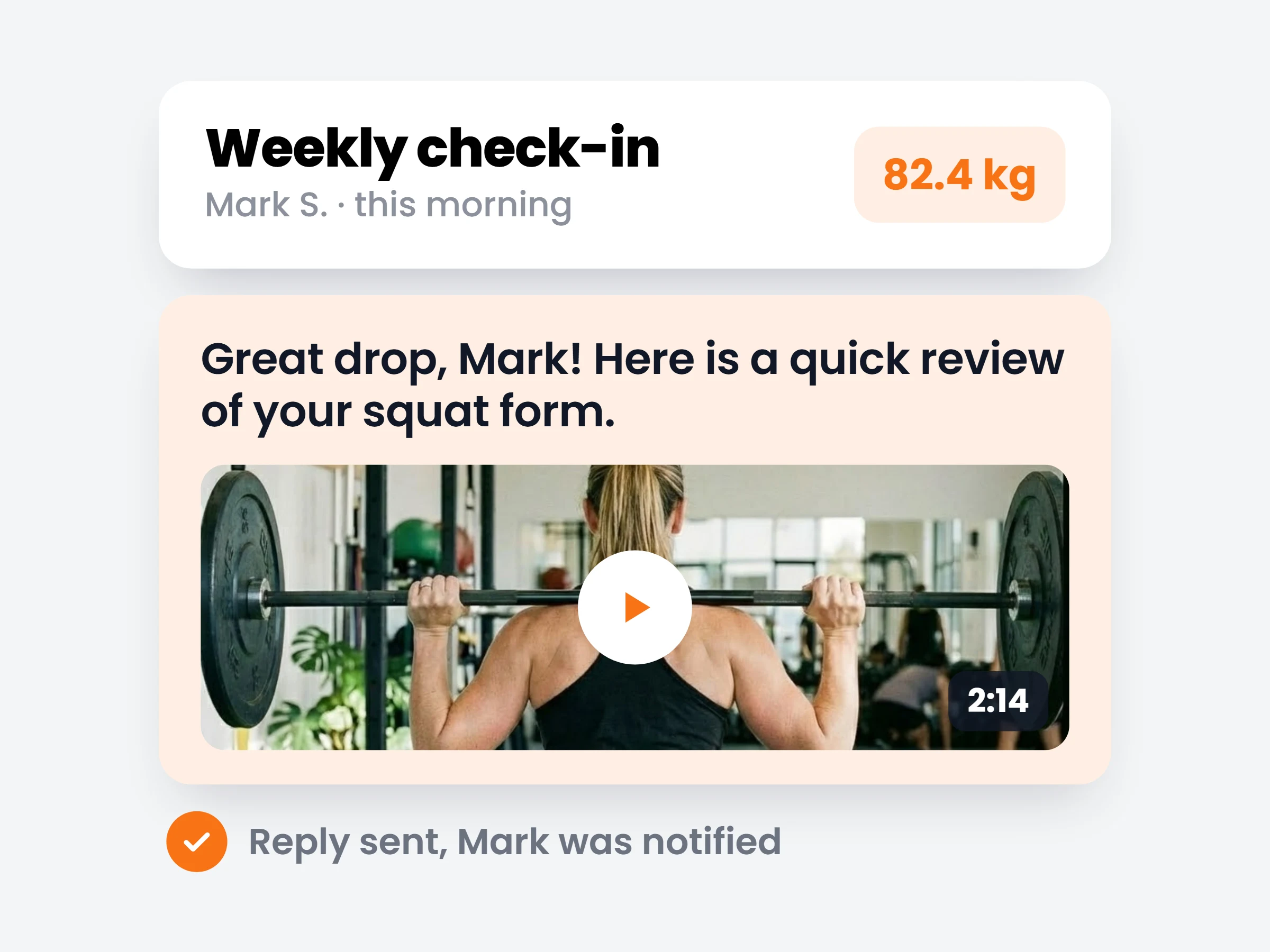
Define appointment types and weekly availability windows — clients book sessions inside the hours you actually work.
Read more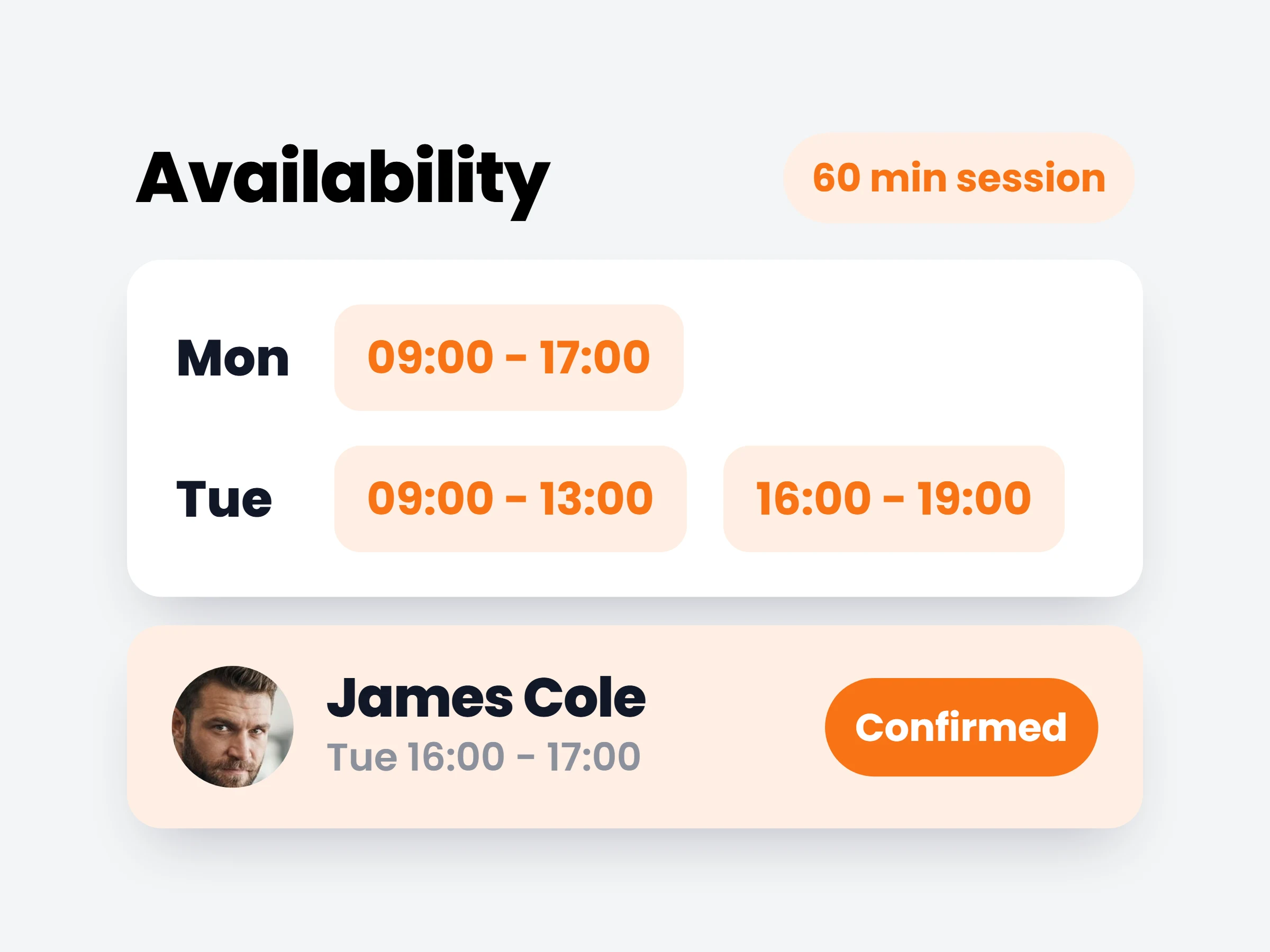
Clients can save any meal they log and re-add it in a single tap from the food tracker.
Read more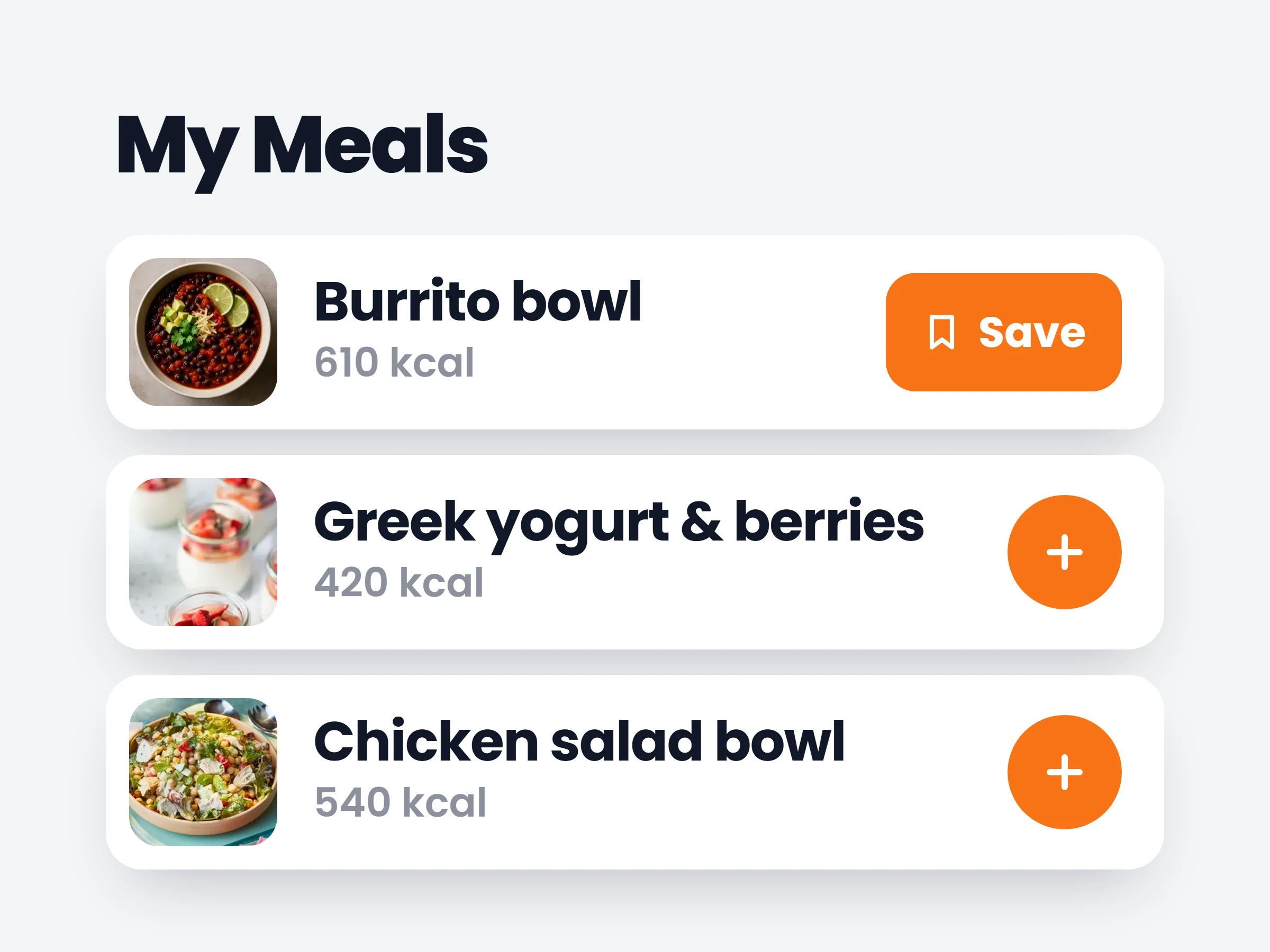
Launching your own branded app is now a guided, step-by-step flow — submit each step for review and track progress to the stores.
Read more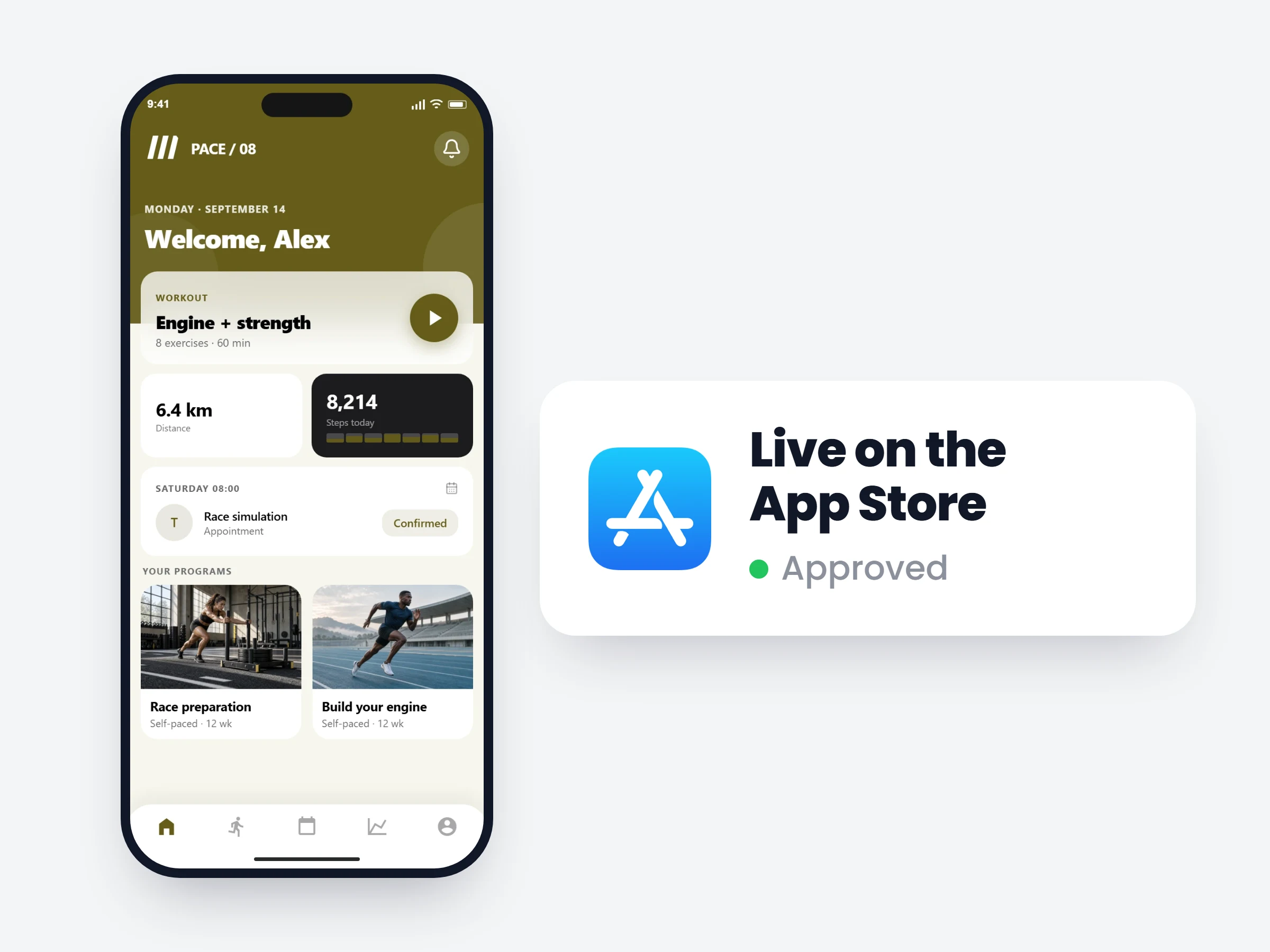
Every update above shipped to every trainer automatically — no plugins, no upgrade fees, no migrations.