Custom check-in fields to track
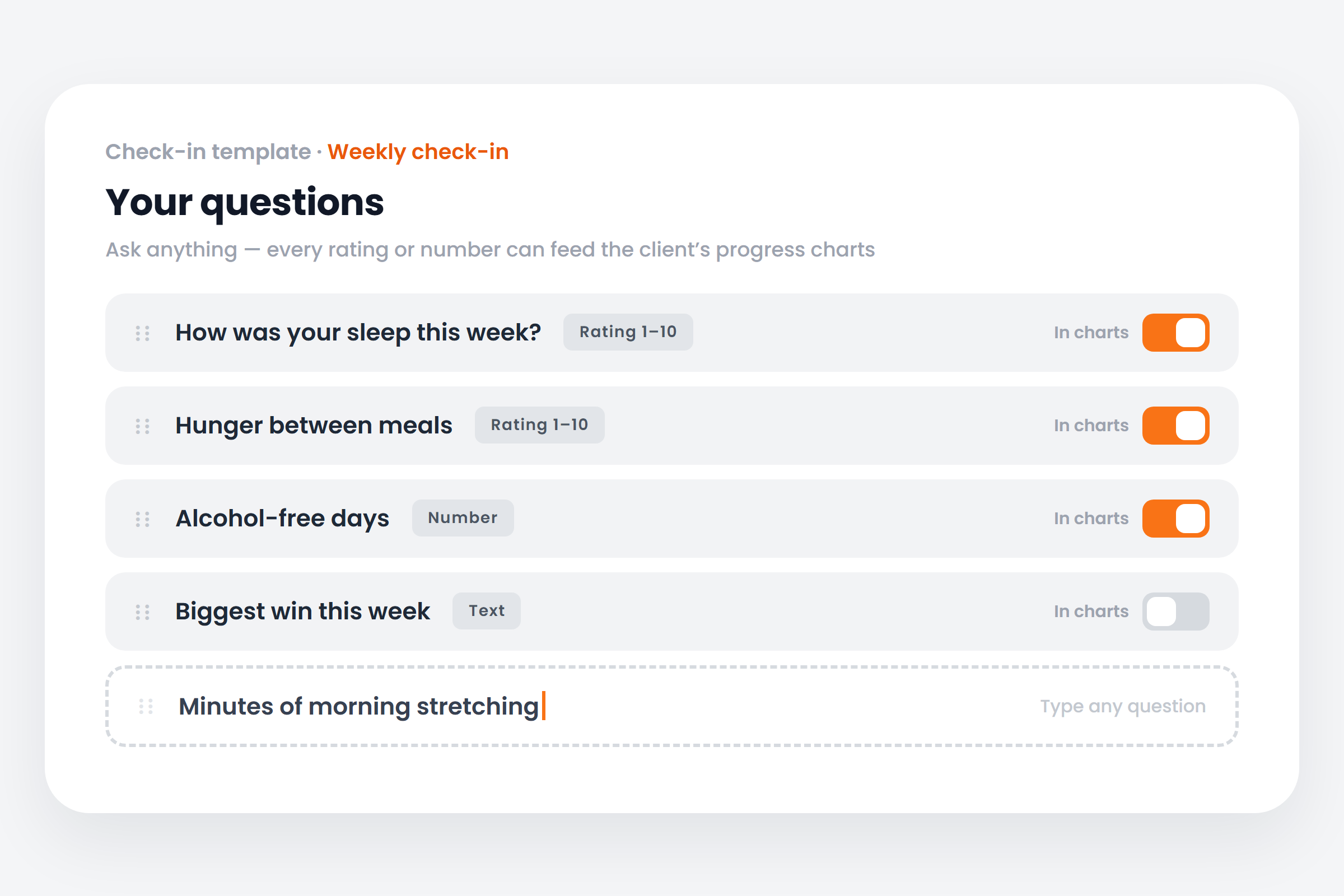
Any rating or number question on a check-in can now feed a chart on the client’s Progress tab, which you can rearrange, hide or add any metric to.
See where it fits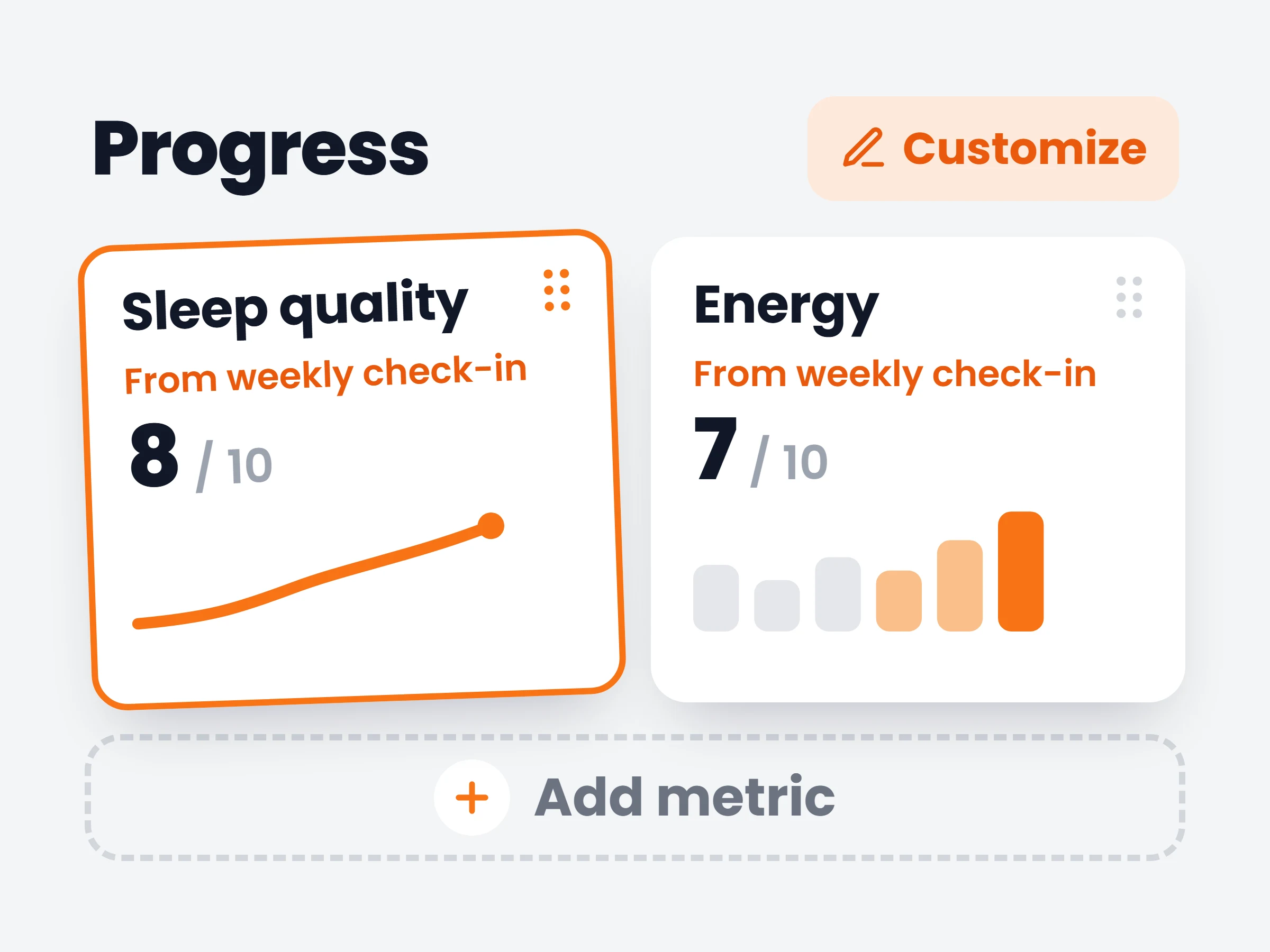
How trainers can use it
See the why behind a plateau
Weight flat for three weeks? Sleep and stress charts from the same check-ins usually explain it — now they sit on the same page.
Coach recovery, not just output
Track soreness and energy over a training block and time the deload on data instead of a hunch.
A progress page per coaching style
A physique coach leads with photos and measurements, a health coach with sleep and stress — each arranges the page to match.
Weight and measurements never told the whole story. Sleep, energy, stress, hunger — the things you already ask about in check-ins — can now be tracked like any other metric: flip a switch on the question and every answer lands as a data point on the client’s Progress tab, charted over time next to their weight and measurements.
The Progress page itself got the same freedom. Drag charts into the order you read them, hide the ones you don’t use, and add any metric from the new picker — on the web dashboard and in the mobile app.
How it works
- 01
Flip the switch on a question
In the check-in template builder, every rating and number question gets a “Show in progress charts” toggle. Turn it on and the question becomes a tracked metric.
- 02
Clients answer as usual
Nothing changes on their side. Each submitted check-in adds one data point per tracked question — automatically, from the first answer.
- 03
Arrange Progress your way
Open Customize on the Progress tab: drag cards to reorder, hide what you don’t need, and add metrics from the picker.
Fields trainers are adding
- Hunger between mealsa 1–10 rating that shows whether the deficit is still liveable
- Alcohol-free daysa simple weekly number for a habit-focused client
- Morning energycharted against training load to time the next deload
- Stress at workoften the real answer behind a stalled scale
- Minutes of stretchingwhatever you prescribe, you can count
It is already in your account.
Every update ships to every trainer automatically. New here? Start free and try it with your own clients.