



A private community that keeps clients coming back
Give your clients a branded space to celebrate wins, ask questions and stay motivated together, with polls, offers, anonymous posting and full moderation in your hands.
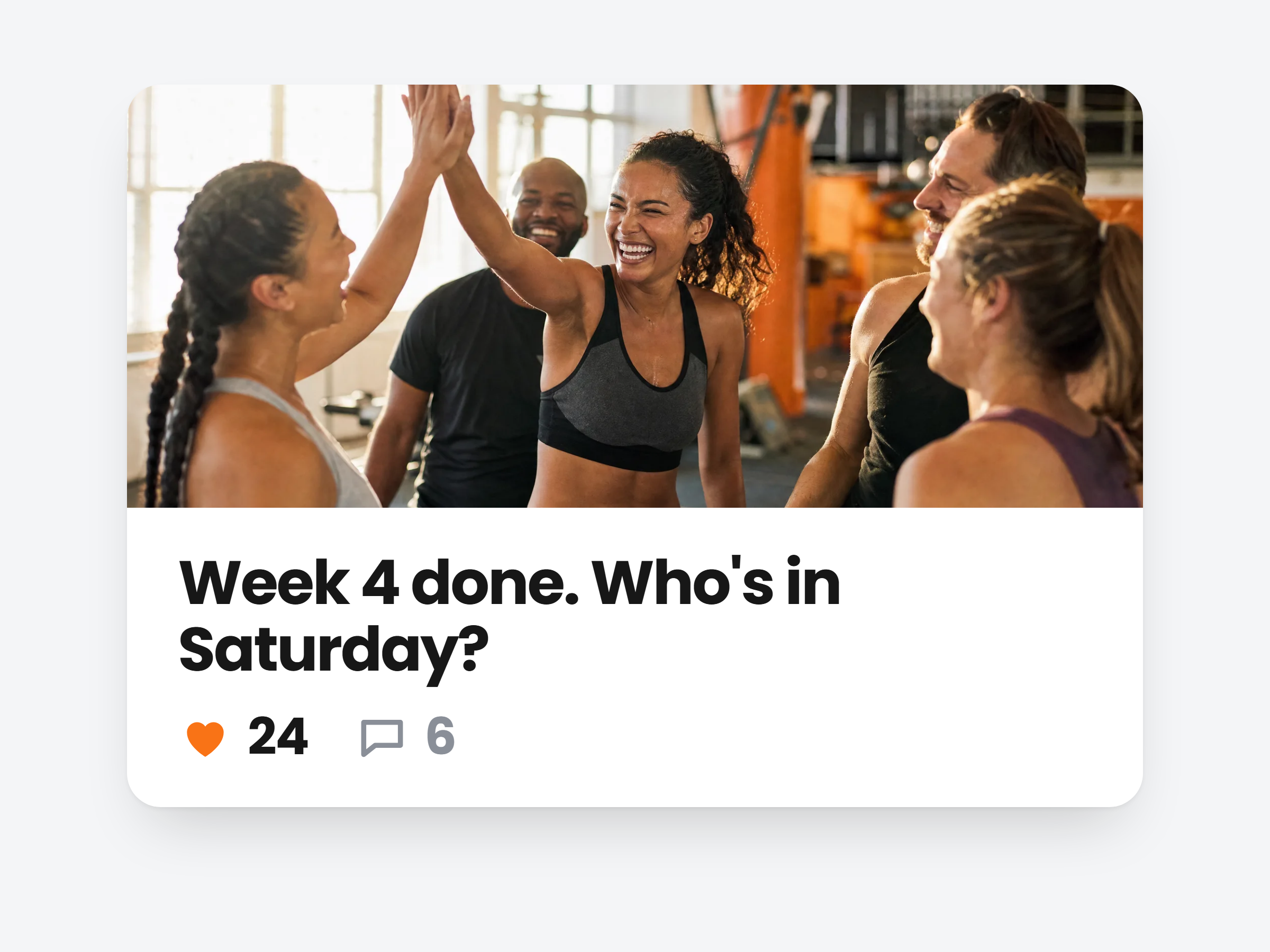
One community, or one for every group.
Your default community welcomes every client on its own. Add invite-only spaces for a program cohort or your VIP tier, each with its own feed, announcements and members.
A space for everyone
Every active client joins your default community automatically. Nothing to invite.
Invite-only groups
Pick the clients who belong. Nobody else even sees the space exists.
Your cover and headline
Each community gets its own cover image and a headline at the top of its feed.
Your communities
New community
Peak Form Community
All clients · 48 members
Everyone
Summer Shred
Program cohort · 14 members
Invite only
VIP 1:1 Coaching
Top tier · 6 members
Invite onlyPost what keeps them coming back.
Wins, reminders, a vote on the next class, an offer with its own checkout. Pin what matters and schedule updates ahead.
Alex RiveraCoach
New post
New 20 minute mobility flow is up. Perfect for your rest day, press play and follow along.
Your feed, your rules.
Decide who can post and how they hear about it. You can pin or remove anything, and switch the whole community off with one toggle.
Who can post
Only you, or clients too. Anonymous posts for the questions nobody asks with their name on.
Pin and remove
Pin announcements to the top. Delete any post or comment, yours or theirs.
Off for one client
Turn the community off for a single client from their profile. Everyone else keeps it.
Community settings
Control who can post and how
Let clients post
When off, only you post. Clients still react and comment.
Allow anonymous posts
Clients can post without showing their name.
Notify clients of your posts
A push notification on their phone.
Email clients about your posts
A branded email with a link to the post.
Pinned: gym closed Sunday
Sits at the top of the feed and in Announcements
Wins and cheering, under your brand.
Clients read, react and comment in your app and on the web, not in a Facebook group you do not control.
Peak Form Community
Train hard, recover well, cheer each other on
Pinned
Alex RiveraCoach
Sep 28
Welcome! Share your wins and tell us your goal for this month.

Lisa Park
2h
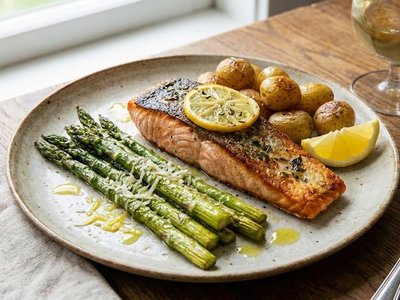
Meal prep done for the whole week. Salmon Monday!
Challenge board
30 day push-up challenge

James O.
18 days

Anna M.
21 days

David S.
17 days
Alex Rivera posted in the community
New 20 minute mobility flow is up.
Push, email or both
Choose how clients hear about your posts: a push on their phone, a branded email, or both.
A challenge board on top
Rank clients on a habit challenge at the top of the feed. They choose to join.
Your replies stand out
Comments from you carry a Coach badge, so clients always know it is you.

Build a community your clients love
Turn on a private feed and give every client a reason to stay engaged between sessions.
Full access, cancel anytime