



Workouts they can start the moment they want to.
Curate collections of standalone workouts your clients browse and do anytime, outside their scheduled plan, with your own sections, covers and publish control. And swap the stock exercise loop for demo videos you filmed yourself.
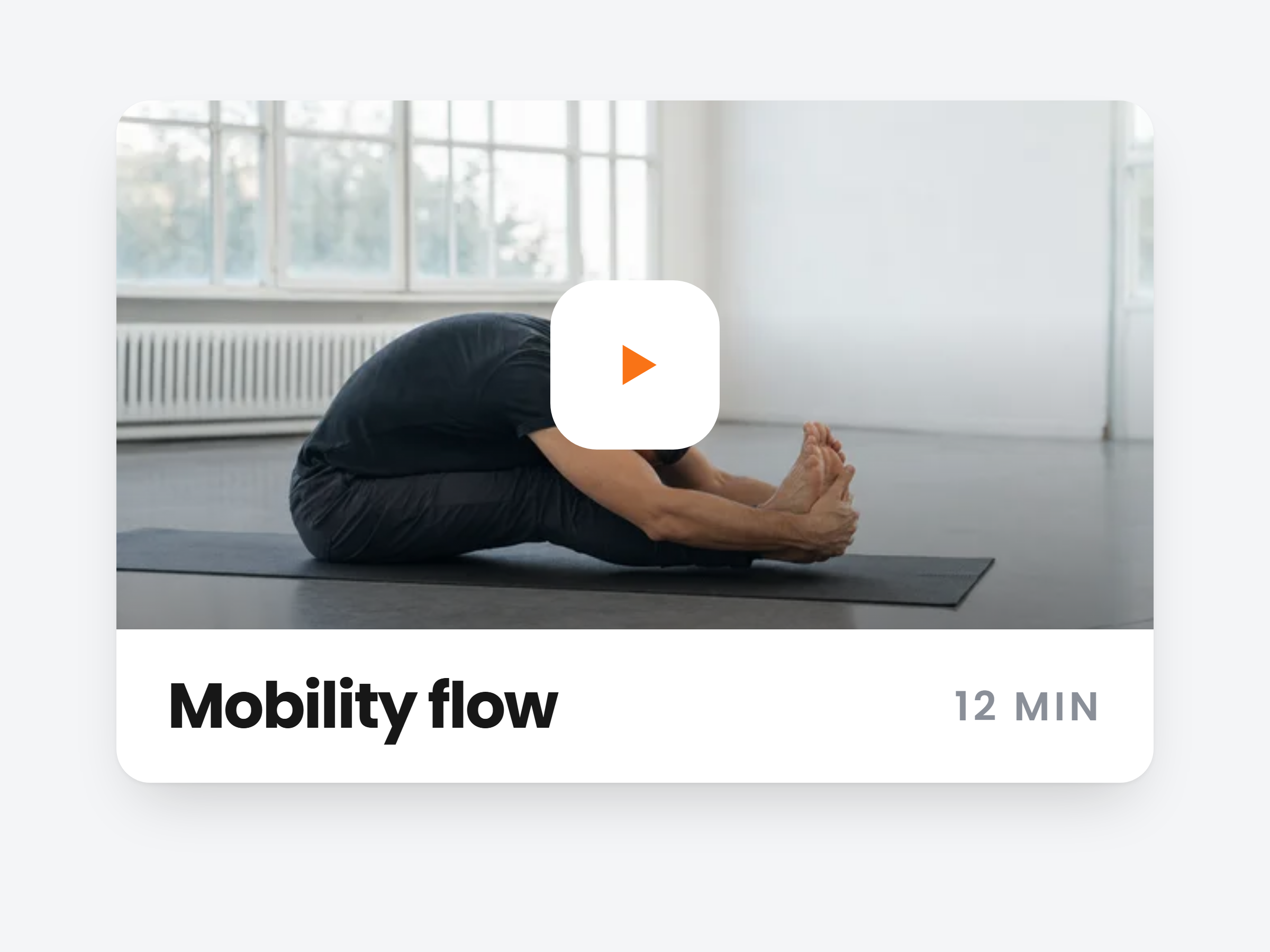
Group the workouts you already built.
A mobility series for rest days, a hotel room circuit for travel weeks, a twenty minute burner for when the plan slips. Clients start one whenever they want, next to the plan you schedule.
Nothing to rebuild
Any workout in your library can go into a collection.
One workout, many collections
The same session can sit in Travel and in Low impact at once.
A cover and a description
Each collection gets its own name, cover and one line on what it is for.
 Published
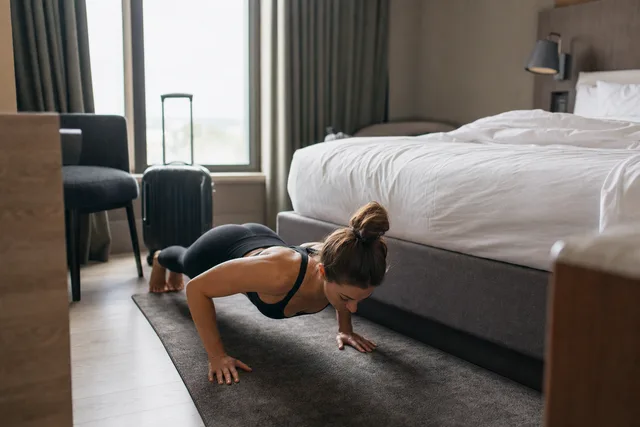
Hotel Room Circuits
Bodyweight, under 25 minutes.
6 workouts Published
Morning Wake-Ups
Ten minutes before coffee.
9 workouts Published
Conditioning Finishers
Bolt one onto any session.
14 workouts Draft
DraftDeload Week
Easy sessions to reset.
5 workouts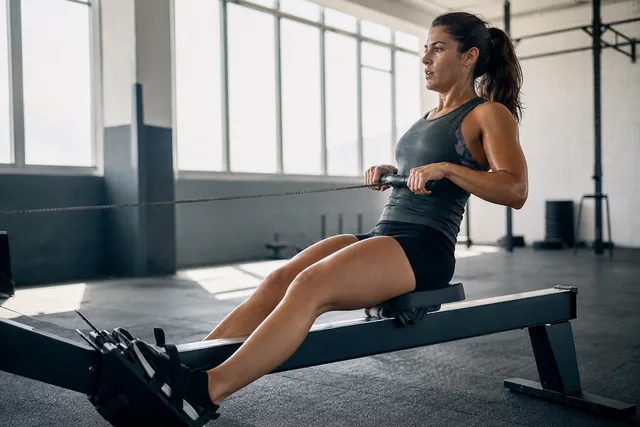 Published
Bike and Row Intervals
Short, sharp engine work.
7 workouts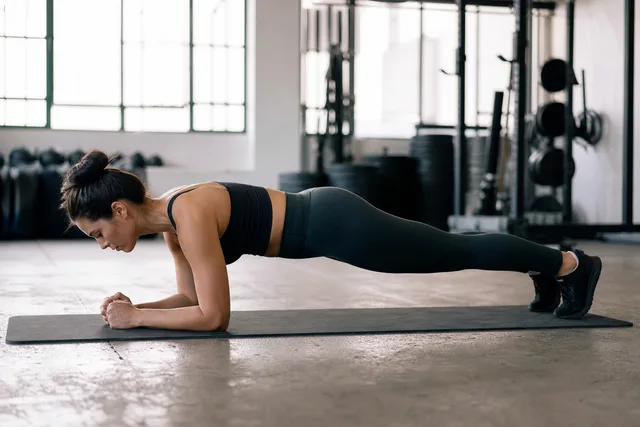 Published
Core Ladders
Build up, then back down.
10 workouts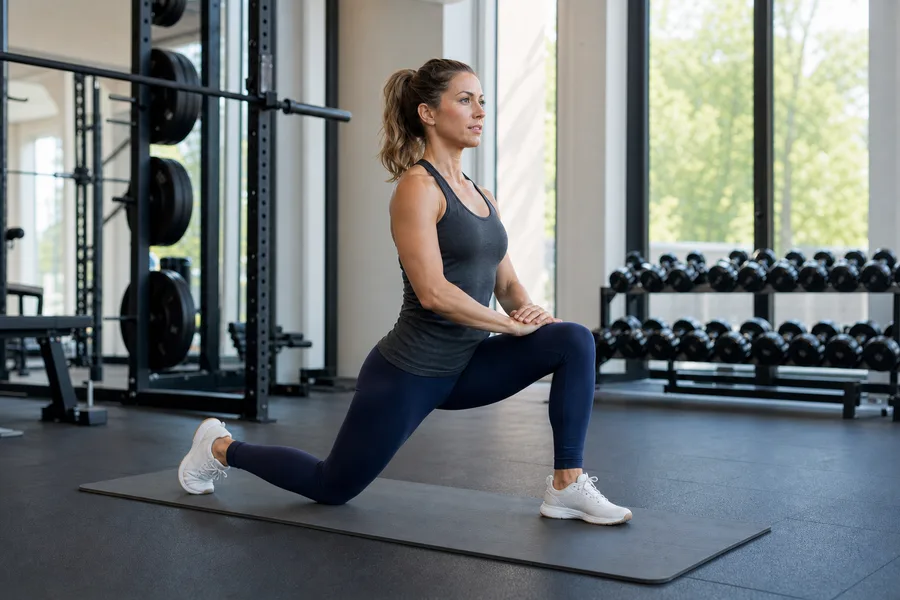 Published
Mobility and Recovery
Flows for rest days.
12 workoutsPublishedHotel Room Circuits
Bodyweight, under 25 minutes.
6 workoutsPublishedMorning Wake-Ups
Ten minutes before coffee.
9 workoutsPublishedConditioning Finishers
Bolt one onto any session.
14 workoutsDraftDeload Week
Easy sessions to reset.
5 workoutsPublishedBike and Row Intervals
Short, sharp engine work.
7 workoutsPublishedCore Ladders
Build up, then back down.
10 workoutsPublishedMobility and Recovery
Flows for rest days.
12 workoutsPut them in the order you want them done.
Drag workouts in from your library, group them under your own section headings, and reorder until a long collection still reads like a plan.
Drag in, or click to add
A click drops the workout into the last section you were building.
Your own section names
Start here, Low impact, When you have 40 minutes. Drag rows to reorder.
A cover, or one made for you
Upload your own image, or leave it blank and Scraler tiles up to four workout photos.
Workouts
Push Day
6 exercises
Leg Day
5 exercises
20 minute HIIT
6 exercises
Core and Abs
6 exercises
Upper Body
6 exercises
Full Body
6 exercises
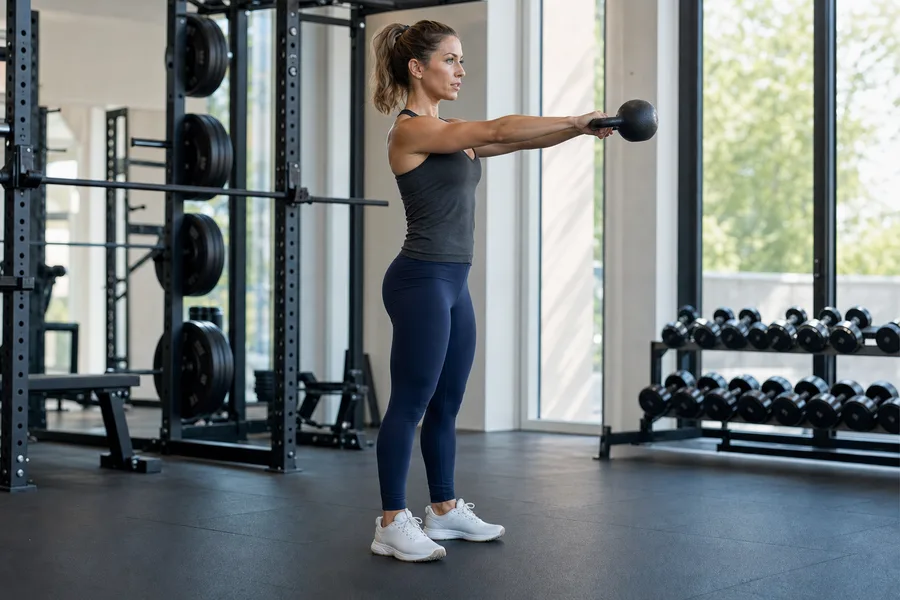
Kettlebell Basics
Included3 workouts
Start here
Swing basics
4 exercises
Goblet squat flow
5 exercises
Conditioning
Kettlebell complex
5 exercises
Keep it, include it, or sell it.
Every collection starts as a draft only you can see. When it is ready, include it for all your clients or put a price on it. Switch it back to draft and it disappears from their app.
Availability
Kettlebell Basics
Draft
Only you
Included
Free for your clients
For sale
Clients buy this collection
Who has access: All 24 clients





In their app now, no assigning needed
They open it, tap play and train.
Clients find your collections in their app or on the web, see every workout by section, and start one straight away. You can switch On-Demand off for any client.
Next to their plan
Collections sit in an On-Demand tab in My Workouts, beside their scheduled training.
Logged like any workout
Sets, reps and weight land in their history, the same as a scheduled session.
Your own demo videos
Upload a clip or link YouTube or Vimeo, and it replaces the stock demo wherever that exercise appears.

Train at home
No kit needed. Start any time.
Conditioning
20 minute HIIT
6 exercises · 20 min · Conditioning
Full body burner
5 exercises · 25 min · Conditioning
Mobility
Morning mobility
4 exercises · 15 min · Mobility

Give every client a library, not just a schedule
Publish on-demand collections for the weeks the plan goes sideways, and put your own coaching cues on every exercise.
Full access, cancel anytime