Polls, media & scheduled posts
Community posting leveled up: polls with images or video attached, scheduling for any post type, and full editing of scheduled posts.
See where it fits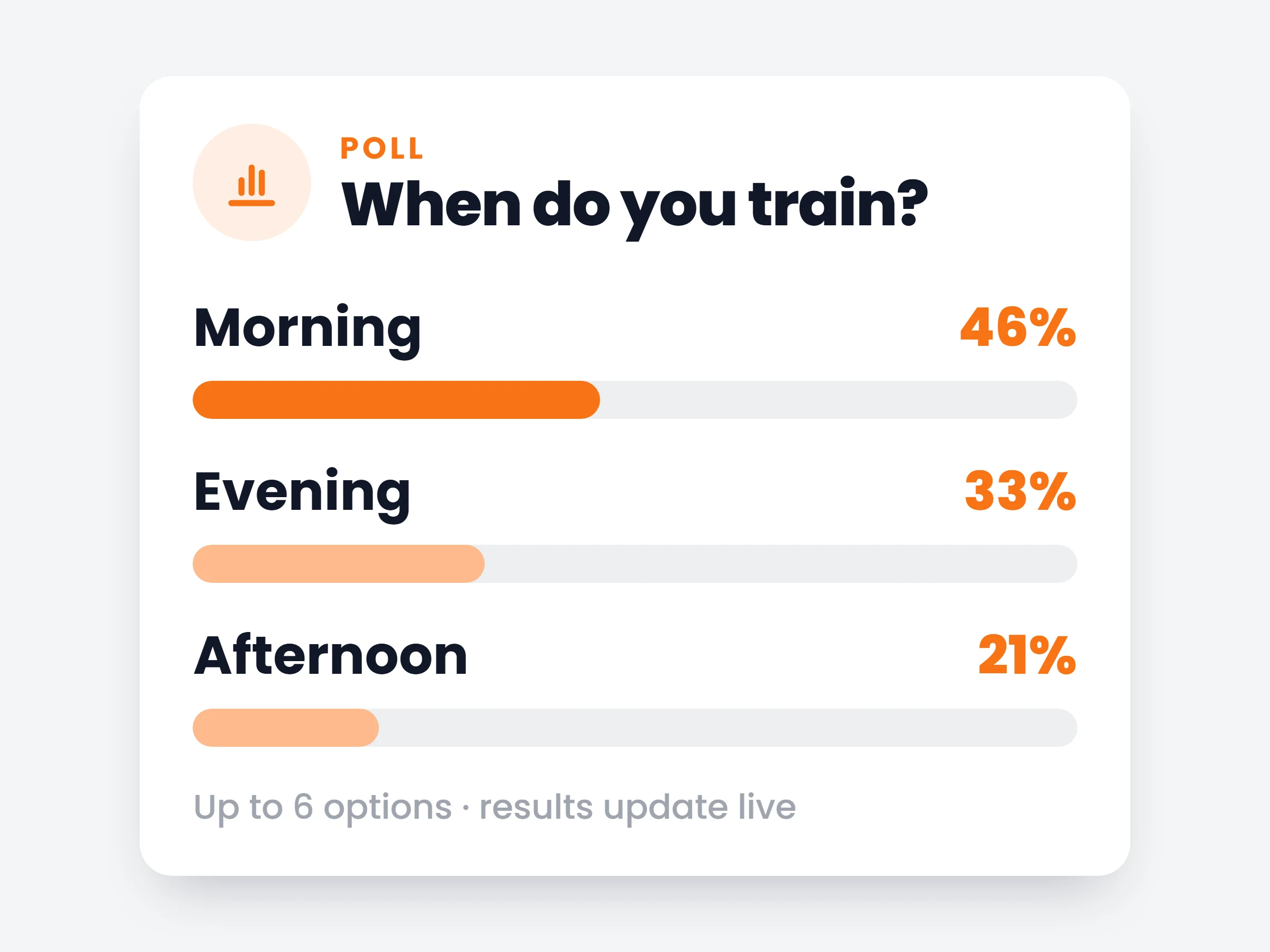
How trainers can use it
Plan the week on Sunday
Queue motivation posts, check-in reminders and challenge updates for the whole week in one sitting.
Let clients pick the challenge
Run a poll with an image of each option and let the group vote on the next four-week block.
Launch offers on schedule
Schedule an offer post for Monday morning when everyone plans their week — not Saturday night when nobody’s looking.
Your community feed got a proper content engine: polls now carry images or video, results update live, and every post type can be written now and published later.
How it works
- 01
Create a poll with media
Up to 6 options, with a photo or video attached to the post — results update live as votes come in.
- 02
Schedule it
Pick a date and time for any post type — text, poll, offer — and it publishes itself.
- 03
Edit anything queued
Open a scheduled post in the full composer to change text, media, options or the publish time.
Posts trainers schedule
- Monday motivationwritten Sunday night, lands 07:00 Monday
- Challenge votepoll with a photo of each option — the group picks the next block
- Check-in reminderevery Thursday evening, before Friday check-ins
- Offer dropspots-open post with inline checkout, timed for Monday morning
It is already in your account.
Every update ships to every trainer automatically. New here? Start free and try it with your own clients.