Fixed nutrition: day types instead of dated meal plans
The nutrition half of Fixed Program Mode: set standing macro targets, build reusable day types like training day and rest day, for clients to log against.
See where it fits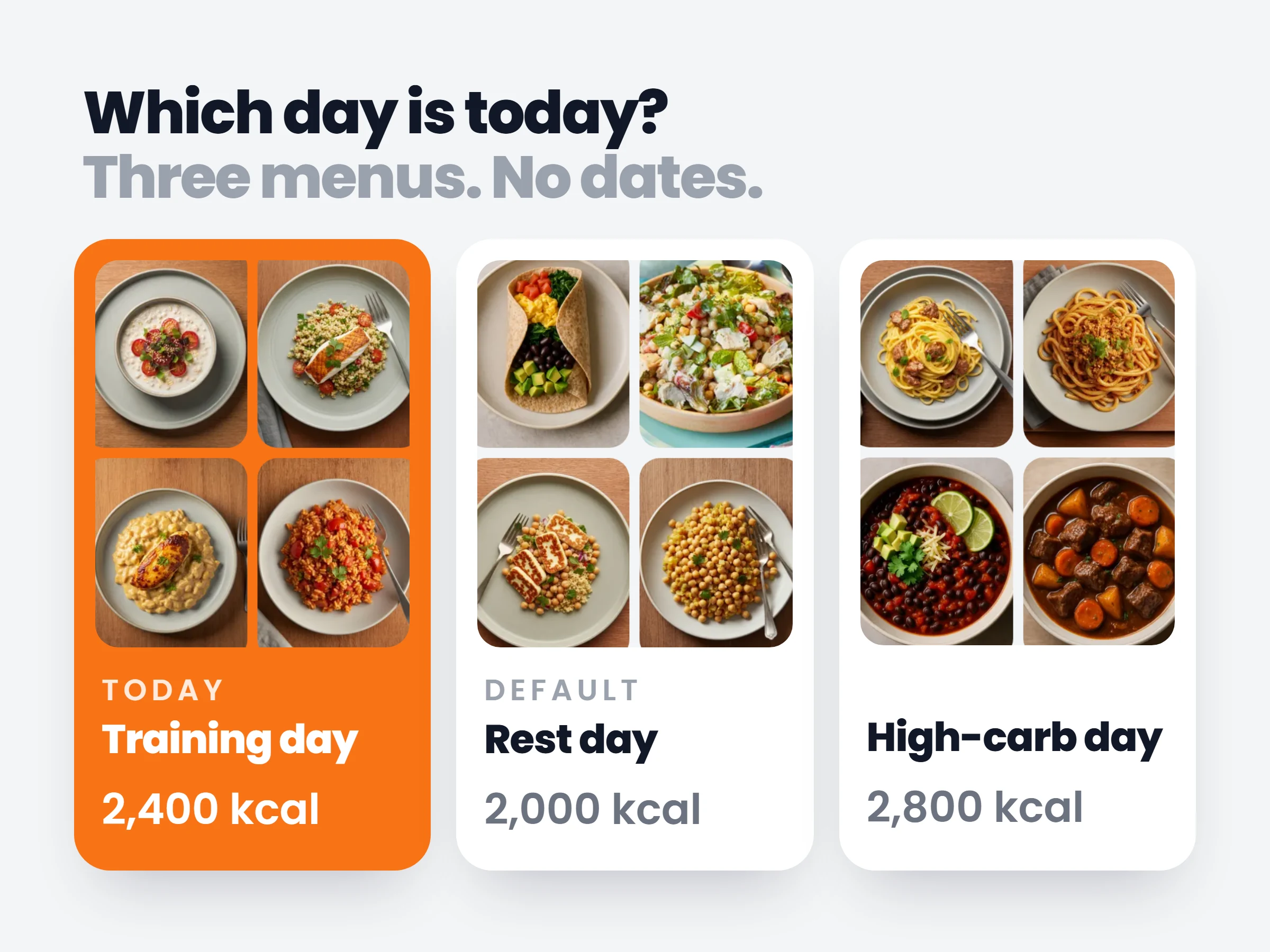
How trainers can use it
Two menus, whole roster covered
A training day and a rest day cover most physique clients. Build them once instead of copying menus onto endless calendar weeks.
Adjust once, applies everywhere
Cutting calories after a check-in is one edit to the standing targets, not a rebuild of every remaining dated week.
Day-one nutrition, no admin
With the onboarding default set, every new client gets your starter menu scaled to their own calorie target the moment they join. Your first call is about coaching, not building the plan.
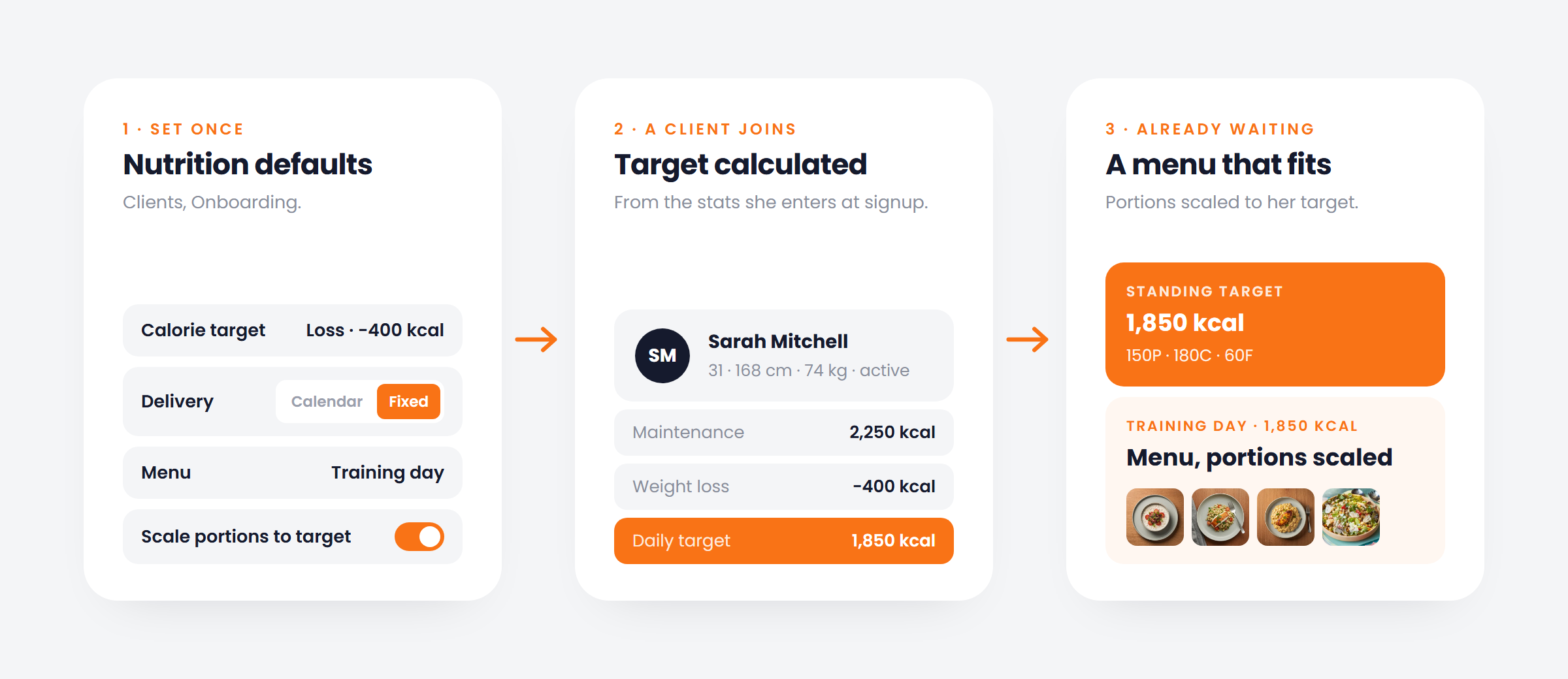
Build the two or three day types you actually coach with, such as training day and rest day, each with its own meals and targets. Clients pick which one today is. Set it as your onboarding default and every new client gets your starter menu at signup, with portions scaled to the calorie target calculated from their stats.
How it works
- 01
Set standing targets
Calories and macros that hold until you change them, with the client’s maintenance shown alongside.
- 02
Build your day types
Training, rest, refeed: each a menu of meals with its own targets, edited inline.
- 03
Clients log against a day
Today is whichever day type they pick, or your default. Meals log against it like any plan.
It is already in your account.
Every update ships to every trainer automatically. New here? Start free and try it with your own clients.