Fixed Program Mode: coaching without a calendar
A second way to deliver training: assign a programme of numbered days instead of dated workouts. Clients train at their own pace and nothing counts as missed.
See where it fits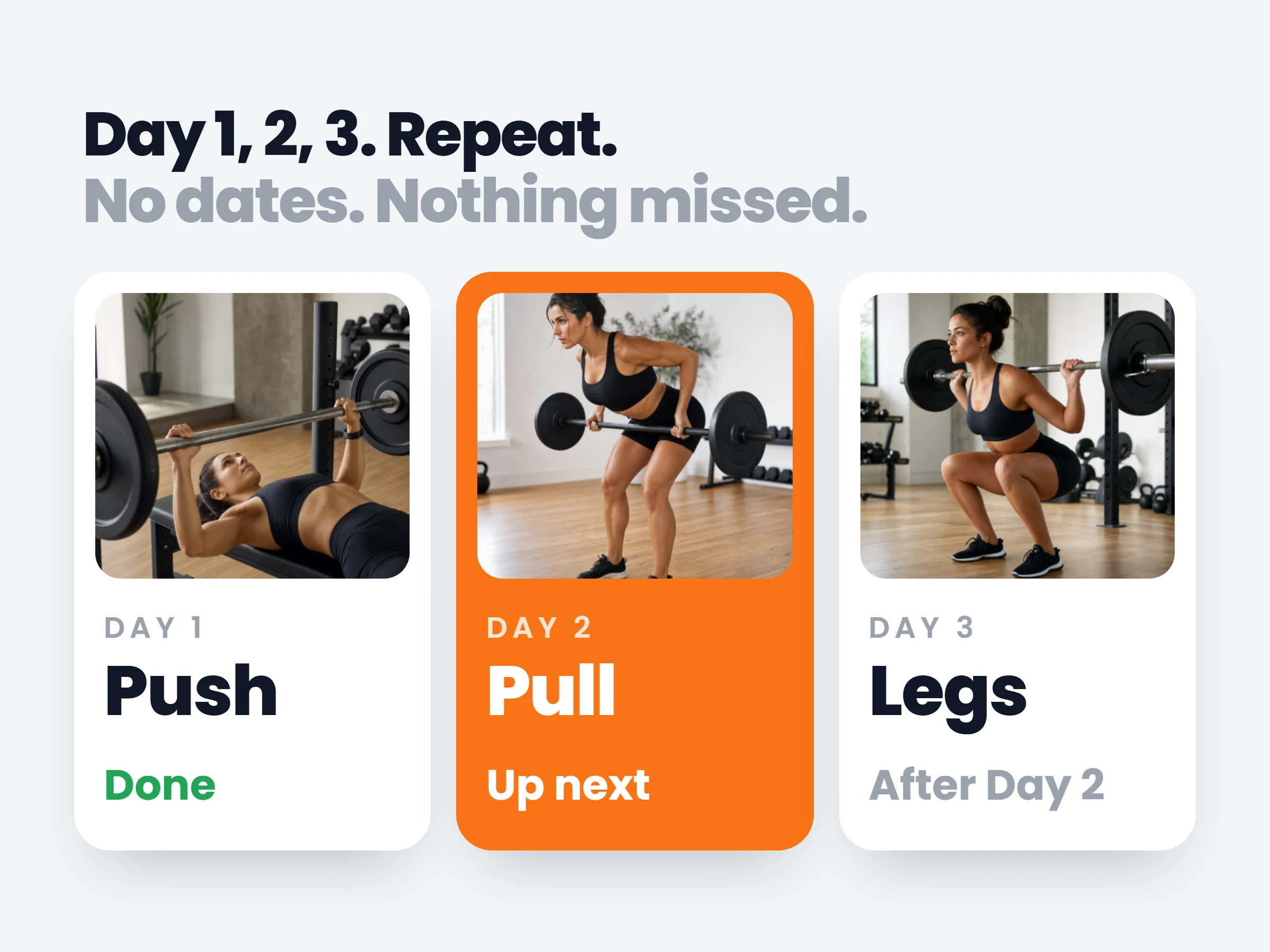
How trainers can use it
The 3-day rotation, finally native
Push, pull, legs, repeat. The classic way most gym-goers actually train never fit a dated calendar; now it is a first-class program.
Clients whose weeks never repeat
Shift workers and travelling clients stop generating a wall of red missed sessions. They train when they can and the plan meets them there.
Sell a program that delivers itself
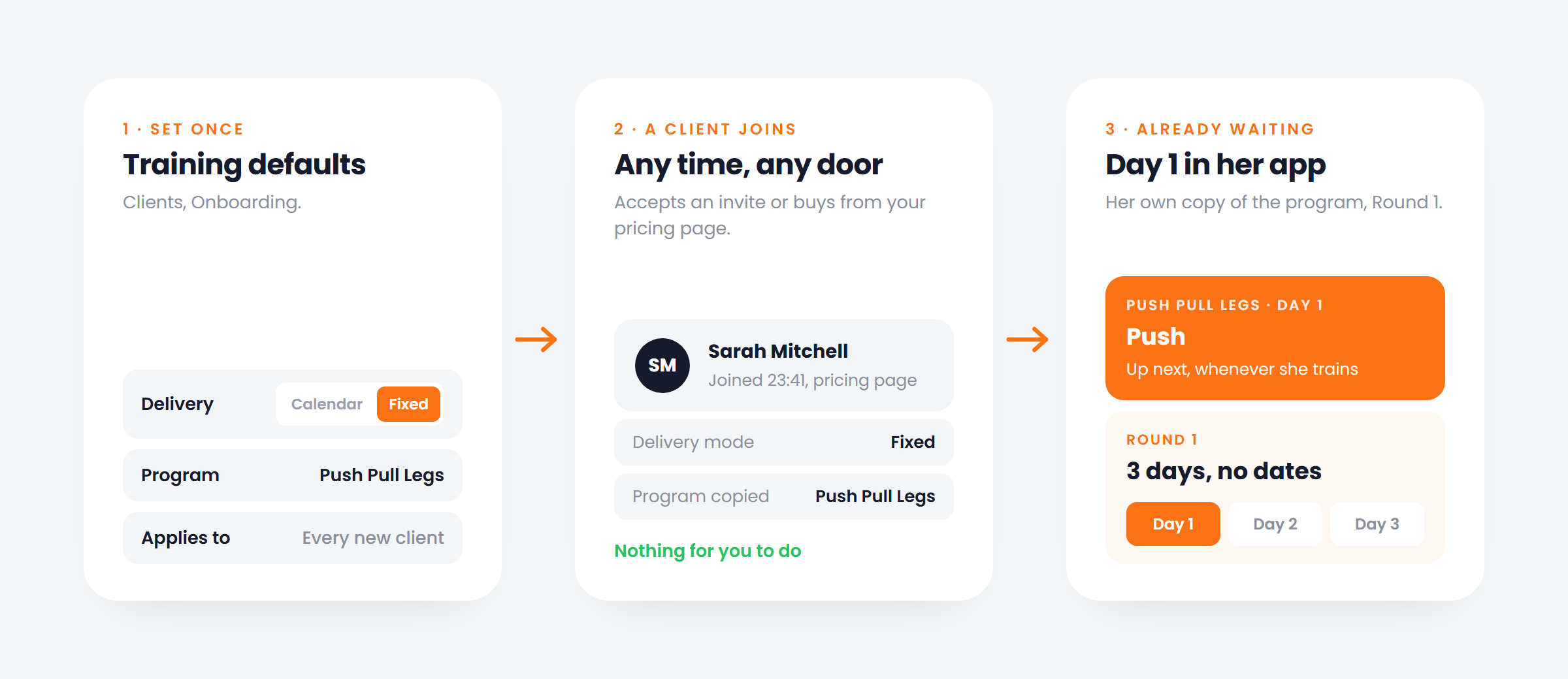
Set fixed mode and your starter program as the onboarding default. A client buys from your pricing page at midnight and has Day 1 waiting in the app before you wake up.
Instead of workouts on dates, the client gets a program of numbered days and always sees the next one up. Finish Day 3, Round 2 begins. Nothing is ever marked missed. Set it as your onboarding default and every new client starts on Day 1 of your program the moment they join, with no setup from you.
How it works
- 01
Pick the delivery mode
Calendar or fixed, per client. Set it when they join or switch later in their settings.
- 02
Assign a program, not dates
Any saved plan template becomes a program of numbered days with its own icon, colour and cover.
- 03
They train the next day up
Whenever they open the app, the next day is waiting. The last day rolls into a new round.
It is already in your account.
Every update ships to every trainer automatically. New here? Start free and try it with your own clients.