Resources vault
Upload PDFs, videos, images and docs once, file them into your own categories, and share with one client or your whole roster, stored privately.
See where it fits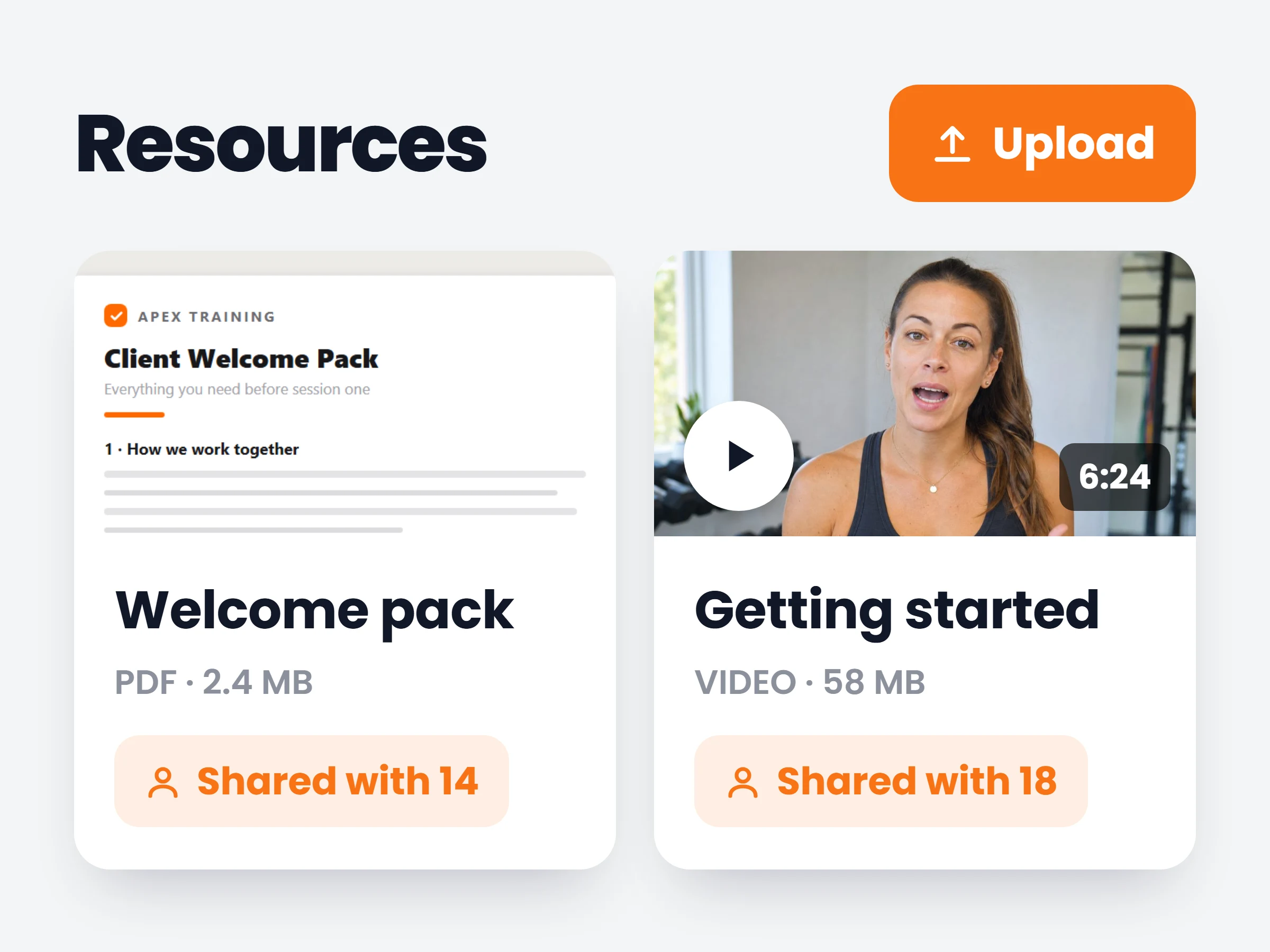
How trainers can use it
Onboard without repeating yourself
The welcome pack, the agreement and the how-to-use-the-app guide go out to every new client from the same three files.
Answer "how do I do this?" once
Record the explainer video once, share it with everyone who needs it, and point at it instead of answering the same question in every chat.
Send sensitive documents safely
Contracts and paid guides stay in a private bucket behind expiring links — unshare and the access goes with it.
Every trainer has the same folder problem: the welcome pack lives in Drive, the explainer video is buried in a chat thread, and the grocery list gets re-sent every week. The resources vault gives all of it one home — upload once, organise it your way, and share it with exactly the clients who should have it.
How it works
- 01
Upload it once
Drop in PDFs, videos, images or docs. Each gets a real preview — PDFs render, images thumbnail, videos play — and the vault searches and pages as it grows.
- 02
File it your way
Automatic PDF, Video, Image and Doc sections with live counts, plus your own colour-coded categories. New uploads land straight into the category you are browsing.
- 03
Share it per client
Tick three clients or select all, choose shared or private, and it appears in their Resources screen instantly. Clients who already have it are marked so nobody gets it twice.
What trainers keep in the vault
- Client welcome packthe PDF every new client gets in week one
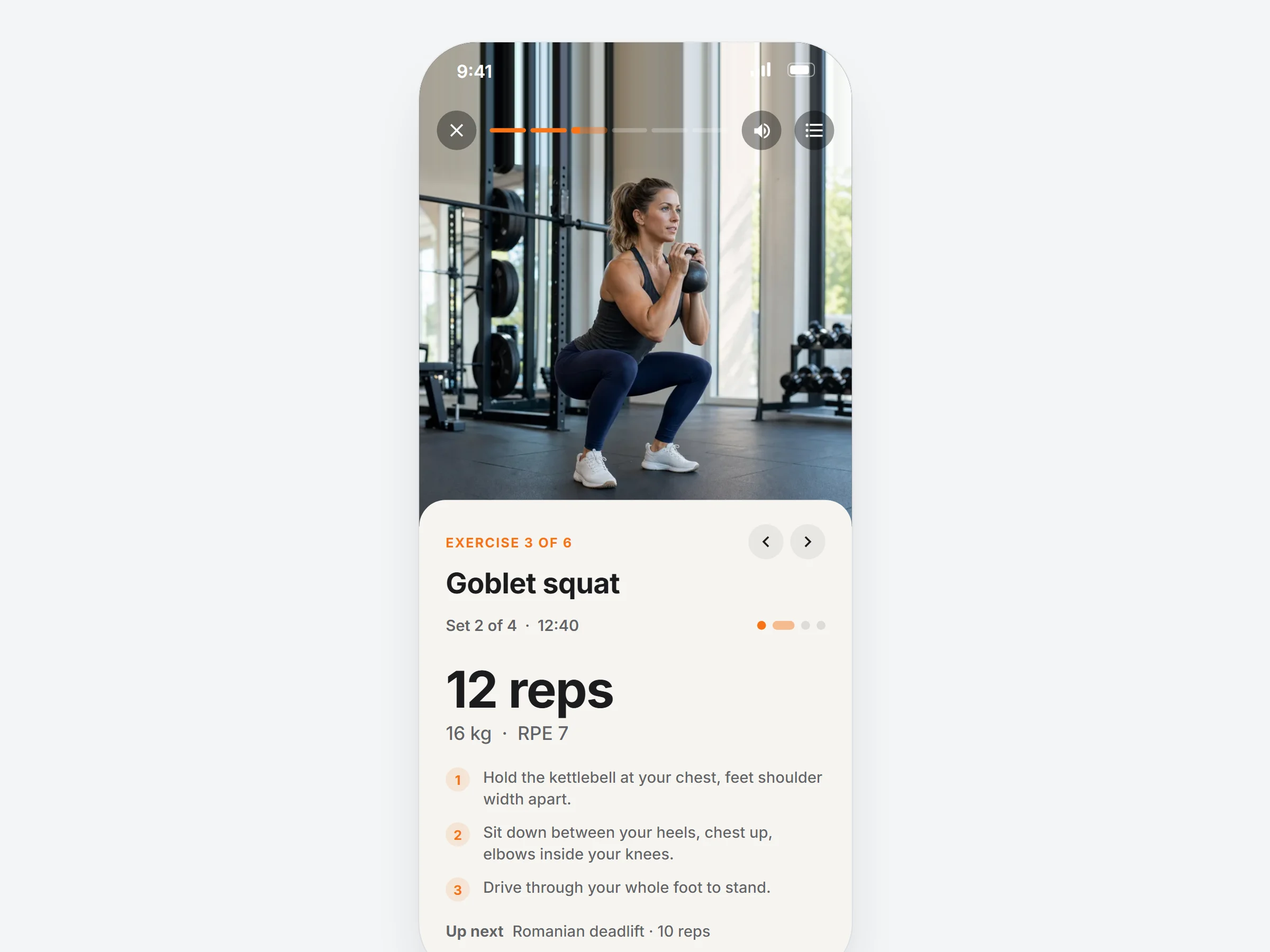
- Technique videosdeadlift setup, bracing cues — up to 100 MB each
- High-protein grocery listone printable page, shared with the whole roster
- Training agreementshared privately, one client at a time
It is already in your account.
Every update ships to every trainer automatically. New here? Start free and try it with your own clients.