Bring your paying clients over, without charging twice
Import your client list, invite everyone at once and let each plan start the day their old one ends. Clients add their card, you pick the date.
Included in Premium and Ultimate · 14 days free
How trainers can use it
Switching from another platform
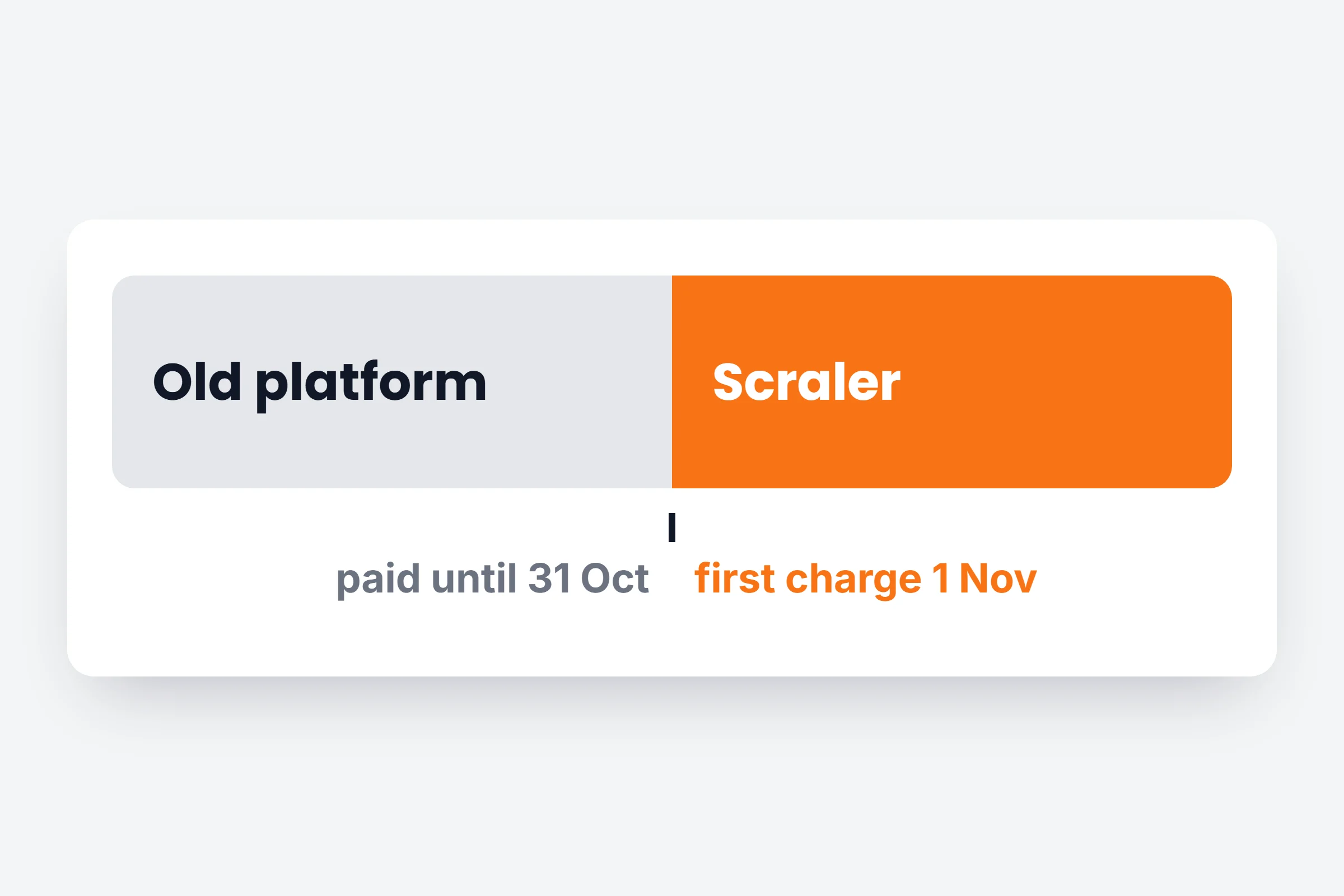
Clients pay out their current month there, then billing moves to you. No month paid twice.
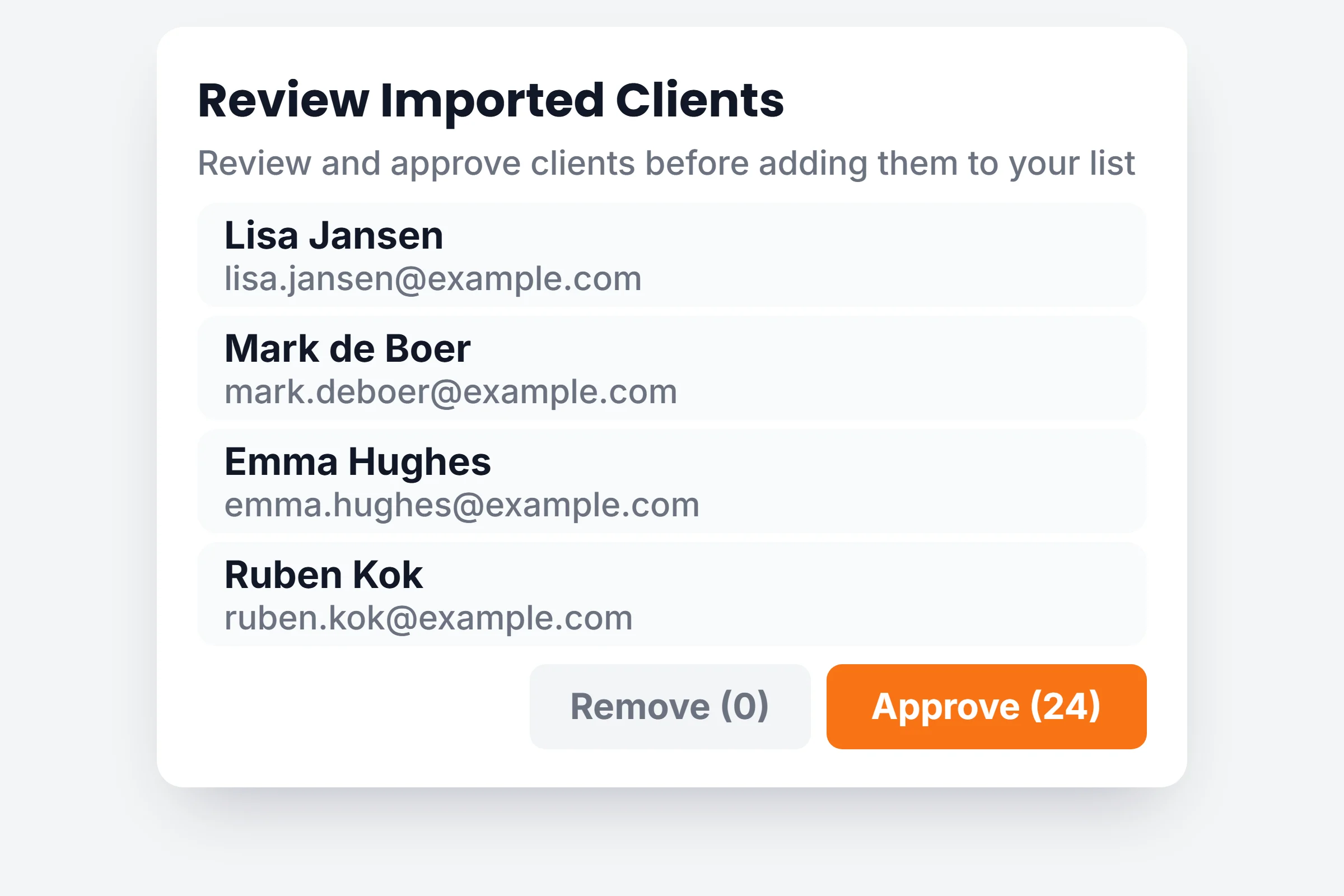
A list you already have
Import a spreadsheet, check it, and invite everyone in one click.
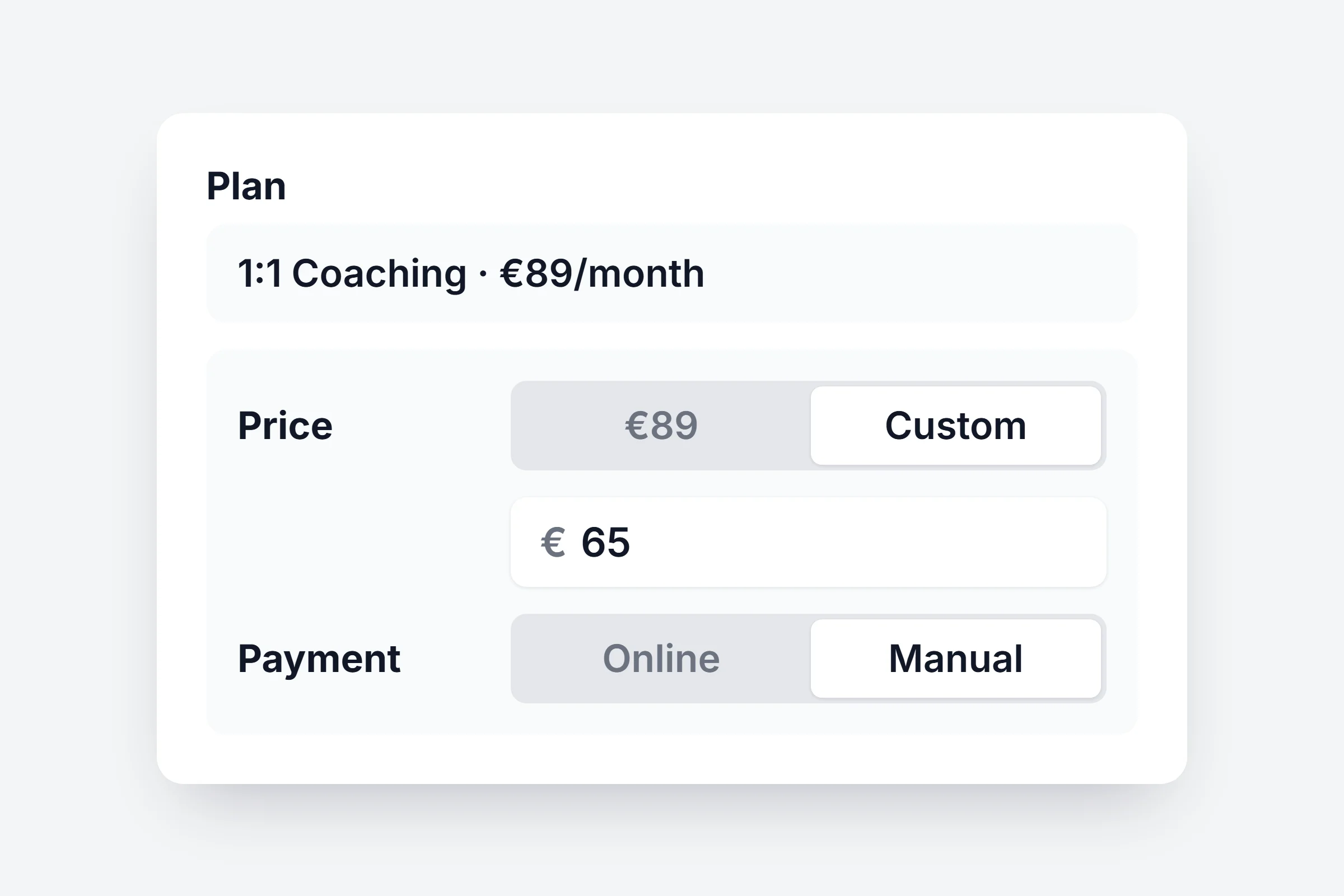
Clients who pay you directly
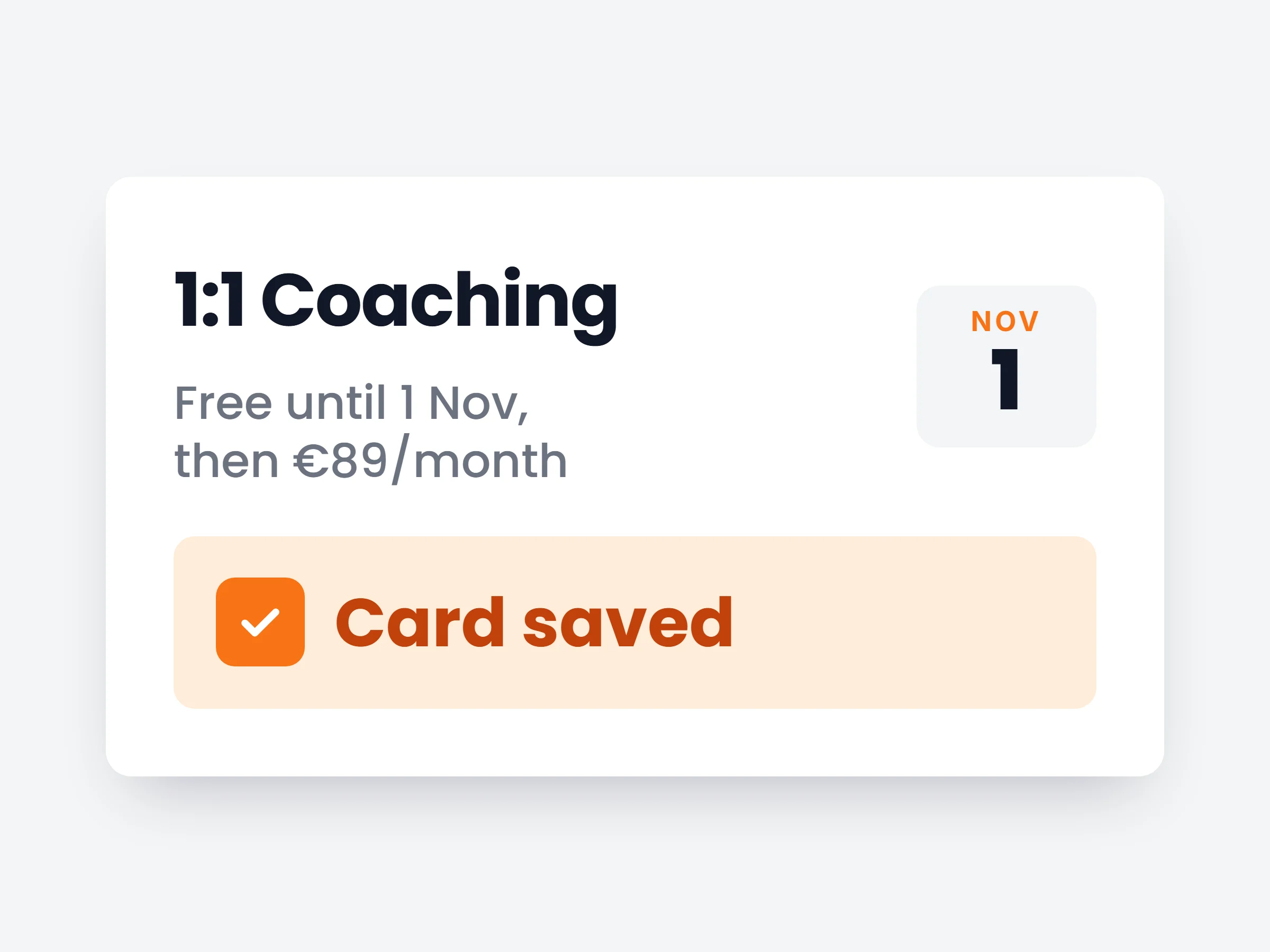
Give a client a custom price, or mark the plan Manual for cash or bank transfer.
How it works
- 01
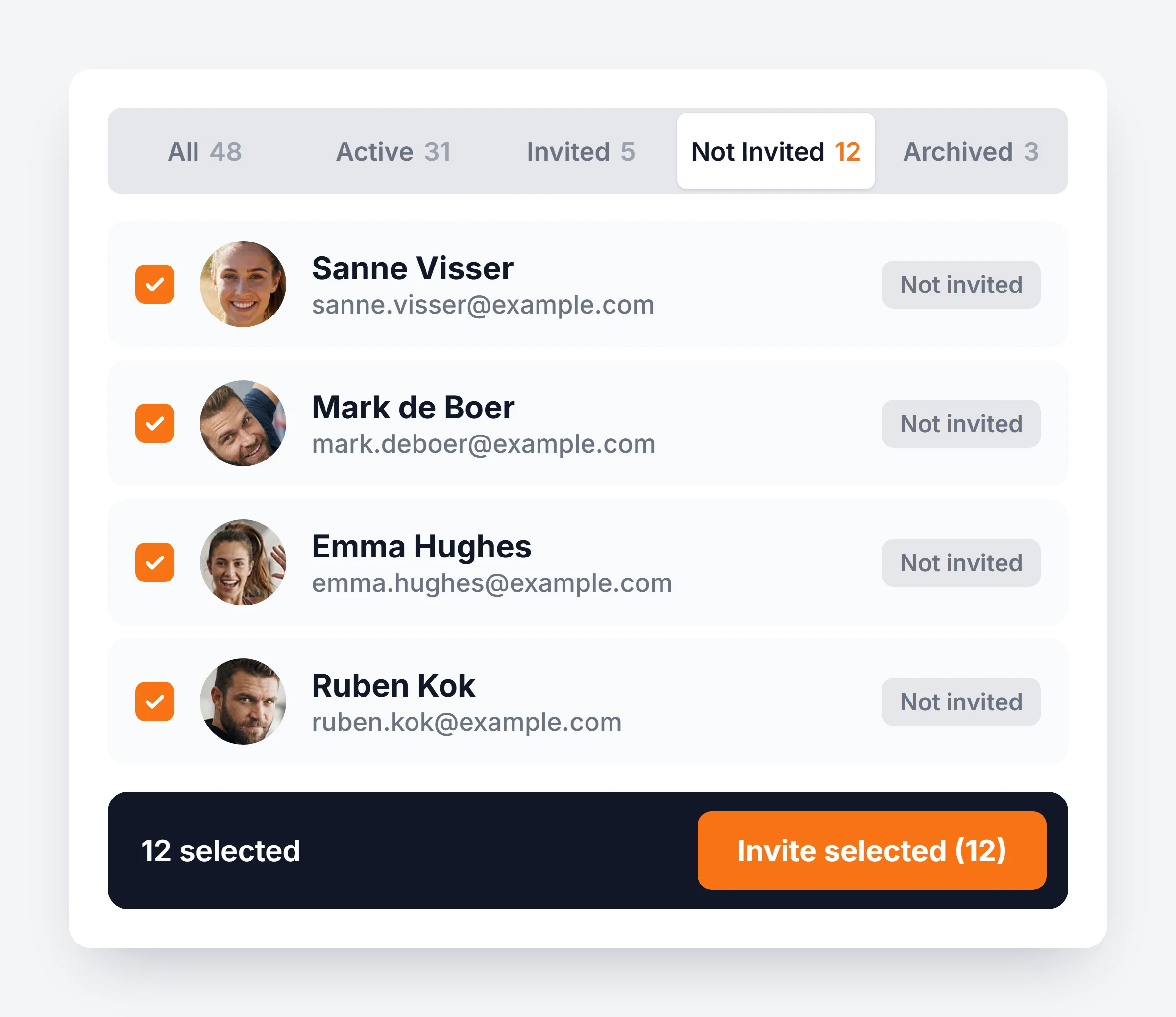
Import and invite in one go
Upload your list as Excel or CSV under Add New Client, Review Imports. Filter on Not Invited, select everyone and send all invites at once.
- 02
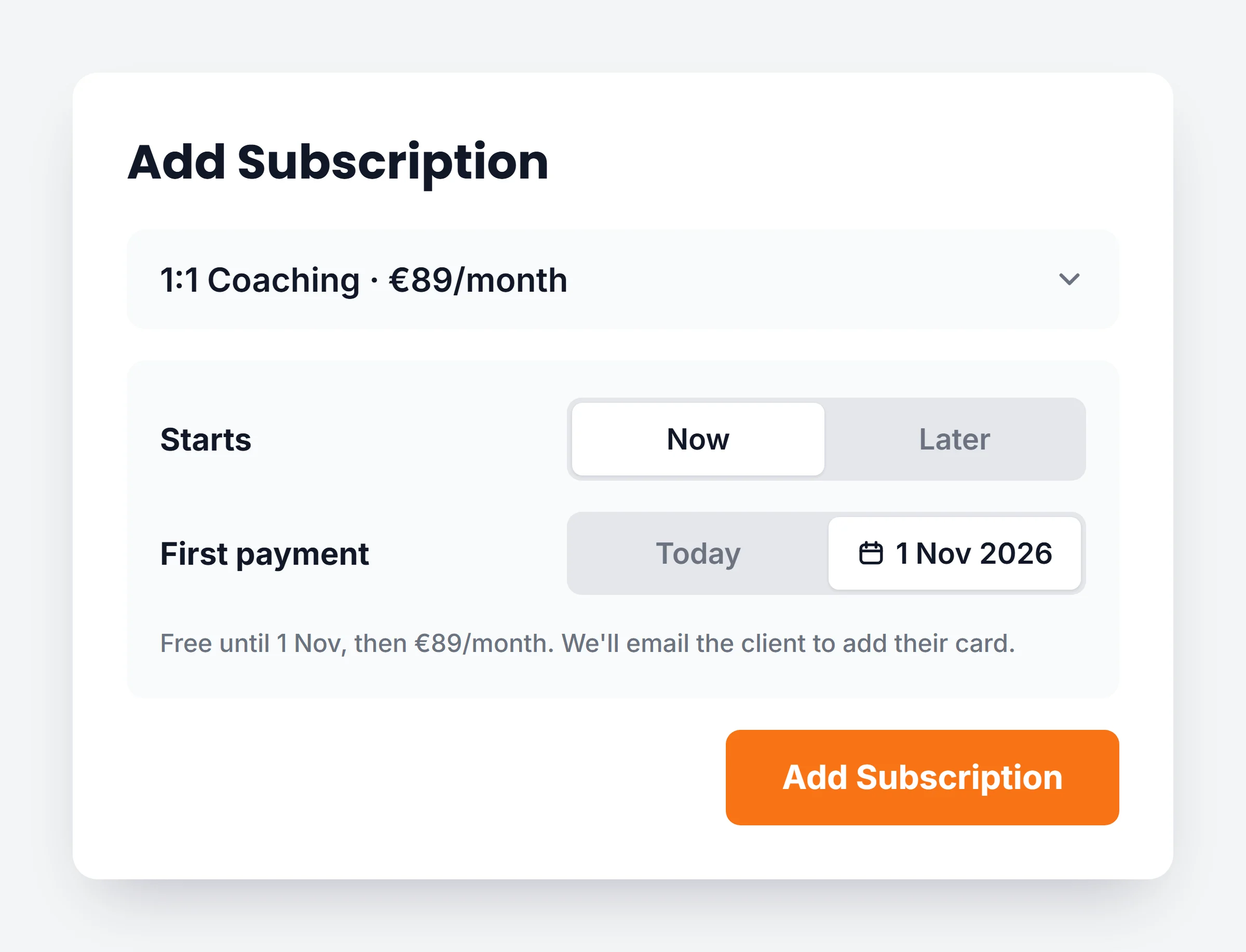
Set the first payment date
Add their plan and set First payment to Later. Pick the day their old subscription runs out.
- 03
They add their card
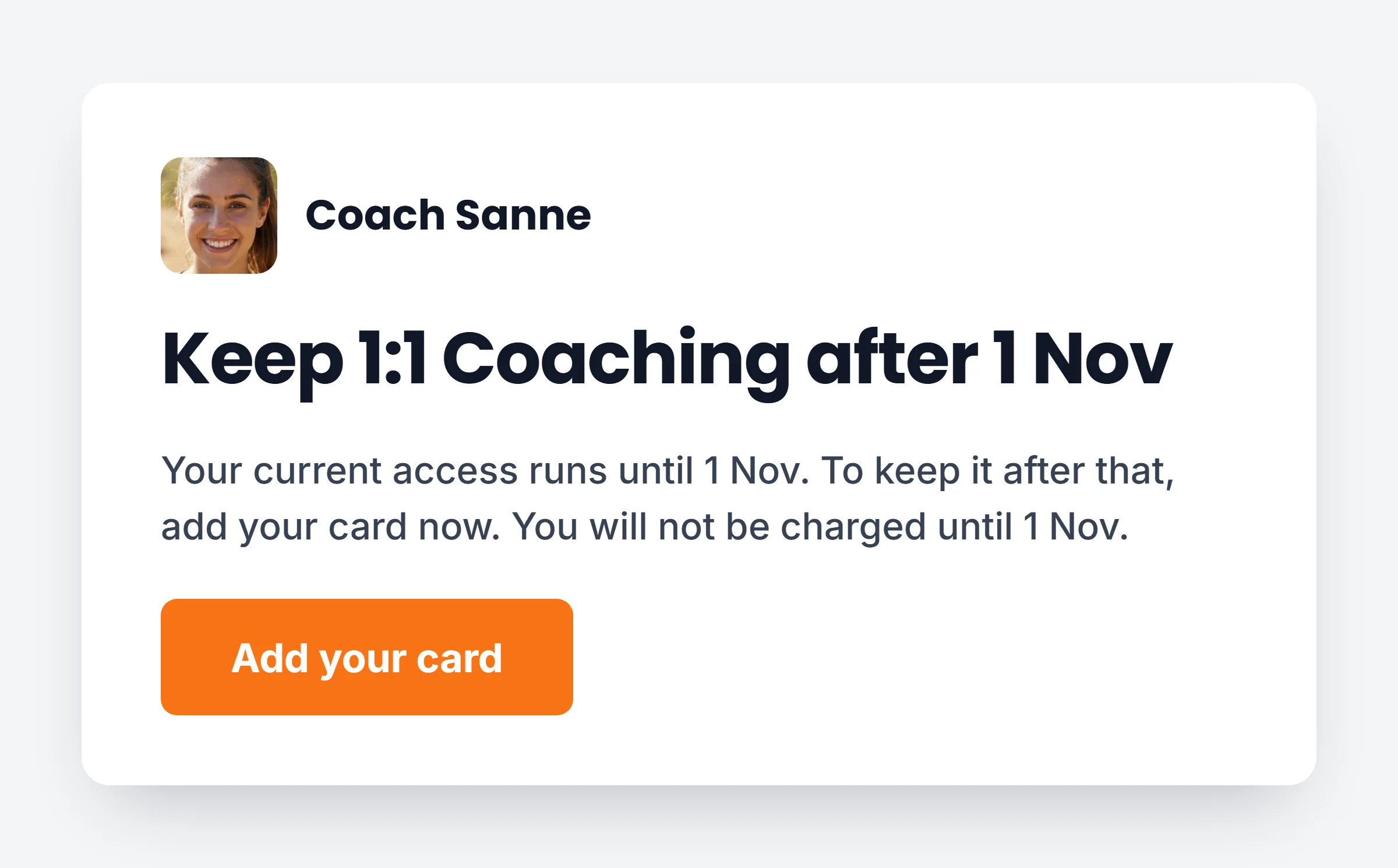
The client gets an email the moment they join. They save their card, and the first charge waits for your date.
You stay in charge
No charge before your date
The card is saved now and first charged on the day you set.
Reminder included
One email 3 days before. None once the card is saved.
See who is done
Each plan shows Waiting for card or Card saved.
Paid to your Stripe
Payments go straight to your own Stripe account.
Move your clients over this month.
Start a 14 day free trial on Premium, import your list and set each first payment date.