Client categories that fill themselves
Clients join a category when they buy a plan or answer your onboarding, and leave when their plan ends. Automations start the moment someone joins.
See where it fits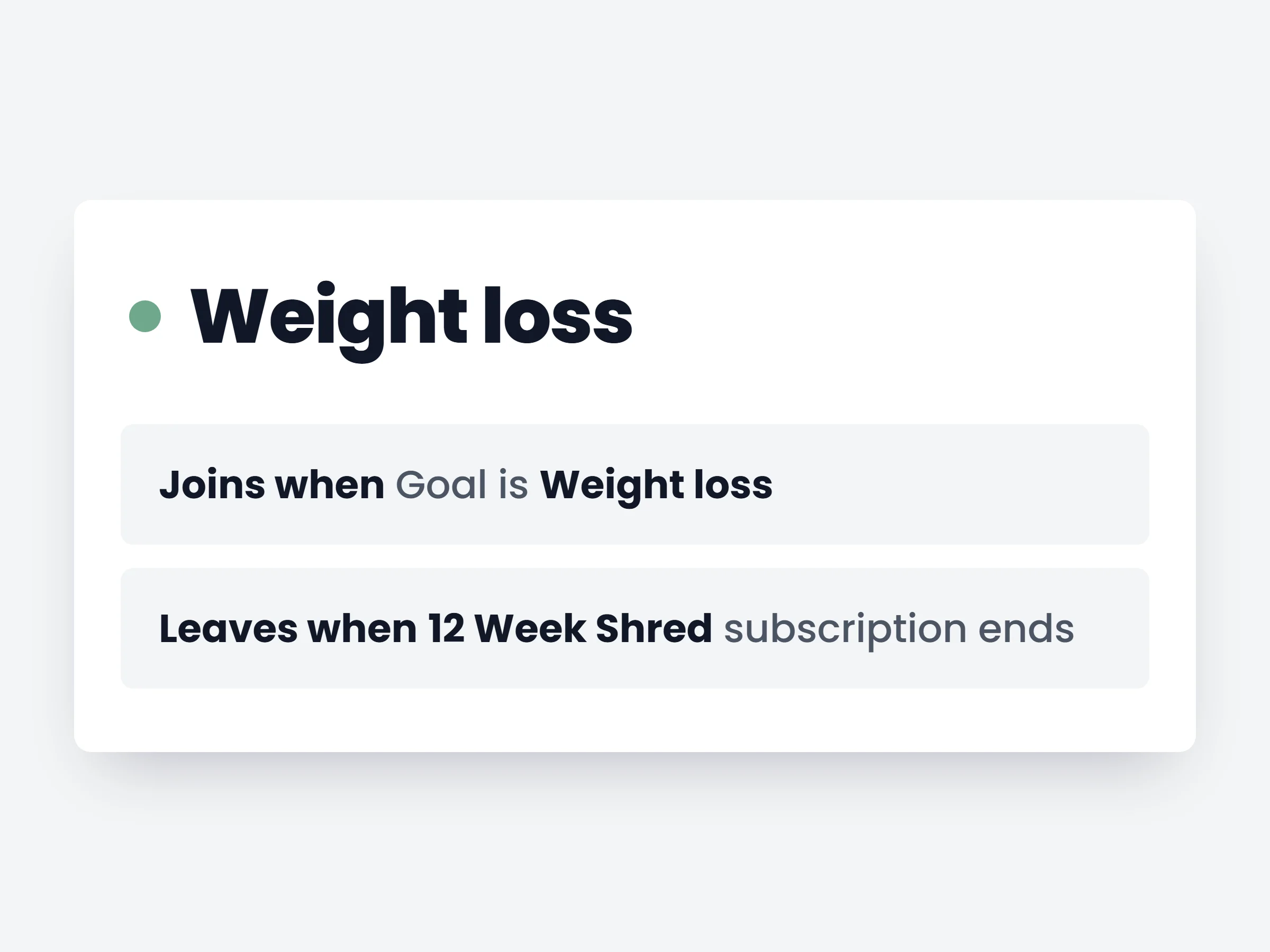
How trainers can use it
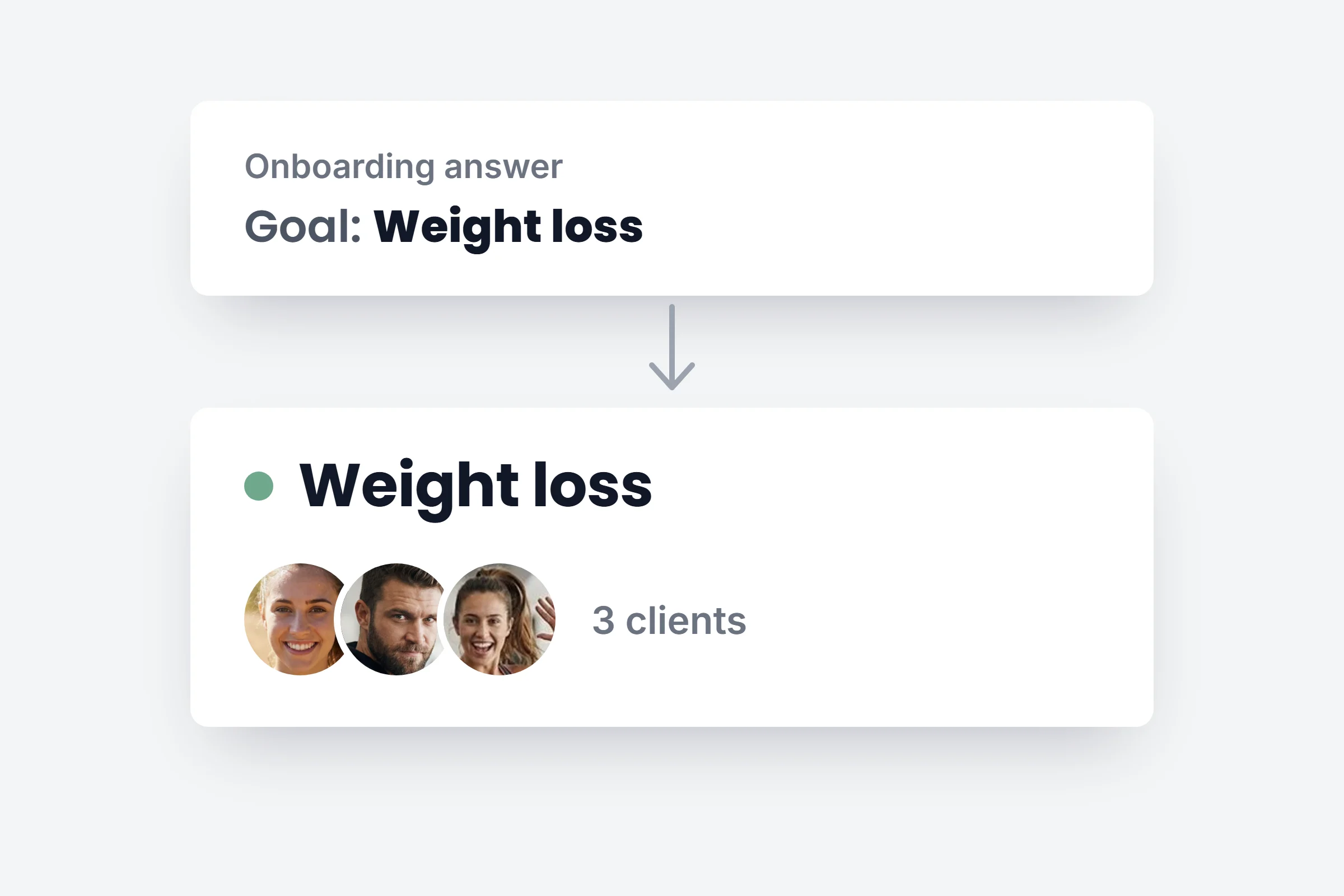
Onboard by goal
Weight loss answers land in one category, muscle gain in another, each with its own first plan.
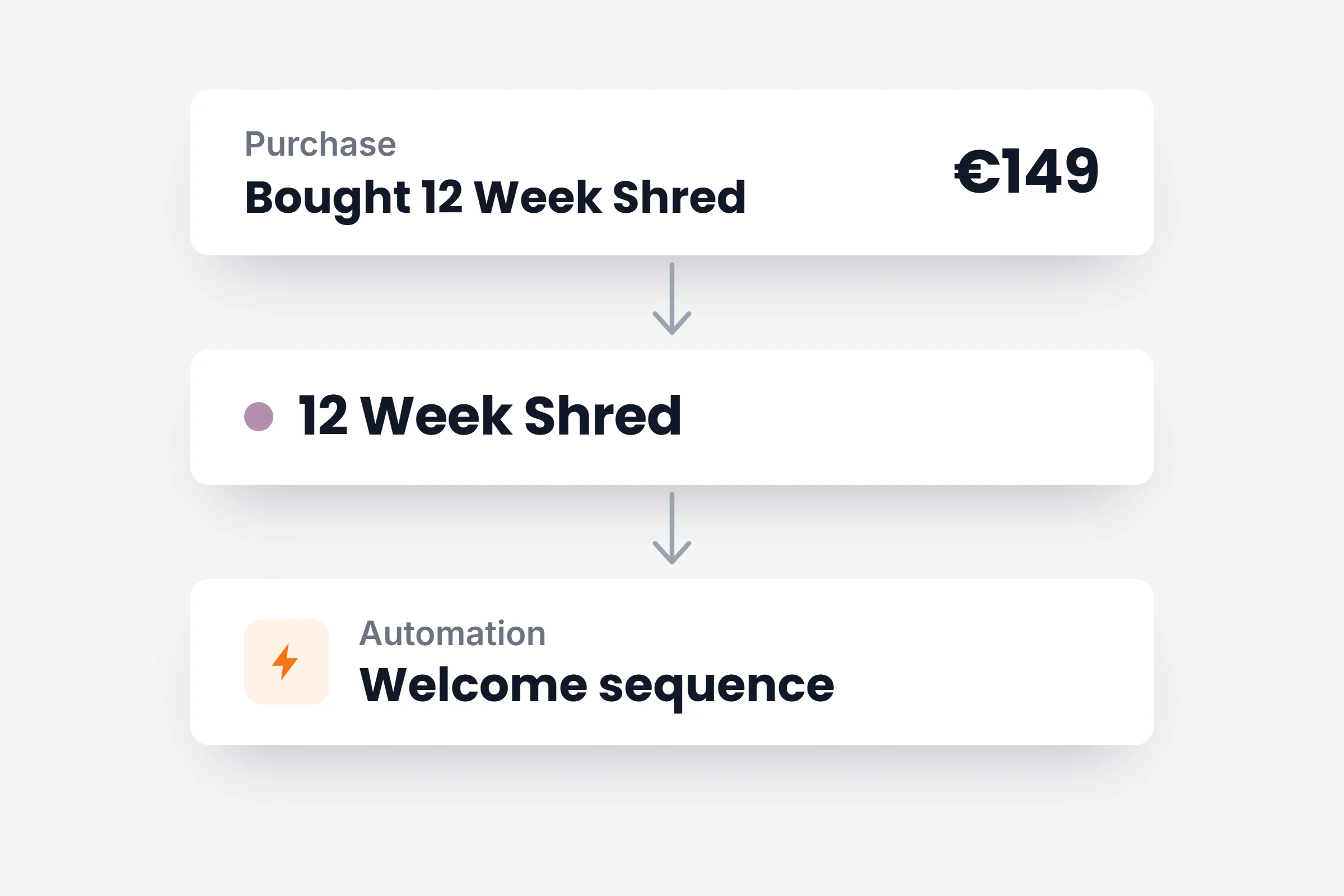
Buyers get their content
Buying the program puts the client in its group and starts its automation.
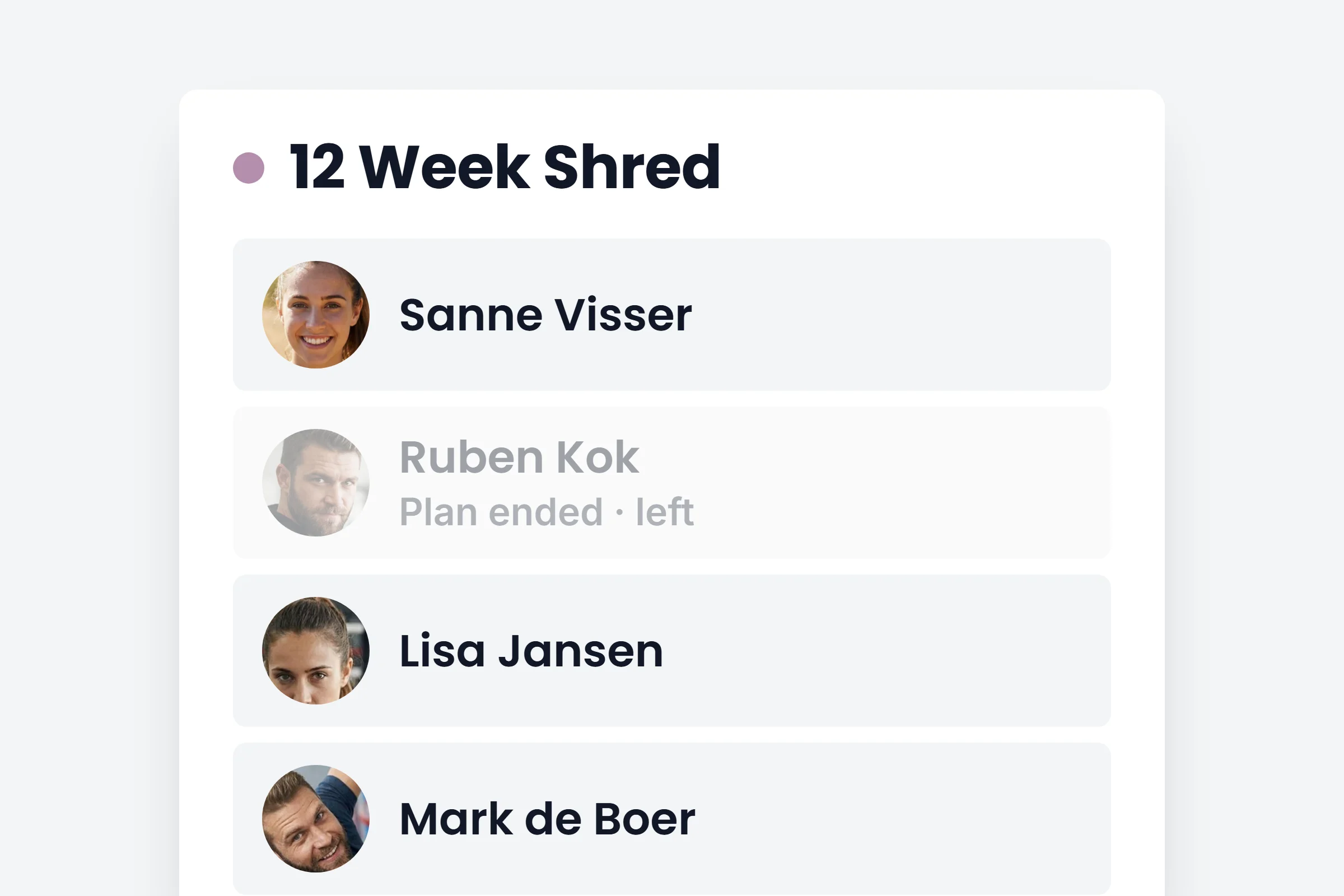
Lists that stay current
When a plan ends, the client leaves the category. No more cleaning up by hand.
How it works
- 01
Say who joins
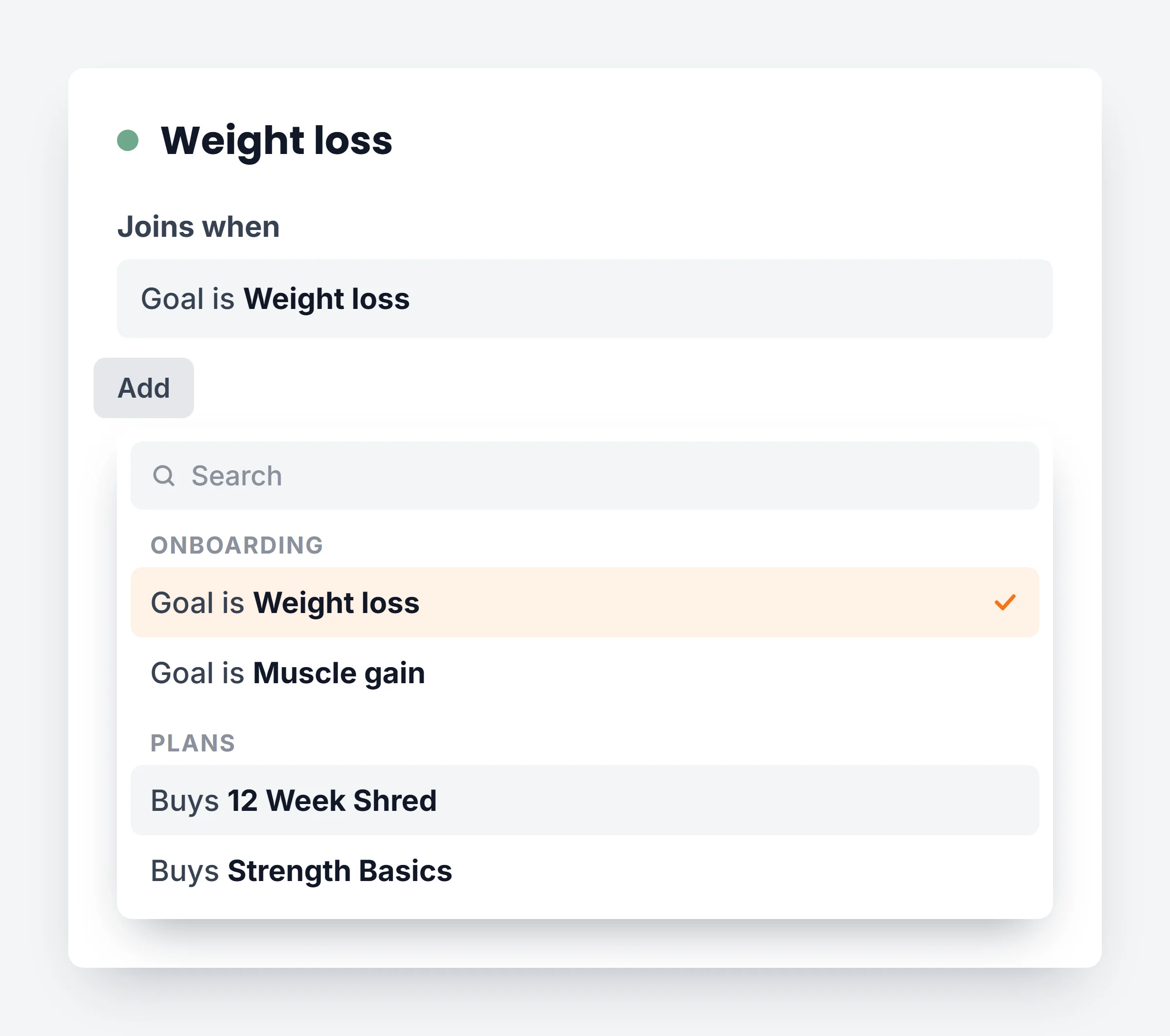
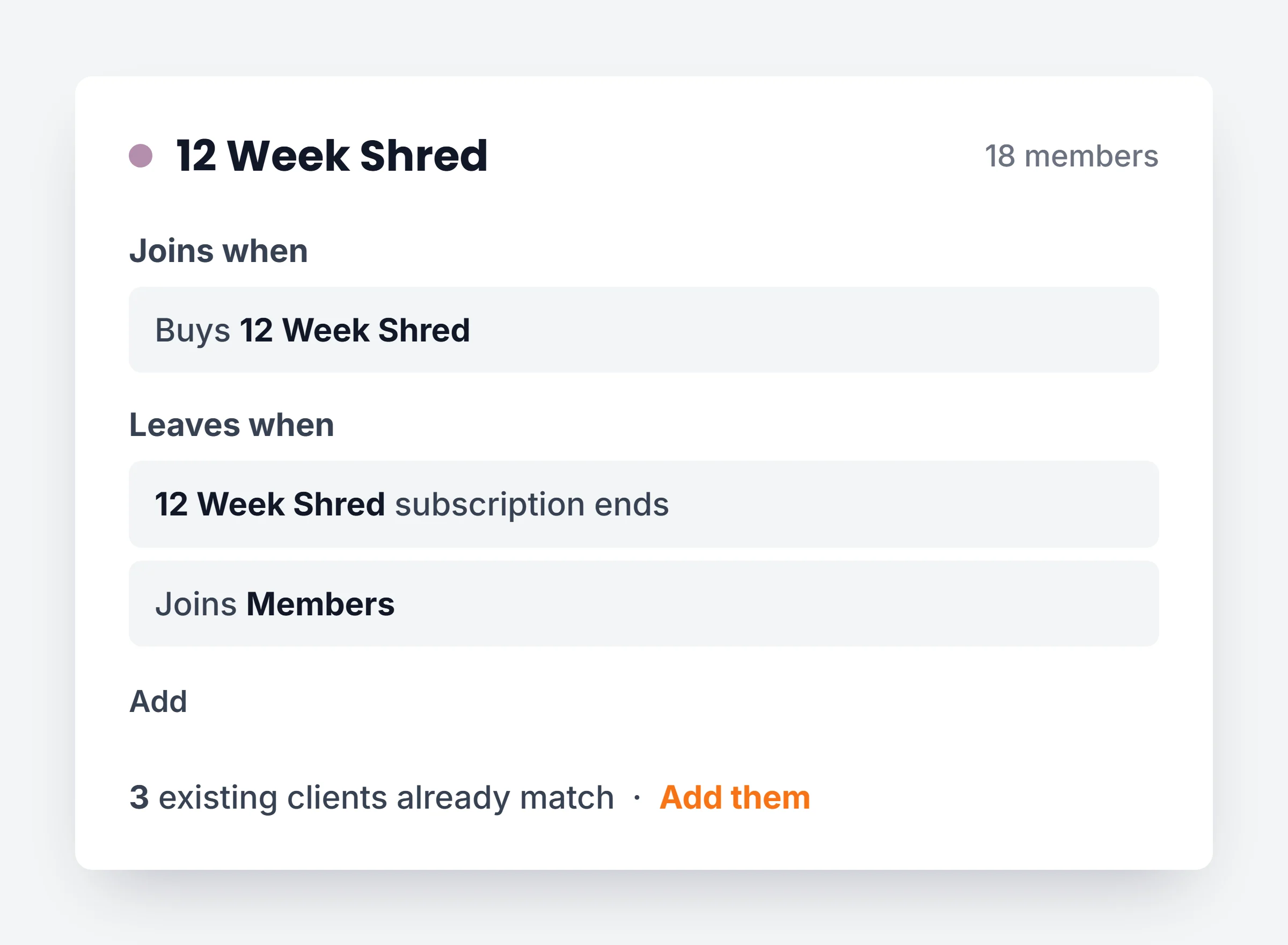
In Clients, Category assignment, open a category and add a Joins when rule, like Buys 12 Week Shred or Goal is Weight loss.
- 02
Say when they leave
Add a Leaves when rule: their plan ends, or they join another category. Clients you added by hand stay.
- 03
Start an automation on it
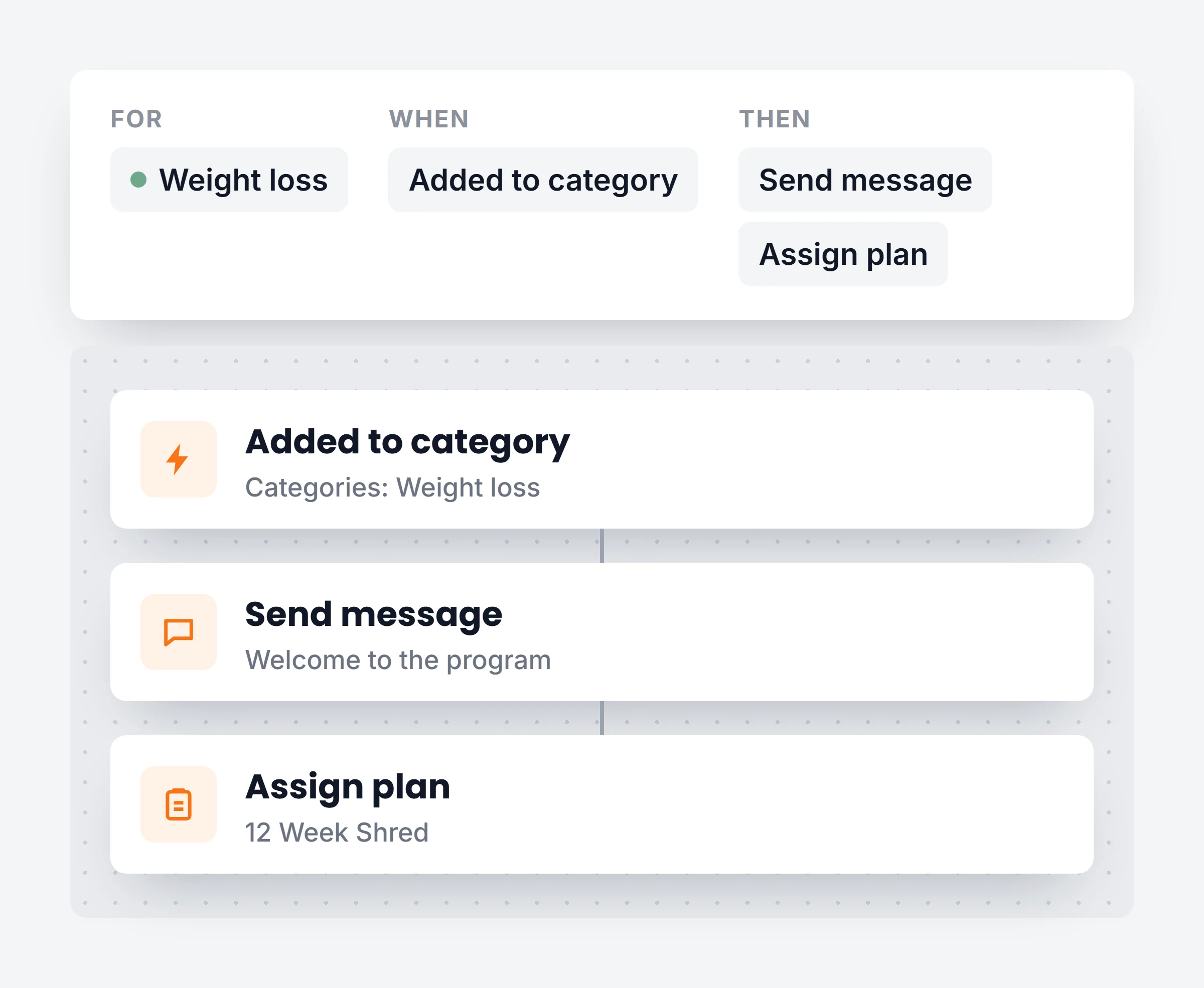
Pick the Added to category trigger to send a welcome, a plan or a check-in to everyone who joins. On Ultimate.
You stay in charge
Existing clients too
After a new rule, add everyone who already matches in one click.
Manual stays manual
Rules only remove clients that a rule added.
Web and app
Rules run wherever a client buys or answers.
Undo
Removed a rule by mistake? Undo it from the same screen.
Stop sorting clients by hand.
Start a 14 day free trial and set up your first category rule.