Activities: runs, padel and watch workouts in the training log
Clients log the training that happens outside your plan. Watch workouts come in on their own, and you see everything next to their workouts.
See where it fits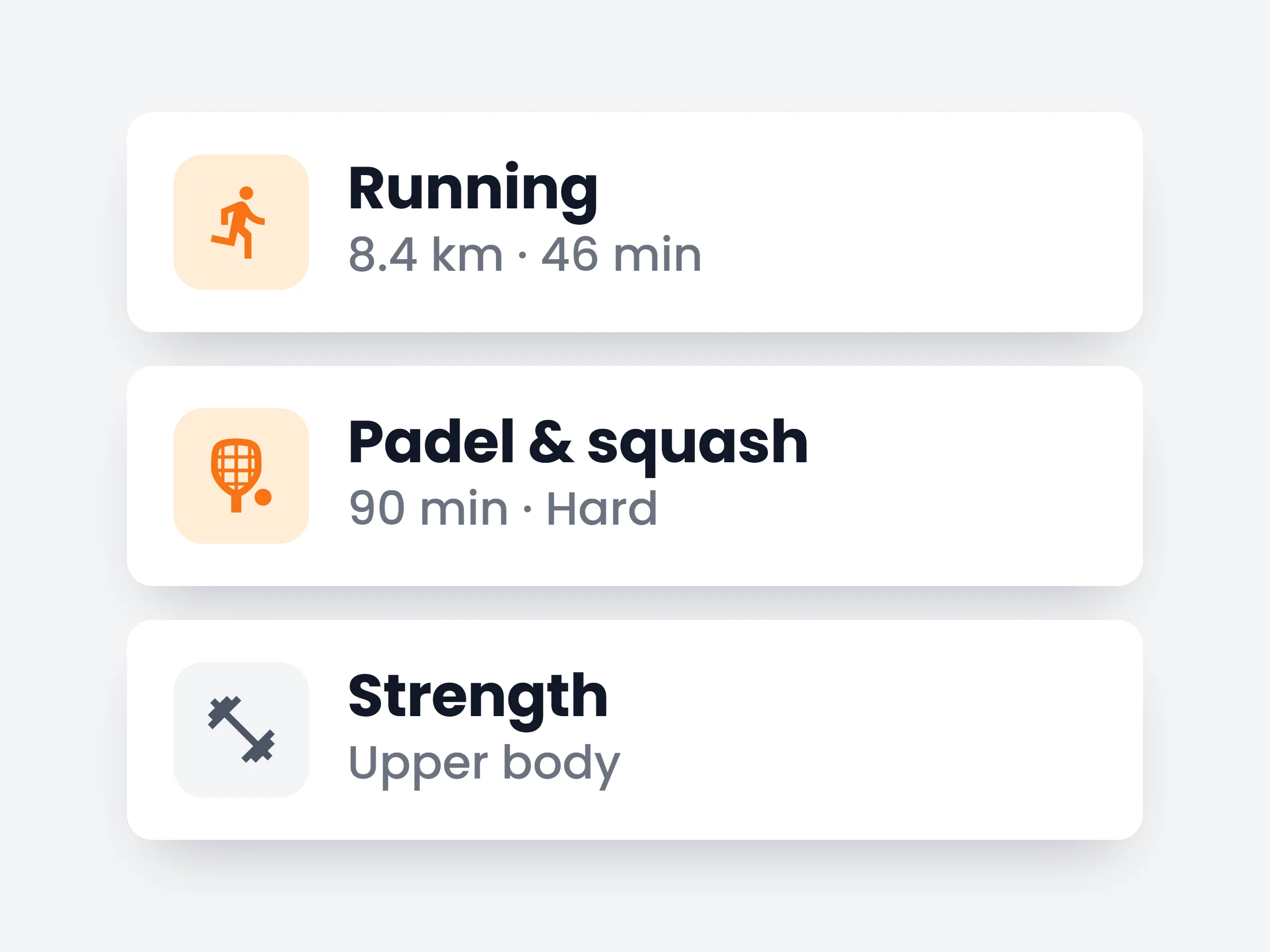
How trainers can use it
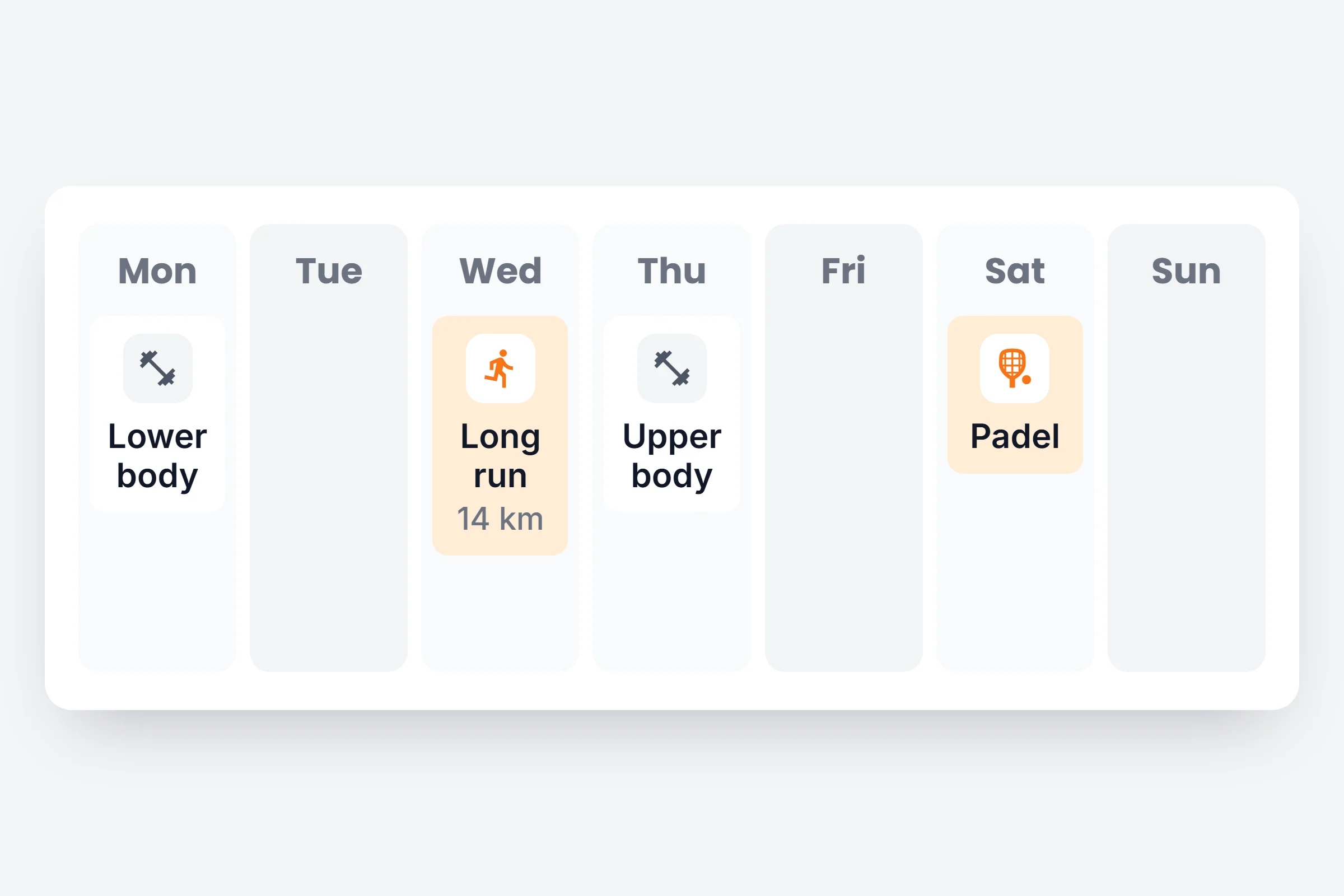
Hybrid and run coaching
See the long run next to leg day and plan the week around it.
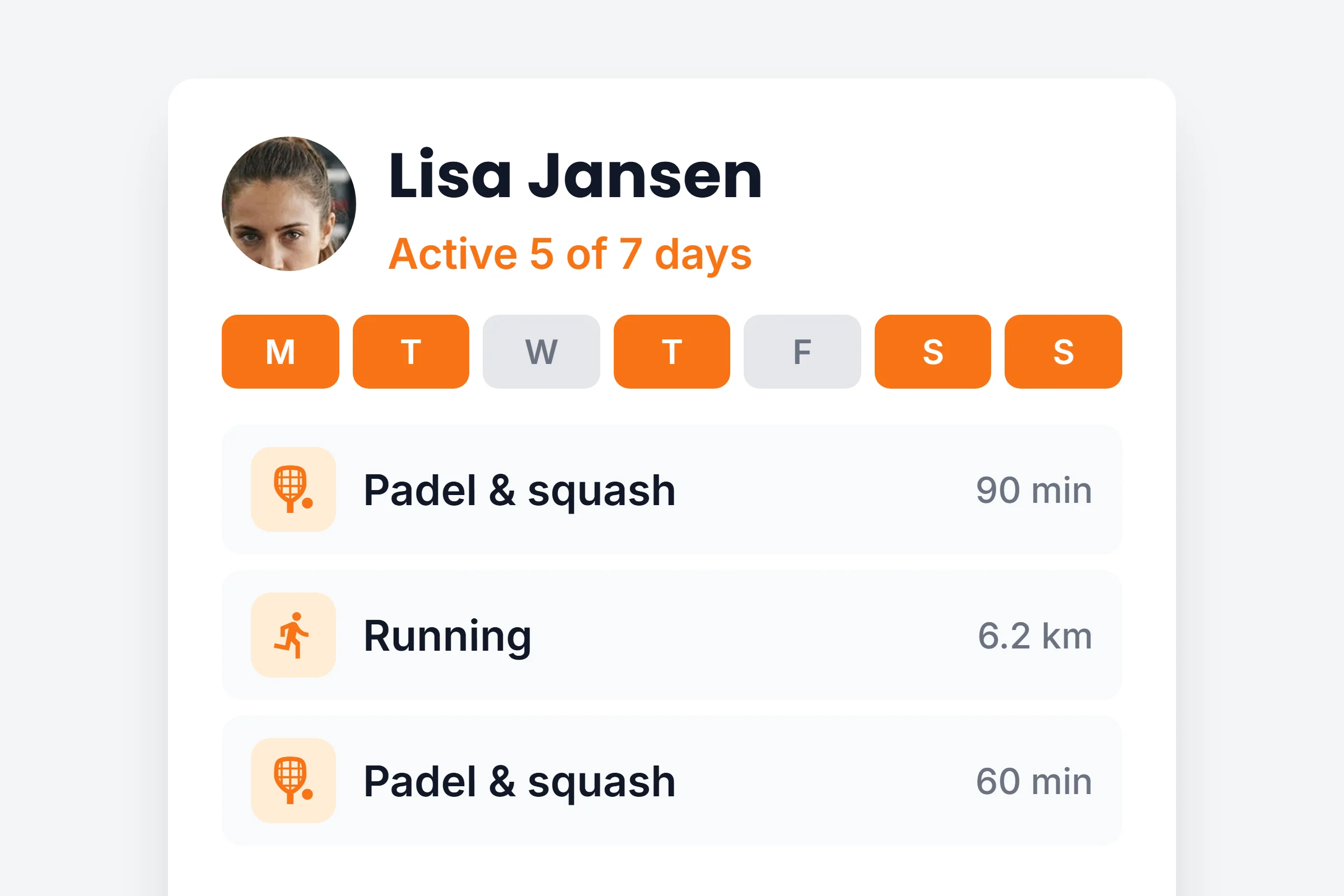
Every active day counts
A client who plays padel three times a week is not flagged as inactive.
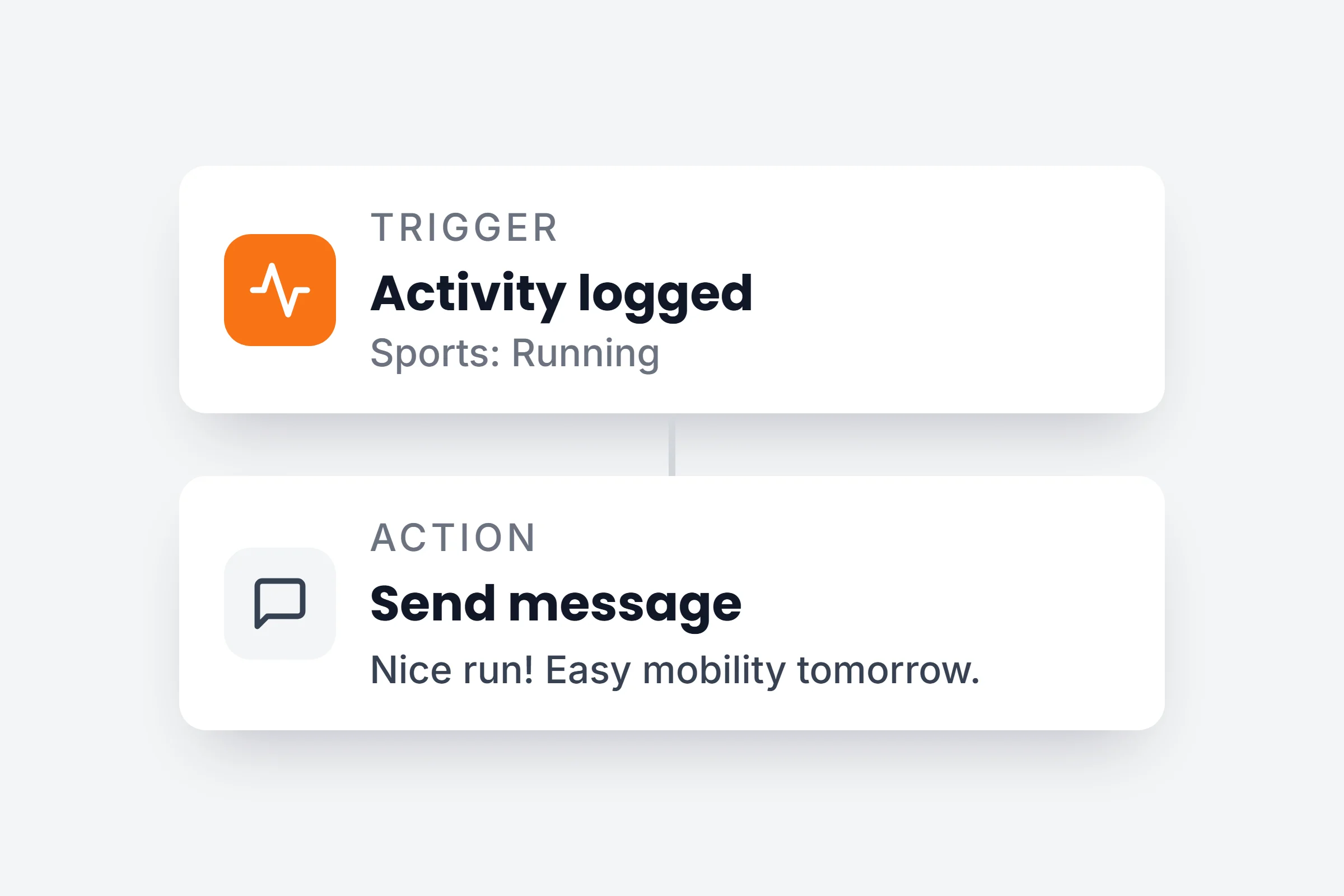
React to a logged game
An Activity logged automation sends a message or a recovery session. On Ultimate.
How it works
- 01
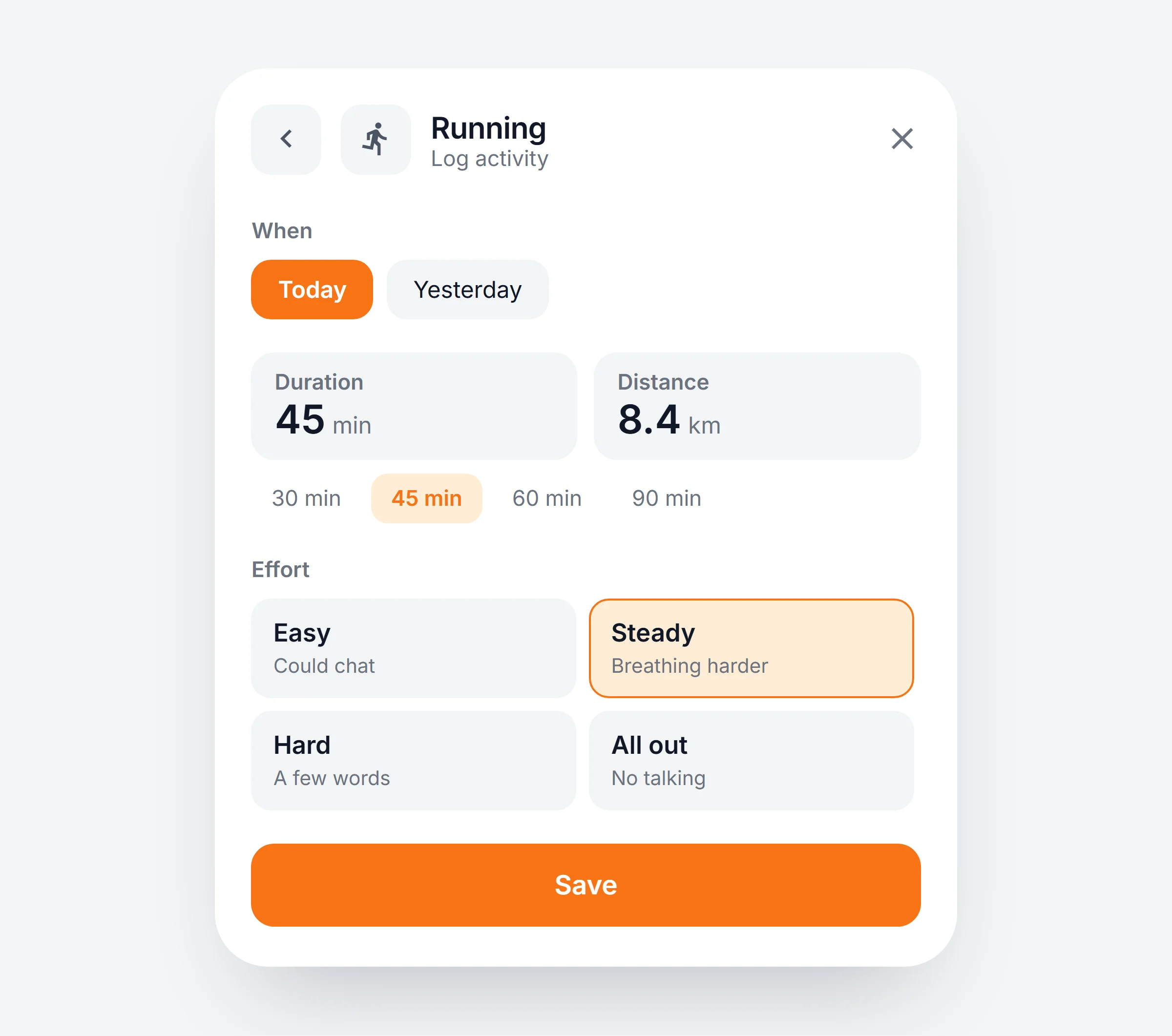
Clients log it in seconds
From the + on the Workout tab: pick the sport, then the duration, distance and how hard it felt.
- 02
Watch workouts come in on their own
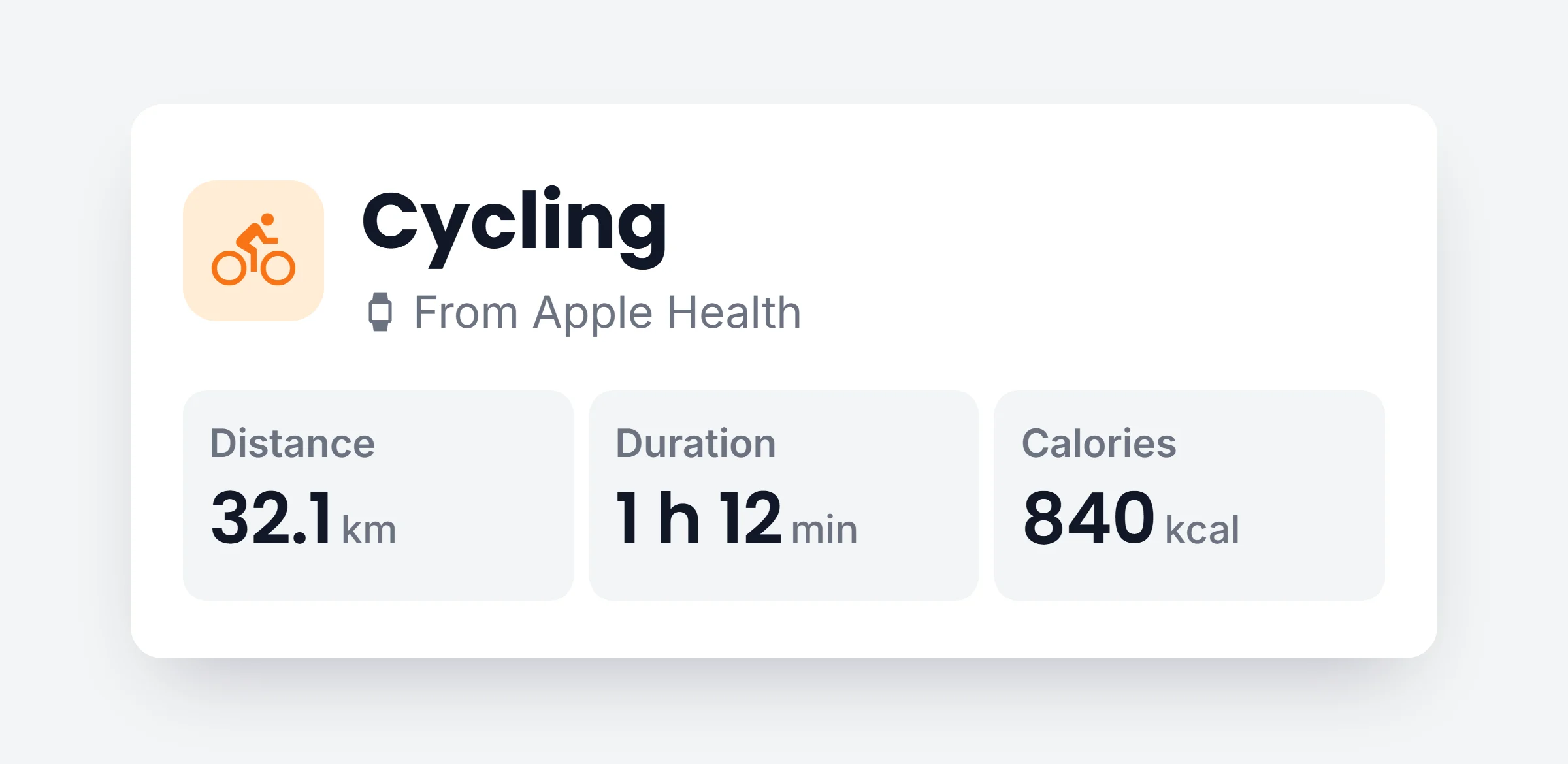
Workouts from Apple Health and Health Connect appear with their distance and calories.
- 03
You see the full week
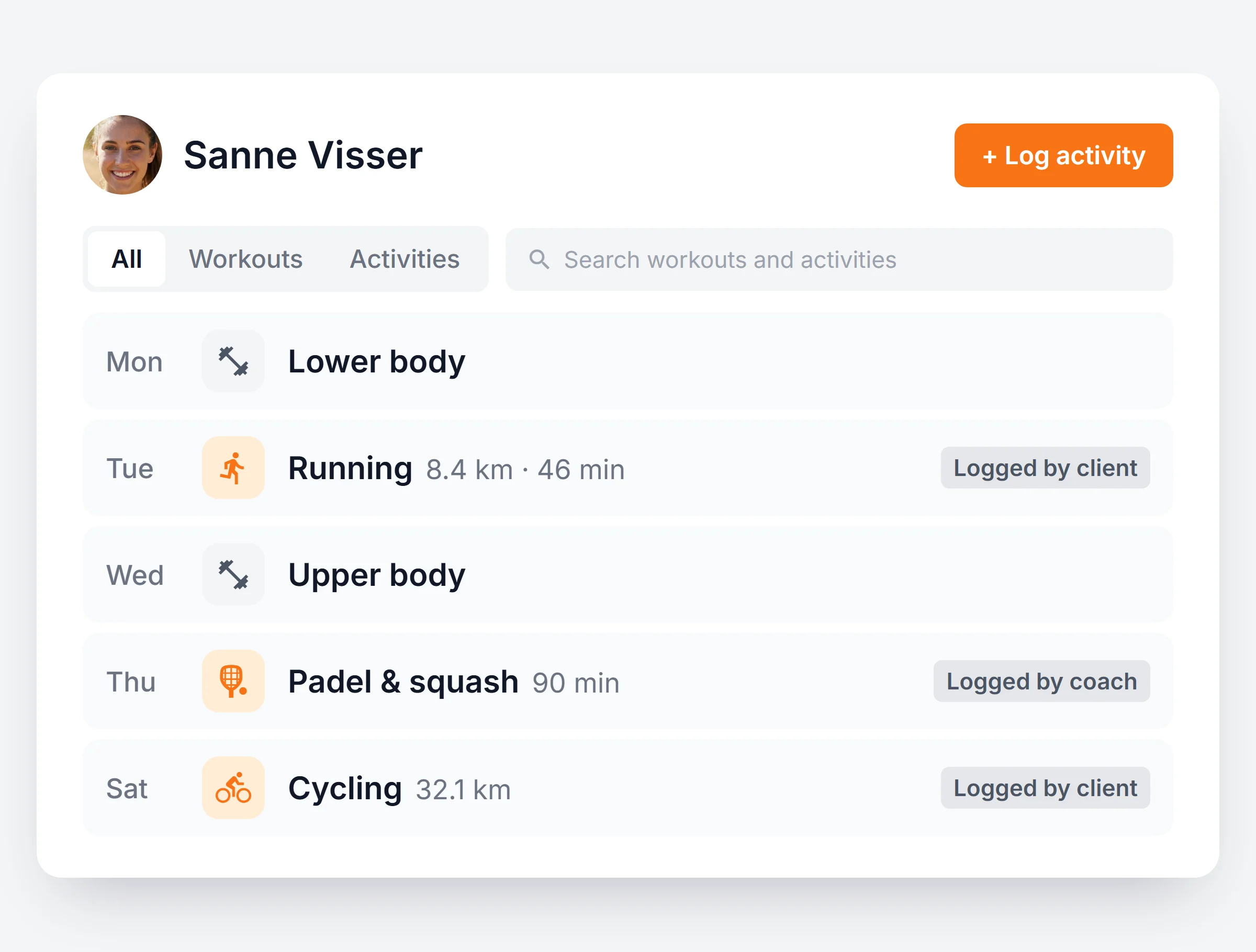
The training log shows workouts and activities together. Filter on Activities, or log one for a client yourself.
You stay in charge
15 sports
Running and cycling to padel, tennis, yoga and dance.
Kilometres or miles
Distance follows each client’s own units.
In their reports
Progress reports and milestones include activities.
Clear who logged it
Every row says Logged by coach or Logged by client.
See all the training, not just yours.
Start a 14 day free trial and log the first run from the app.