Custom onboarding forms
Design your own client intake. Group questions into forms, collect exactly the information you coach from, and edit any answer later.
How trainers can use it
Online coaching intake
Collect training history, equipment access and schedule before the first call — so the kickoff call is about the plan, not the paperwork.
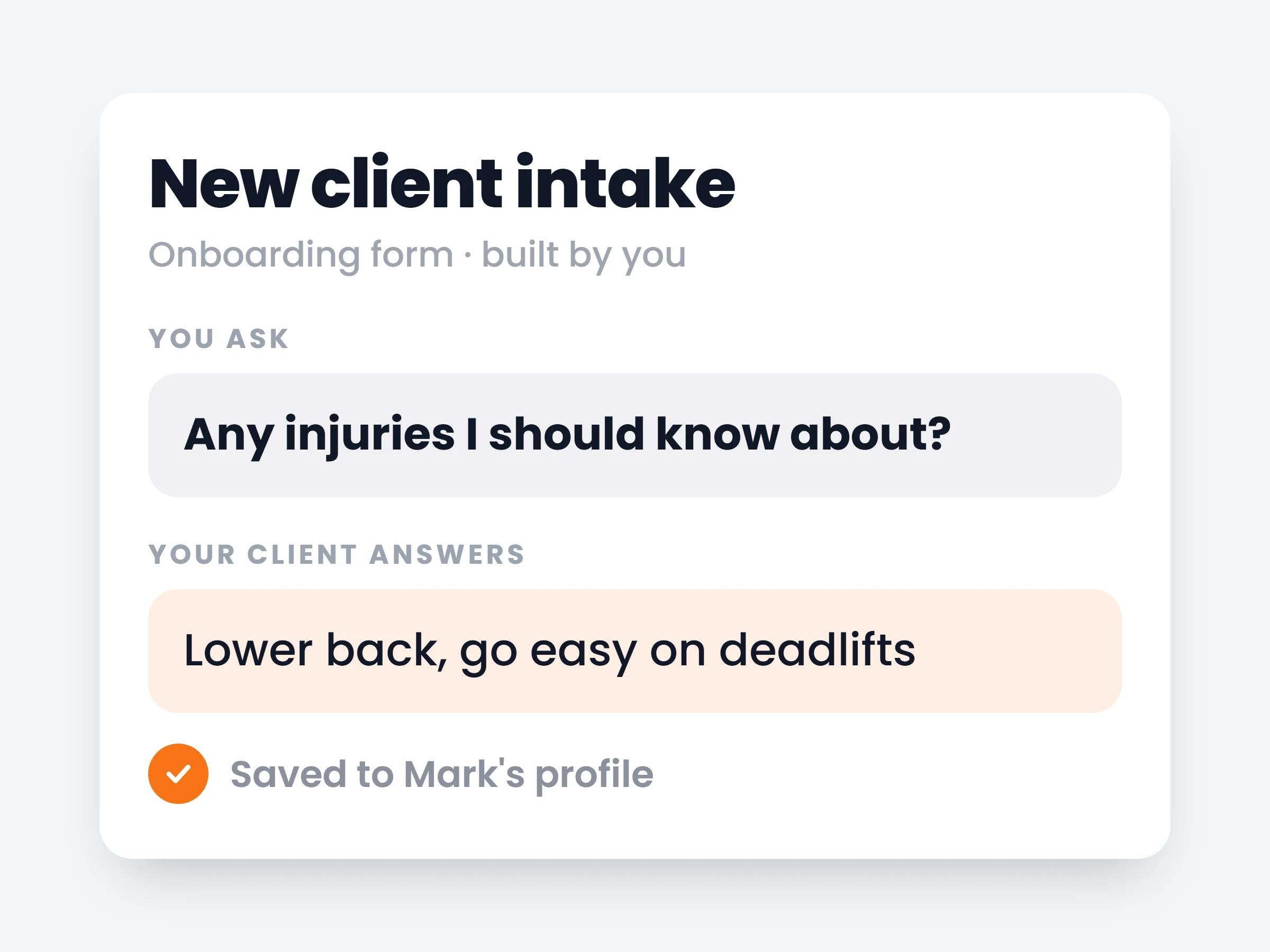
Injury & health screening
Ask the health questions you should be asking, and keep the answers on the client profile where you can find them mid-program.
Nutrition preferences
Allergies, dislikes, budget, cooking skill — captured once at signup, used every time you build a meal plan.
Every new client walks through an intake you designed — on the web, before they ever open the app. Their answers land on their profile, grouped exactly how you grouped the questions.
How it works
- 01
Build your forms
Add questions in groups — multiple choice, free text or numbers. Reorder them, mark the ones that are required.
- 02
Clients fill them in at signup
New clients complete your forms on the web right after accepting your invite — no app download needed yet.
- 03
Answers land on the profile
Everything is on the client profile, structured like your form. You can edit or complete any answer later.
Forms trainers build with it
- Health screeninginjuries, medication, pain points, doctor’s clearance
- Training backgroundyears of experience, current program, best lifts
- Equipment & schedulehome or gym, available days, preferred session length
- Nutrition intakeallergies, dislikes, budget, cooking skill, meals per day
- Lifestyle checksleep, stress, job activity, daily steps
It is already in your account.
Every update ships to every trainer automatically. New here? Start free and try it with your own clients.