Live workout: log the session while you coach it
Training a client in person? Open their workout on your phone, tablet or laptop and tick off every set. The session lands in their history automatically.
See where it fits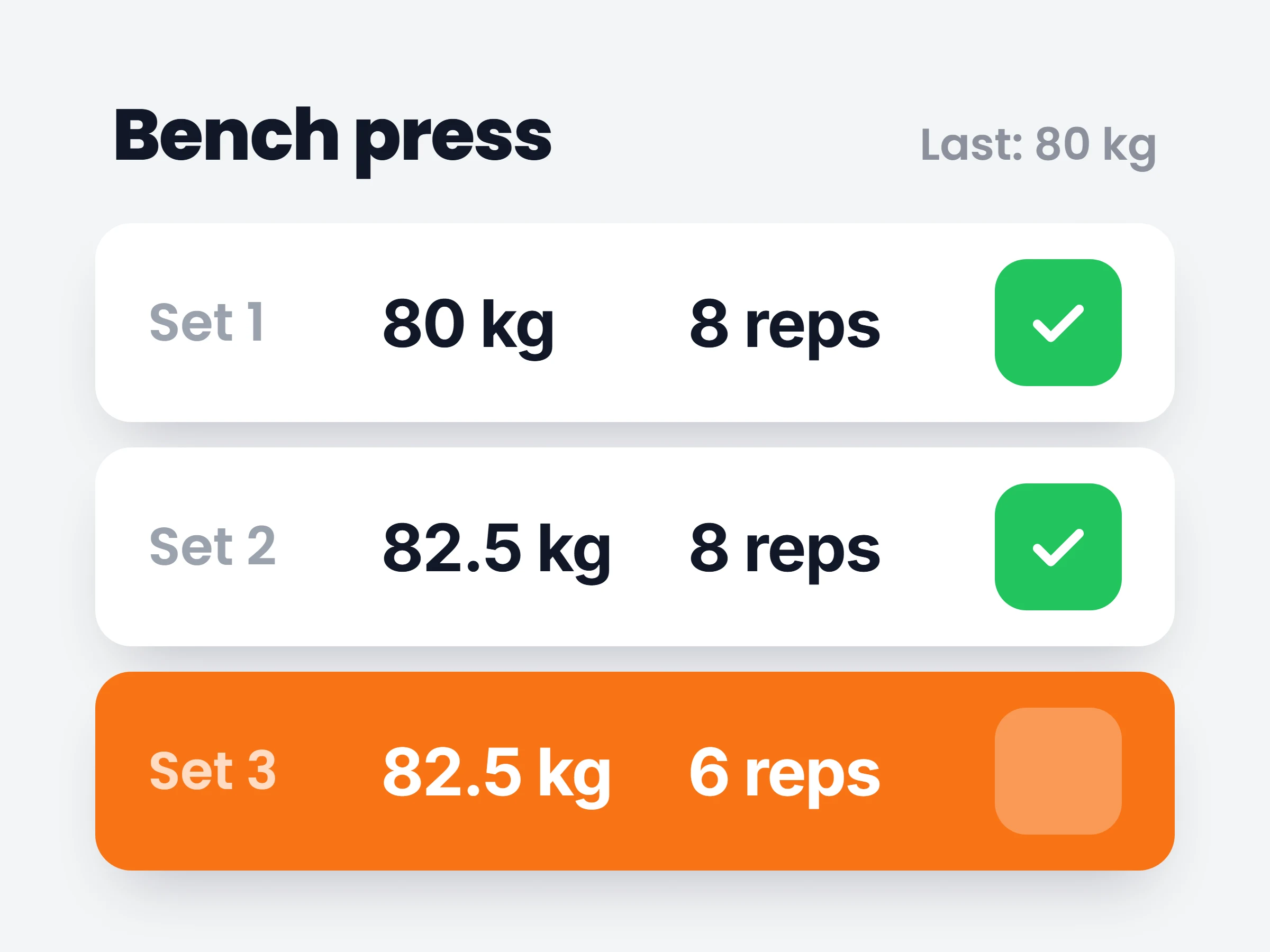
How trainers can use it
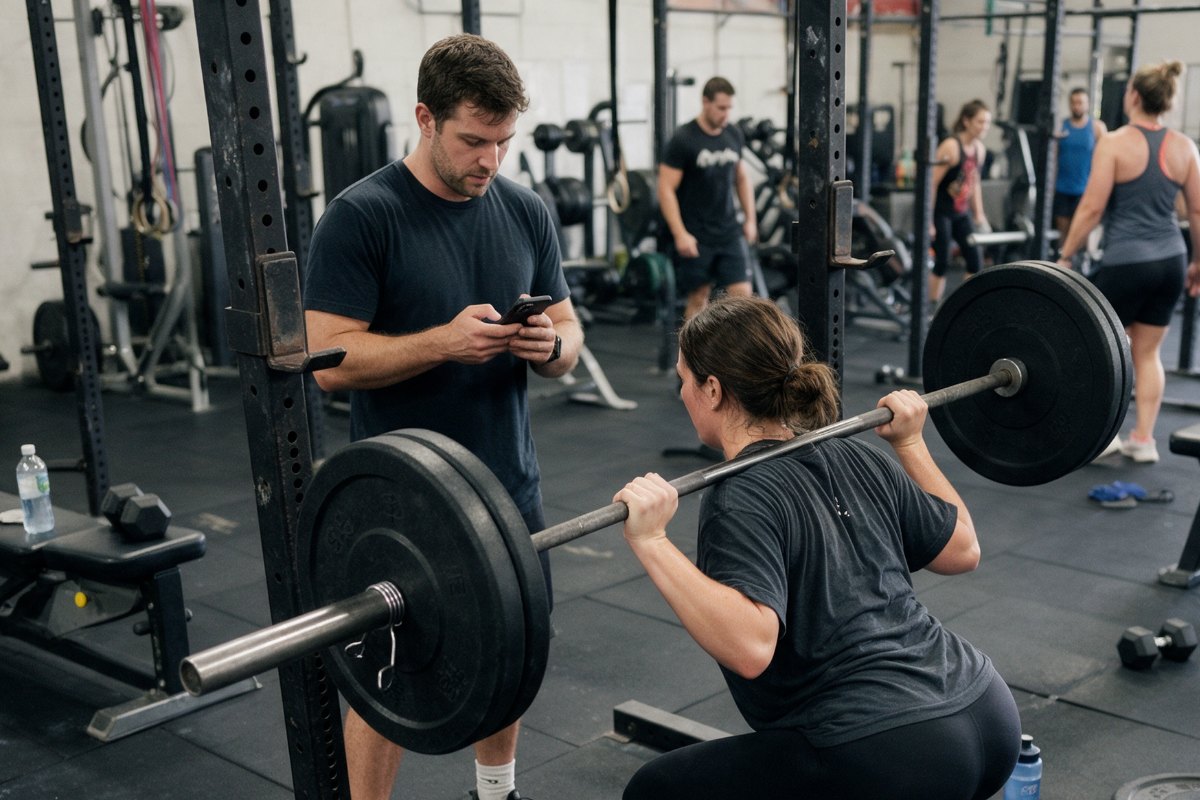
In-person sessions, finally on record
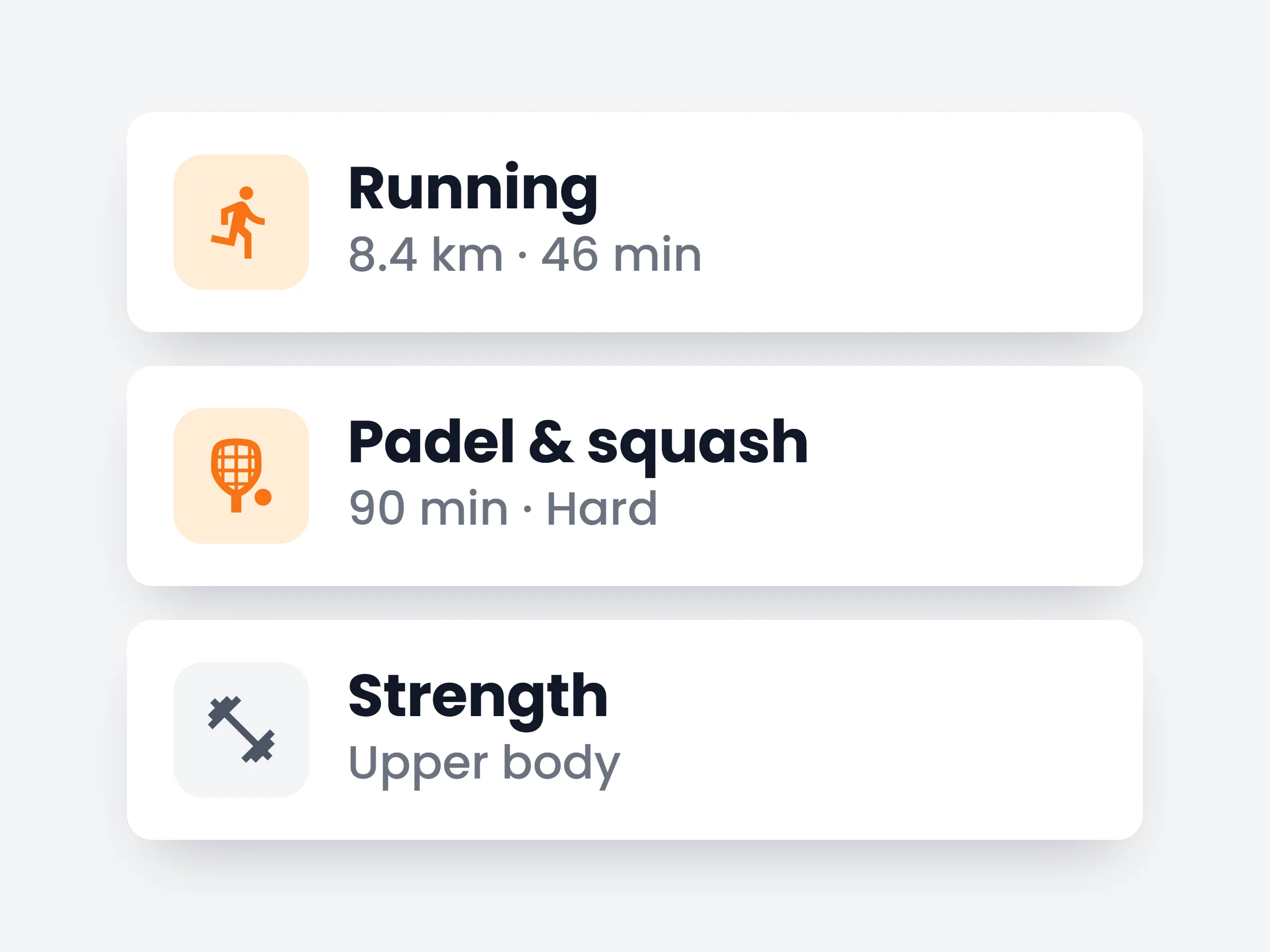
Every face to face session now shows up in the client’s history and progress charts, so your programming is based on what really happened in the gym.
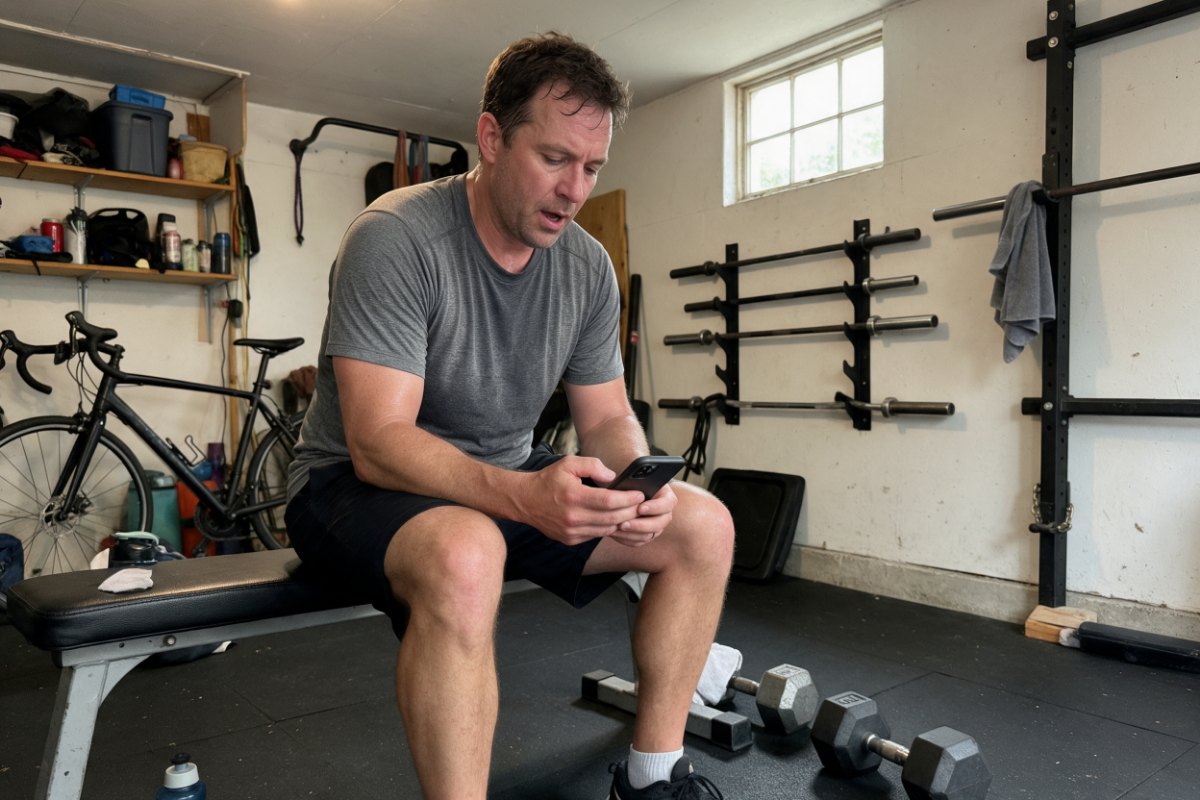
Hybrid coaching without gaps
Clients who see you once a week and train alone the rest get one complete log. Your sessions and their solo sessions sit side by side.
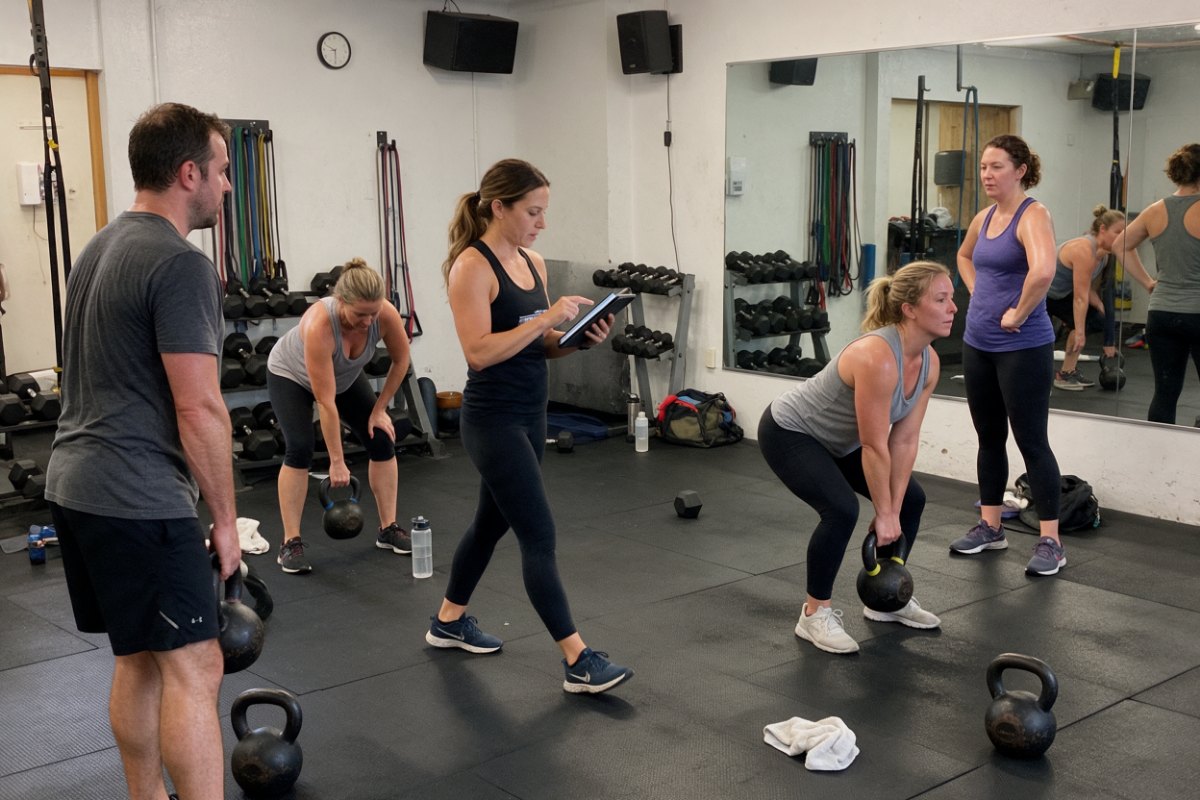
Small groups on one tablet
Walk the floor with a tablet and log for each client in turn. Nobody has to stop and type on their phone between sets.
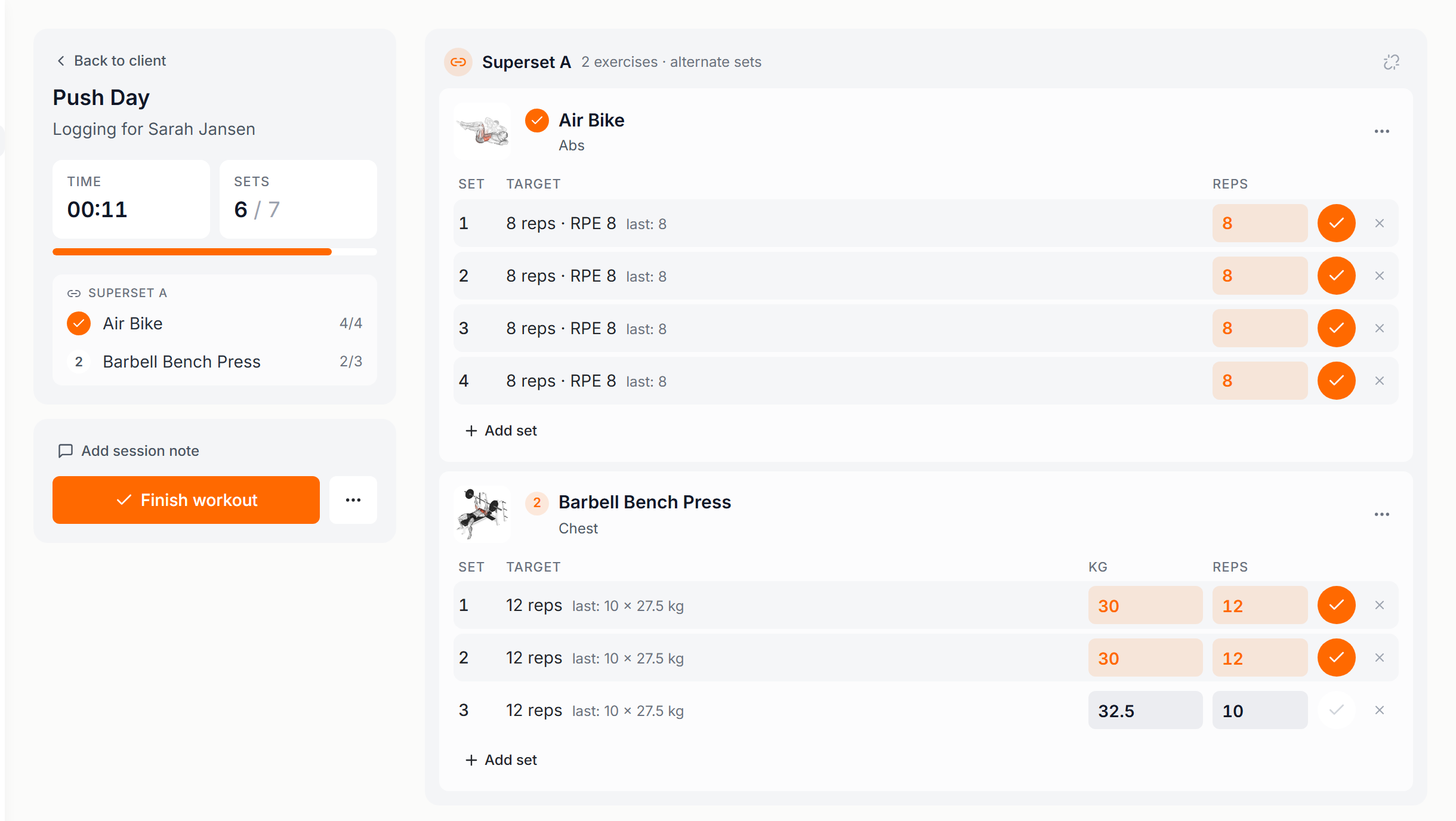
When you coach someone face to face, the workout often never gets logged. The client’s phone is in a locker, and you are busy counting reps. Live workout fixes that. You open the client’s workout on your own device, and you fill in the weights and reps while they train. They never have to touch their phone.
You see the full workout on one screen, with what the client lifted last time next to every exercise, so you know straight away whether to go heavier. A new best gets a PR label the moment you log it. If the plan changes halfway, add an exercise, add a set, or remove one. When you finish, the session is saved to the client’s history and counts toward their progress and their program like any other workout.
How it works
- 01
Start it from the client’s profile
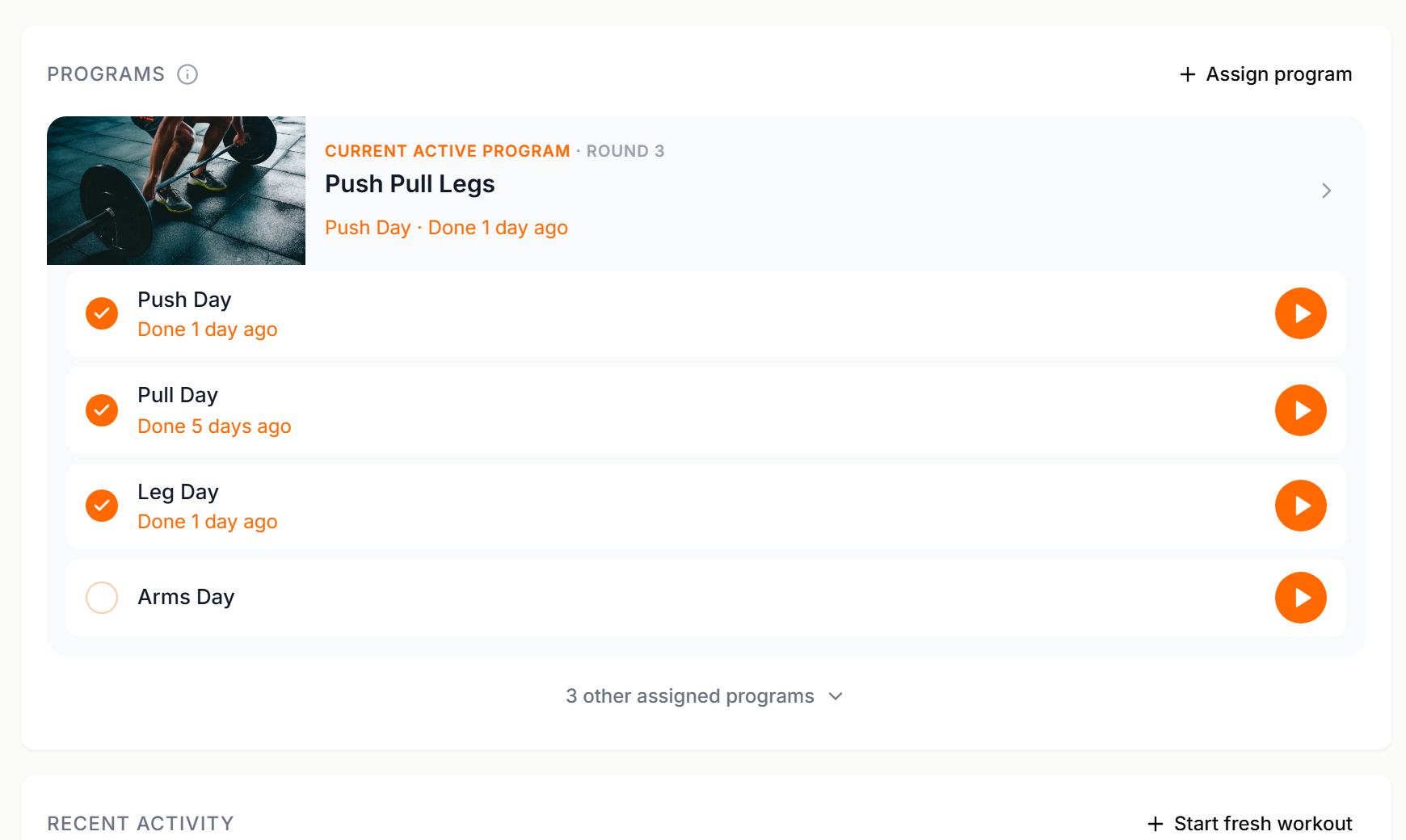
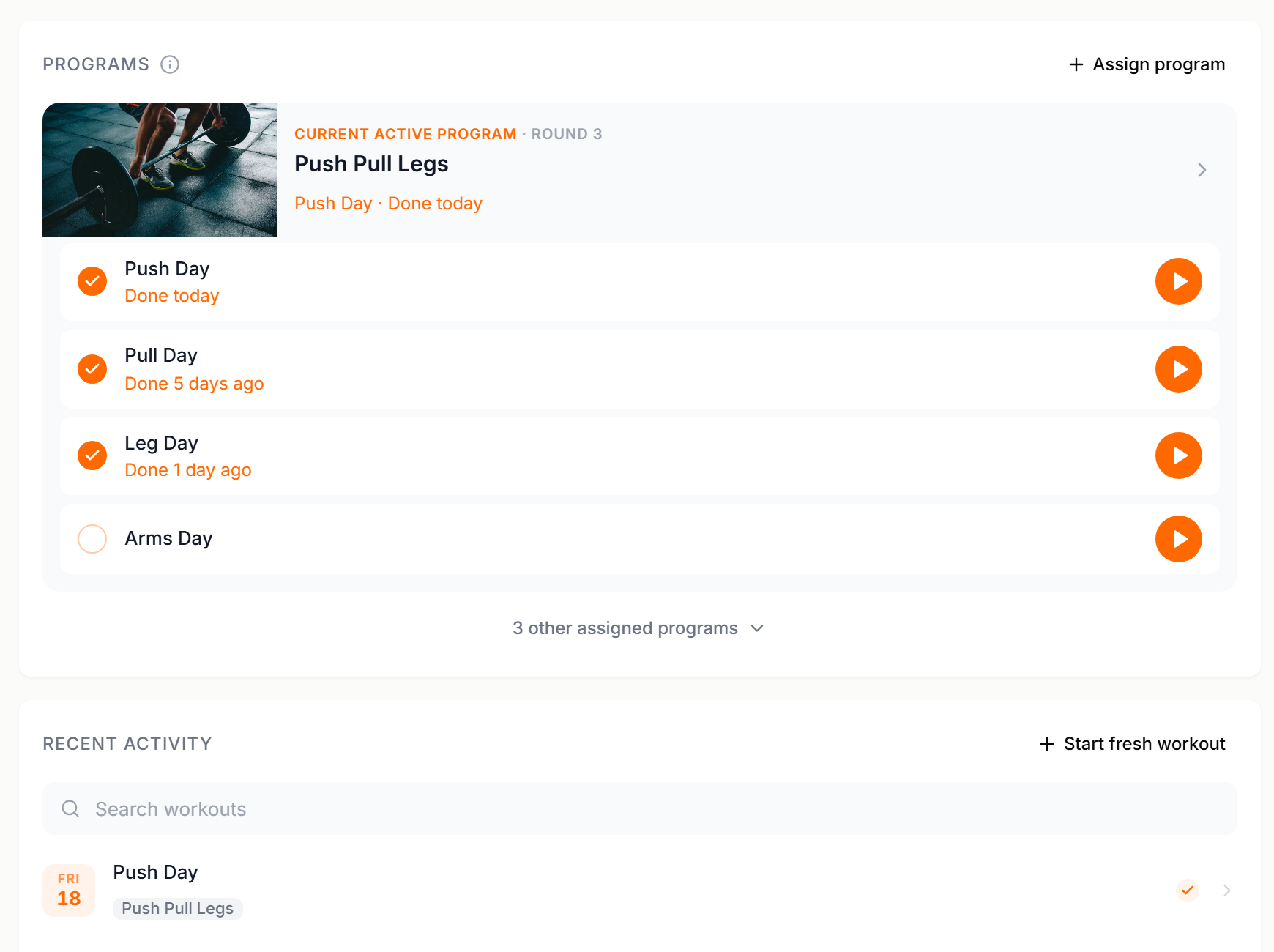
Open the client’s Training tab. Press the orange play button next to any workout in their program or on their calendar to run it as a live workout, or press Start fresh workout to begin with an empty one and add exercises as you go.
- 02
Log each set as it happens
Type the weight and the reps, tick the set done, move on. Last time’s numbers sit beside each exercise, supersets and circuits stay grouped, and a timer counts only the time you were actually training.
- 03
Finish, or save it for later
Finish workout saves everything to the client’s history. The day is ticked off in their program and the session appears under Recent activity. Ran out of time? Save for later keeps what you logged, and the client can open their app and finish the rest on their own.
Things you can do mid session
- Swap the plan on the spotthe squat rack is taken, so you add a leg press and carry on
- Pick up where they startedthe client began the workout in their app, you press Continue and take over the logging
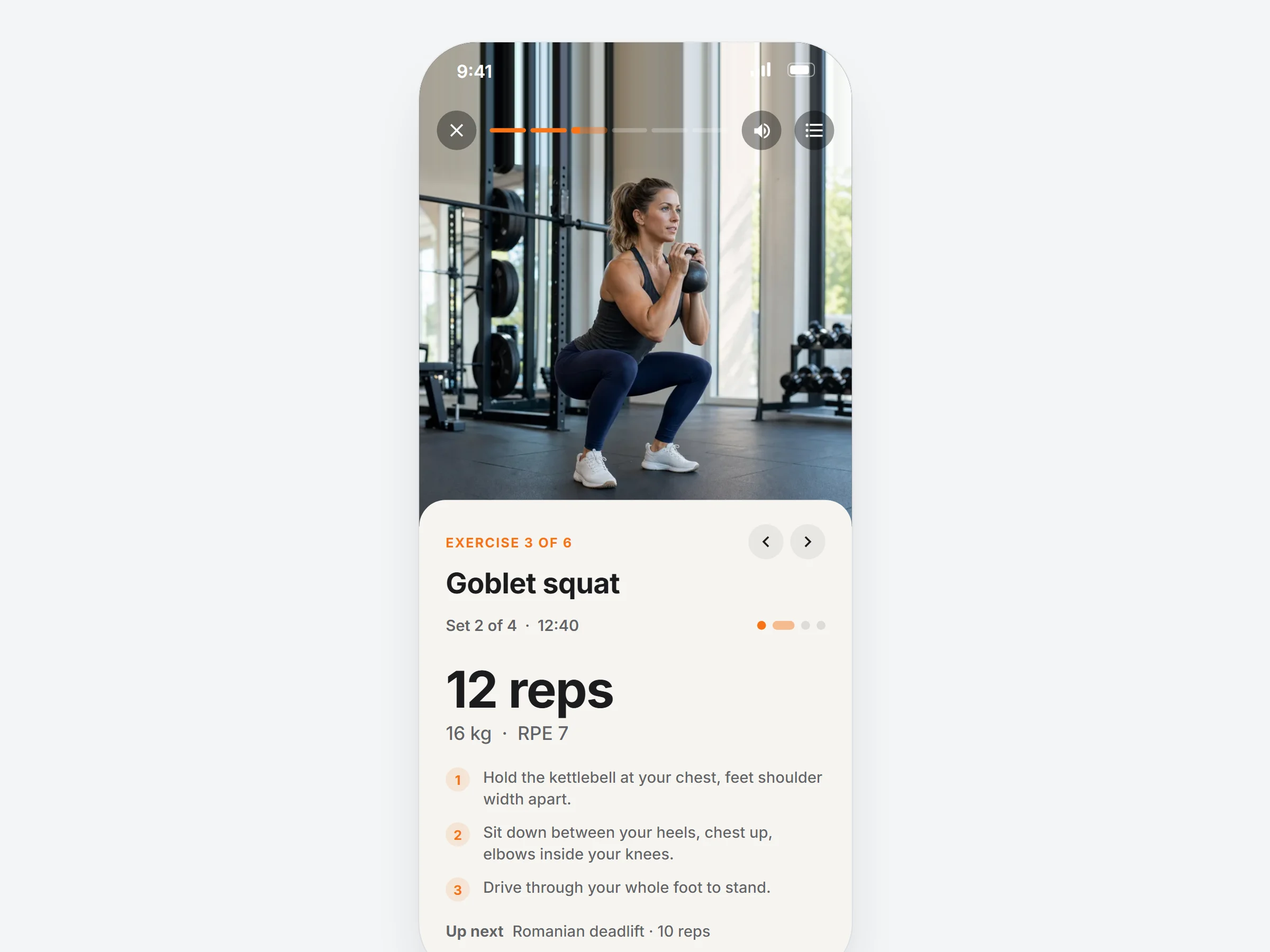
- Show the movementplay the demo video for an exercise straight from the workout
- Leave a notea cue per exercise or one note for the whole session, saved with the workout
It is already in your account.
Every update ships to every trainer automatically. New here? Start free and try it with your own clients.