AI plan builder: choose the layout, then describe the plan
Building a training plan with AI now starts with the choice that matters most: a calendar plan or a fixed program. Then describe it and get a complete plan to edit.
See where it fits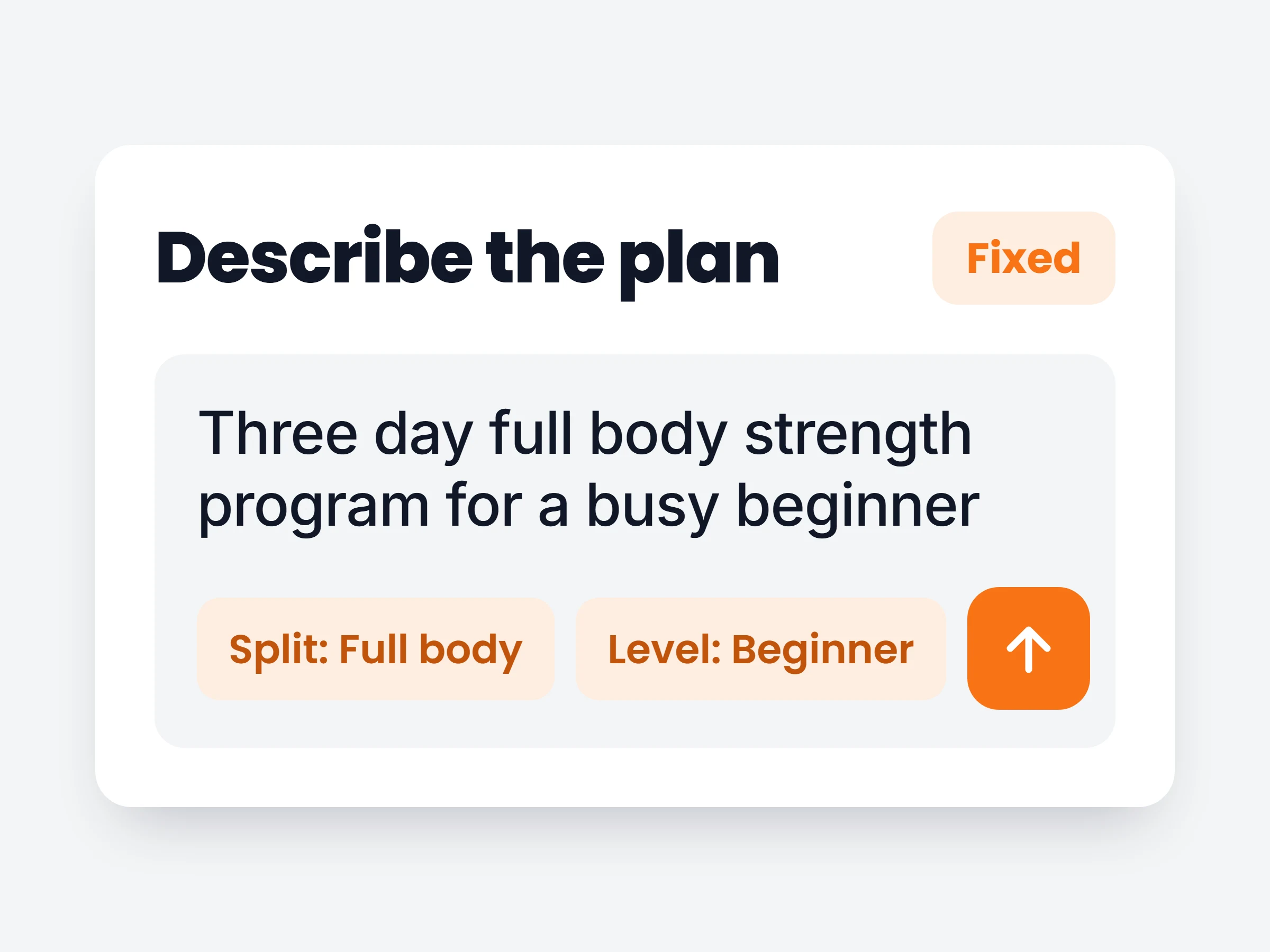
How trainers can use it
A first draft in minutes
Describe the client and the goal, and start from a complete plan instead of an empty calendar.
Programs clients run on their own
Pick Fixed for a routine clients repeat at their own pace, such as a three day full body program.
Your rules, not the AI’s guesses
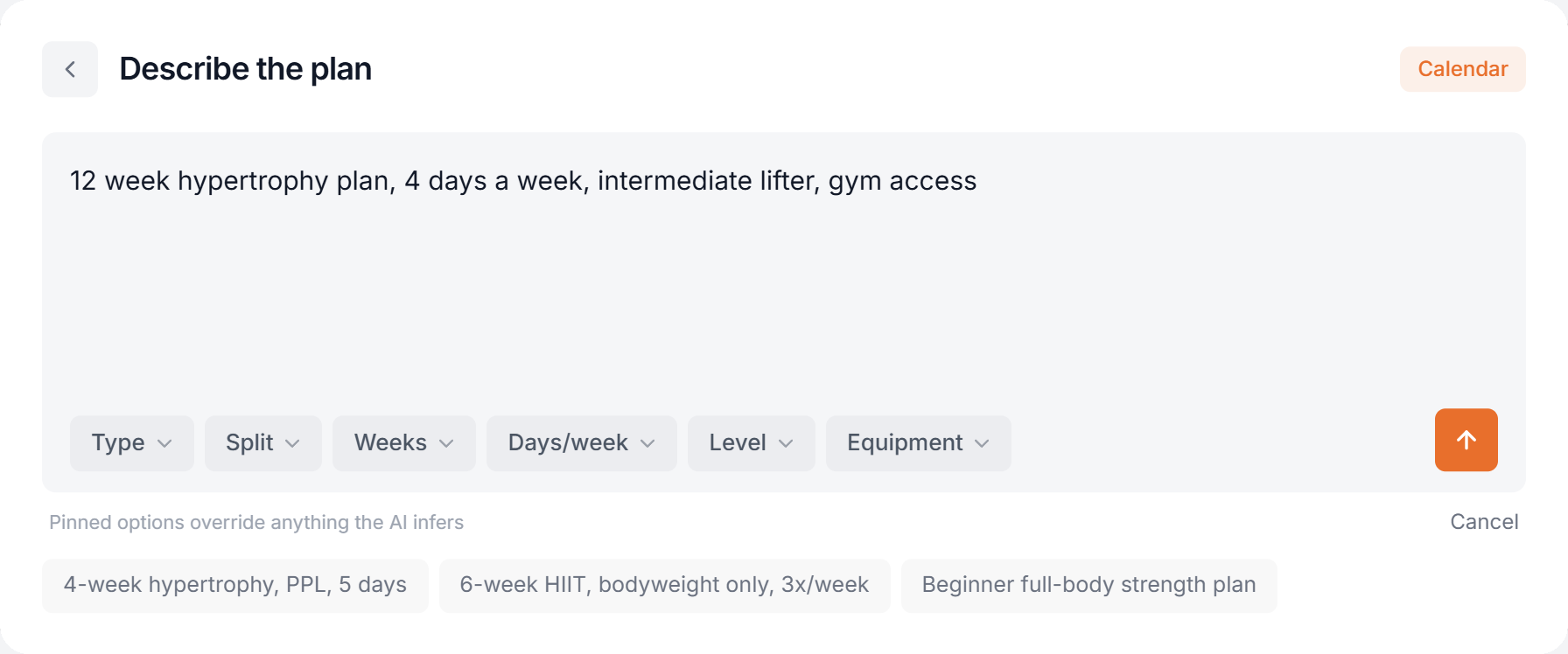
Pinned options win over anything the AI infers, so the split and equipment are always what you asked for.
The AI plan builder now asks the most important question first: how should this plan work for the client? A calendar plan lays the weeks out on dates, so the client opens today and sees what is on. A fixed program is always there, and the client trains it at their own pace. Each option shows a live preview, so the difference is clear before you write a word.
Then you describe the plan in your own words. Pin the details you care about, like the split, the number of weeks or the equipment, and the AI builds the whole plan straight into the builder, ready to adjust.
How it works
- 01
Start with AI
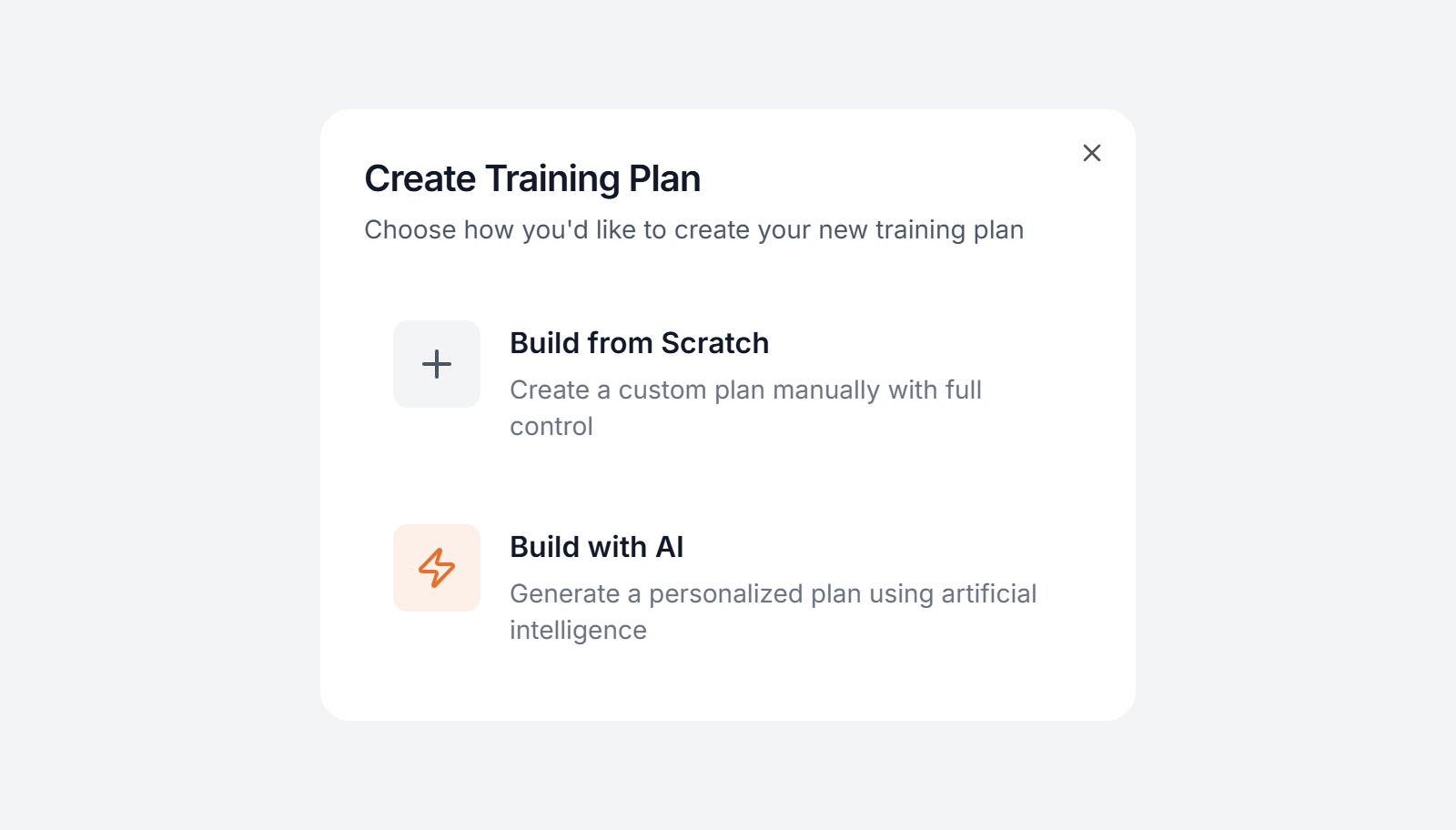
Go to Training, press Create Template and choose Build with AI.
- 02
Pick the layout, then describe it
Choose Calendar or Fixed. Then write what you want, for example a 12 week hypertrophy plan for an intermediate lifter, four days a week. Use the Type, Split, Weeks, Days per week, Level and Equipment options to pin anything the AI must follow.
- 03
Edit the finished plan
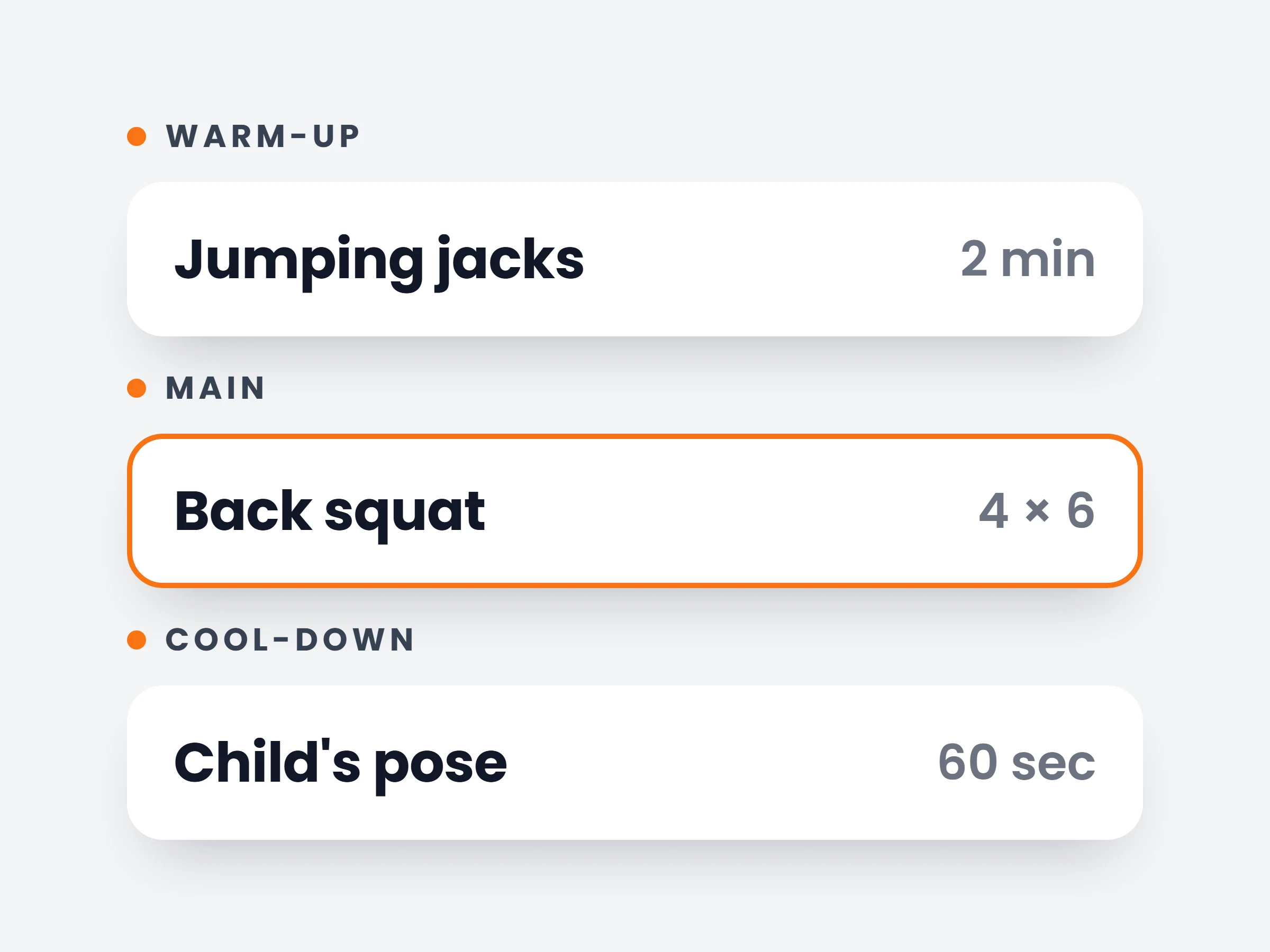
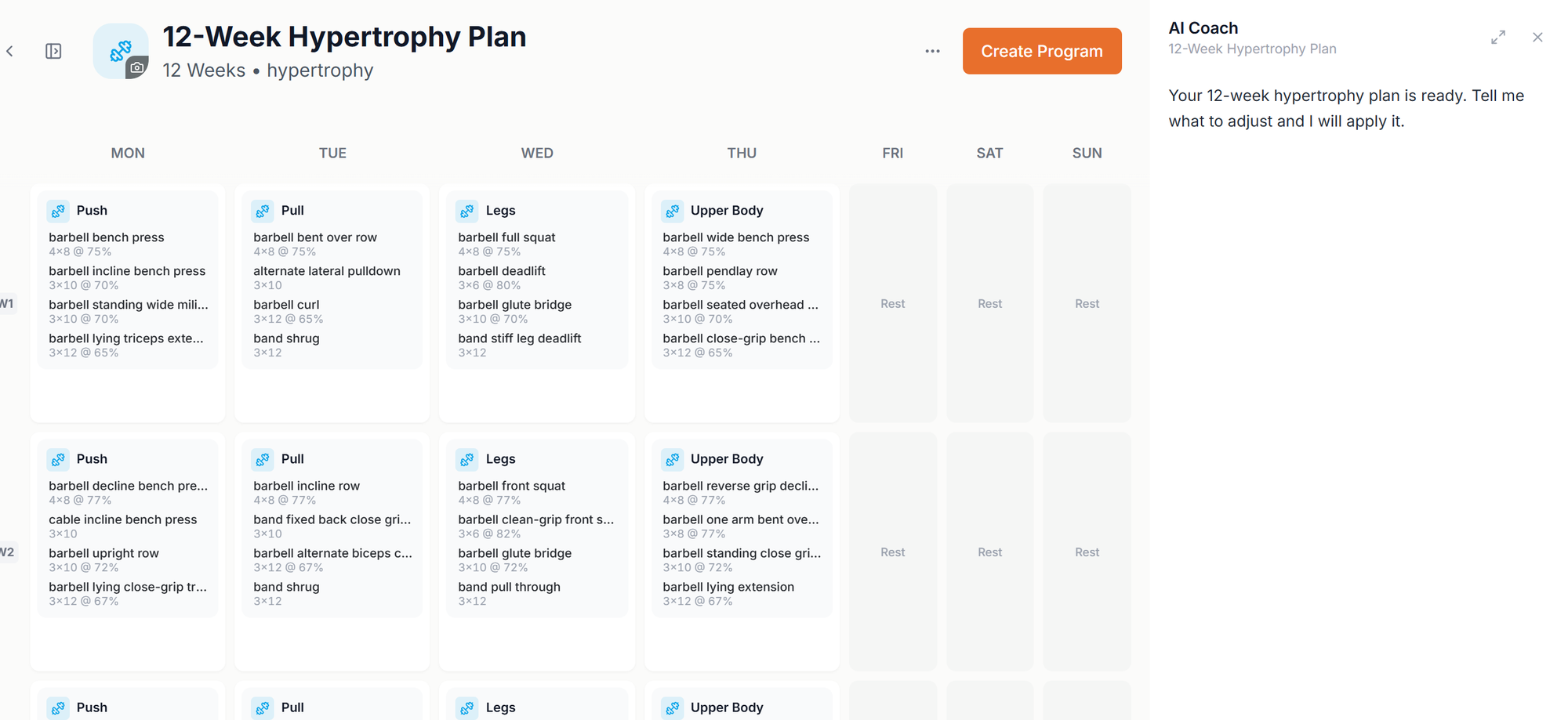
The plan opens in the builder with every week, day and exercise filled in, sets and loads included. The AI Coach panel stays open, so you can ask for changes in plain words.
It is already in your account.
Every update ships to every trainer automatically. New here? Start free and try it with your own clients.