A guided wizard for your own app
Launching your own branded app is now a guided, step-by-step flow — submit each step for review and track progress to the stores.
See where it fits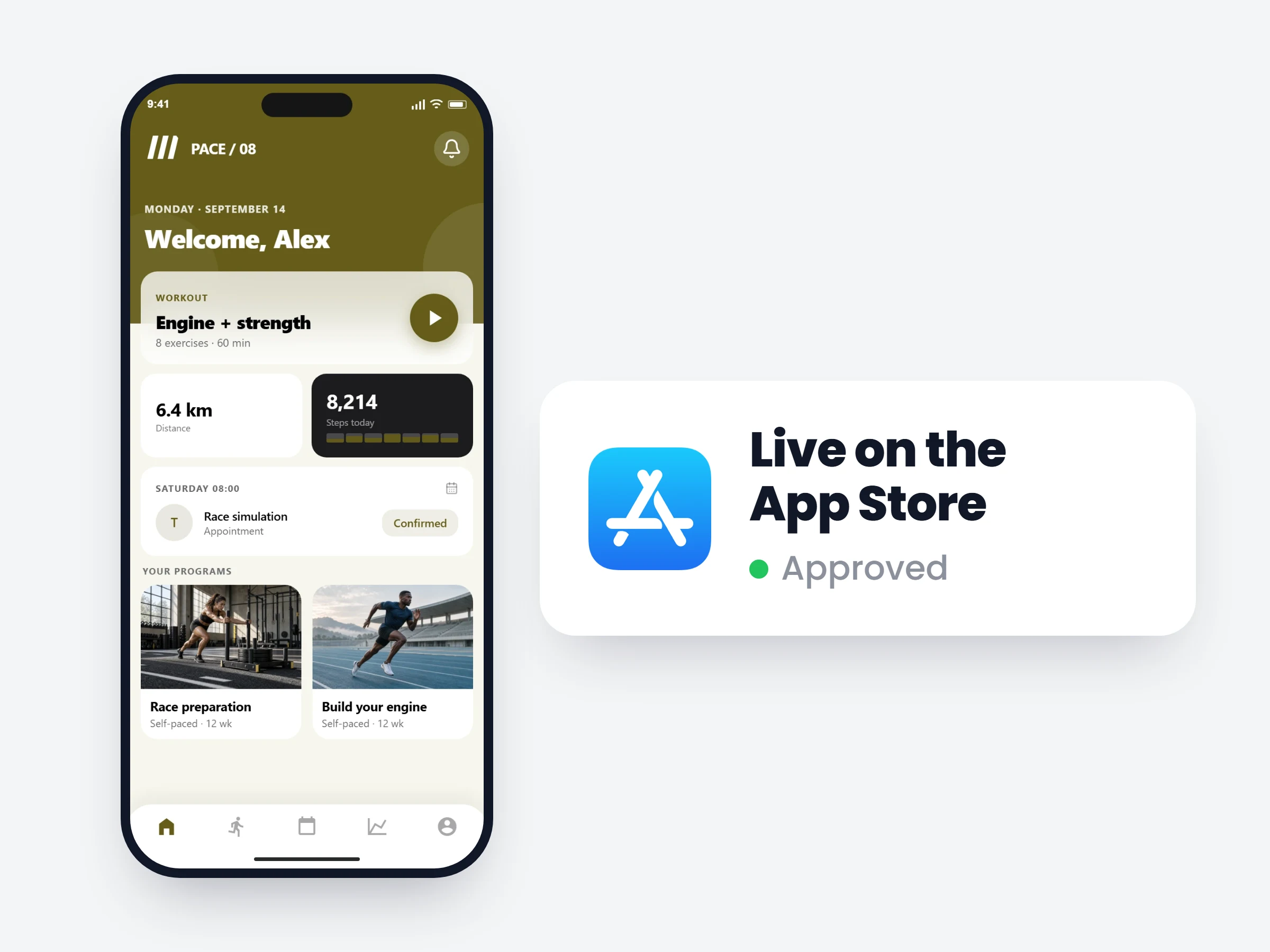
How trainers can use it
Know where you stand
Every step shows submitted, in review or approved — you’re never guessing what’s left before launch.
No app-store expertise needed
The wizard asks for exactly what Apple and Google require, in the order they require it.
Launch under your brand
Your icon, your name and your colors on your clients’ home screens — not ours.
Getting your own app into the App Store and Google Play involves branding, store listings, developer accounts and review cycles. The wizard turns it into steps you complete one at a time — each reviewed on its own, so you always know exactly where you stand.
How it works
- 01
Complete a step, submit it
Branding, store listing, developer account — each step asks for exactly what’s needed, nothing else.
- 02
We review it
Every submission is checked by the Scraler team; you see Approved or what to fix.
- 03
Watch it reach the stores
When all steps are approved, your app goes to Apple and Google — status tracked to the end.
What the wizard walks you through
- Brandingapp icon, splash screen, your colors
- Store listingapp name, description, screenshots
- Apple Developer accountthe one part Apple requires you to own — guided setup
- Store submissionhandled for you, tracked until approval
It is already in your account.
Every update ships to every trainer automatically. New here? Start free and try it with your own clients.