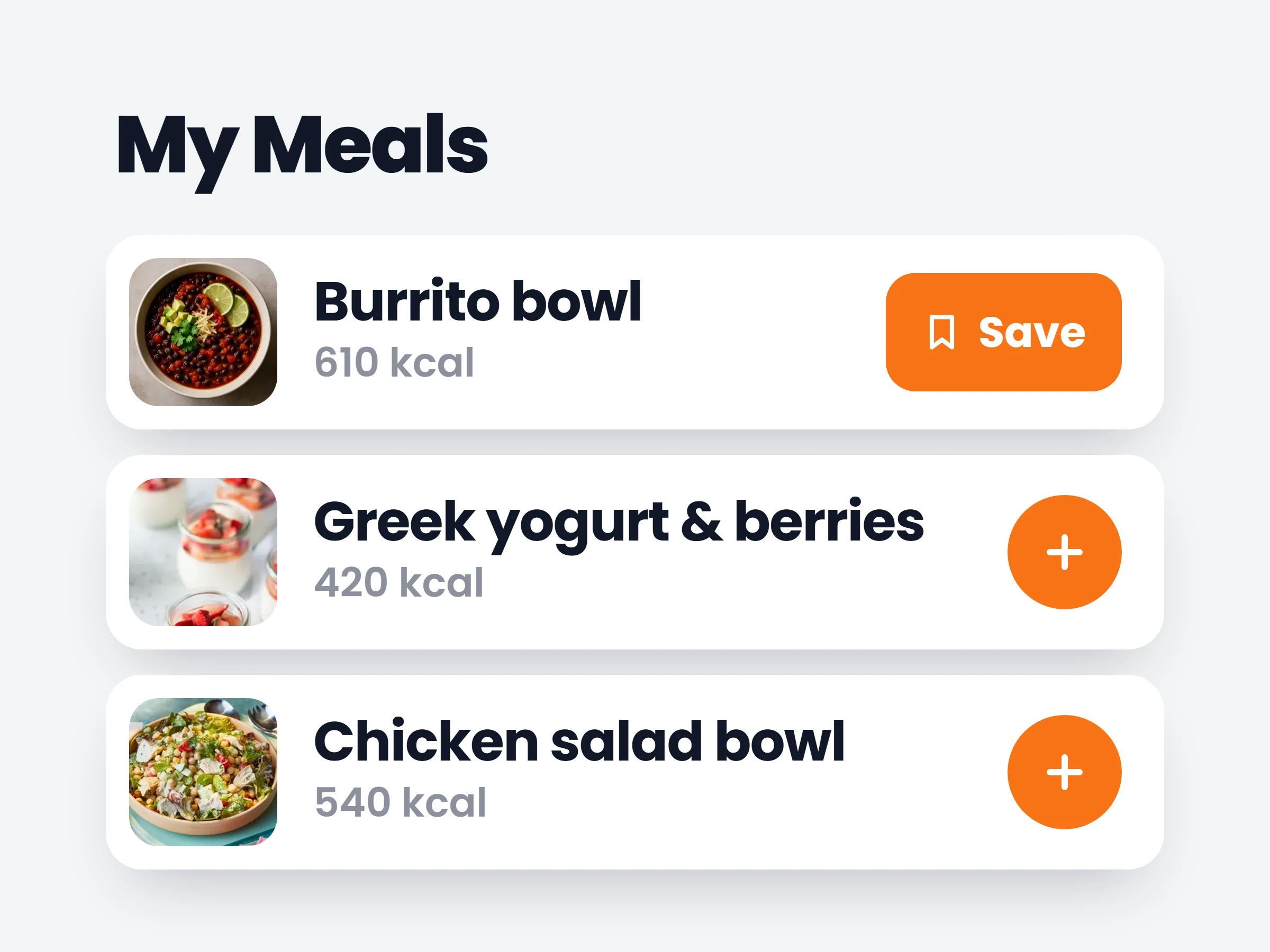
My Meals — save & re-log in one tap
Clients can save any meal they log and re-add it in a single tap from the food tracker.
How trainers can use it
Breakfast, logged in one tap
Most clients rotate the same few meals. One tap re-logs the whole thing, macros included.
Complete food diaries
The easier logging is, the more of it happens — so the diary you review before a call is actually complete.
Kill the “too much effort” excuse
Clients who quit tracking because it takes too long lose their best excuse.
Most clients eat the same handful of meals every week. My Meals turns that into an advantage: log it once, save it, re-log it in one tap — macros included.
How it works
- 01
Log a meal once
Build it from foods or recipes like normal — portions, macros, the lot.
- 02
Tap “Save to My Meals”
The whole meal is stored as one reusable item in its own tab of the food tracker.
- 03
Re-log it in one tap
Tomorrow’s same breakfast is one tap, not a search-and-portion session.
What clients save
- The daily breakfastovernight oats they eat five days a week
- Pre-workout mealsame rice + chicken, exact portions, known macros
- The office lunchthe salad bar combo they always get
- Weekend treatlogged honestly because it takes two seconds
It is already in your account.
Every update ships to every trainer automatically. New here? Start free and try it with your own clients.