Scraler is now on Zapier
Connect Scraler to thousands of other apps without code. A new client, check-in or payment in Scraler starts a Zap, and other apps can add clients and assign plans.
Included in Ultimate · 14 days free
You also need a Zapier account.
How trainers can use it
Scraler tells your other apps what happened, and they do the rest.
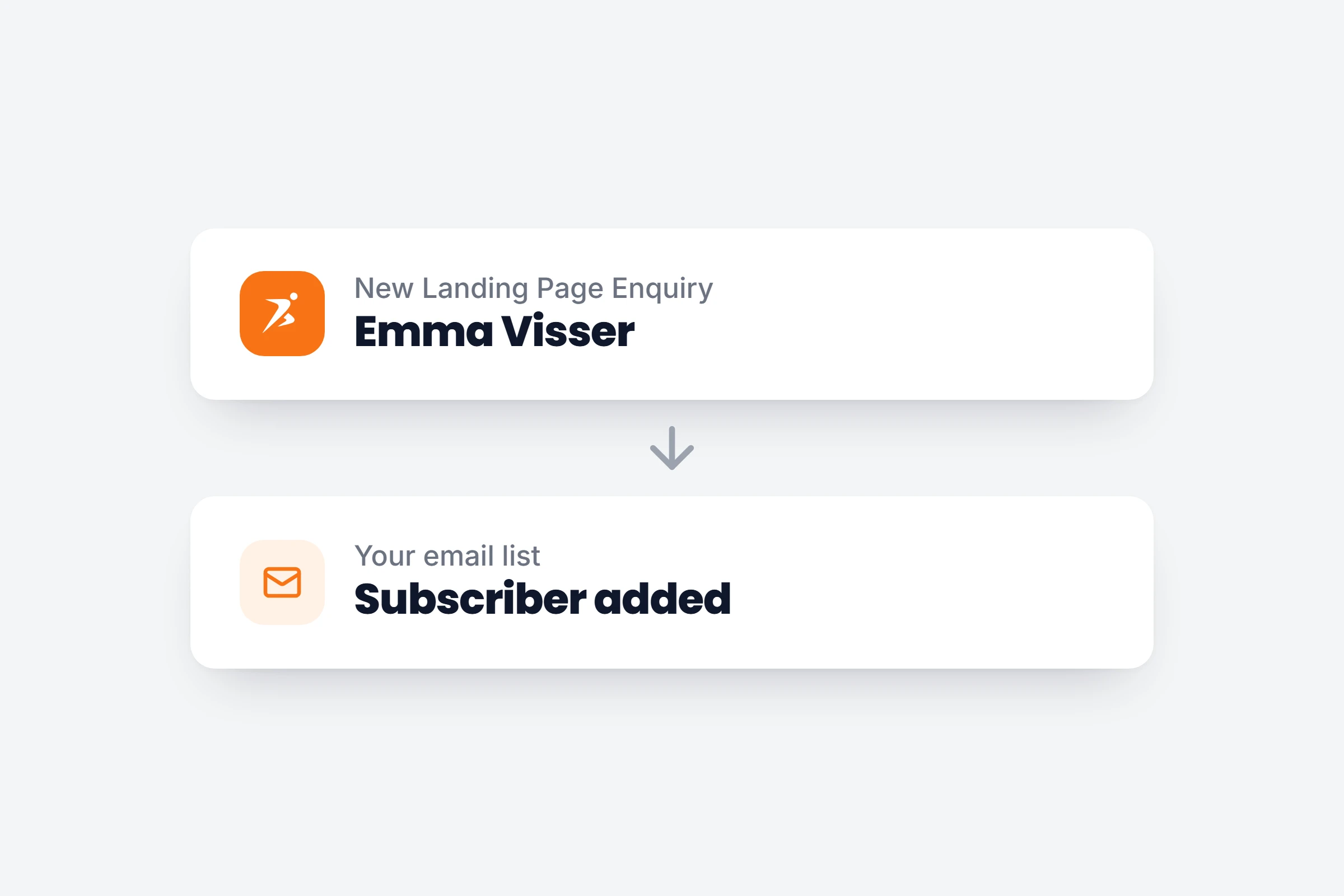
Leads on your email list
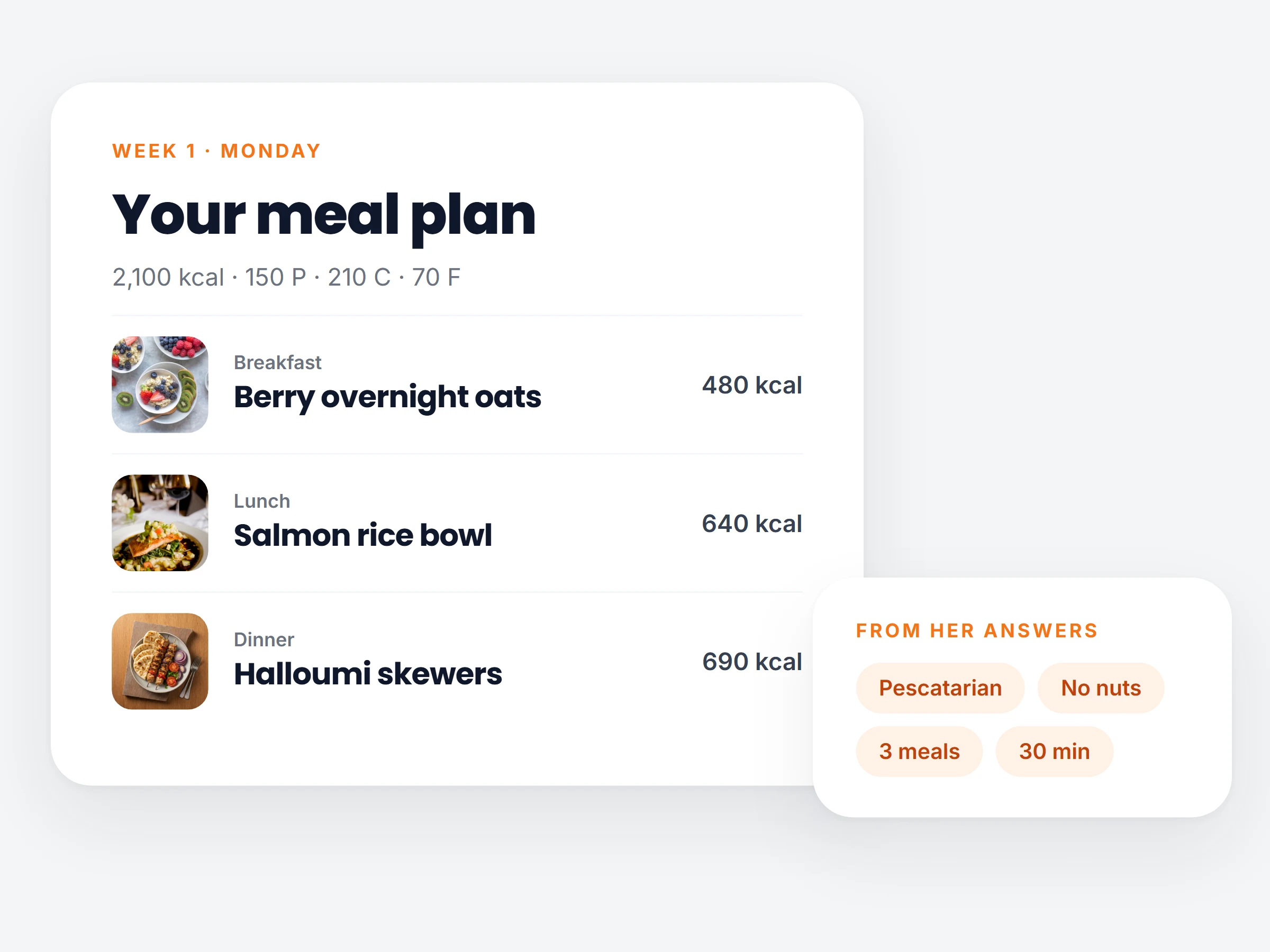
An enquiry from your landing page lands in your email tool or CRM.
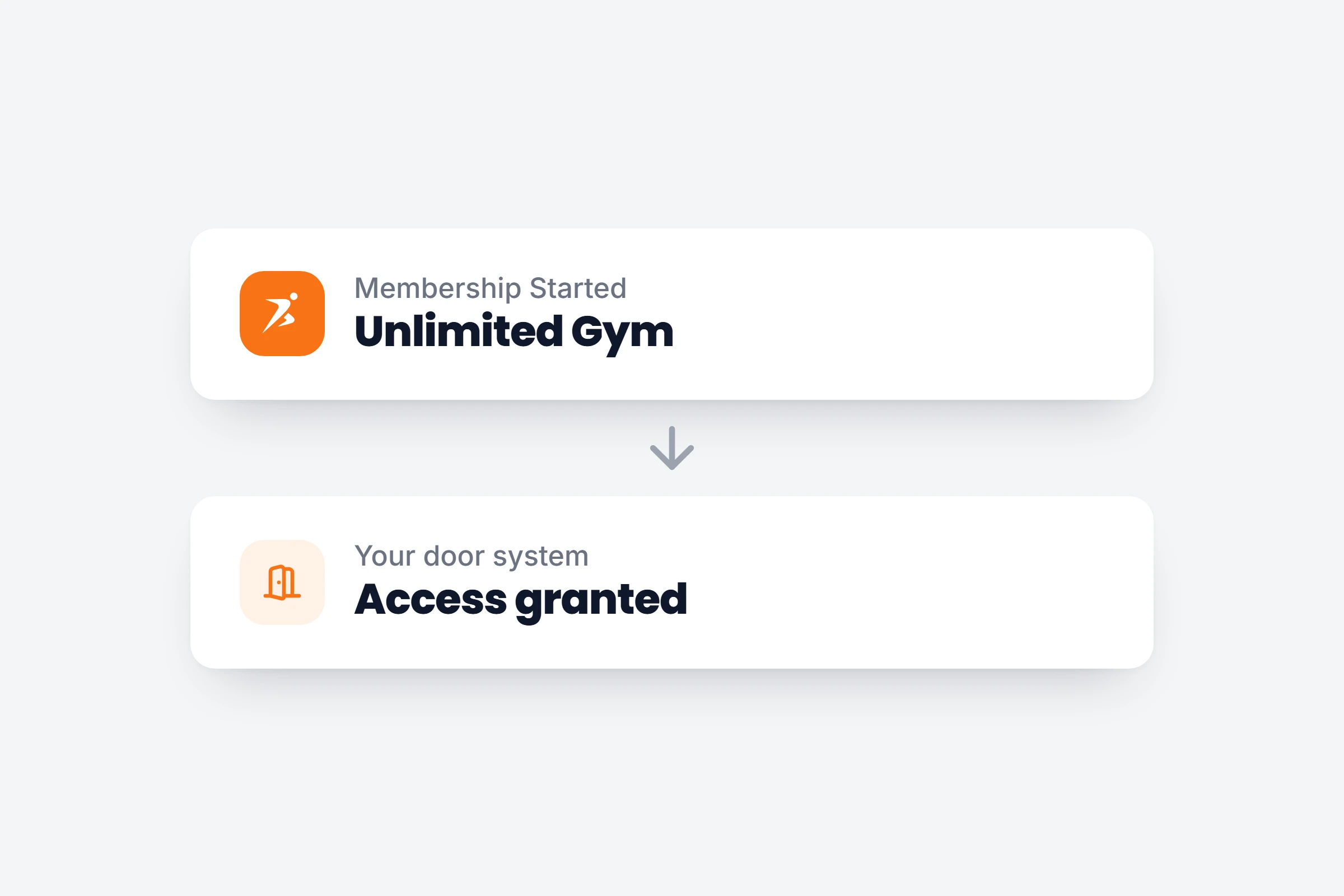
Door access for members
A membership starts and your door system lets the member in. It ends, and access stops.
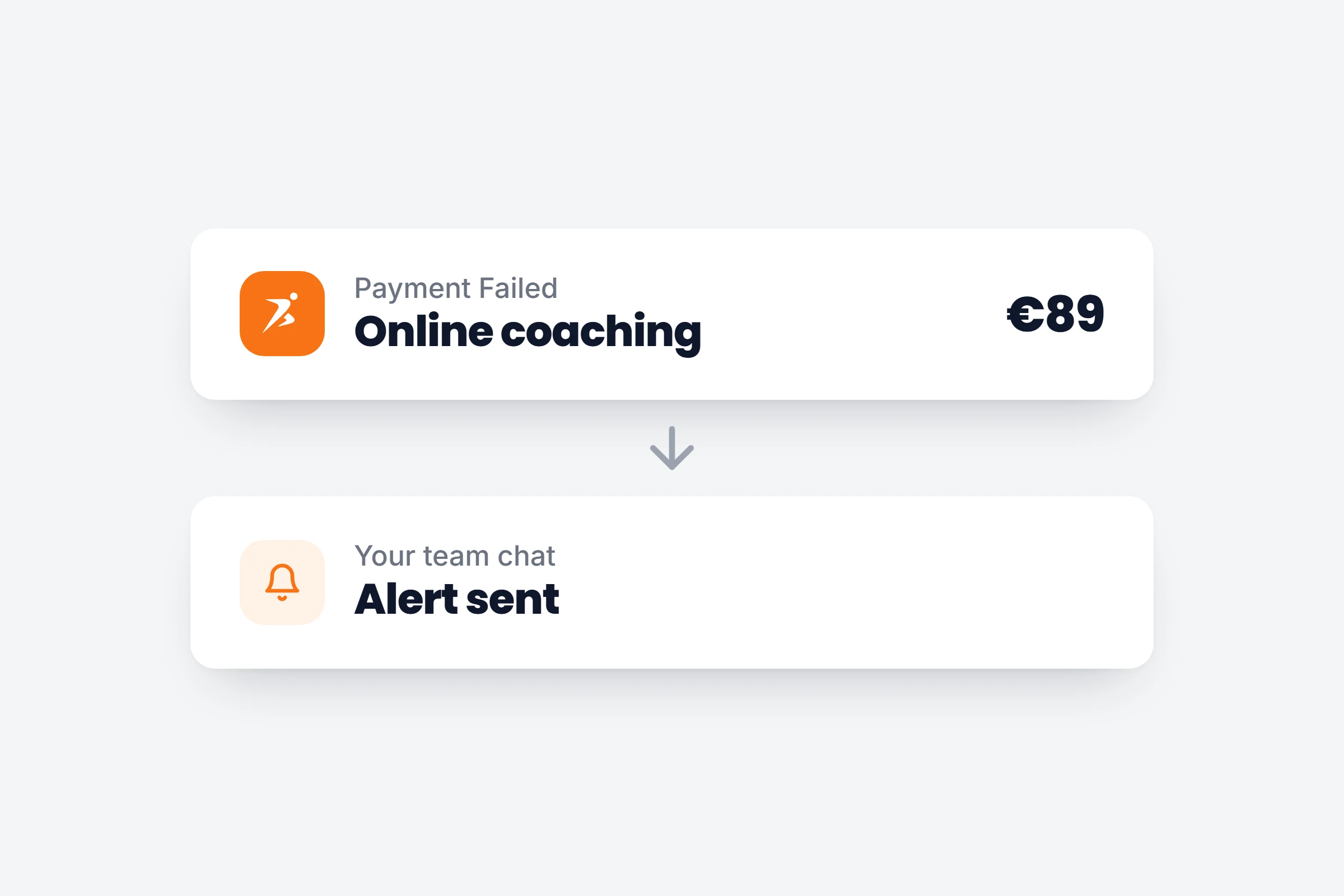
Know about a failed payment
A declined payment sends a message to your team chat or adds a row to your sheet.
How it works
- 01
Connect your account
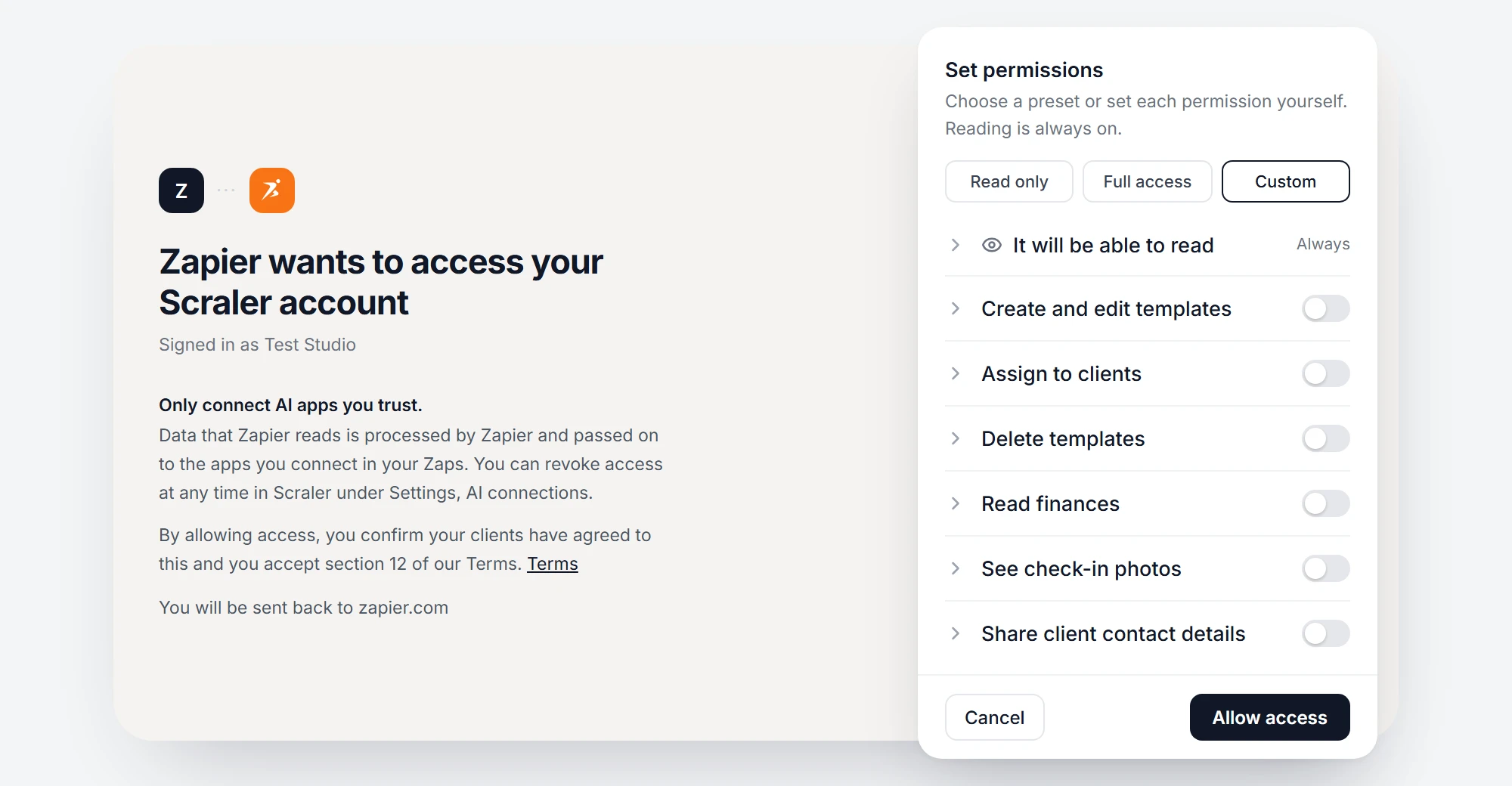
Search for Scraler in Zapier and sign in. On the Scraler screen, switch on what Zapier may do.
- 02
Pick what starts the Zap
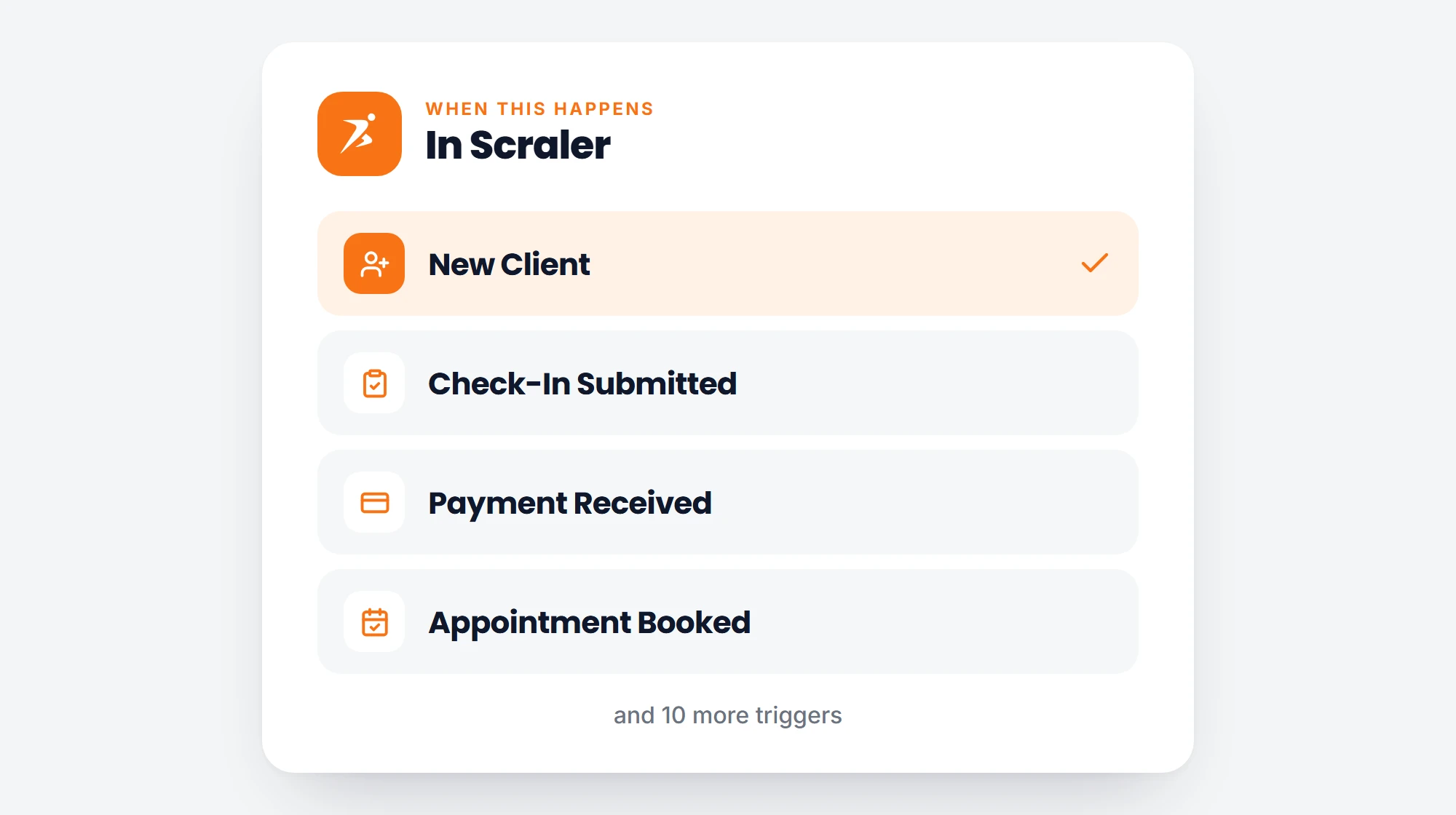
14 triggers: new clients, check-ins, workouts, payments, memberships, enquiries, appointments and more.
- 03
Choose what happens next
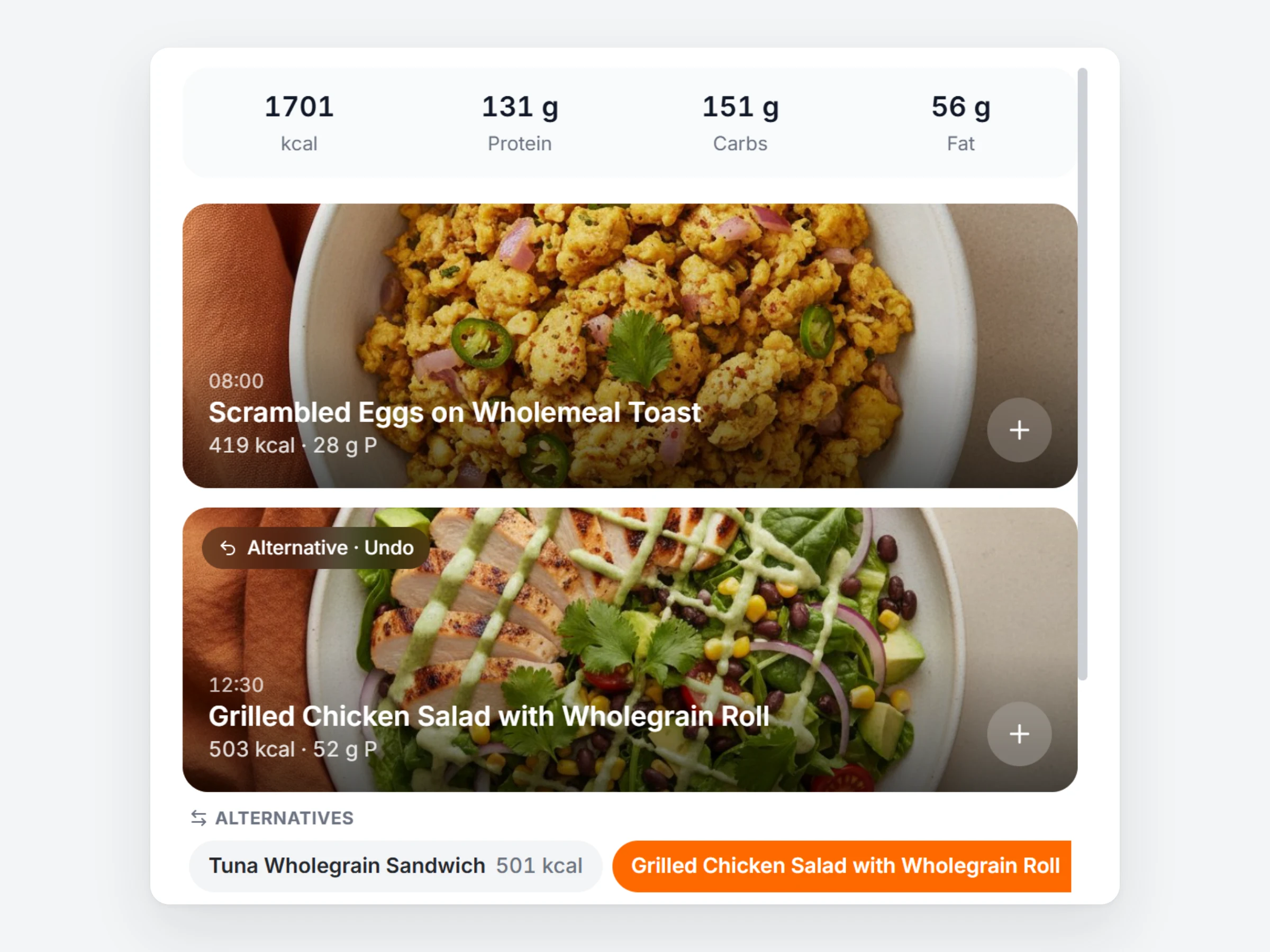
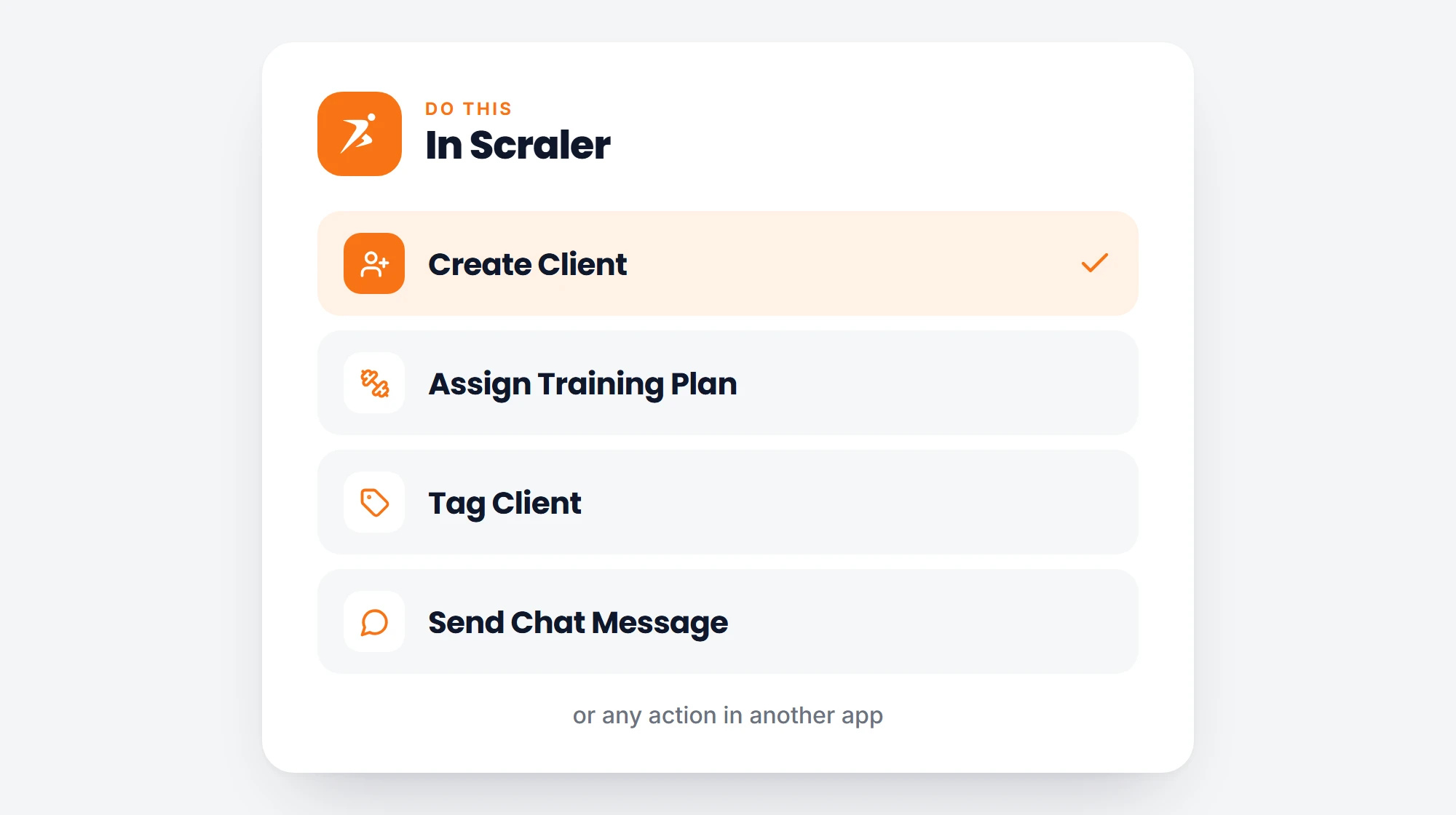
An action in any other app, or in Scraler: create a client, assign a training plan, add a tag or send a chat message.
What you can build with
- New Clienta client is added to your account
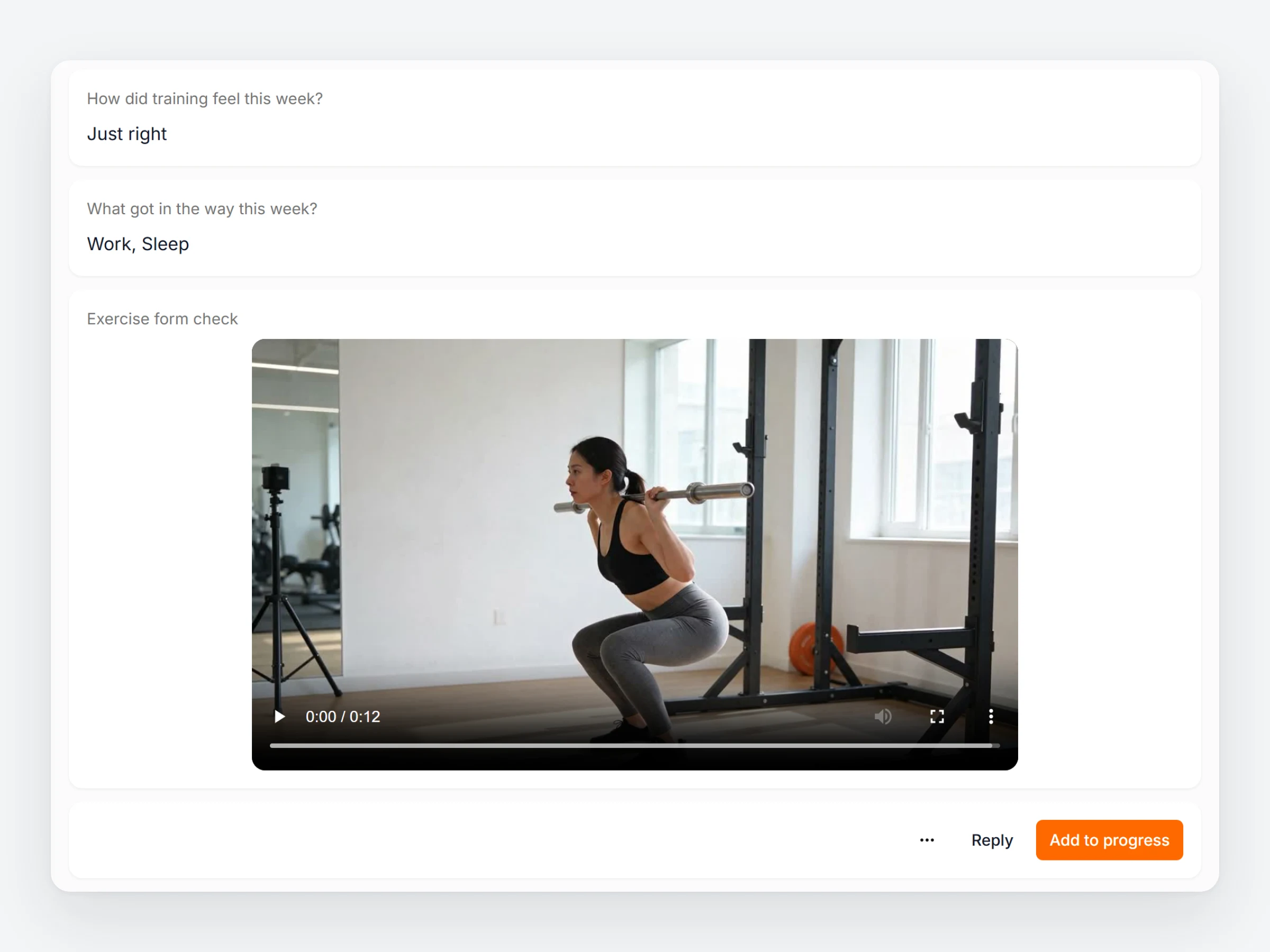
- Check-In Submittedevery answer, labelled by its question
- Workout Completedworkout name, duration and the client’s notes
- Payment Received and Payment Failedamount, description and who paid
- Membership Started and Endedthe moment a plan starts or stops giving access
- New Landing Page Enquirya form sent from your landing page, with every answer
- Appointment Booked and Cancelledtype, start and end time of the session
- Create Clientadd a client from another app and send the invite
- Assign Training Plangive a client one of your plans from a start date
- Send Chat Messagea message to the client, in your Scraler chat
You stay in charge
You pick what it can do
Reading only, or switch on create, assign and finances.
Contact details stay off
Client email and phone are only shared if you switch that on.
Only your own data
A connection never reaches another trainer’s clients.
Disconnect in one click
Remove Zapier in Settings, AI connections. It stops at once.
Connect Scraler to the rest of your tools.
Start a 14 day free trial on Ultimate, connect Zapier and switch on your first Zap.