Check-ins: choice questions and form check videos
Three new question types for your check-ins. Clients tap an answer from your list, or film a short clip of their lift for you to review.
See where it fits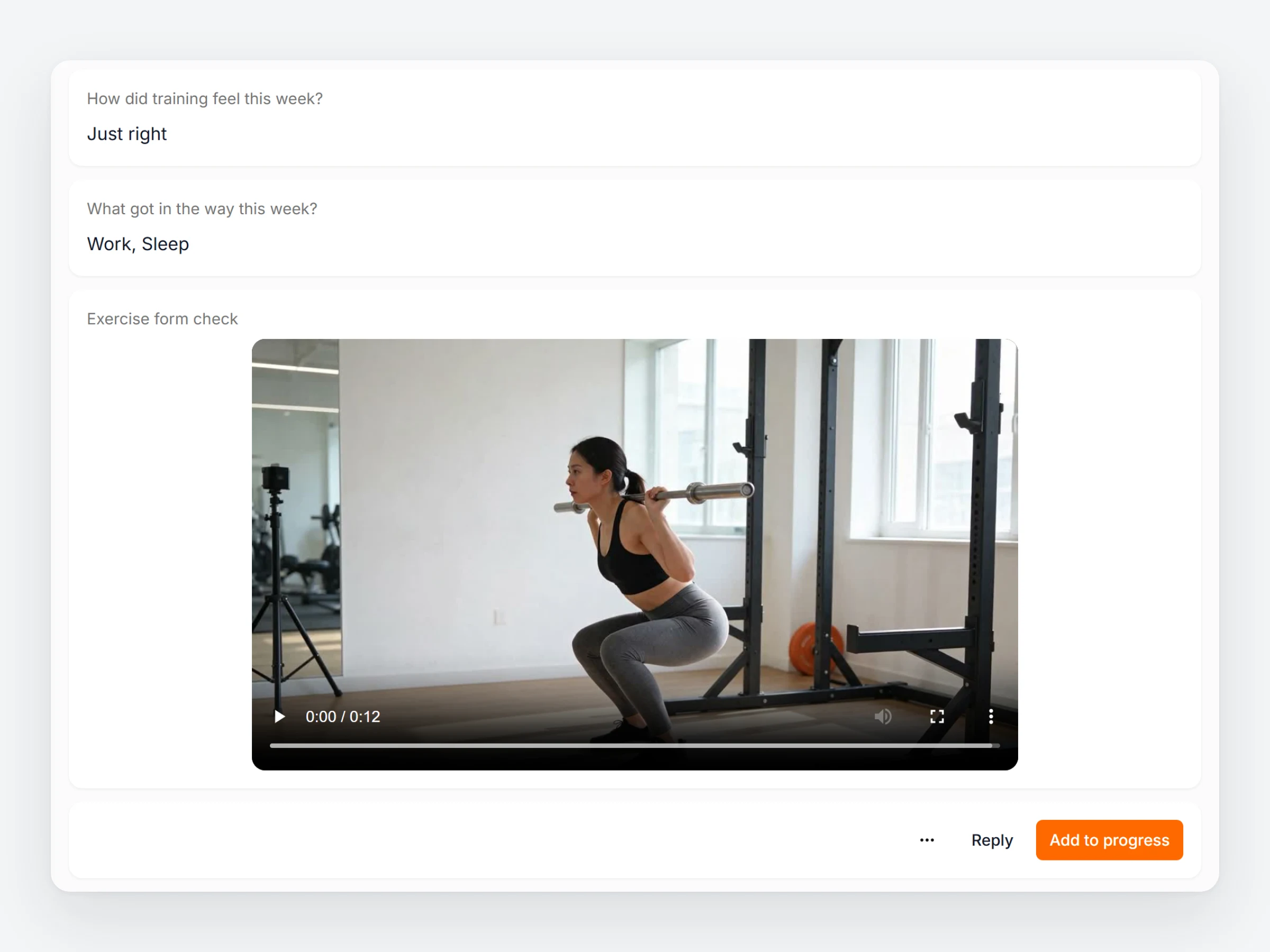
How trainers can use it
Ask better questions, get answers you can act on.
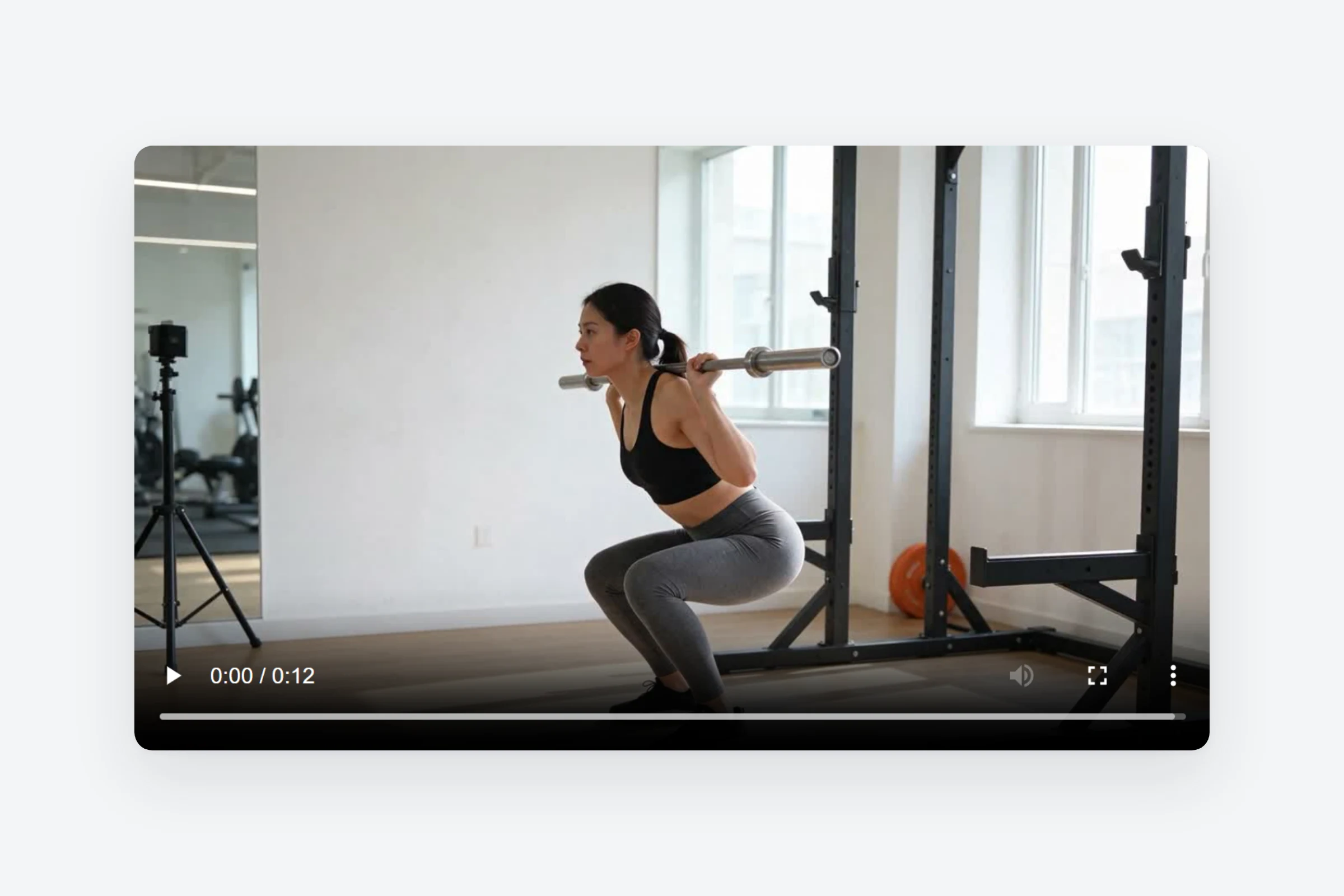
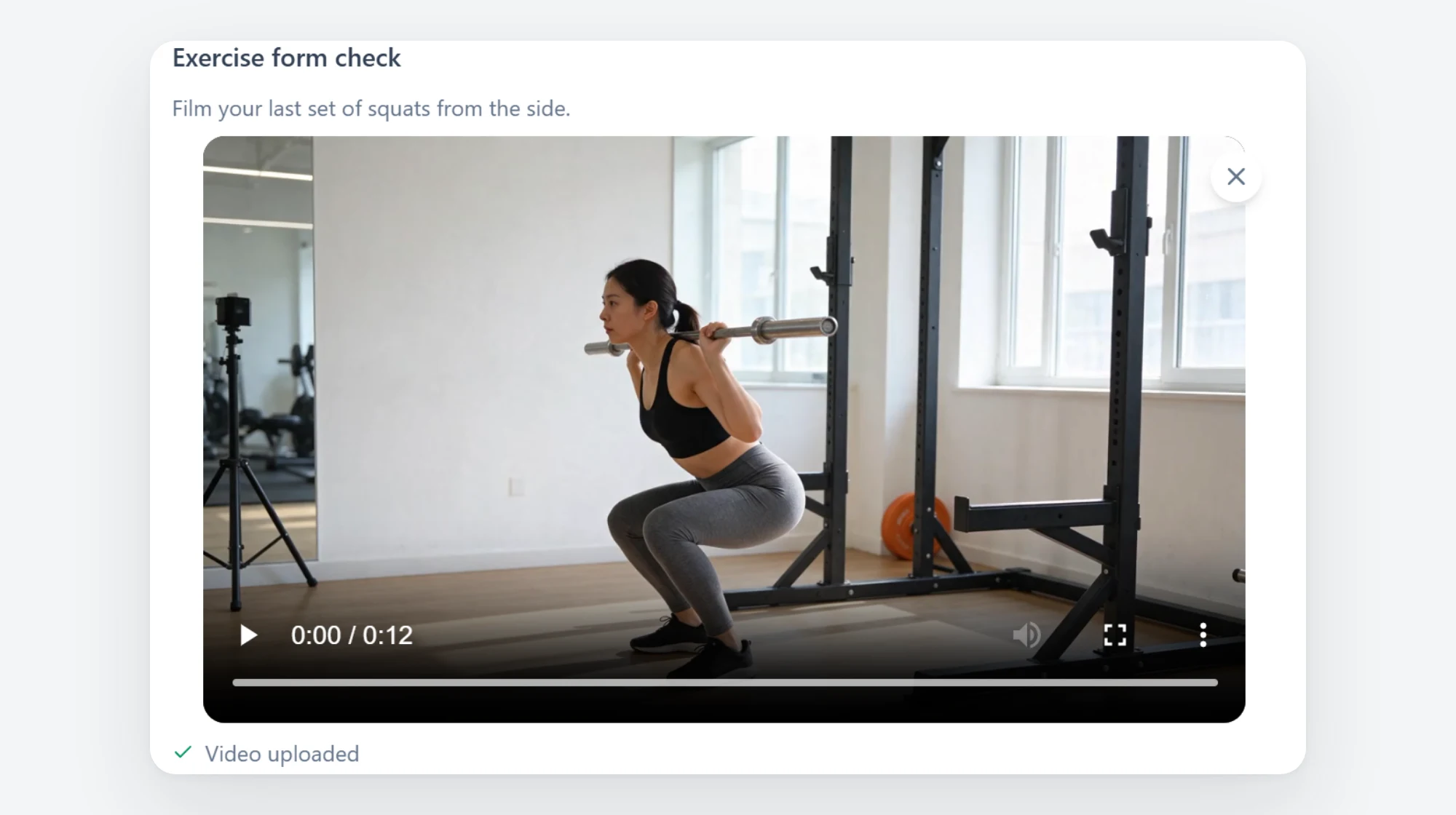
Form checks between sessions
Ask for a clip of their heaviest set and correct their technique before it turns into an injury.
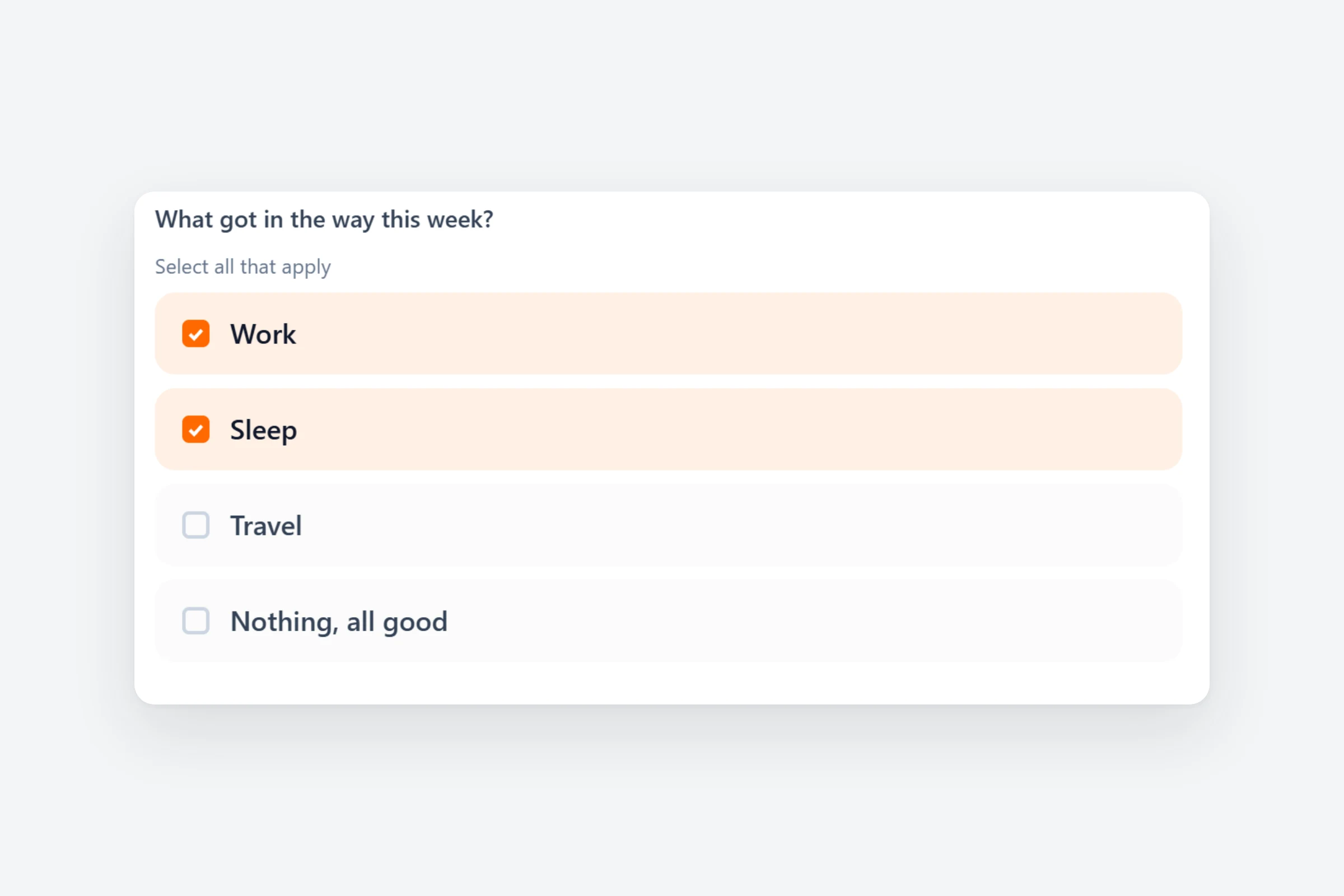
Answers you can compare
Fixed answers to sleep, stress or hunger are quick to fill in and easy to compare week by week.
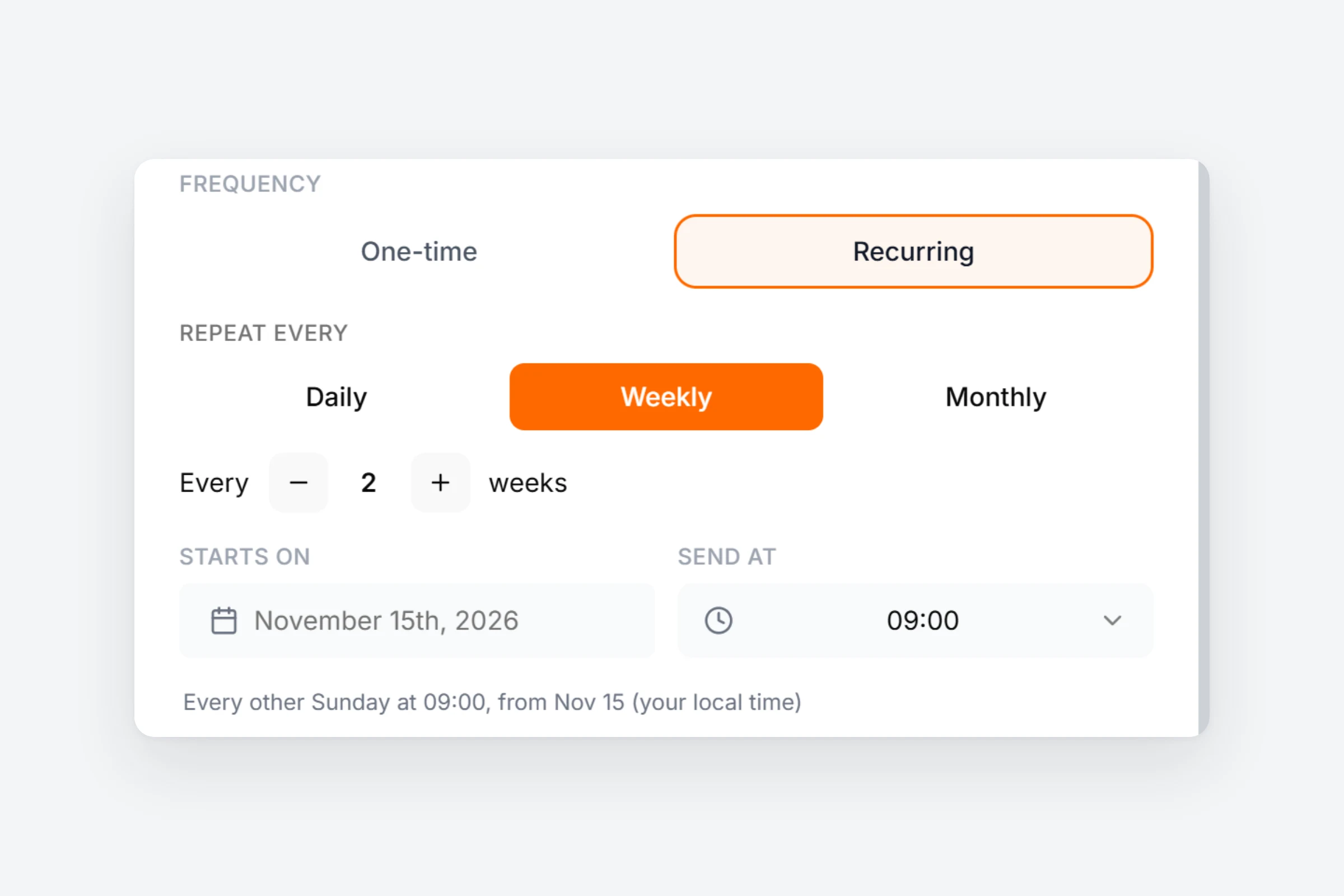
On your schedule
Send check-ins every 10 days or every month, at the hour you choose. Late ones show as missed.
How it works
- 01
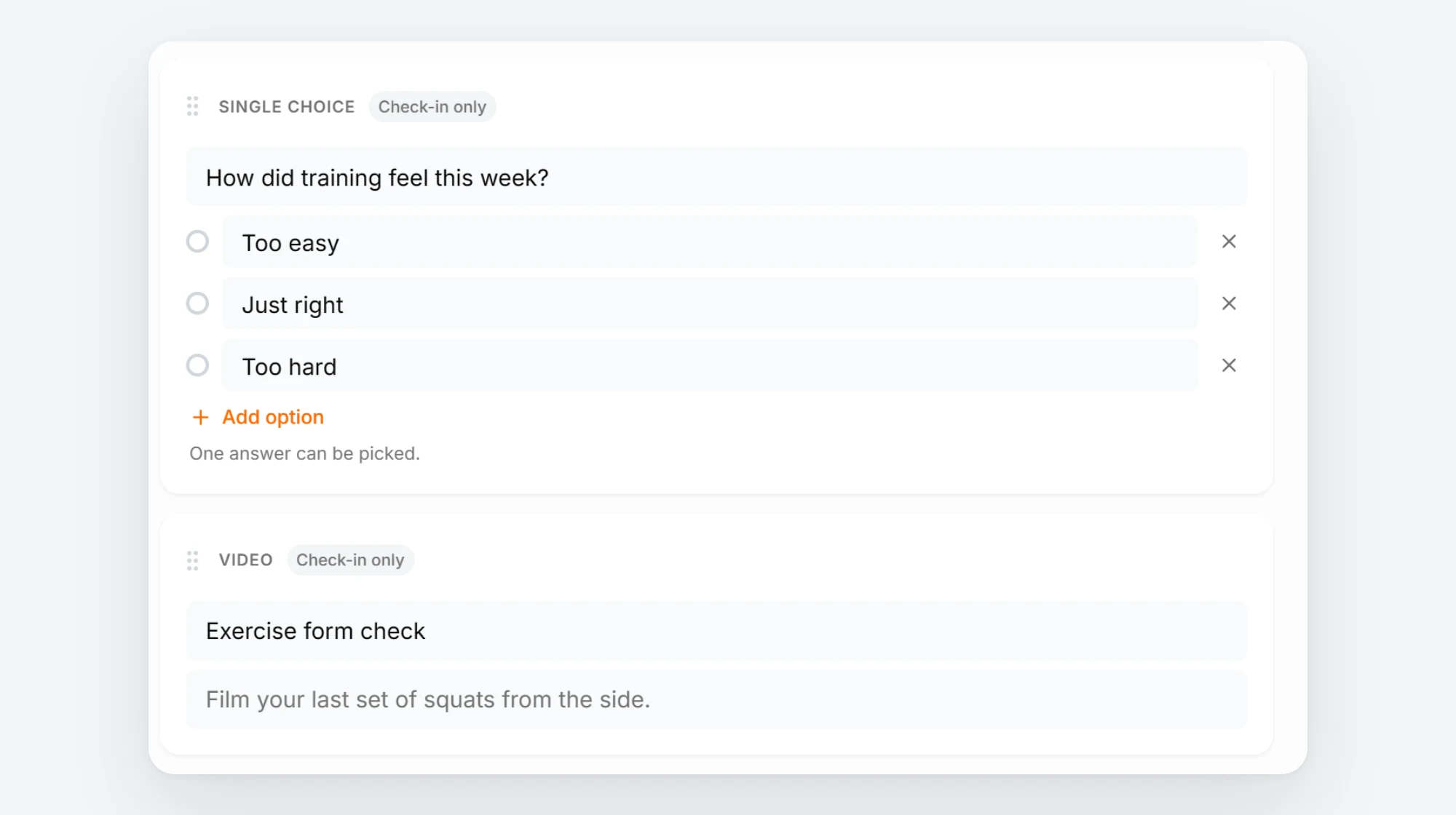
Add a question
In your check-in template, pick Single choice, Multiple choice or Video next to the types you already use.
- 02
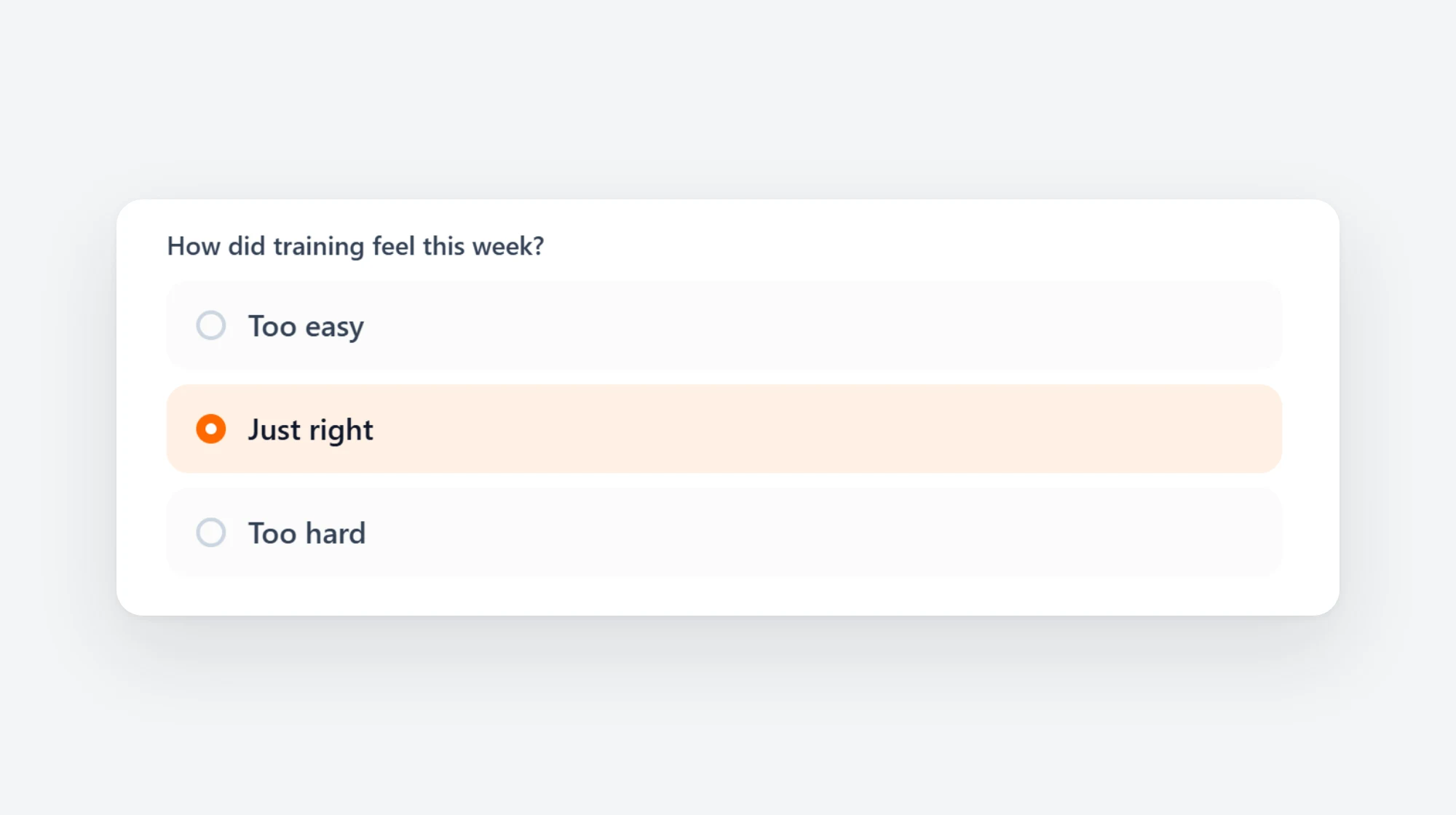
Clients tap their answers
One answer for a single choice, every answer that applies for a multiple choice.
- 03
They add the video
Clients record a clip or pick one from their phone. You watch it in the check-in, next to their answers.
Every question type
- Single choiceone answer from your list, 2 to 20 options
- Multiple choiceevery answer that applies
- Videoa clip of up to 2 minutes, recorded or uploaded
- Body Measurementweight, waist, arms and more, saved to progress
- Custom Metricany number you want to follow over time
- Ratingenergy, mood or motivation on a scale
- Exercise 1RMa one-rep max, max reps or best time
- Progress Photofront, side and back
- Open Questiona written answer
You stay in charge
Web and app
Clients answer on their phone or computer, you review on both.
No waiting
The video uploads in the background. Clients can submit right away.
In the export
Choice answers and videos are part of the client data export.
Existing templates stay
Add the new questions to the check-ins you already send.
Ask for the next form check.
Start a 14 day free trial and add a video question to your check-in.