Client Onboarding Software for Coaches and Personal Trainers (2026)
Client onboarding software takes a new coaching client from payment to first workout without manual admin. It sends the invite, collects the intake form and health screening, posts a welcome message, assigns the program and schedules the first check-in. For personal trainers, the best tools run that whole sequence from a single sign-up.

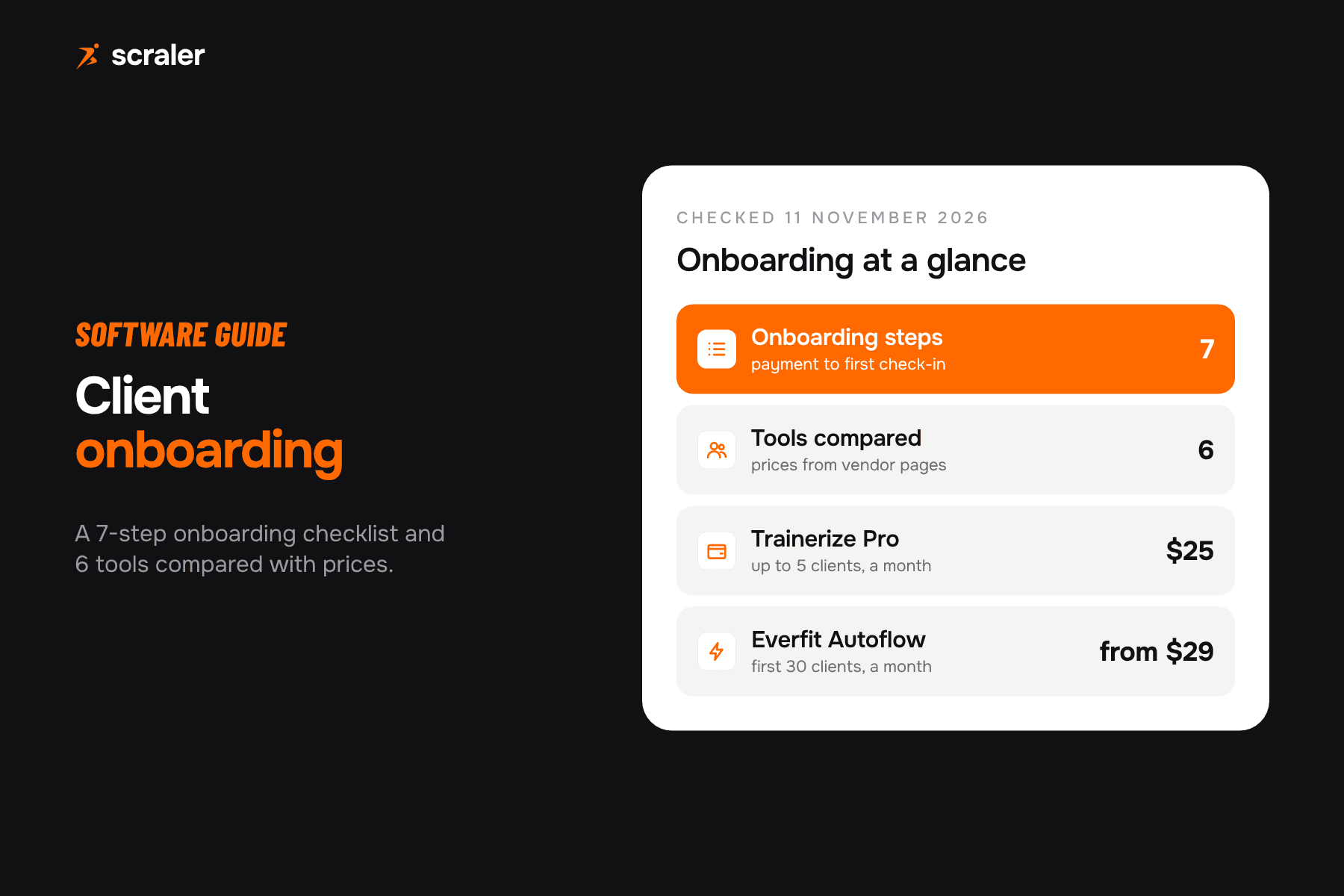
- Good onboarding covers seven steps: payment, invite, intake form, health screening, welcome message, program assignment and a first check-in.
- Forms are everywhere. The real differences are automation (what happens after the form), payments, and whether waivers can be signed.
- Trainerize, Everfit and Scraler put onboarding forms and automated assignment inside a coaching app. My PT Hub and Practice Better add waivers.
- Automation is often a separate cost: Everfit Autoflow starts at $29 a month for 30 clients, Scraler automations need Ultimate ($109).
- Test onboarding with one real new client during the trial, timed from payment to first logged workout.
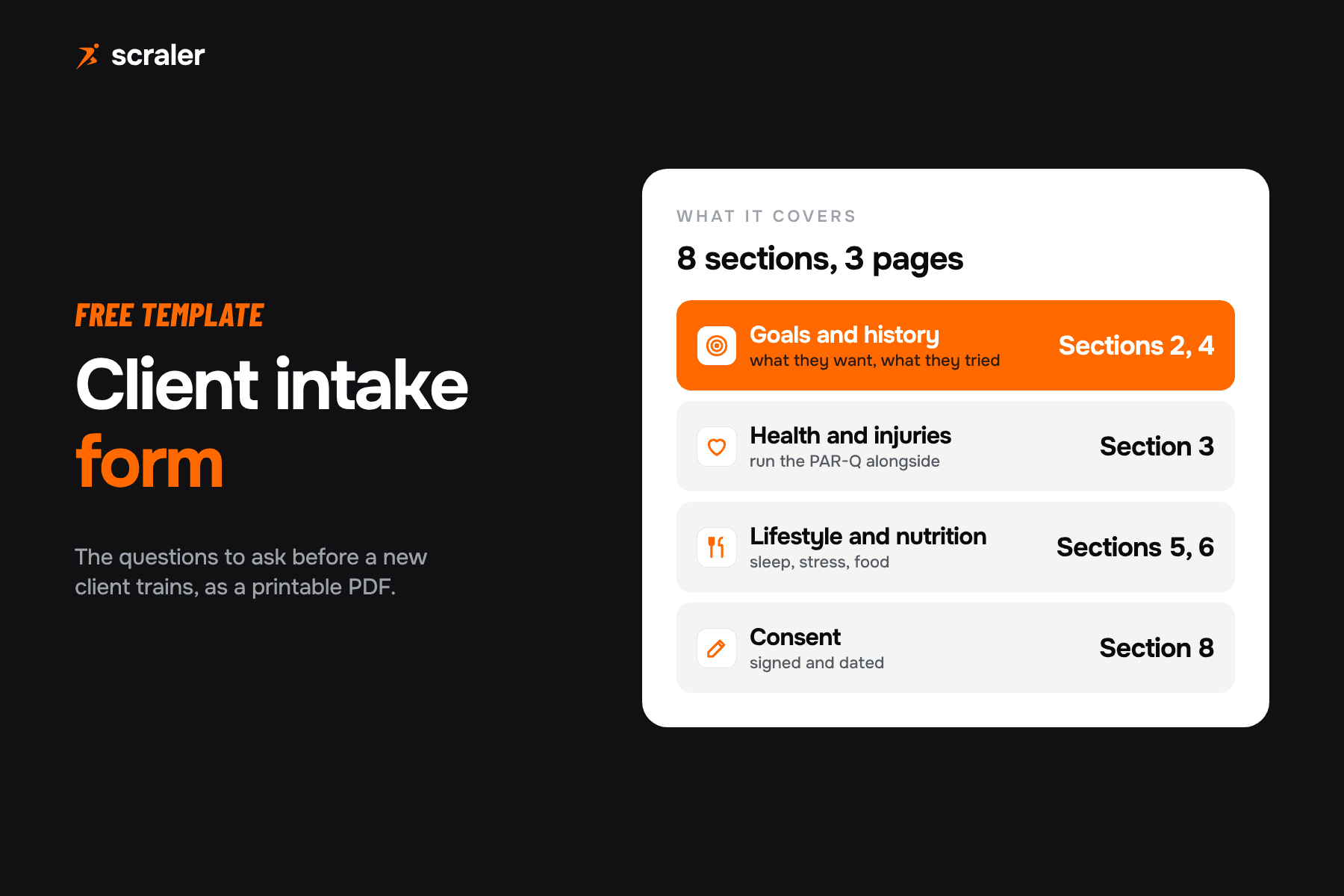
This guide is for personal trainers and online coaches who sign up new clients every month and want the first week to run without copy and paste. It covers what client onboarding software should do, an onboarding checklist you can copy, and six tools compared on their own pages. If you only need the questions, start with our client intake form template instead.
What is client onboarding software for coaches?
It is the part of your coaching platform that handles everything between "yes, I want to train with you" and the first session. In most tools it is not a separate product. It is a set of features inside personal trainer software: an invite, a form builder, automated messages, program templates and a payment link, wired together so one action starts the rest.
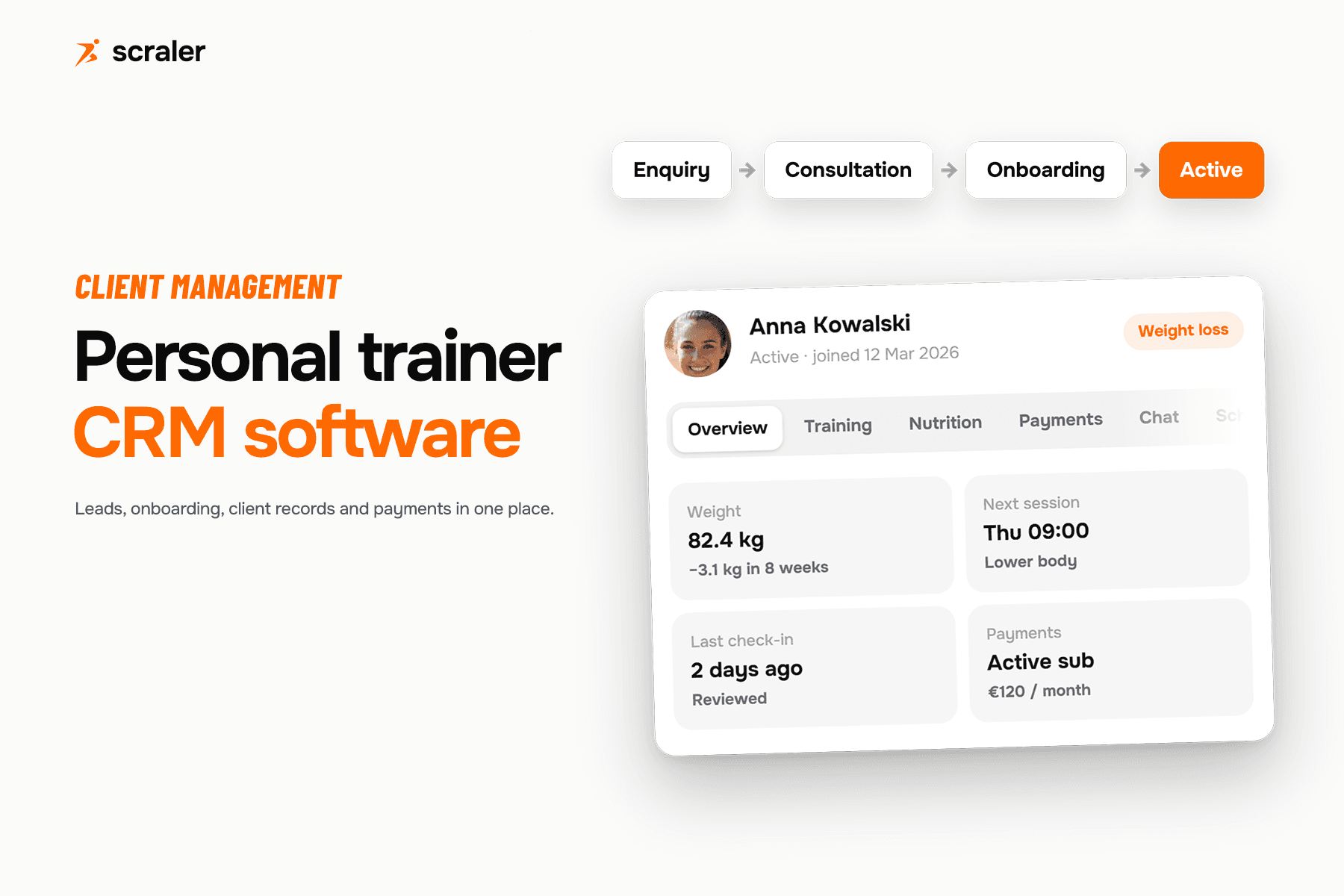
The difference from a generic form tool (Google Forms, Typeform) is where the answers land. In coaching software the intake answers sit on the client profile next to their program, check-ins and chat, so you read them before you write week one.
What is a good onboarding process for coaching clients?
This is the onboarding checklist we see working for one to one and online coaching. Each step should be either automatic or one click. If a step needs you to type the same message for every client, that is the step to automate first.
- 11. Payment or agreement
Client buys a package or plan. Payment starts the rest of the flow.
- 22. Invite and app login
Invite email, password set up, client app installed.
- 33. Intake form
Goals, history, schedule, equipment, food preferences.
- 44. Health screening
PAR-Q or equivalent, with a referral rule for any yes answer.
- 55. Welcome message
What happens next, how to reach you, when to expect the program.
- 66. Program and nutrition assigned
Template assigned, then edited for this client using the intake answers.
- 77. First check-in booked
Recurring weekly check-in starts, first one at the end of week one.
For the screening step, use a plain-language form and a clear rule for what happens when a client answers yes. Our PAR-Q form template has a printable version. Keep the intake form short enough to finish on a phone; anything you need later can go in the first check-in.
Onboarding checklist for personal trainers
- Payment collected, or the package agreement recorded, before anything else.
- Client invited and logged in to the app.
- Intake form completed and read by you.
- Health screening completed; any yes answer followed up before training starts.
- Welcome message sent with what to expect in week one.
- Program assigned and adjusted for injuries, equipment and schedule.
- Nutrition targets or meal plan assigned, if you coach nutrition.
- First check-in scheduled and the recurring check-in switched on.
- Client tagged or added to the right category so later automations apply.
What should client onboarding software do?
Almost every coaching app has a form builder now. Judge tools on these five points instead.
- 1.One trigger starts everything. A purchase or an invite should send the form, the welcome message and the program, not three separate actions.
- 2.Different onboarding per offer. A nutrition-only client and a hybrid client need different questions and programs.
- 3.Answers on the client profile. You should see intake answers next to the program you are writing, not in a separate inbox.
- 4.Payment in the same flow. If the client pays in one tool and onboards in another, you match them up by hand.
- 5.Signatures, if you need them. If your insurer or gym wants a signed waiver or PAR-Q, check that the tool records a signature, not just a checkbox.
Which client onboarding software is best for personal trainers?
- Price from
- $49 a month (Plus, 50 clients)
- Best for
- Trainers who want onboarding, programs, nutrition and payments in one app
- Key limits for onboarding
- Payments and multiple onboardings need Premium ($69); automations need Ultimate ($109); no signature capture
- Price from
- $25 a month (Pro, 5 clients)
- Best for
- Coaches already on a large platform with many integrations
- Key limits for onboarding
- Invitation email cannot be edited; Stripe payments are a $10 add-on
- Price from
- See vendor (Pro)
- Best for
- Coaches who want a bundled onboarding flow with form, messages and assignments
- Key limits for onboarding
- Onboarding Flow on Pro and Studio only; Autoflow is a usage-based add-on from $29
- Price from
- $59 a month (Premium, unlimited clients)
- Best for
- Trainers who want PAR-Q and waivers assigned automatically
- Key limits for onboarding
- Discounted rates shown on its page vary, so check at checkout
- Price from
- Free (Sprout), Starter $35
- Best for
- Nutrition and wellness practitioners who need forms and waivers
- Key limits for onboarding
- Recurring forms and waivers start at Professional ($69); built for practitioners, not workout programming
- Price from
- See vendor
- Best for
- Programming-first coaches who onboard through a welcome workout sequence
- Key limits for onboarding
- Onboarding is built from workouts in the calendar, not a dedicated form flow
| Tool | Price from | Best for | Key limits for onboarding |
|---|---|---|---|
| Scraler | $49 a month (Plus, 50 clients) | Trainers who want onboarding, programs, nutrition and payments in one app | Payments and multiple onboardings need Premium ($69); automations need Ultimate ($109); no signature capture |
| Trainerize | $25 a month (Pro, 5 clients) | Coaches already on a large platform with many integrations | Invitation email cannot be edited; Stripe payments are a $10 add-on |
| Everfit | See vendor (Pro) | Coaches who want a bundled onboarding flow with form, messages and assignments | Onboarding Flow on Pro and Studio only; Autoflow is a usage-based add-on from $29 |
| My PT Hub | $59 a month (Premium, unlimited clients) | Trainers who want PAR-Q and waivers assigned automatically | Discounted rates shown on its page vary, so check at checkout |
| Practice Better | Free (Sprout), Starter $35 | Nutrition and wellness practitioners who need forms and waivers | Recurring forms and waivers start at Professional ($69); built for practitioners, not workout programming |
| TrueCoach | See vendor | Programming-first coaches who onboard through a welcome workout sequence | Onboarding is built from workouts in the calendar, not a dedicated form flow |
Scraler
- From
- $49 / EUR 39 a month
- Payments
- Premium, $69
- Automations
- Ultimate, $109
- Trial
- 14 days
You invite a client by email, in their own language, and they set a password and land in an onboarding wizard in the app or on the web. The wizard holds your own intake form (text, choice, number, date, phone and checkbox fields) and an optional onboarding video. Answers save to the client profile. On Premium you can sell a plan or package, so the client pays first and goes straight into intake, and you can run a different onboarding per client category. On Ultimate, an automation can fire on "onboarding completed" to send the welcome message, assign the training plan and meal plan, and start check-ins.
Trainerize
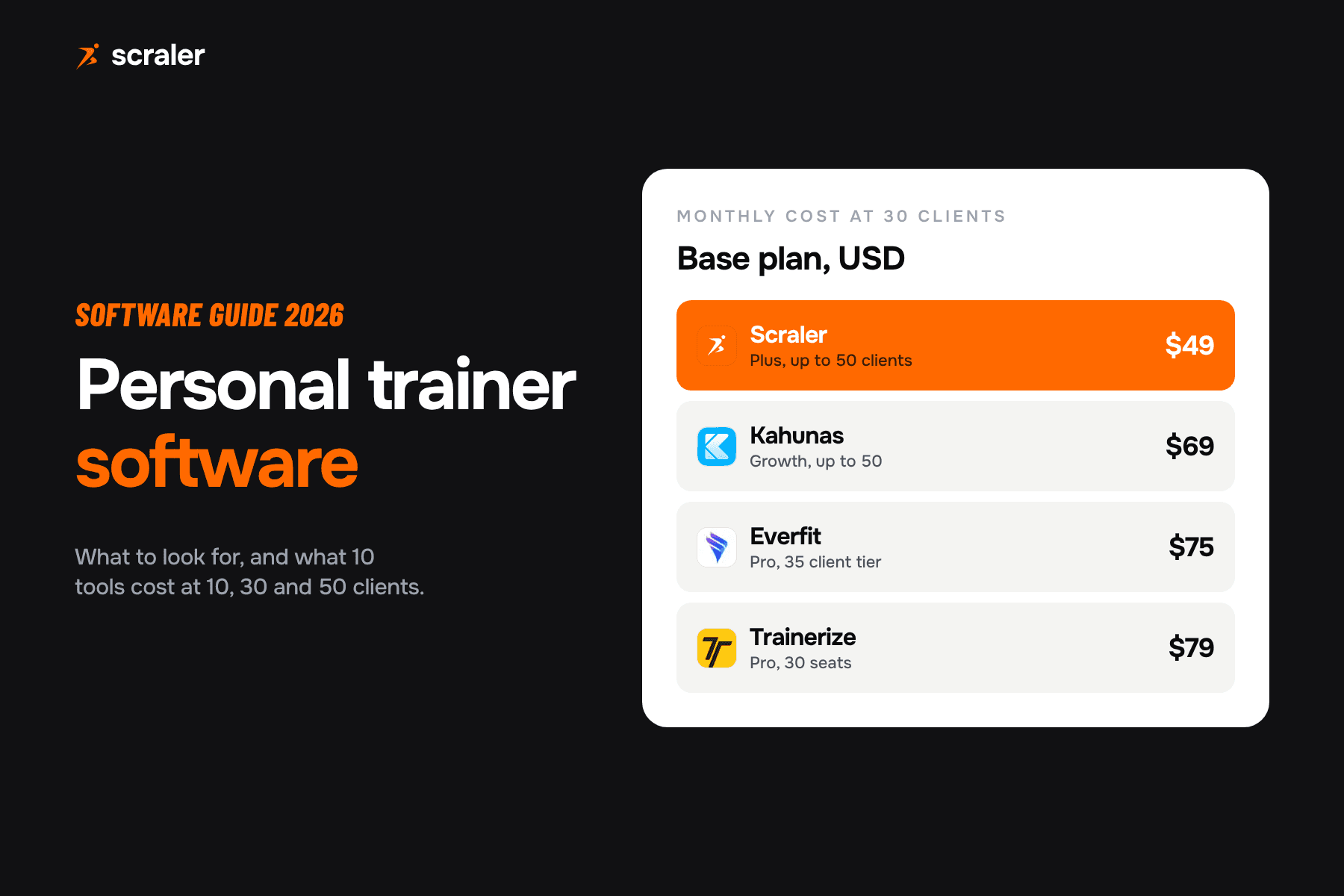
Trainerize lets you pick one onboarding form that new clients fill in during account setup, right after they set a password. Questions can be single or multiple answer, text or a 1 to 10 rating, and you get a notification when the form is done. An invitation email goes out automatically and you can add a customized welcome email. Pro starts at $25 a month for 5 clients and is $79 at 30 clients; Stripe payments are a $10 a month add-on.
Everfit
Everfit's Onboarding Flow bundles an onboarding form, onboarding messages, assignments and an Autoflow into one setup. It is available on Pro and Studio. Autoflow is billed by use: $29 a month covers the first 30 clients who are in an active Autoflow, $56 covers 31 to 60. Check the pricing page for the current Pro base price.
My PT Hub
My PT Hub automatically assigns a PAR-Q form to each new client and lets you auto-assign further forms, such as goal setting questionnaires and custom waivers, plus branded welcome emails. Premium has unlimited clients and is $59 a month on its pricing page, with a 30-day free trial and no card needed.
Practice Better
Practice Better is practice management for nutrition and wellness practitioners. Form templates are on every plan, including the free Sprout tier, while recurring forms and waivers start at Professional, $69 a month. Starter is $35 a month, or $25 billed annually. It suits nutrition coaches more than trainers who program workouts. For other options, see Practice Better alternatives.
TrueCoach
TrueCoach adds a client with just a name and email, and the client completes the rest when they accept the invite. Its help center suggests building onboarding as a sequence in the calendar: a welcome workout on day one, a questionnaire on day two. That works for programming-first coaches but is less of a form flow than the tools above. TrueCoach's own pages showed conflicting prices, so see the vendor.
Where Scraler fits and where it does not
- Intake form, onboarding video and client app on every paid plan
- Client pays, then goes straight into intake (Premium)
- Different onboarding per client category (Premium)
- Welcome message, program, meal plan and check-ins assigned by automation (Ultimate)
- Invites and emails in the client's language
- A signed waiver or signed PAR-Q record (no signature capture)
- SMS or WhatsApp welcome messages
- A sales pipeline for leads before they buy
- Calendar sync for the first booked session
- Automations on a $49 plan (they need Ultimate)
If you need signatures, pair Scraler with an e-sign tool for the waiver and keep everything else in one place, or choose My PT Hub or Practice Better, which list waivers. If you need a sales pipeline for leads, our guide to CRM for personal trainers compares general and fitness CRMs. For the wider setup of a new coaching business, see how to start a personal training business and our fitness business software guide.
Build your intake form, then let an automation send the welcome message and assign the program when onboarding is done. Start with a 14 day free trial.
See automationsHow do you choose client onboarding software?
- 1.Write your current onboarding as a list. Mark which steps you do by hand today.
- 2.Price the full flow. Add payments and automation to each base plan; the coaching software cost calculator does this for your client count.
- 3.Check signatures. Ask your insurer whether a checkbox is enough or you need a signed record.
- 4.Run one real client through the trial. Time it from payment to first logged workout, and ask the client where they got stuck.
Frequently asked questions
- What is client onboarding software?
- Software that takes a new client from sign-up to their first session: invite, intake form, health screening, welcome message, program assignment and first check-in. In coaching, it is usually part of your personal trainer platform rather than a separate tool.
- What should be in a client onboarding checklist for personal trainers?
- Payment or agreement, app invite, intake form, health screening such as a PAR-Q, welcome message, program and nutrition assigned, and the first check-in scheduled. Follow up any yes answer on the screening before training starts.
- How long should onboarding take for a coaching client?
- Aim for the client to log a first workout within a few days of paying. Keep the intake form short enough to finish on a phone and move anything non-urgent to the first weekly check-in.
- Can I automate client onboarding?
- Yes. Trainerize sends an onboarding form and welcome email automatically, Everfit bundles form, messages and assignments in its Onboarding Flow, and Scraler Ultimate can assign the program, meal plan and check-ins when onboarding is completed.
- Do I need a PAR-Q in my onboarding process?
- Screen every new client before training starts. The official PAR-Q+ is published at eparmedx.com and sorts people by risk, with some needing healthcare clearance first. Our free PAR-Q form template has a plain-language printable version.
- Which onboarding software handles waivers?
- My PT Hub can auto-assign custom waivers to new clients, and Practice Better includes waivers from its Professional plan. Scraler has no signature capture, so pair it with an e-sign tool if you need a signed record.
- Is there free client onboarding software?
- Practice Better has a free Sprout tier with form templates, and a Google Form works for a few clients. Free options rarely connect answers, payments and program assignment, so expect manual work as you grow.
- What is the difference between an intake form and onboarding?
- The intake form is one step: the questions you ask. Onboarding is the whole process around it, from payment and app login to the welcome message, first program and first check-in.