Digital PAR-Q Forms: Send, Sign and Store Screening Online
A PAR-Q only works if it is completed before the first session, signed, readable and findable years later. Paper fails all four often enough that most trainers have lived at least one "where is that form" moment. Moving the screen online fixes the workflow, and quietly fixes your GDPR position too.


Where paper PAR-Qs break down
- Filled in on the gym floor, minutes before the session
- Rushed handwriting, skipped questions, missing signatures
- A folder at the studio: unencrypted health data, no access control
- Hardest to find at the exact moment you need it
- Completed during signup, before session one
- Every question required, confirmation recorded
- Encrypted, access-scoped to you, deletable
- On the client profile, retrievable in seconds
What a good digital flow looks like
- 1.The form goes out with onboarding, automatically. Not "I must remember to email the PDF": the screen is a built-in step of becoming your client, completed on their phone before session one.
- 2.Yes answers are flagged to you. You should not have to re-read nine answers per client to spot the one that matters. The system surfaces flags; you handle the GP recommendation.
- 3.Confirmation is recorded, not scanned. The client’s submission is timestamped, and the consent question is answered explicitly. That record is your signature equivalent.
- 4.Answers live on the client profile. Same place as their programme and check-ins, visible only to you, retrievable in seconds, deletable when your retention window ends.
The GDPR advantages are the quiet win
Everything the law expects for health data (explicit consent, secure storage, access control, purposeful retention, erasure on request) is manual discipline on paper and default behaviour in a proper system. Consent is captured as a form question, storage is encrypted and scoped to you, and deleting a former client’s data when the retention window ends is a button rather than an archaeology project.
Setting it up in Scraler (about two minutes)
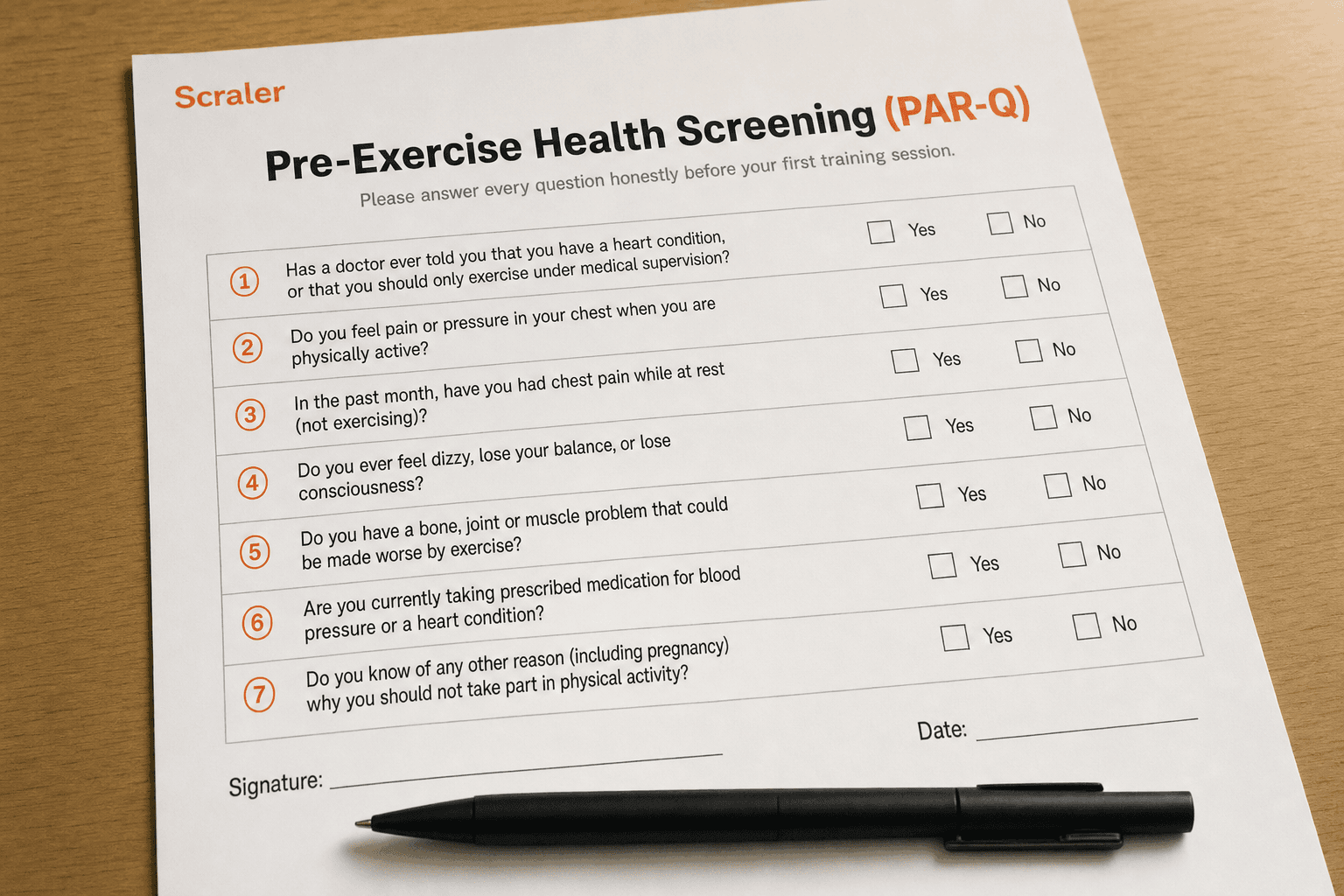
- 1.Open Clients → Onboarding and choose Add form, then pick the Pre-Exercise Health Screening (PAR-Q) template. All nine questions, including the consent confirmation, are inserted ready to edit.
- 2.Adjust if you like: reword questions, add injury-history or lifestyle questions, reorder forms. The template is a starting point, not a cage. Our client intake form template lists the lifestyle questions worth adding.
- 3.Done. Every new client now completes the screen during signup, before their first session, and every answer lands on their profile: flagged, timestamped and stored until you remove it.
The template inserts the same nine questions published in our free PAR-Q template, so what you read there is exactly what your clients will answer.
Put the PAR-Q inside your client onboarding and never chase a paper form again. Free to start, two minutes to set up.
Start freeFrequently asked questions
- Is a digitally completed PAR-Q as valid as a signed paper one?
- Yes. What insurers and courts care about is a recorded, dated confirmation from the client that the answers are theirs. A timestamped digital submission with an explicit confirmation question provides that, often more reliably than handwriting.
- What happens when a client answers yes on a digital form?
- The answer is flagged on their profile so you see it before the first session. The protocol is unchanged: recommend a GP conversation in writing, and programme around the flag or wait for clearance.
- Can clients complete the form on their phone?
- Yes, in Scraler the screening is part of client signup, completed on any device before their first session.