How to Make a Cookbook (and Sell It to Your Clients)
To make a cookbook, pick one theme and reader, write 20 to 30 recipes, cook each one before you publish it, add calories and macros per serving, photograph and lay it out, then sell it as a PDF or inside your coaching app. Independent sellers price fitness recipe PDFs from $0.99 to $27.

- Make it narrow. One reader and one problem, such as high protein dinners in 30 minutes, beats a general healthy cookbook.
- Cook every recipe before it goes in, and add macros per serving. That is what clients pay a coach for.
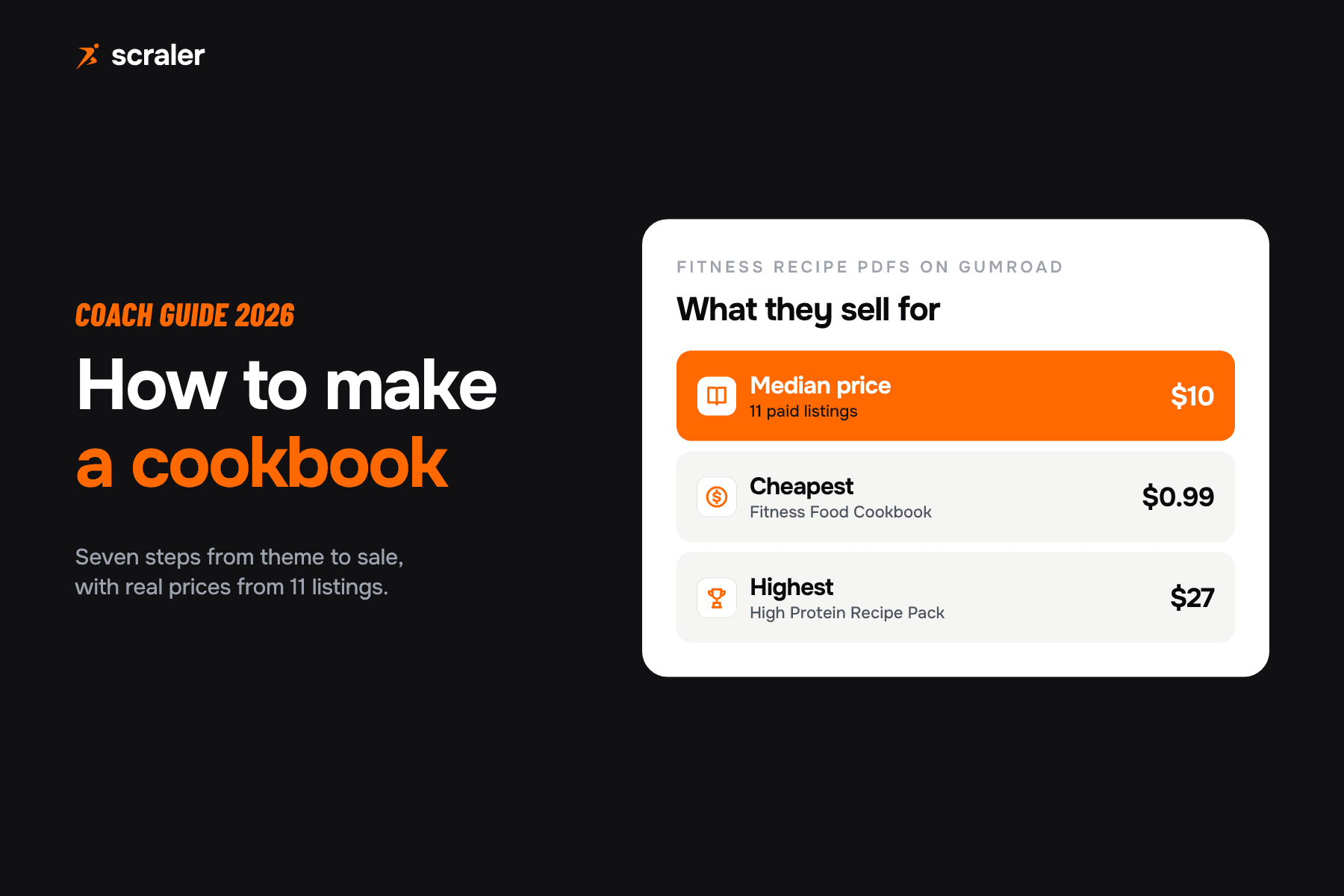
- We read 11 paid fitness recipe PDFs on Gumroad. They cost from $0.99 to $27, with a median of $10.
- Sell it two ways: free to your own clients as a retention tool, and paid to everyone else as a product.
A cookbook is one of the easiest products a coach can make. You already write meal plans, answer food questions and swap ingredients every week. A cookbook packages that into something a client can use without you in the room. The numbers in this guide come from listings we read on 7 October 2026. Where we computed something ourselves, we say so.
How do you make a cookbook, step by step?
Seven steps, in this order. Start with the food, not the design. Design is step six.
- 1Theme
One reader, one problem.
- 2Recipes
Choose 20 to 30 you already cook.
- 3Test
Cook each one and fix the quantities.
- 4Photos
One clear photo per recipe.
- 5Nutrition
Calories and macros per serving.
- 6Layout
One recipe, one page, same order.
- 7Sell
PDF, in-app, or both.
What should your cookbook be about?
Start from a question your clients ask you every week. "What can I eat at work?" "Something high protein that is not chicken and rice." "A dinner my kids will eat." Your answer is the theme. A narrow cookbook sells itself in one sentence and is easier to finish.
- Goal based. High protein, fat loss dinners, bulking snacks.
- Situation based. Meal prep for shift workers, 20 minute lunches, travel food.
- Diet based. Vegetarian, gluten free, dairy free, budget.
- Client based. The recipes you give your own clients most often, with your method behind them.
Look at what is already for sale. Many of the fitness recipe PDFs we read are titled "high protein" and little else. A theme tied to who you coach, such as busy parents or runners, sets yours apart from those.
How many recipes does a cookbook need?
Our suggestion: 20 to 30 recipes for a first cookbook. That covers a month of dinners with repeats, or a week of breakfasts, lunches, dinners and snacks with choices. The sellers we looked at range from 15 to 400 recipes in their titles and descriptions, so there is no standard. A smaller book you finish and test properly is worth more than a long one you never publish. You can add a second volume later.
How do you write and test recipes?
Write every recipe in the same shape: name, servings, prep and cook time, ingredients with weights, numbered steps and the macros. Then cook it from your own written version, with someone else if you can. Two things usually need fixing: quantities that do not match the method, and steps you skipped because they are obvious to you.
How do you add calories and macros to a cookbook?
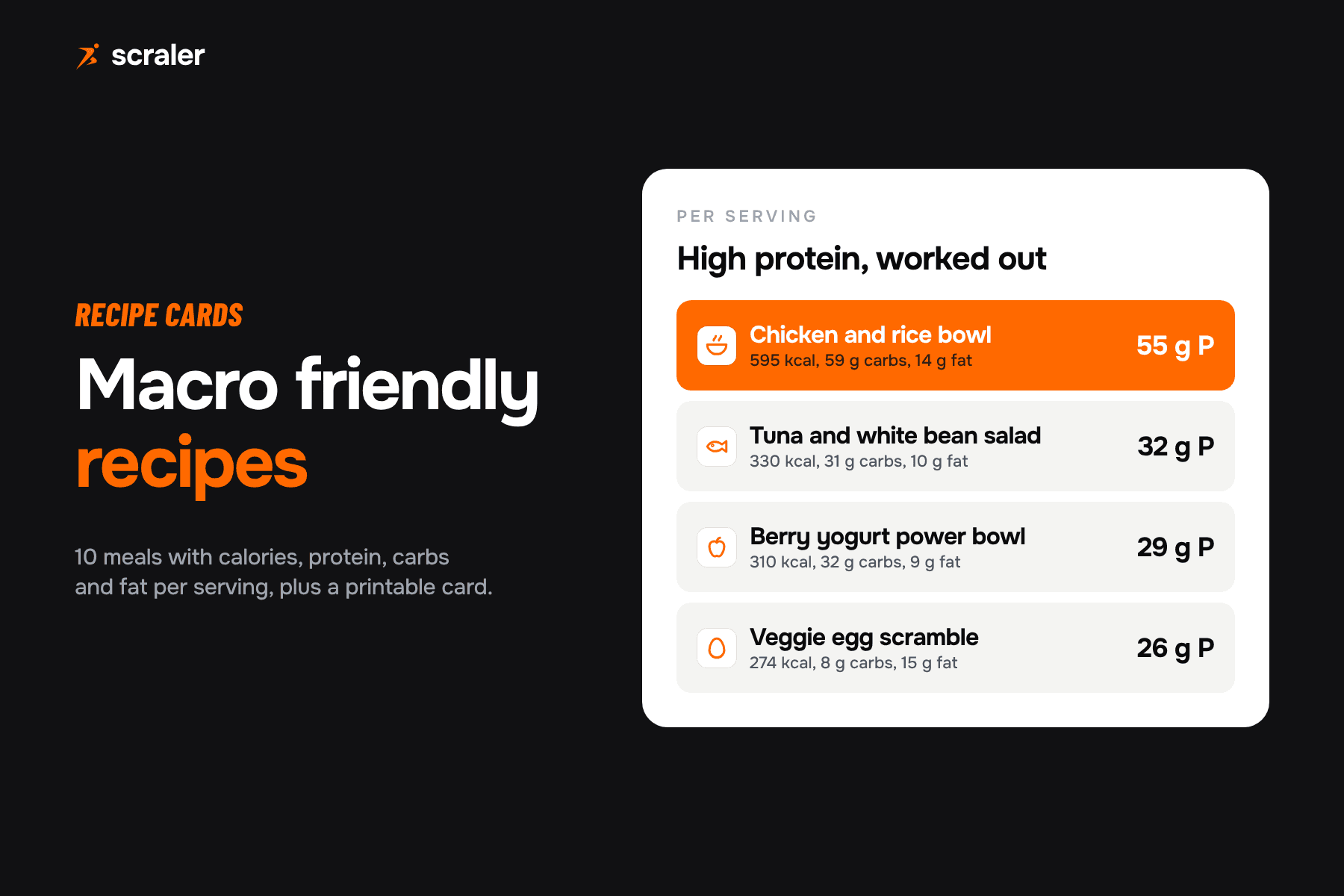
Weigh each ingredient, look up its calories, protein, carbs and fat, add them up, and divide by the number of servings. The USDA FoodData Central database is a free place to look up foods, and its data is public domain. For checking your numbers against a target, use our free macro calculator. For ten worked examples, see our macro friendly recipes.
Doing this by hand for 25 recipes is slow, which is why many coaches use a recipe builder. In Scraler you build a recipe from foods and steps and it works out the macros for you. Whichever way you do it, show the numbers per serving and state the serving size. If you sell nutrition coaching, our nutrition coach pricing guide covers how to price it.
How do you lay out a cookbook and take the photos?
Give every recipe one page with the same order: photo, title, time and servings, ingredients, steps, macros. Consistency matters more than a fancy design. For photos, use daylight beside a window, shoot from above, and keep the background plain. A phone is enough. Add a cover, a short introduction about who the book is for, and a page on how to use it with your coaching.
A one page cookbook planner and a printable recipe page with room for macros per serving. Fill in by hand or copy the layout into your design tool.
Should your cookbook be a PDF or live in an app?
- Easy to sell anywhere you have a link
- Fixed after you send it
- Client searches it by scrolling
- Macros cannot be logged from it
- Client opens it next to the meal plan
- You can add and fix recipes later
- Recipes sit in one searchable place
- Free for clients or sold as a product
A common setup is both: a short PDF as a free lead magnet and a larger cookbook inside the app for paying clients. The PDF brings people in, and the in-app cookbook keeps clients using your recipes every day.
How much can you charge for a cookbook?
We read 11 paid fitness recipe PDFs on Gumroad on 7 October 2026. They cost from $0.99 to $27. The median of those 11 prices, which we worked out ourselves, is $10. Nine are priced in USD, one in GBP and one in CAD; we converted those two to USD for the bands below. Three more were free or pay what you want. This is a sample of listings we could read, not a market survey, and sellers change prices and run discounts.
- Listings read
- 4
- Examples
- Fitness Food Cookbook ($0.99), 25 High Protein Recipe eBook (CA$5, about US$3.60), Made in the air fryer (£2.99, about $4), Lean & Strong ($4.99)
- Listings read
- 4
- Examples
- Replace Anything ($5), 100+ High Protein Recipe Book ($10), Fuel Your Goals ($11.99)
- Listings read
- 3
- Examples
- High Protein Recipes ($24.99), My Guilt Free Cookbook ($25), The High Protein Recipe Pack ($27)
| Price band (USD) | Listings read | Examples |
|---|---|---|
| Under $5 | 4 | Fitness Food Cookbook ($0.99), 25 High Protein Recipe eBook (CA$5, about US$3.60), Made in the air fryer (£2.99, about $4), Lean & Strong ($4.99) |
| $5 to $12 | 4 | Replace Anything ($5), 100+ High Protein Recipe Book ($10), Fuel Your Goals ($11.99) |
| $24.99 to $27 | 3 | High Protein Recipes ($24.99), My Guilt Free Cookbook ($25), The High Protein Recipe Pack ($27) |
Anonymous buyers compare you with these. Your own clients are different: they already trust your food advice, and a cookbook with your macros and your method is worth more to them than a generic PDF. You can price it at the top of this range, or give it free to clients and use it to improve retention. A worked example: 40 buyers at $15 is $600 before payment fees.
How do you sell a cookbook to your clients?
In Scraler you group recipes into a cookbook, add a cover and description, and choose the access type: Free Access for all your clients, or Paid Product with a price. A new cookbook always starts as a draft, so you can check it before it goes live. Clients find cookbooks in the Cookbooks tab under Nutrition, and paid ones show a Stripe checkout button.
- Free for your clients. Give your main cookbook to everyone you coach. It makes your plans easier to follow.
- Paid for everyone else. Sell a second cookbook as a one-time product on your landing page or in a community post.
- Bundle it. Add a cookbook to a coaching package as a bonus, so the package feels bigger without more of your time.
Selling needs a Premium or Ultimate plan and a Stripe account connected under Earnings. Giving a cookbook away to your own clients needs no payment setup. Cookbook purchases show up with your other earnings, so you can see what sells.
Make recipes with macros, group them into a cookbook, and give it away or sell it through Stripe. Clients open it in the same app as their meal plan.
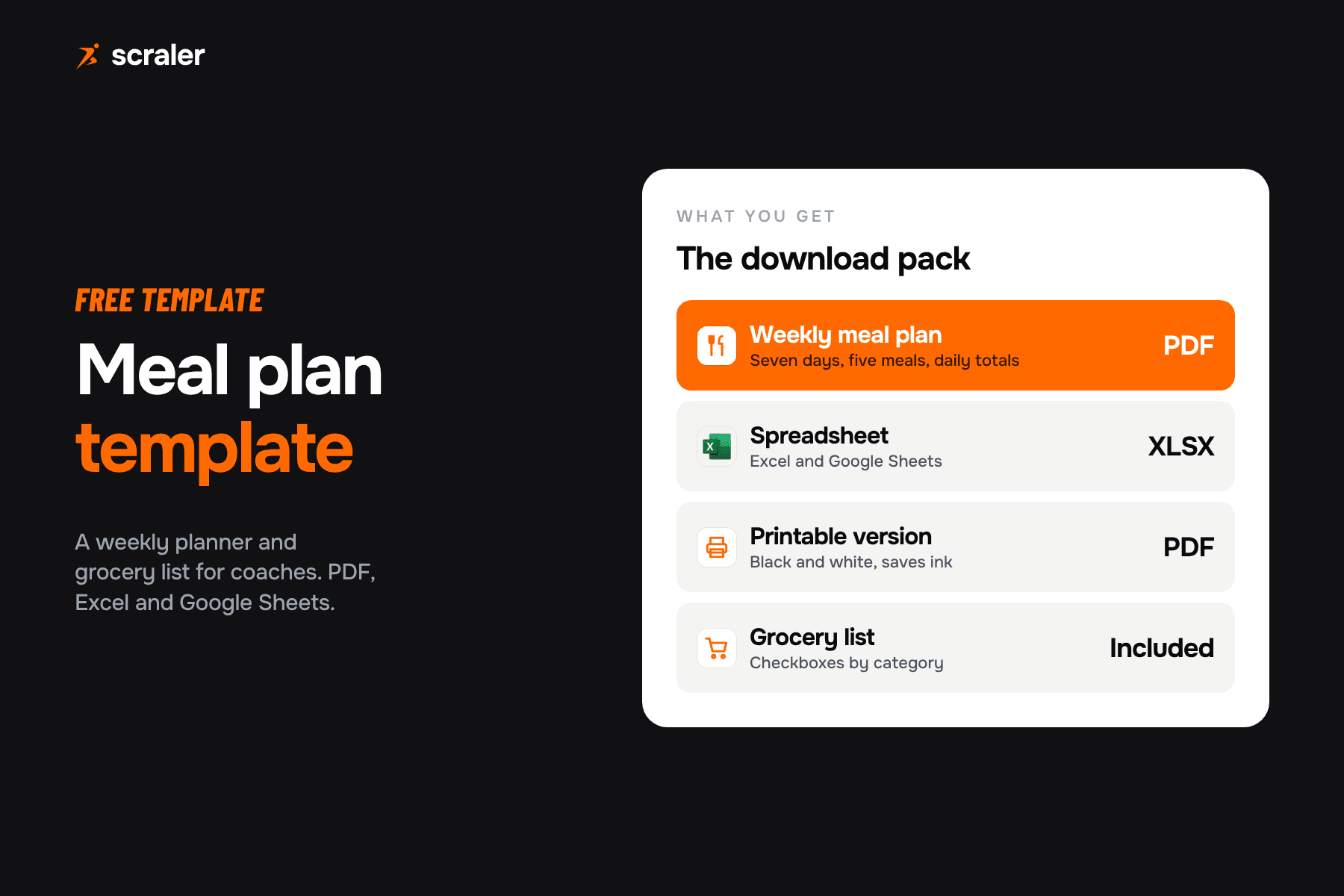
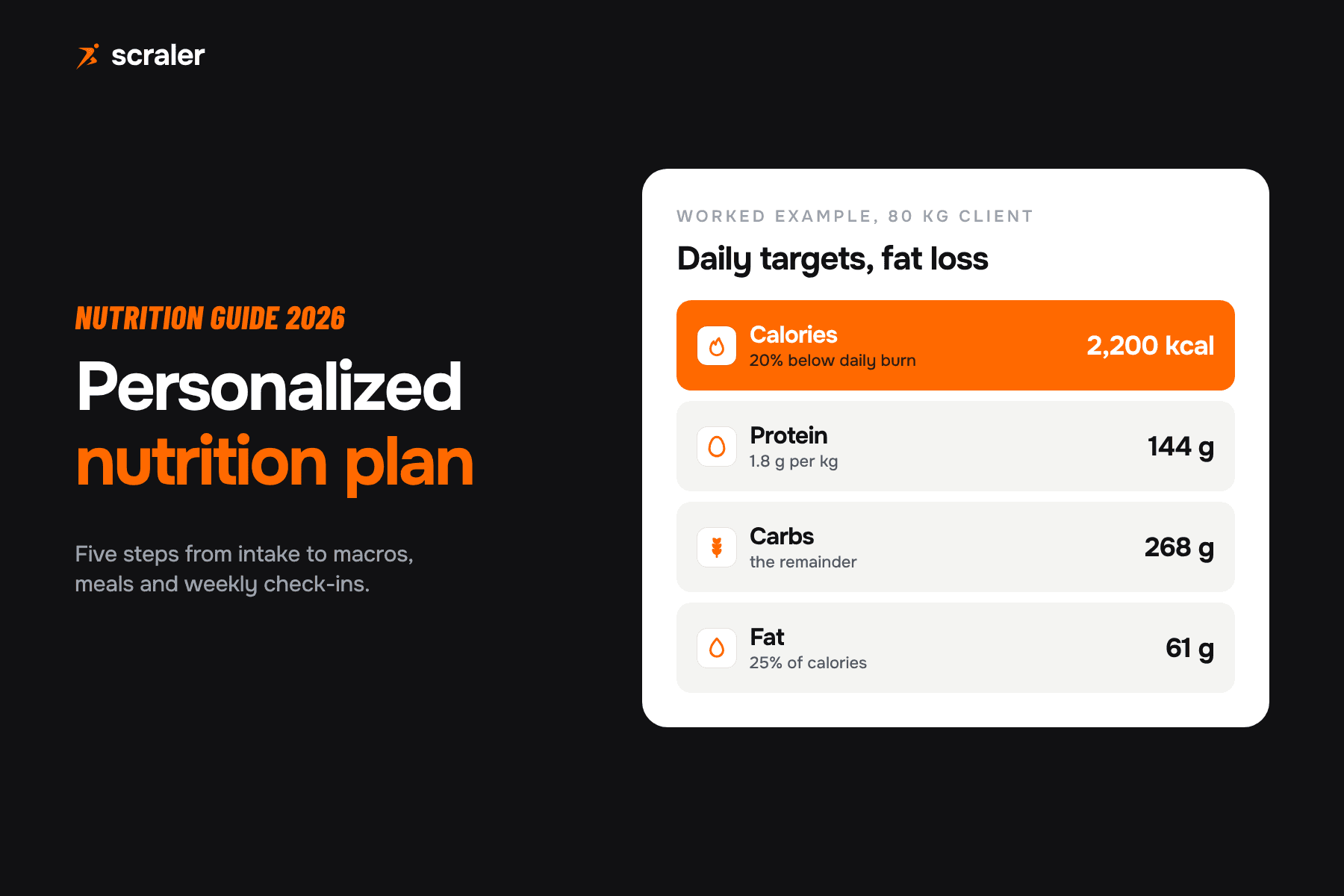
See the meal plannerIf you build meal plans too, our meal plan template and personalized nutrition plan guide show how recipes fit into a plan a client can follow.
Frequently asked questions
- How do I make a cookbook for free?
- Write and test your recipes, add macros per serving, put each recipe on its own page in a free design or document tool, and export a PDF. The planner in this guide helps you organise it. You pay only if you add paid software or print copies.
- How many recipes should a recipe ebook have?
- There is no standard. The listings we read range from about 15 to 400 recipes. For a first book we suggest 20 to 30 tested recipes on one theme, then add a second volume later.
- Can a personal trainer sell a cookbook?
- Yes. Recipe PDFs and in-app cookbooks are sold by independent fitness sellers. Write the method in your own words, credit adapted recipes, and keep health claims inside your qualification. Check your local rules for selling food related advice.
- How much should I charge for a fitness cookbook?
- The 11 paid PDFs we read on Gumroad cost $0.99 to $27, with a median of $10. Your own clients may pay more for a cookbook that follows your method, or you can include it free to improve retention.
- Do I need photos in a cookbook?
- It helps a lot. A photo makes a recipe easier to follow. A phone, window light and a plain background are enough for a first book.
- Can I sell a cookbook with Scraler?
- Yes. Group recipes into a cookbook, set it to Paid Product with a price, and clients buy it through Stripe checkout. Selling needs a Premium or Ultimate plan and a connected Stripe account. Free cookbooks for your own clients do not need payments set up.