How to Move In-Person Clients to Hybrid or Online Coaching Without Losing Them
To transition clients to online training without losing them, add the app first and change the money later. Keep their session slot, put their current programme in the app, let them log for two weeks, then offer the new options. Never announce a new model. Offer it one client at a time.

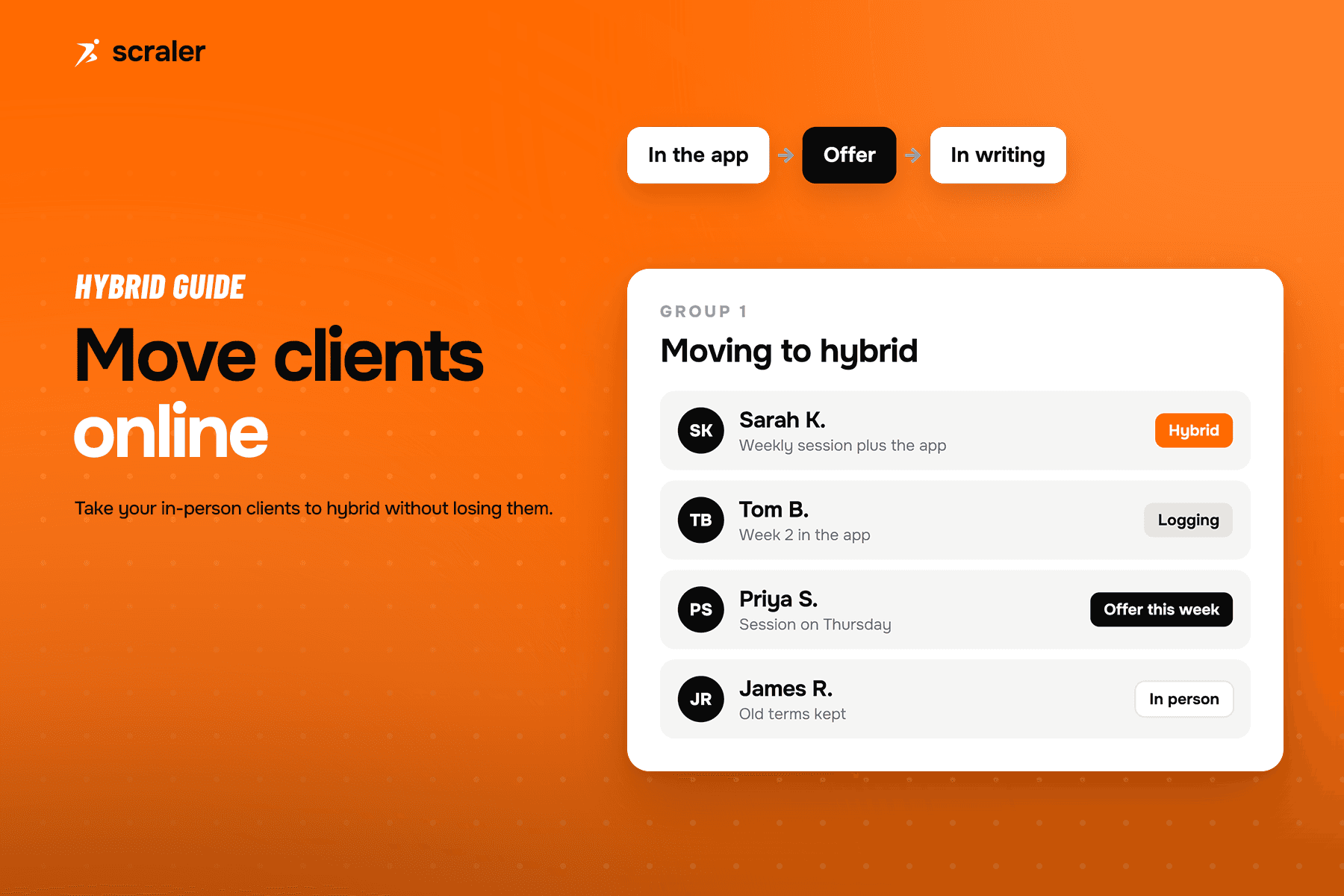
- Clients leave when a change is announced to them. They stay when it is offered to them and they can see the benefit.
- Start with the app and the same price. Move to a membership only after the client has used it for two weeks.
- Give every client three options: stay in person, go hybrid, or go online. A client who says no to hybrid can still say yes to online.
- With more than a handful of clients, work in groups of three to five so problems surface early.
This is the move that turns a full diary of single sessions into a hybrid personal training business. The structure is covered in the full guide. This post is only about the hard part: getting your current clients to come with you.
Why do in-person clients leave when you go online?
Not because they dislike apps. They leave because of how the change reaches them. A message that says "I am moving to a new model, here are the new prices" sounds like less of you for the same money, or more money for the same you. Both read as a downgrade.
Most in-person clients pay for three things: your attention, a fixed time that holds them accountable, and the feeling that someone is watching. An online offer that sounds like it removes all three will lose them. An offer that keeps all three and adds more will not.
So the rule is simple. Take nothing away at the start. Add first, then talk about price.
How do you transition clients to online training step by step?
Run these five steps for each client, in their own session. Never as one message to everyone.
- 11. Pick your first group
Three to five clients who already train well, reply to messages and have asked about training on their own days.
- 22. Put their current programme in the app
Same sessions, same price, same slot. They log what they do on the days you are not there.
- 33. Review the logs in the session
Open the log together. Show them the work they did without you in the room.
- 44. Offer the three options
Stay in person, hybrid membership, or online only. Say the price for each, plainly.
- 55. Confirm in writing
Send the agreed option, the price and the start date. Then move to the next group.
Step two is where most trainers rush. Give it two full weeks. A client who has logged their own days for two weeks has already moved. The offer in step four then just names what they are doing.
What to say in step four
"You have trained on your own days the last two weeks and it shows in your numbers. I want to coach that part properly, not just the hour I see you. I can do three things. Keep our sessions as they are. Move to a monthly membership: our session plus your programme, weekly check-in and messages. Or go fully online. Which sounds closest to what you want?"
Notice what it does. It starts from something the client already did. It names the change as more coaching. It ends on a question, so the client chooses. A client who chooses has made the decision themselves.
What should you charge existing clients for hybrid or online?
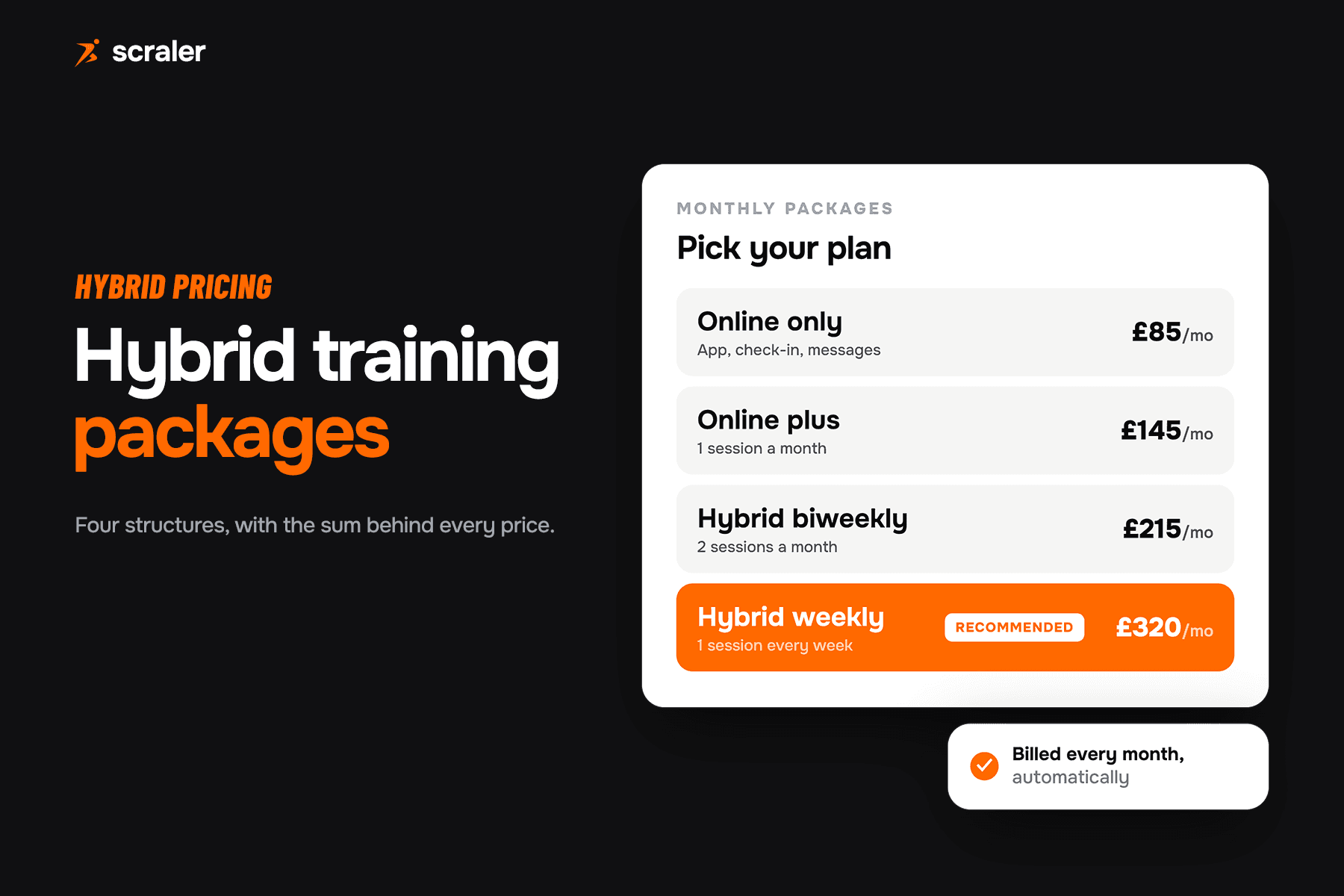
Keep the first step of the price move small. A client paying per session today should see a monthly figure that is close to what they pay now, with more included. A big jump in the first month makes the whole change feel like a price rise.
The full structures, with real numbers for each, are in hybrid personal training packages. Two rules matter for existing clients:
- Bundle, do not add on. One monthly price that covers the session, the programme and the check-ins. A separate fee for "the app" invites an argument about what the app is worth.
- Honour what they have paid for. If a client holds a prepaid block of sessions, let it run out on the old terms. Start the membership when the block ends.
The online-only option should cost clearly less than hybrid. It keeps a client who would otherwise leave. Do not hide it to push people to hybrid.
What do you do when a client says no?
Match the answer to the reason. "No" almost always means one of four things, and each has a different next move.
- What it usually means
- Worried about losing accountability
- What to do
- Keep the weekly slot. Show them that the check-in and the log are the push between sessions.
- What it usually means
- Worried about the effort of setup
- What to do
- Set it up for them in the session. Add the first week for them. Make the first log take under a minute.
- What it usually means
- Cannot see what extra they get
- What to do
- Show the extra training days in their log. Offer online only, or keep them on per-session terms.
- What it usually means
- The session is the product
- What to do
- Keep them in person. Not every client should move. Stay as their trainer, not their salesperson.
| What the client says | What it usually means | What to do |
|---|---|---|
| "I need you there to push me" | Worried about losing accountability | Keep the weekly slot. Show them that the check-in and the log are the push between sessions. |
| "I am not good with apps" | Worried about the effort of setup | Set it up for them in the session. Add the first week for them. Make the first log take under a minute. |
| "That is more money" | Cannot see what extra they get | Show the extra training days in their log. Offer online only, or keep them on per-session terms. |
| "I just like seeing you" | The session is the product | Keep them in person. Not every client should move. Stay as their trainer, not their salesperson. |
Keeping a few clients on the old terms is not a failure. It costs you little, it keeps the relationship, and some of them move later when a friend or a holiday makes the app useful. Write down who said no and why, and ask again in three months.
What do you need set up before you start?
Three things, in this order. Skipping them is how a smooth plan turns into a messy first week.
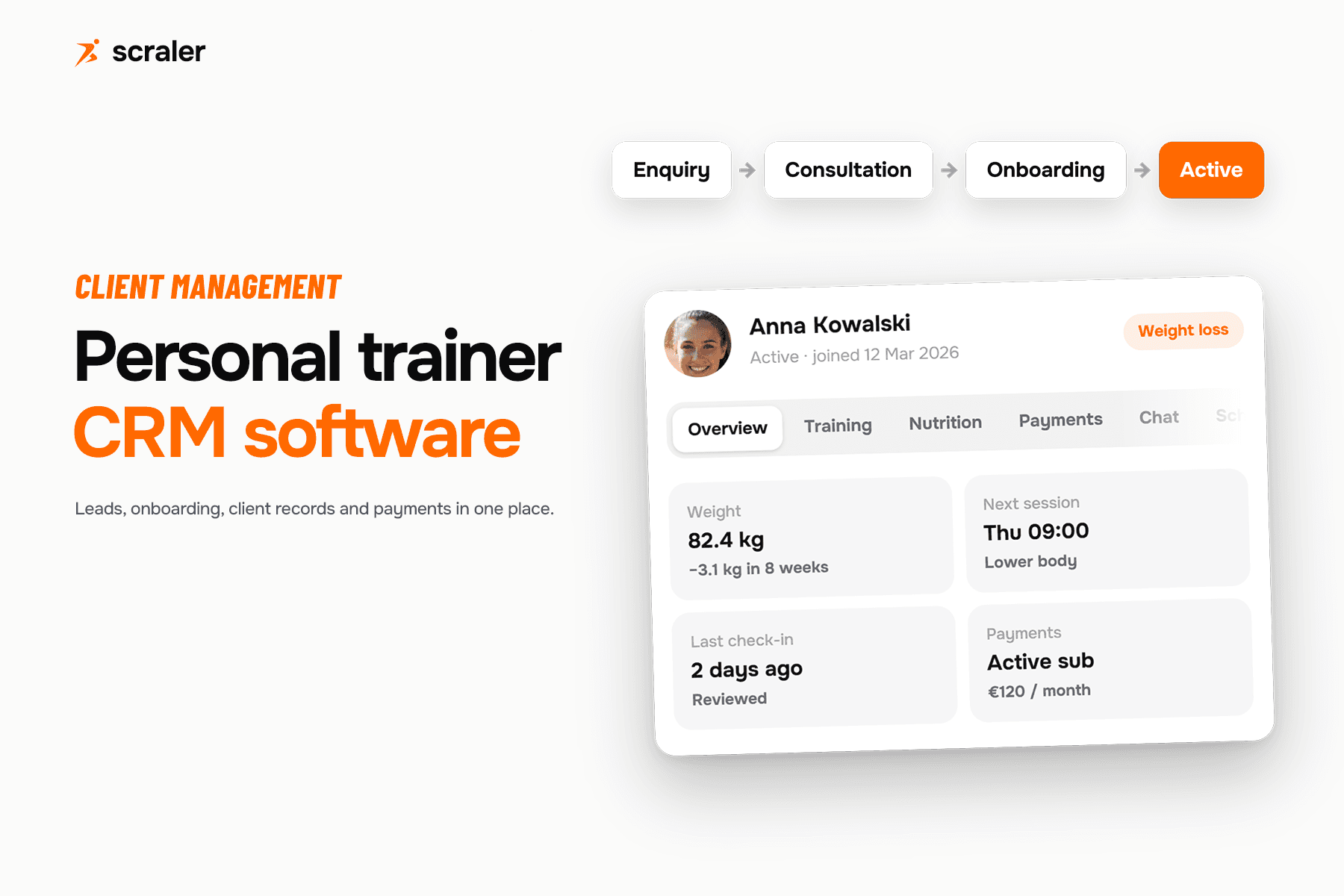
- 1.One place for each client. Their programme, check-ins, progress, schedule, chat and payments on one profile, so you are not hunting through five apps when a client writes in.
- 2.A fixed session slot in the calendar. Not a slot that gets rebooked each week. The recurring slot is what keeps the in-person part reliable.
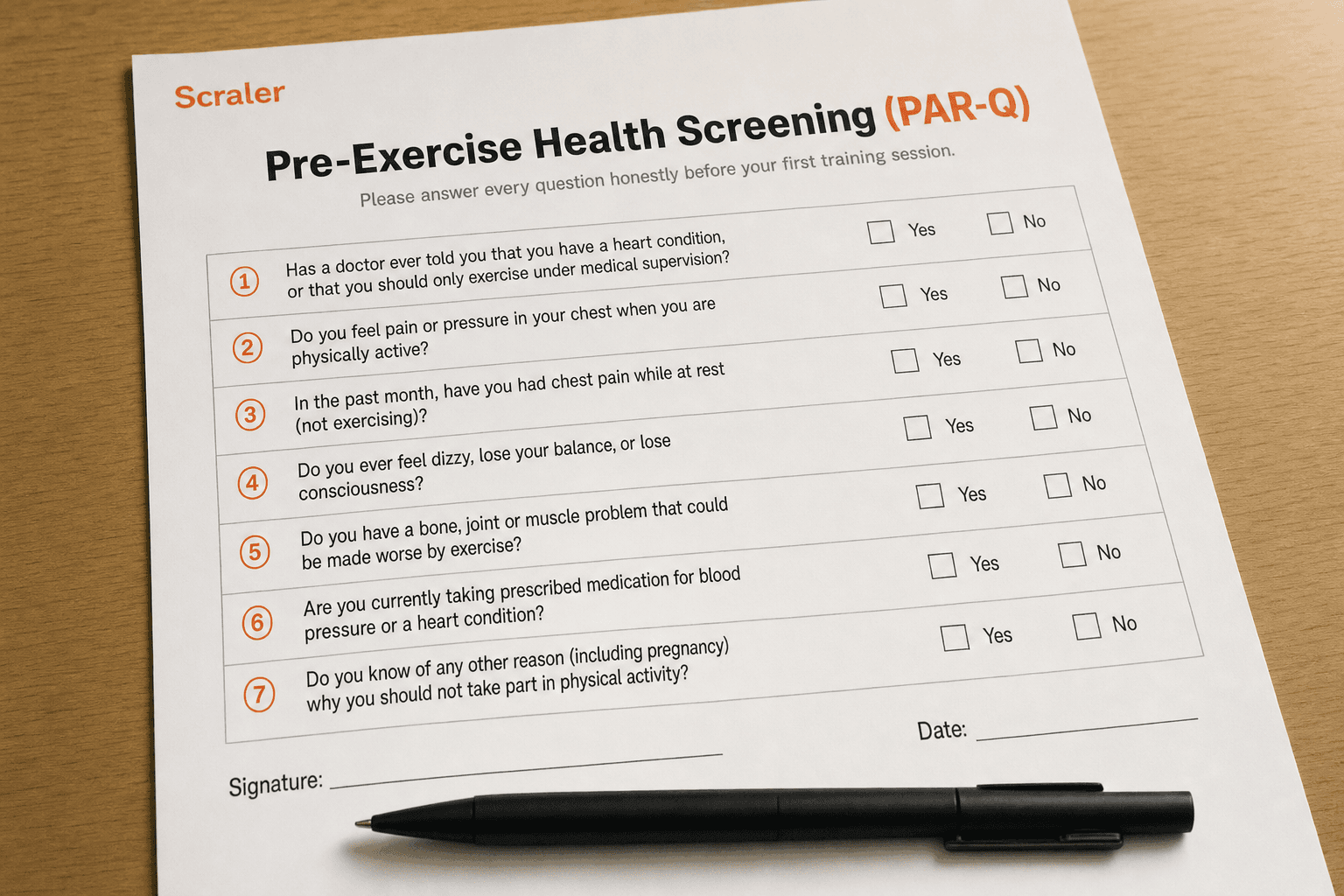
- 3.Paperwork that fits the new service. Re-collect health information if it is old. A PAR-Q form takes a client a few minutes and gives you a current record before you coach them unsupervised.
In Scraler, training, nutrition, check-ins, habits, progress, chat and payments sit in tabs on one client profile. You can import an existing client list from Excel: upload the file, review the rows, then approve them and send the invites, instead of typing everyone in again.
Import your client list from Excel and keep training, check-ins and payments on one profile per client.
See client managementHow fast should you move everyone across?
Slower than you think. Eight to twelve weeks is a sensible window for a full roster. The first group tells you what breaks: unclear instructions, a missing exercise video, a question you did not expect. Fix it before group two.
Make the offer mid-block, in the second week of a new programme, not at the end of one. At the end of a block, any change reads as a renewal negotiation. Mid-block, the client is making progress and the logs are fresh.
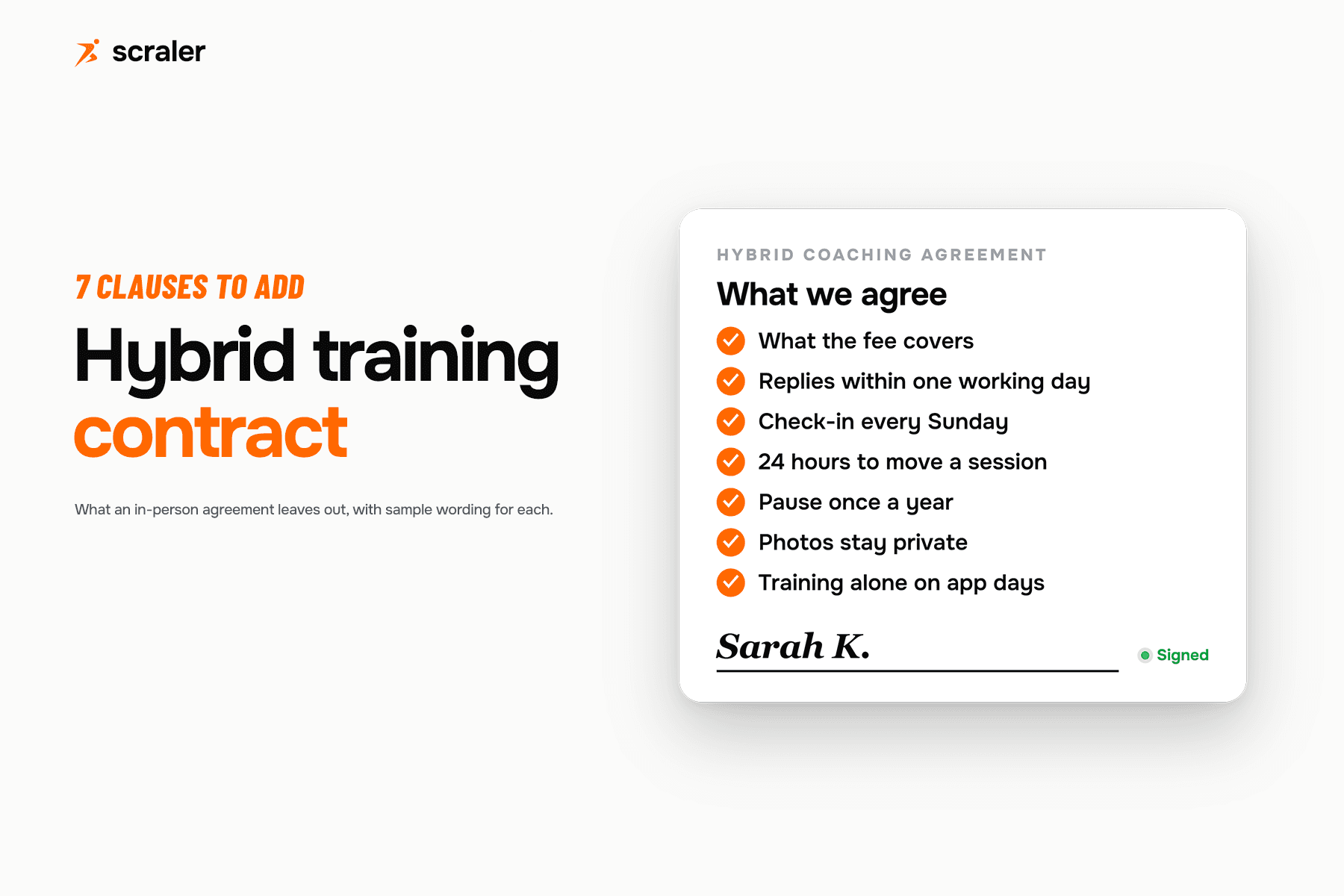
Once clients are on a membership, tell them what happens when they miss a check-in, how fast you reply and what a pause looks like. Those terms belong in writing, and the clauses an in-person agreement leaves out are covered in the hybrid personal training contract post.
How do you train clients online once they move?
Give the app a clear job. The session is for assessing, teaching and deciding progressions. The app is for the programme, logging, the weekly check-in and questions. If the client cannot tell the two apart, they will not see what they pay for.
For a client going fully online, the check-in does more work. Ask the same few questions each week: how training went, sleep, energy, and one thing in the way. Reply within a time you promise and keep. Clients forgive a plain reply on time. They do not forgive silence.
To take personal training clients online and keep them there, you are really selling one thing: they will never train alone. The app, the log and the check-in are how you show it between sessions.
Frequently asked questions
- How do I transition clients to online training without losing them?
- Add the app first with no change to price or session. Let them log for two weeks, review the logs in the next session, then offer three options: stay in person, hybrid membership, or online only. The client makes the choice, so it does not feel imposed.
- How long does it take to move in-person clients to hybrid?
- Plan on about eight to twelve weeks for a full roster. With a larger roster, move three to five clients at a time. Each client needs about two weeks of app use before you make the offer.
- Should I tell all my clients at once?
- No. A group announcement reads as a change being done to them. Talk to each client in their own session, starting with the ones who already train well on their own.
- What if a client wants to stay in person only?
- Let them. Keep them on their current terms and ask again in three months. A retained in-person client is worth more than a lost hybrid one.
- Do I need new paperwork when I take clients online?
- Check it. If a client's health information is old, collect it again with a PAR-Q form before they train unsupervised. Update your agreement so it covers check-ins, response times and what happens when sessions are missed.
- Can I import my existing client list into Scraler?
- Yes. Upload an Excel file, review the rows, then approve them and send the invites, so you do not re-enter clients one by one. See the client management page for what each client profile holds.
Keep reading