Workout Log Template (Free Printable PDF and Google Sheets)
A workout log template is a sheet with one row per working set and columns for date, exercise, set, load, reps, RPE and notes. Below is a free printable PDF and an XLSX that works in Excel and Google Sheets, with an example session, load progression and weekly volume built in.

- A good log has seven columns: date, exercise, set, load, reps, RPE and notes. Anything more and people stop filling it in.
- Self-monitoring is the behavior change technique that explained the most difference between studies in a 122-study meta-analysis. Interventions that paired it with another control technique scored 0.42 against 0.26.
- To progress, pick a rep range and add load once you reach the top of it. ACSM suggests a 2 to 10% increase when you can do 1 to 2 reps over the target.
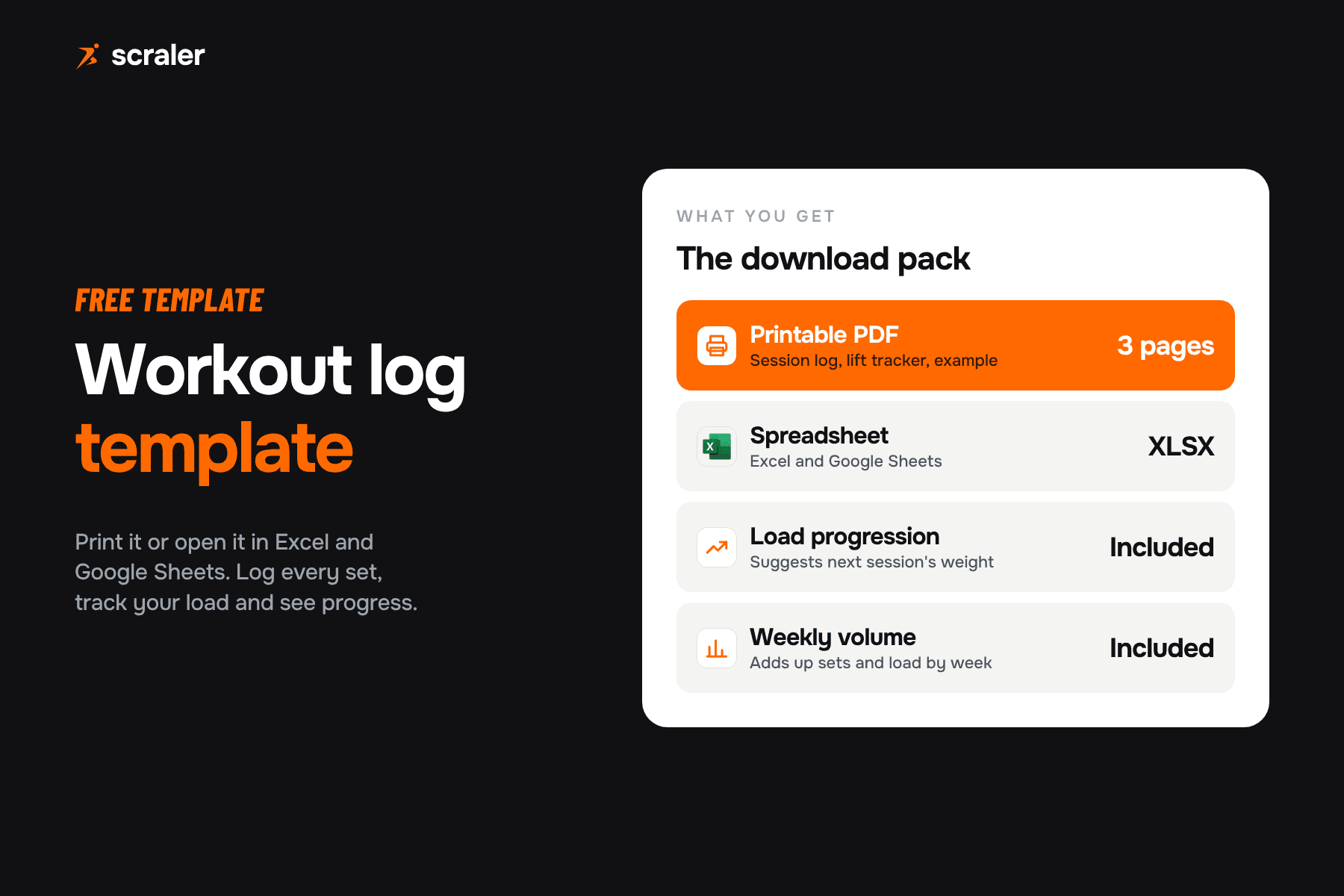
- The XLSX works in Excel and Google Sheets. It suggests next session's load and adds up weekly volume with plain formulas.
- A paper log is fine for yourself. For clients, a log inside the app means you see the numbers without chasing photos of notebooks.
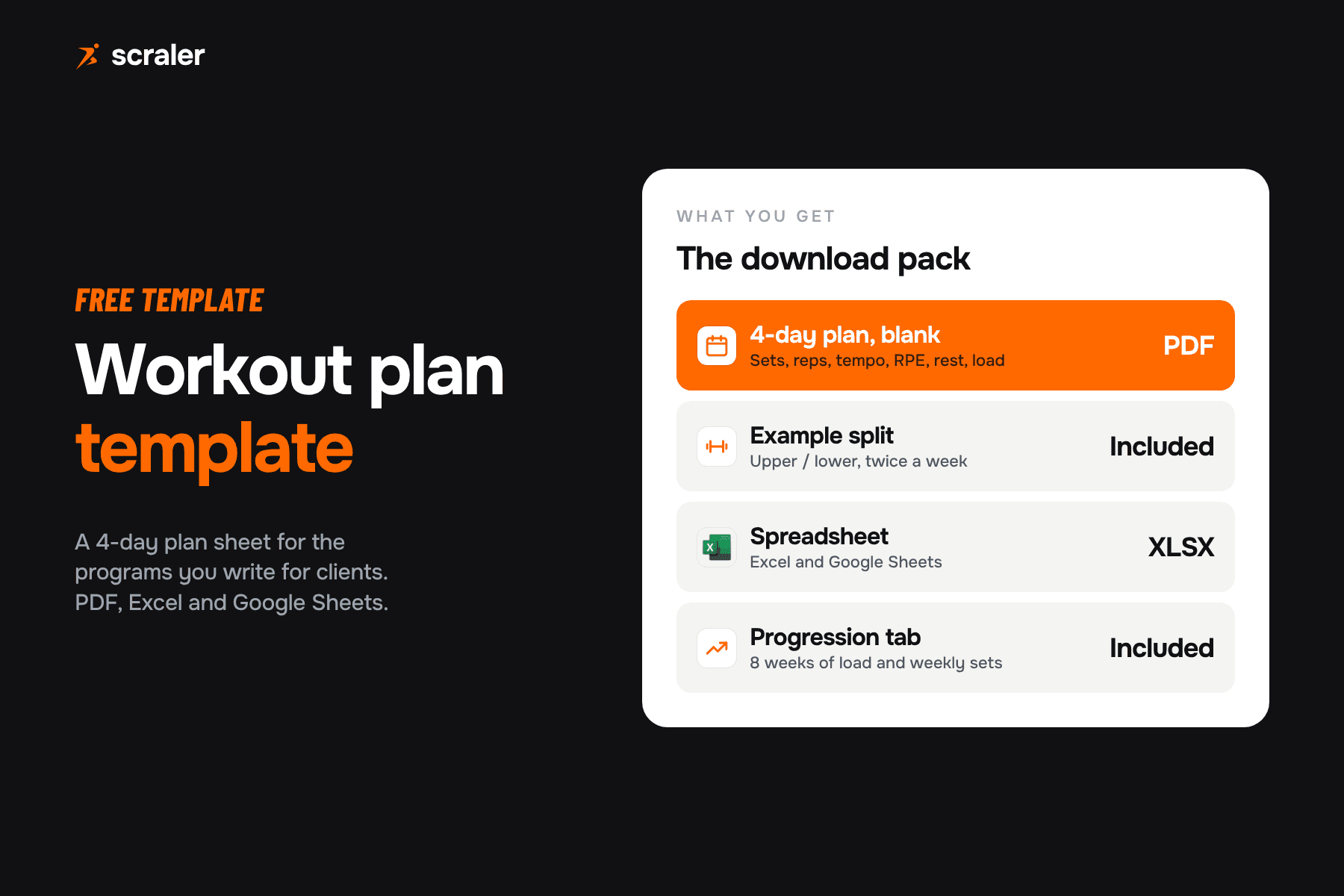
Most free workout logs are a blank grid. This one is built so the numbers are useful a month later: you can see which lift is moving, which is stuck, and what to load next time. It comes as a printable PDF and as a spreadsheet, and it works for your own training and for clients you coach.
The PDF has three A4 pages: a session log, a lift progress tracker and a filled example. The XLSX has a Log sheet, a Lift tracker that suggests your next load, and a Weekly volume sheet. Orange rows are examples: delete them before you start. Open the XLSX in Excel, or upload it to Google Drive and open it with Google Sheets.
What is a workout log template?
A workout log template is a pre-made sheet for recording what you actually lifted in a session. The plan says what you should do. The log says what you did. Over weeks, the log becomes the record that tells you whether the plan is working.
The difference between a useful log and a diary is structure. A diary says "good session, felt strong". A log says "bench press, 70 kg, 10, 9, 9, RPE 8". Only the second one lets you compare this week with last week. If you write programs for clients, the workout plan template holds the plan side, and this log holds the result.
What should a workout log include?
Seven things per working set cover almost everything a coach needs. Anything beyond that, such as tempo or rest time, belongs in the plan, not in the log. The more a client has to write between sets, the sooner they stop writing.
- What goes in it
- The day you trained
- Example
- 5 Oct
- What goes in it
- The movement, named the same way every time
- Example
- Bench press
- What goes in it
- The working set number, warm-ups not counted
- Example
- 2
- What goes in it
- The weight lifted, in one unit (kg or lb)
- Example
- 70
- What goes in it
- Reps you completed, not reps you planned
- Example
- 9
- What goes in it
- Effort on that set, from 1 to 10
- Example
- 8
- What goes in it
- Pain, a swap, a form cue, a PR
- Example
- Paused reps
| Column | What goes in it | Example |
|---|---|---|
| Date | The day you trained | 5 Oct |
| Exercise | The movement, named the same way every time | Bench press |
| Set | The working set number, warm-ups not counted | 2 |
| Load | The weight lifted, in one unit (kg or lb) | 70 |
| Reps | Reps you completed, not reps you planned | 9 |
| RPE | Effort on that set, from 1 to 10 | 8 |
| Notes | Pain, a swap, a form cue, a PR | Paused reps |
RPE deserves a line, because it is the column people skip. On a rating of perceived exertion scale built around reps in reserve, 10 means no reps left, 9 means one rep left, and 8 means two. Zourdos and colleagues described that scale in the Journal of Strength and Conditioning Research in 2016 and called it a practical way to regulate daily training load. If your clients are new to it, the RPE calculator shows what each number means in reps left.
Add a few session-level fields if you coach someone: bodyweight, hours slept, energy from 1 to 5, and any pain. The PDF has these under each session. They explain a bad session far better than the numbers do.
How do you fill in a workout log?
- 1.Write the date and the workout name before you start. "Upper A" is enough.
- 2.Log each working set straight after you finish it. Not at the end of the session. By then the second set of the third exercise is a guess.
- 3.Record reps you completed. If the plan said 10 and you hit 9, write 9.
- 4.Give the last set of each exercise an RPE. One RPE per exercise is plenty for most people.
- 5.Use the notes column for anything you would otherwise forget. A sore elbow, a swapped exercise, a new PR.
- 6.Name exercises the same way each time. "Bench" on Monday and "Barbell bench press" on Friday means you cannot compare them.
In the XLSX, type in the shaded cells of the Log sheet. Volume, which is load times reps, fills in by itself. The Weekly volume sheet then adds it up for each week, so you can see whether your total work is going up, flat or falling.
Why keep a workout log at all?
Because writing numbers down changes behavior. Michie and colleagues reviewed 122 evaluations of interventions to increase physical activity and healthy eating, covering 44,747 people, in Health Psychology in 2009. The technique that explained the most difference between studies was self-monitoring. Interventions that combined self-monitoring with at least one other control technique, such as setting a goal or reviewing feedback, were more effective than the rest: an effect size of 0.42 against 0.26.
That study covers physical activity and eating in general, not lifting logs specifically, so read it as a reason to track and then act on the numbers, not as proof that a log builds muscle by itself. The practical version is simple. A log is the self-monitoring part. Your next-session target is the second technique. Together they are what makes a log work.
How do you track progressive overload in a log?
Pick a rep range, stay at one load until you reach the top of the range, then add weight and start the range again. This is often called double progression, one of the ways to apply progressive overload. The ACSM position stand on progression models in resistance training recommends loads of 8 to 12 repetition maximum for novices, and a 2 to 10% increase in load when you can do one to two reps over the desired number.
Here is a worked example with an 8 to 12 rep range and a 5% step. It is our own example, not data from a study, and your numbers will differ.
- Top set
- 100 kg x 8
- What the log tells you
- Start of the range. Keep the load.
- Top set
- 100 kg x 10
- What the log tells you
- Reps are going up. Keep the load.
- Top set
- 100 kg x 12
- What the log tells you
- Top of the range. Raise the load next time.
- Top set
- 105 kg x 8
- What the log tells you
- 5% heavier. Reps reset, the range starts again.
| Week | Top set | What the log tells you |
|---|---|---|
| 1 | 100 kg x 8 | Start of the range. Keep the load. |
| 2 | 100 kg x 10 | Reps are going up. Keep the load. |
| 3 | 100 kg x 12 | Top of the range. Raise the load next time. |
| 4 | 105 kg x 8 | 5% heavier. Reps reset, the range starts again. |
The Lift tracker sheet does the last step for you. Enter the top of your rep range, your increase percentage and your smallest plate step. When your reps reach the top of the range it suggests the next load, rounded to the plate step. Change the 5% to anything between 2 and 10% to match your lifter.
Should you use a paper log, a spreadsheet or an app?
All three work. The right one is the one that gets filled in. This is our own view, based on how each format behaves in practice.
- Best for
- Your own training, a gym with poor signal
- Weak spot
- Hard to see trends, easy to lose
- Best for
- Trends, volume per week, a few clients
- Weak spot
- Clumsy on a phone between sets
- Best for
- Many clients, remote coaching, video cues
- Weak spot
- Costs money per month
| Format | Best for | Weak spot |
|---|---|---|
| Printed PDF | Your own training, a gym with poor signal | Hard to see trends, easy to lose |
| Spreadsheet | Trends, volume per week, a few clients | Clumsy on a phone between sets |
| Coaching app | Many clients, remote coaching, video cues | Costs money per month |
A spreadsheet is a fine place to start. Google says Sheets can open and edit Excel files, so the XLSX works without any conversion, though some Excel features do not carry over. The template sticks to plain formulas for that reason. If you are choosing between tools, best apps for personal trainers compares the options.
How do personal trainers use a workout log with clients?
The log is the bridge between sessions. A client who logs sets gives you what you need to adjust the next week: what they lifted, how hard it felt and where something hurt. A client who does not log leaves you guessing, so many coaches make logging part of the deal from the first week.
- Review the log before each check-in. Look at the RPE column and the notes first, then the loads.
- Change one thing at a time. If a lift stalls, adjust load, reps or rest, not all three.
- Ask for the same few fields every time. Load, reps, RPE and notes. Do not add columns.
- Pair it with a weekly check-in. The numbers say what happened. The check-in says why. The client check-in form template covers that side.
The weak point of a sheet or a PDF is delivery. Clients forget the file, photograph a page, or send a half-filled sheet at 11pm. That is the point where an app starts to pay for itself.
In Scraler, you build the program once and clients log load and reps for each set in the app, with the exercise video next to it. You see the log next to their chat and check-ins, with no photos of notebooks.
See workout planningDo warm-up sets and rep maxes go in the log?
Leave warm-up sets out unless you are testing a heavy single. Log the working sets, because those are the ones you compare week to week. If you want to plan warm-ups, the warm-up set calculator builds the ramp for a given working weight.
For rep maxes, log the top set and let a calculator do the estimating. The one rep max calculator turns a load and reps into an estimated max, and the strength standards calculator shows where a lift sits against body weight. Treat the estimates as a guide, because they get less accurate as reps go up.
Frequently asked questions
- Is there a free workout log template for Google Sheets?
- Yes. Download the XLSX above, upload it to Google Drive and open it with Google Sheets. Google says Sheets can open and edit Excel files. The template uses plain formulas and no macros, so the volume and load progression calculations carry over.
- What should I track in a workout log?
- For each working set: date, exercise, set number, load, reps, RPE and a short note. Add bodyweight, sleep, energy and pain once per session if you coach someone. Skip tempo and rest in the log and keep them in the plan.
- How do I log progressive overload?
- Choose a rep range, such as 8 to 12, and keep the load until you reach the top of the range on your sets. Then raise the load and start the range again. ACSM suggests a 2 to 10% increase when you can do one to two reps over the target. The Lift tracker sheet calculates the next load.
- Should I log warm-up sets?
- Usually not. Log the working sets you compare from week to week. Log warm-ups only when you are building up to a heavy single or a rep max test, and mark them so they do not count towards volume.
- What is the difference between a workout plan and a workout log?
- A plan says what to do: exercises, sets, rep ranges, rest. A log records what happened: the load and reps you completed and how hard it felt. Use the plan to set targets and the log to decide the next change.
- Can I use this workout log with clients?
- Yes. Send the PDF for clients who like paper, or the XLSX for those who use a phone or laptop. For more than a few clients, a coaching app that collects logs in one place saves the chasing.