Workout Plan Template for Personal Trainers (Free PDF, Excel and Google Sheets)
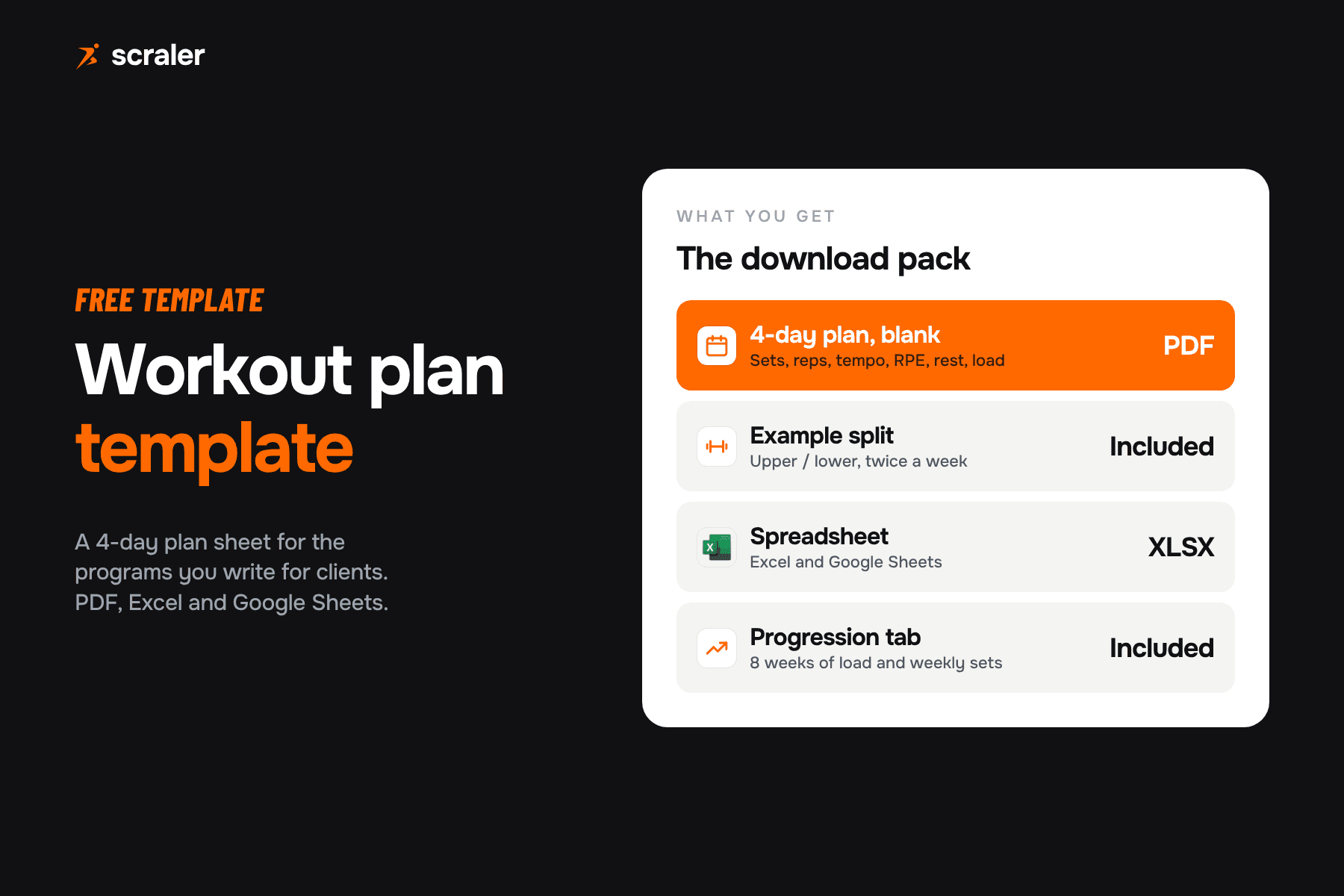
A workout plan template is a sheet with one row per exercise and columns for sets, reps, tempo, RPE, rest, load and notes, grouped by training day. Below is a free 4-day template as a PDF and as an XLSX that works in Excel and Google Sheets, with a blank plan, an example split and a progression tab.

- Every row needs eight things: exercise, sets, reps, tempo, RPE, rest, load and notes. Without a load column and a progression rule, a plan is only a list of exercises.
- A 4-day upper / lower split trains each muscle twice a week. A meta-analysis of ten studies found twice a week beat once a week for muscle growth, when volume was matched.
- Weekly sets per muscle are worth counting. The template has a tab for it, using the under 5, 5 to 9 and 10 or more bands from a 2017 meta-analysis.
- The XLSX opens in Excel and in Google Sheets. It uses plain formulas only, so nothing breaks on import.
- A sheet is fine for a handful of clients. Past that, copying and pasting plans is where the time goes.
Most templates online are a table of exercises that someone else filled in. This one is built for the work you actually do: writing a program for a specific client, handing it over, and adjusting it four weeks later. It is a plain sheet on purpose, so you can open it anywhere, change it and print it.
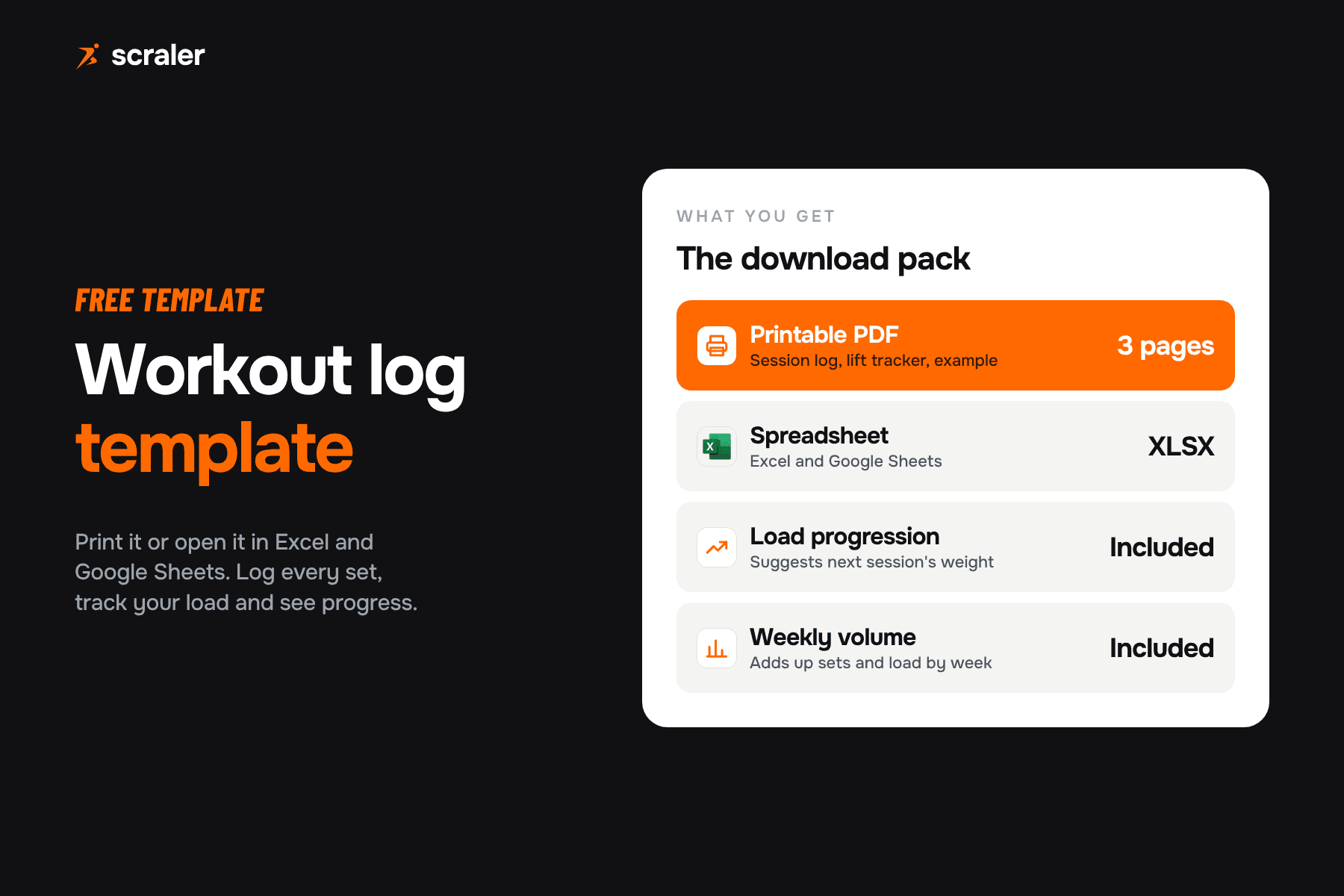
A4 PDF with an example upper / lower split, blank plan pages and a progression page. The XLSX has the same pages as tabs, with volume load and weekly set counts calculated for you. Works in Excel and Google Sheets.
What should a workout plan template include?
Eight columns cover almost every program a trainer writes. If a plan leaves one out, the client either guesses or messages you.
- What it holds
- The movement, named so the client can find it
- Example
- Barbell bench press
- What it holds
- Hard working sets, warm-ups not counted
- Example
- 3
- What it holds
- A range, so there is room to progress
- Example
- 6 to 8
- What it holds
- Seconds down, pause, up, pause
- Example
- 3-1-1-0
- What it holds
- How hard the set should feel
- Example
- 8
- What it holds
- Time between sets
- Example
- 2 to 3 min
- What it holds
- What the client lifted, logged each session
- Example
- Client fills in
- What it holds
- Cues, swaps, pain flags
- Example
- Pause on the chest
| Column | What it holds | Example |
|---|---|---|
| Exercise | The movement, named so the client can find it | Barbell bench press |
| Sets | Hard working sets, warm-ups not counted | 3 |
| Reps | A range, so there is room to progress | 6 to 8 |
| Tempo | Seconds down, pause, up, pause | 3-1-1-0 |
| RPE | How hard the set should feel | 8 |
| Rest | Time between sets | 2 to 3 min |
| Load | What the client lifted, logged each session | Client fills in |
| Notes | Cues, swaps, pain flags | Pause on the chest |
Two of these columns trip people up. Tempo is written as four numbers in seconds: down, pause at the bottom, up, pause at the top. A 3-1-1-0 bench press is three seconds down, a one second pause on the chest, one second up and no pause at lockout. It is optional, so leave it empty when it adds nothing.
RPE is the effort rating. In the rating scale published by Zourdos and colleagues in 2016, an RPE of 10 means no reps left in reserve, 9 means one rep left, and so on down the scale. So an RPE of 8 means about two more reps were possible. It gives the client a target that adjusts to a bad day, which a fixed percentage does not. If you want to turn RPE into a starting weight, try the RPE calculator or the one rep max calculator.
How do I use the workout plan template in Excel or Google Sheets?
Download the XLSX and open it in Excel. For Google Sheets, upload the file to Google Drive and open it with Sheets, or use File, then Import, inside a blank sheet. Google says Sheets can open and edit Office files, and lists macros and linked spreadsheets among the features it does not support. The template has neither. It uses plain formulas, number validation on the RPE cells and conditional colours, all of which carry over.
The workbook has four tabs:
- Blank plan. Four empty days with seven rows each. Copy the tab once per client.
- Example 4-day split. A filled upper / lower program to see how the columns read. It is a general example, not a plan for a specific person.
- Progression. Eight weeks of heaviest-set load per exercise, with the change from week one to week eight worked out for you.
- Weekly sets. Type in the sets per muscle group and it labels the week as under 5, 5 to 9 or 10 or more.
In the plan tabs, the volume load column multiplies sets, the load the client enters and the reps they completed. The client fills in load, reps done and RPE done after each session. The target columns stay as you wrote them, so the plan and the log sit side by side. For a separate session record, use our workout log template.
How many days a week should a workout plan have?
The template ships as four days because an upper / lower split is the easiest way to train every muscle twice a week without five sessions. Day 1 is upper A, day 2 is lower A, day 3 is upper B and day 4 is lower B. Clients with three days can drop day 4, or run the plan as upper, lower, full body. Our guide to choosing a workout split compares the common options.
The case for twice a week comes from a 2016 meta-analysis by Schoenfeld, Ogborn and Krieger of ten studies. Training higher frequency was linked to a larger effect on muscle growth than lower frequency, 0.49 against 0.30. When the authors compared groups with equal volume, training each muscle twice a week gave better growth than once a week. The data covered one to three days per muscle per week, so it says nothing for or against more.
How many sets and reps should a workout plan have?
Think in weekly sets per muscle, not sets per session. A 2017 meta-analysis of 34 treatment groups from 15 studies found a graded dose-response: more weekly sets went with more muscle growth. It put each extra set at roughly 0.37 percentage points of additional gain. The three-way split of under 5, 5 to 9 and 10 or more sets per muscle showed only a trend (P = 0.074), so treat the bands as a reference point, not a rule. That is why the Weekly sets tab uses them as labels.
For reps, a mix works. A 2017 meta-analysis of 21 studies compared low-load and high-load training with sets taken to failure. Strength gains were greater with heavy loads, while muscle growth was similar across a wide range of loads. That is why the example uses 6 to 8 reps on the main lifts (5 to 8 on the deadlift), 8 to 10 on second compounds and 10 to 15 on accessories. Heavy work for strength, lighter work you can recover from for size.
The example is a starting layout:
- Main lift of the day: 3 sets of 6 to 8 reps, RPE 8, rest 2 to 3 minutes.
- Second compound: 3 sets of 8 to 10 reps, RPE 8, rest 2 minutes.
- Accessories: 2 to 3 sets of 10 to 15 reps, RPE 9, rest 60 to 90 seconds.
- Core or carry: 3 sets of timed holds, RPE 8, rest 45 to 60 seconds.
How do I add progression to a workout plan?
A plan without a progression rule is a list. The simplest rule that works is double progression, and the Progression tab is built around it. This is a common coaching rule of thumb, not a result from the studies above.
- 1Set a rep range
For example 6 to 8 reps at RPE 8.
- 2Start at the bottom
Pick a load where the client hits 6 reps with about 2 in reserve.
- 3Add reps first
Each session, try to add a rep on every set until all sets reach 8.
- 4Then add load
Raise the weight by the smallest step and drop back to 6 reps.
Log the heaviest working set per exercise each week on the Progression tab. After eight weeks the Change column shows the gain at a glance. If a lift has not moved in three weeks, that is your signal to look at sleep, volume or the exercise itself, not to add more sets by default.
How do I write a workout plan for a client?
The template is the output. The decisions come before it. A workflow that keeps client programs consistent:
- 1.Collect the basics first. Goal, training history, days available, equipment, injuries. The client intake form template covers it, and screening comes before programming.
- 2.Pick the frequency. Match days to what the client can really attend, then choose the split.
- 3.Fill the blank plan. Main lifts first, then accessories, then count the weekly sets per muscle.
- 4.Set the first loads. Leave the Load column for the client to fill in session one, and write RPE targets so week one is a calibration week.
- 5.Review at four weeks. Check the Progression tab, then change one thing, not five.
If you want the full method behind a personal plan, including how to phrase goals and test results, see the personal exercise programme guide.
When does a spreadsheet stop being enough?
A sheet is a good start. It is free, flexible and every client can open a PDF. It starts to cost you time when you coach more than a handful of people. This comparison is our own view, based on how coaches describe the work, not survey data.
- Free and quick to start
- Client logs by typing or by pen
- No exercise videos, so you explain by message
- Copy, paste and rename for every new client
- You chase the log to see whether they trained
- Monthly cost, but programs are reusable templates
- Client logs sets in the app, with rest timers
- Exercise demo videos shown inside the plan
- Assign a template to a new client in a few taps
- You see completed sessions and loads as they happen
Scraler has a workout and program builder with an exercise video library. Build your upper / lower split once, assign it to clients, and see their logged sets in the same place as chat and check-ins.
See workout planningUsing the template and the app side by side is also fine. Many coaches keep a sheet for their own planning and send the final version through the app. If you are comparing tools, best apps for personal trainers covers what each one does and costs.
Related guides
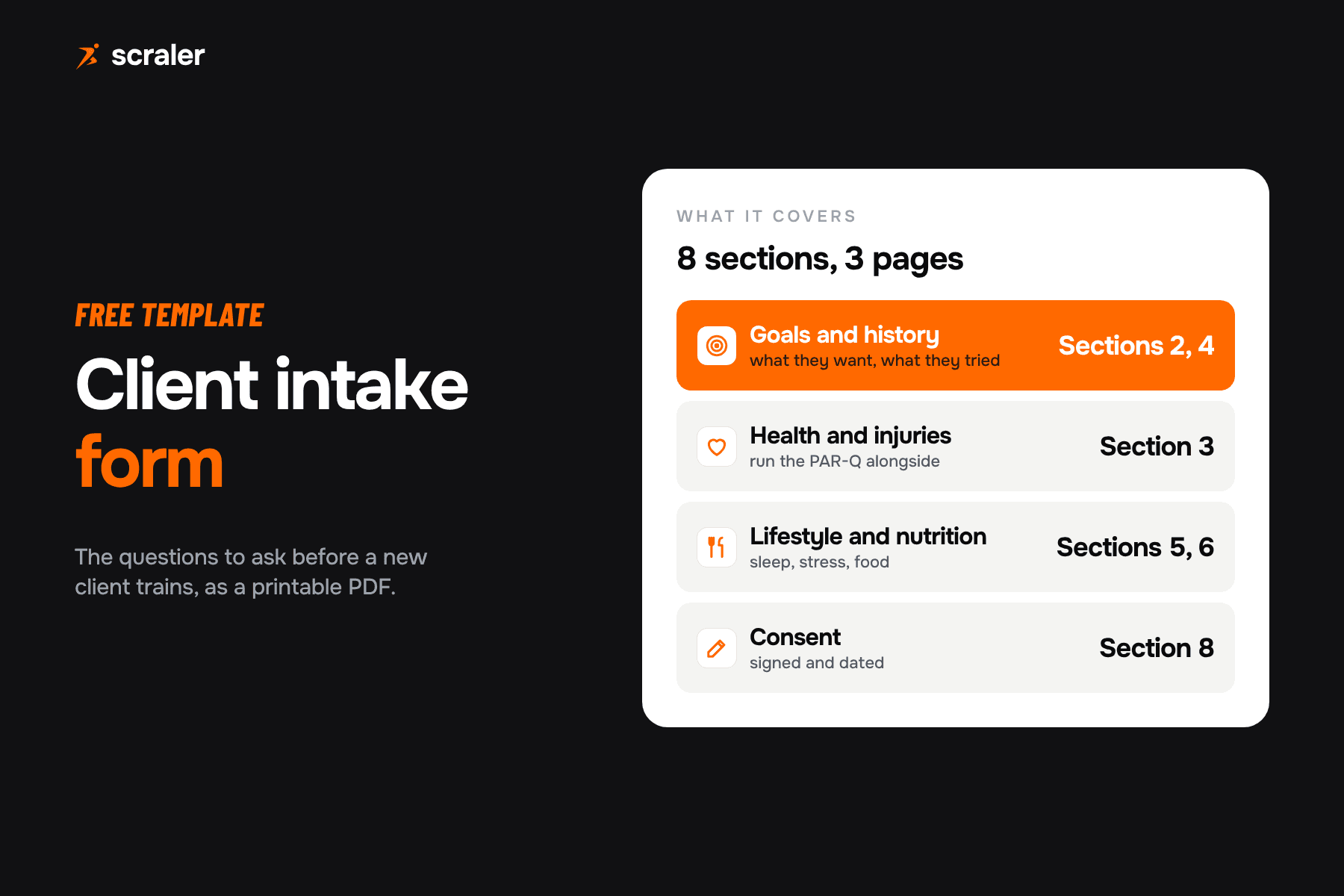
- Client intake form template: the questions to ask before the first session.
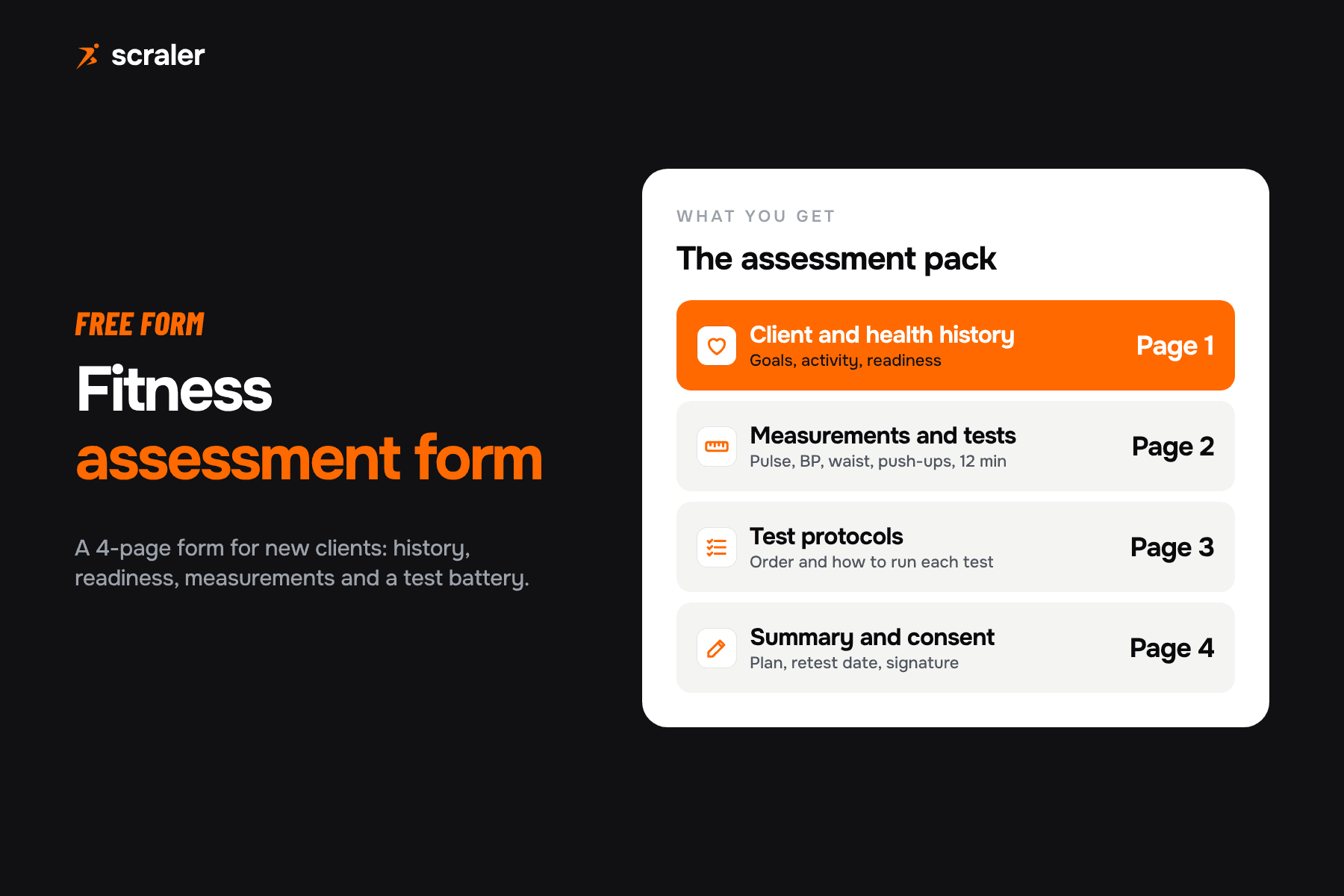
- Fitness assessment form: baseline tests with a retest column.
- Workout log template: record what the client actually lifted.
- Client check-in form template: a weekly check in form with 25 questions.
- Meal plan template: a weekly planner with macro targets.
- Personal training contract template: a 12 clause agreement and a waiver.
Frequently asked questions
- Is there a free workout plan template for Google Sheets?
- Yes. Download the XLSX above, upload it to Google Drive and open it with Google Sheets. Google says Sheets can open and edit Office files. The template uses plain formulas and no macros, so everything works after import.
- What is a good workout plan template for beginners?
- A 3-day full body plan or the 4-day upper / lower in this template, with 2 to 3 sets per exercise, 8 to 12 reps and an RPE of 7 to 8. Keep the exercise list short so the client can focus on technique and logging load.
- How do I make a workout plan in Excel?
- Make one row per exercise with columns for sets, reps, tempo, RPE, rest, load and notes, grouped by training day. Add a volume load column as sets x load x reps done. The XLSX in this article already has all of it and a progression tab.
- How long should a workout program last before I change it?
- Many coaches run a block of 4 to 8 weeks, then change exercises or rep ranges while keeping the main lifts. The template tracks eight weeks of load so you can see whether the block is still working.
- What is the difference between a workout plan and a workout log?
- A plan says what the client should do. A log records what they did. The template puts both on one sheet: target columns for the plan, and load, reps done and RPE done columns for the log.