Clients go through three states: Inactive, Invited, and Active. This page covers the invitation flow and troubleshooting.
Every client has one of three statuses:
Inactive
In your roster but has no account access
Invited
Signup email sent, account not yet created
Active
Full access — app, chat, workouts, meal plans
Open the client profile and click "Invite Client". The invitation email includes:
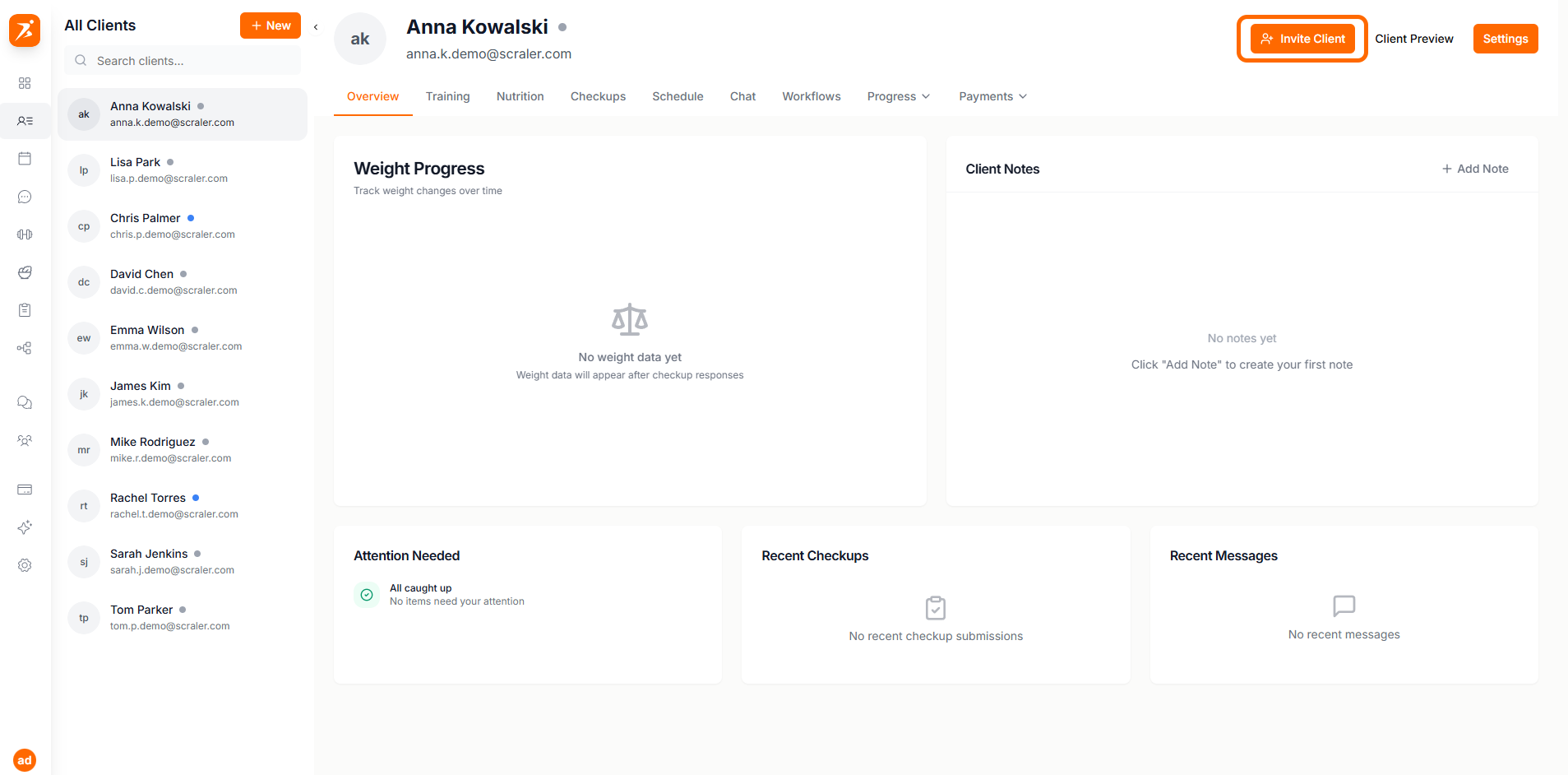
Screenshot: Client profile with Invite button
Show: client profile header for an Inactive client, "Invite Client" button visible in top-right area
public/docs/invite-button.png
The email includes:
Personalized welcome message
Your business name and branding
Secure signup link
Setup instructions
For Invited clients, the button changes to "Re-invite Client" to resend the invitation:
Security: Each resend generates a new link and invalidates the previous one.
When a client clicks the invitation link, they complete:
Create Password
Set a secure password for their account
Profile Info
Confirm or update personal details
Goals
Optionally set their fitness goals
Complete
Account activated and ready to use
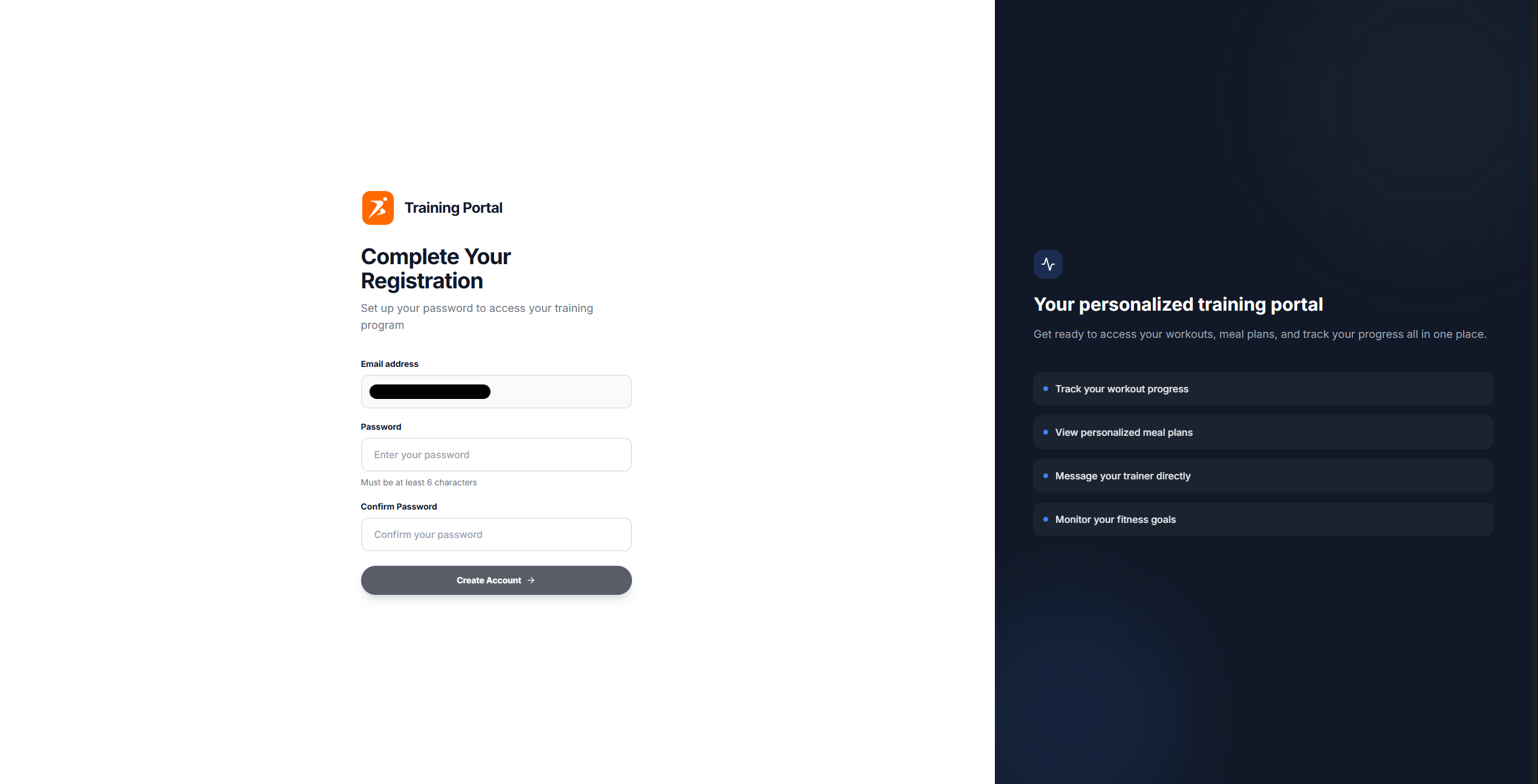
Screenshot: Client signup page
Show: branded signup page with your logo, password creation field, and "Create Account" button
public/docs/client-signup.png
Invitation links expire after 7 days. Resend the invitation to generate a new link.