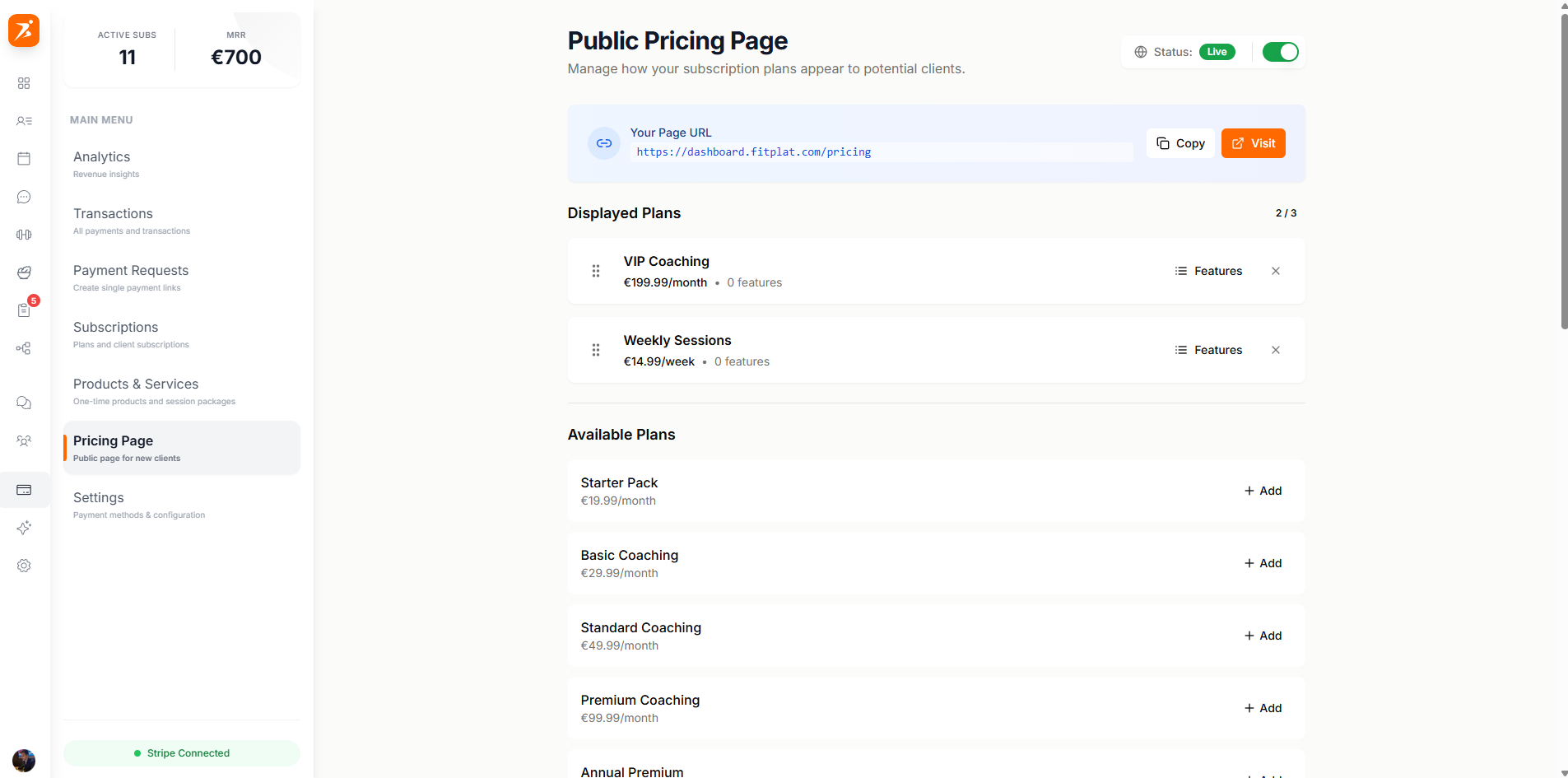
Create subscription plans for your clients, manage recurring payments, and publish a public pricing page for easy client signups.
Plus Plan: Subscription plans are available on the Plus plan and above. Upgrade to create and manage client subscriptions.
Build subscription plans in 5 steps: pricing, billing cycle, included features, highlights, and preview.
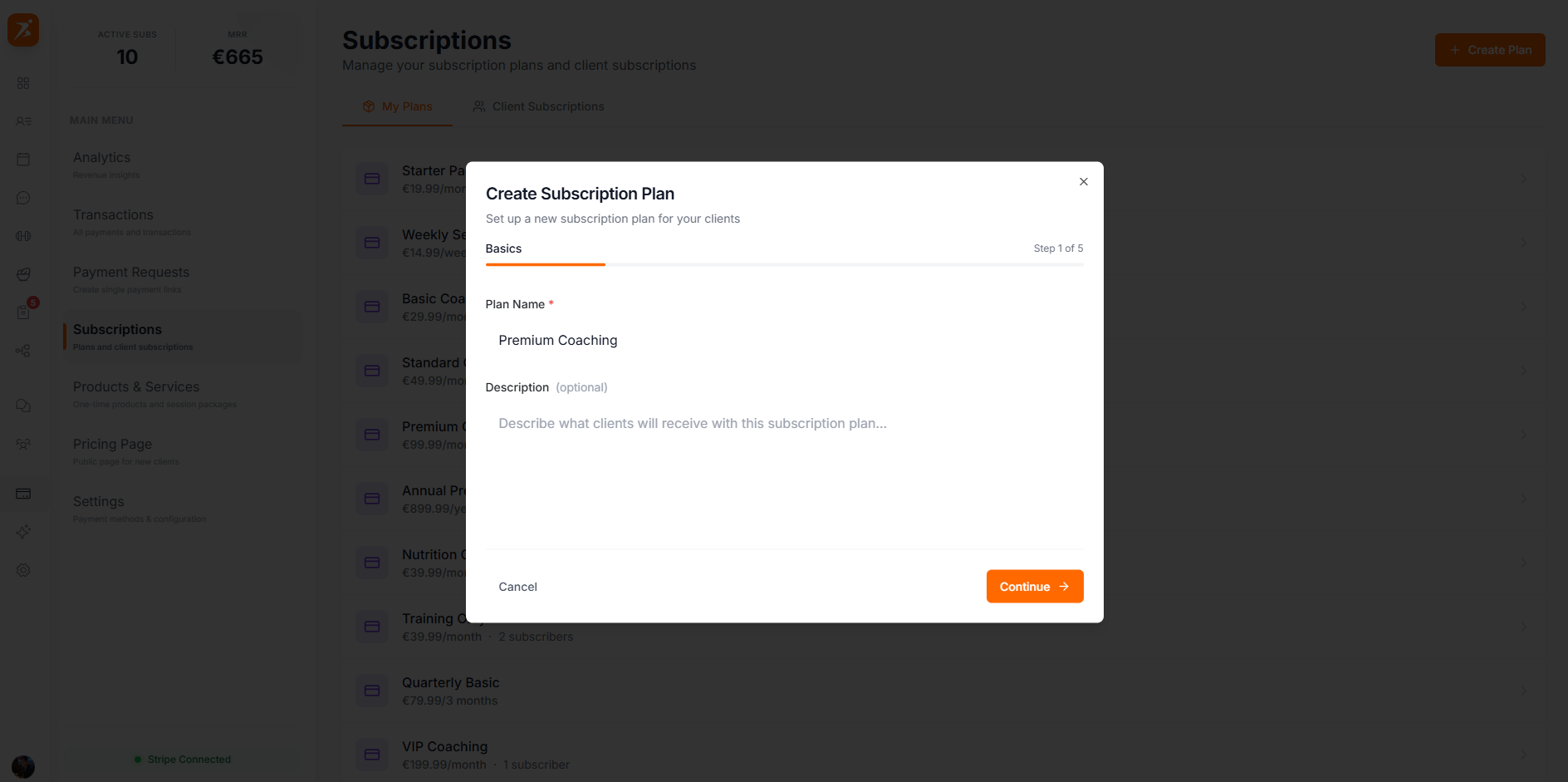
Screenshot: 5-step plan creation wizard
Show: wizard with numbered steps — Step 1 "Plan Basics" with name/description inputs filled, Step 2 "Billing" with price (€99) and interval selector (Monthly selected), Step 3 "Features" with toggle checkboxes (Training Plans, Meal Plans, Scheduling, Chat checked), Step 4 "Highlights" with bullet points, Step 5 "Preview" with styled plan card showing price and Subscribe button
public/docs/plan-wizard.png
View and manage all your subscription plans. See subscriber counts and quickly access plan settings.
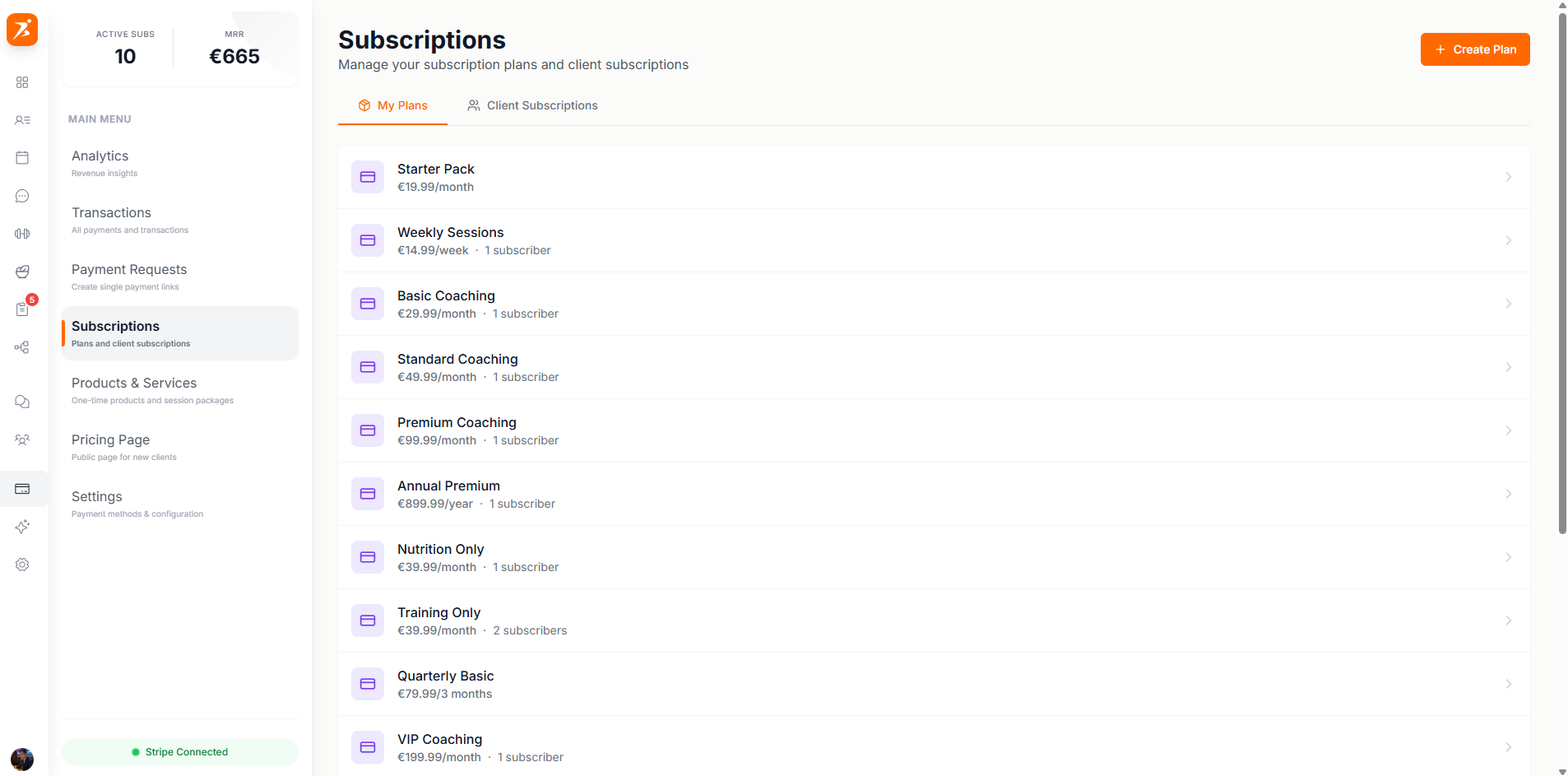
Screenshot: Subscription plans list
Show: plans overview with "+ New Plan" button in header, 3 plans listed (Premium Coaching €99/mo · 12 subscribers, Basic Plan €49/mo · 8 subscribers, Nutrition Only €29/mo · 5 subscribers) with colored icons and arrow indicators
public/docs/subscription-plans.png
Assign a subscription plan to a client. They'll receive a payment link to complete their subscription.
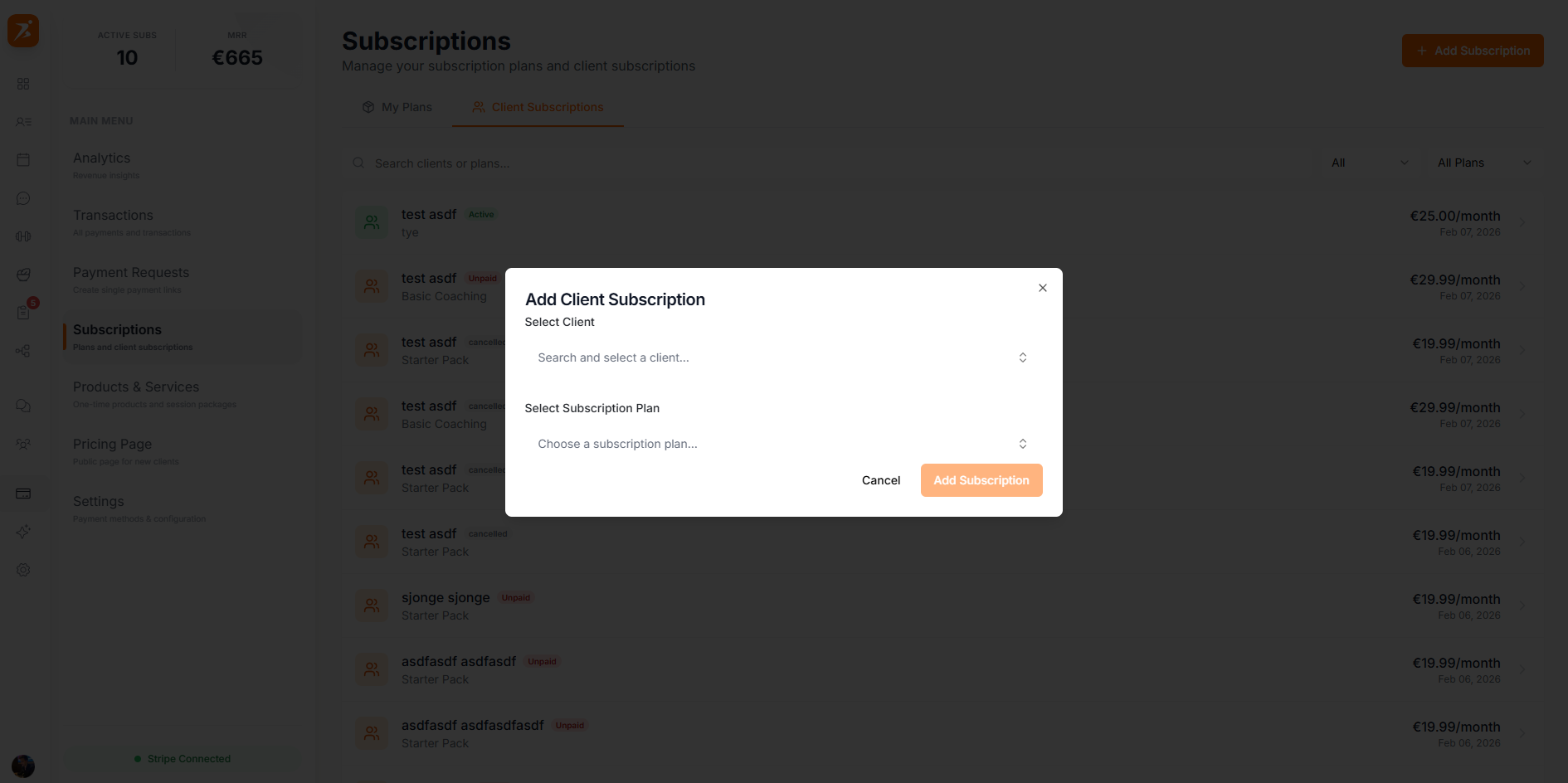
Screenshot: Assign subscription to client
Show: assignment form with client search input, client list (Sarah Johnson selected with orange highlight and check), plan dropdown ("Premium Coaching - €99/month"), "Send Payment Link" button at bottom
public/docs/assign-subscription.png
View all active client subscriptions, filter by status, and manage individual subscriptions.
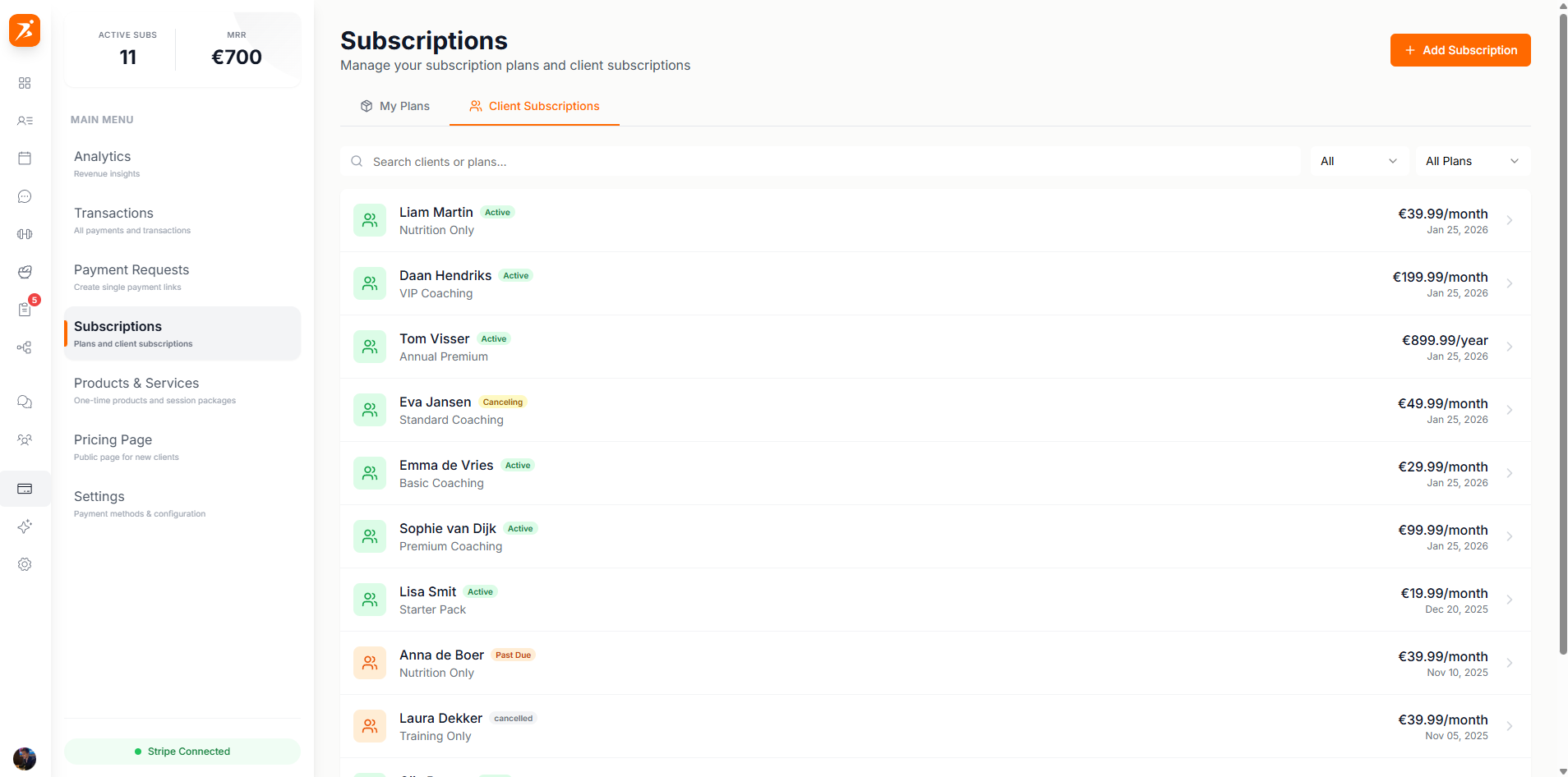
Screenshot: Client subscriptions with filters
Show: search bar, "All Plans" and "All Statuses" filter dropdowns, subscription list with 3 clients — Sarah Johnson (Active, green badge, Mar 15), Mike Peters (Trialing, blue badge, Mar 1), Emma Wilson (Past Due, red badge, overdue warning)
public/docs/client-subscriptions.png
Subscription status reference and available actions.
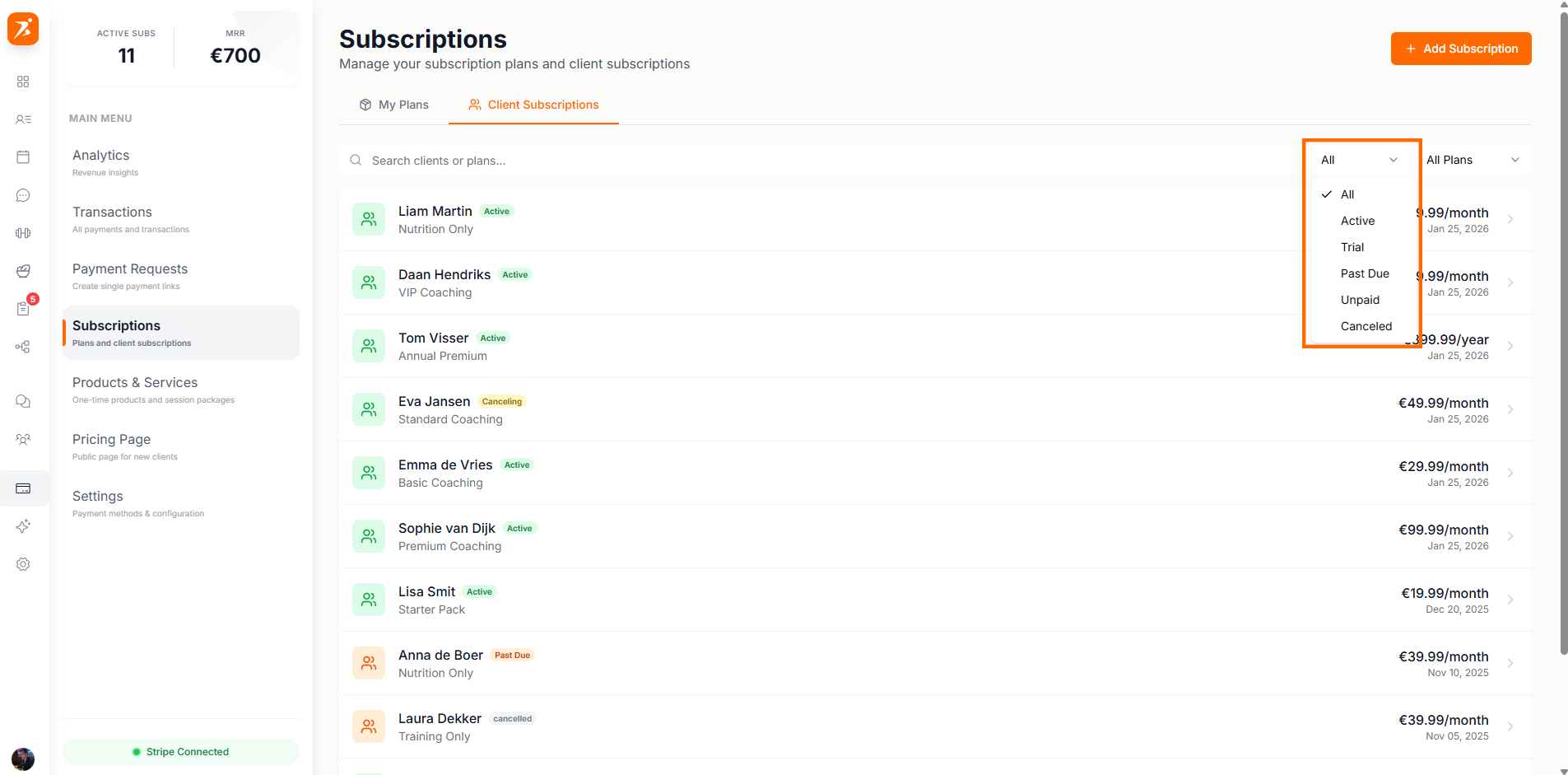
Screenshot: Subscription status reference table
Show: table with Status/Description/Actions columns — 6 rows: Active (green), Trialing (blue), Past Due (red), Canceled (gray), Canceling (yellow), Payment Required (orange) — each with colored badge, description text, and available actions
public/docs/subscription-statuses.png
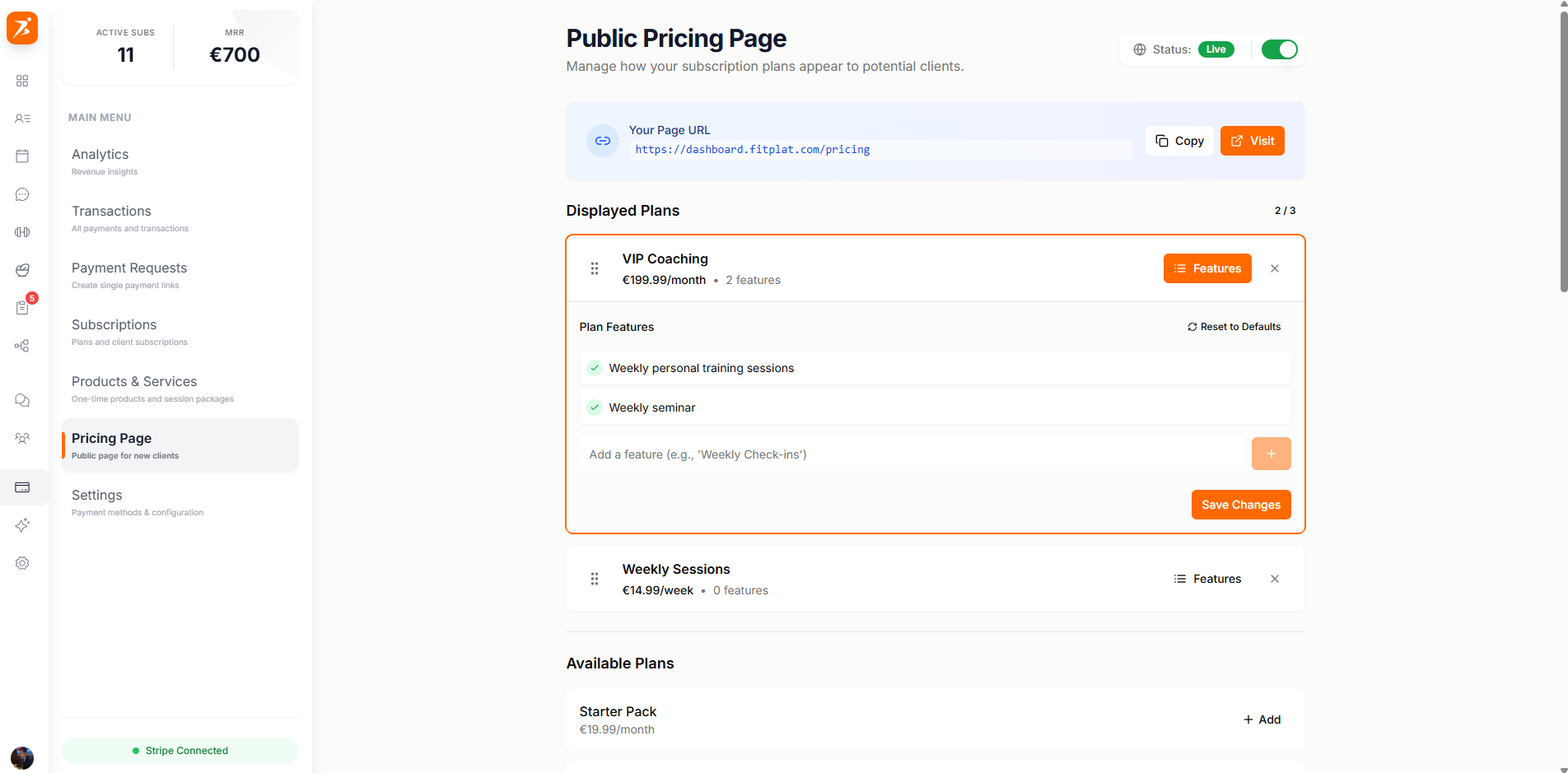
Enable a public pricing page where potential clients can view your plans and sign up directly.

Screenshot: Public pricing page builder
Show: split view — left side with headline/subheadline inputs and draggable plan order list (eye icons for visibility toggle), right side with live pricing page preview showing 2 plan cards (Basic €49, Premium €99 with orange ring "Popular" badge) and yourname.scraler.com/pricing URL below
public/docs/pricing-page-editor.png
Click on any subscription to view full details, payment history, and manage the subscription.
Screenshot: Individual subscription detail
Show: client avatar and name (Sarah Johnson) with "Active" green badge, details rows — Plan: Premium Coaching, Price: €99.00/month, Started: Jan 15, Next Billing: Mar 15 — "View in Stripe" and "Cancel" action buttons at bottom
public/docs/subscription-detail.png
Automatic payment processing, invoice generation, and subscription syncing with Stripe.
Customizable pricing page for direct client signups without trainer intervention.
Control exactly which features each plan includes - training, nutrition, chat, and more.
Weekly, monthly, or yearly billing cycles with multiple currency support.
Start accepting recurring payments
Create subscription plans, assign them to clients, and publish your pricing page.
Get Started Free