Build meals for each day of the week. Pick a day, add meals, and track macros in real-time.
One full-width page. Top: plan name + Save button. Below: day tabs (Mon–Sun). Below that: macro progress bars. Then your meal cards. Bottom: "Add Meal" button.
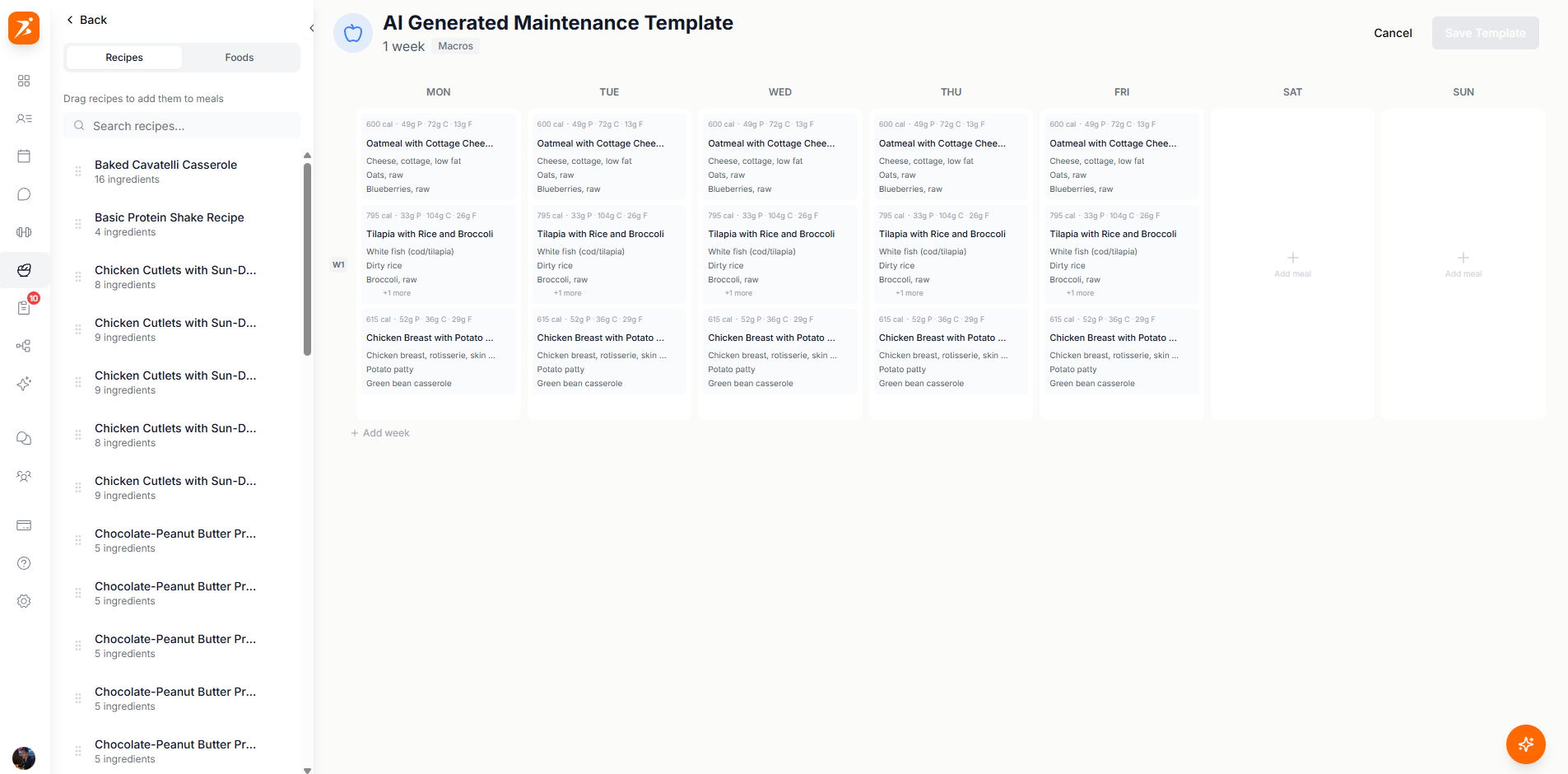
Click "Add Meal" at the bottom. A popup gives you three options:
Empty meal card — add foods one by one.
AI fills in all meals for you.
Pick a saved recipe from your library.
Search over 3 million foods with full nutrition info.
Automatically scales ingredient amounts to hit your daily macro targets.
Copy a meal via the three-dot menu, switch to another day, and paste it.
Ask AI to add, swap, or change meals for you via the chat button.
Build client meal plans your way
Day-by-day builder with auto-adjust macros, AI chat, and 3M+ foods.
Get Started Free