
Vault
Keep PDFs, images, videos and documents in one library, then share them with the clients who need them. Vault comes with the Plus plan.
The library
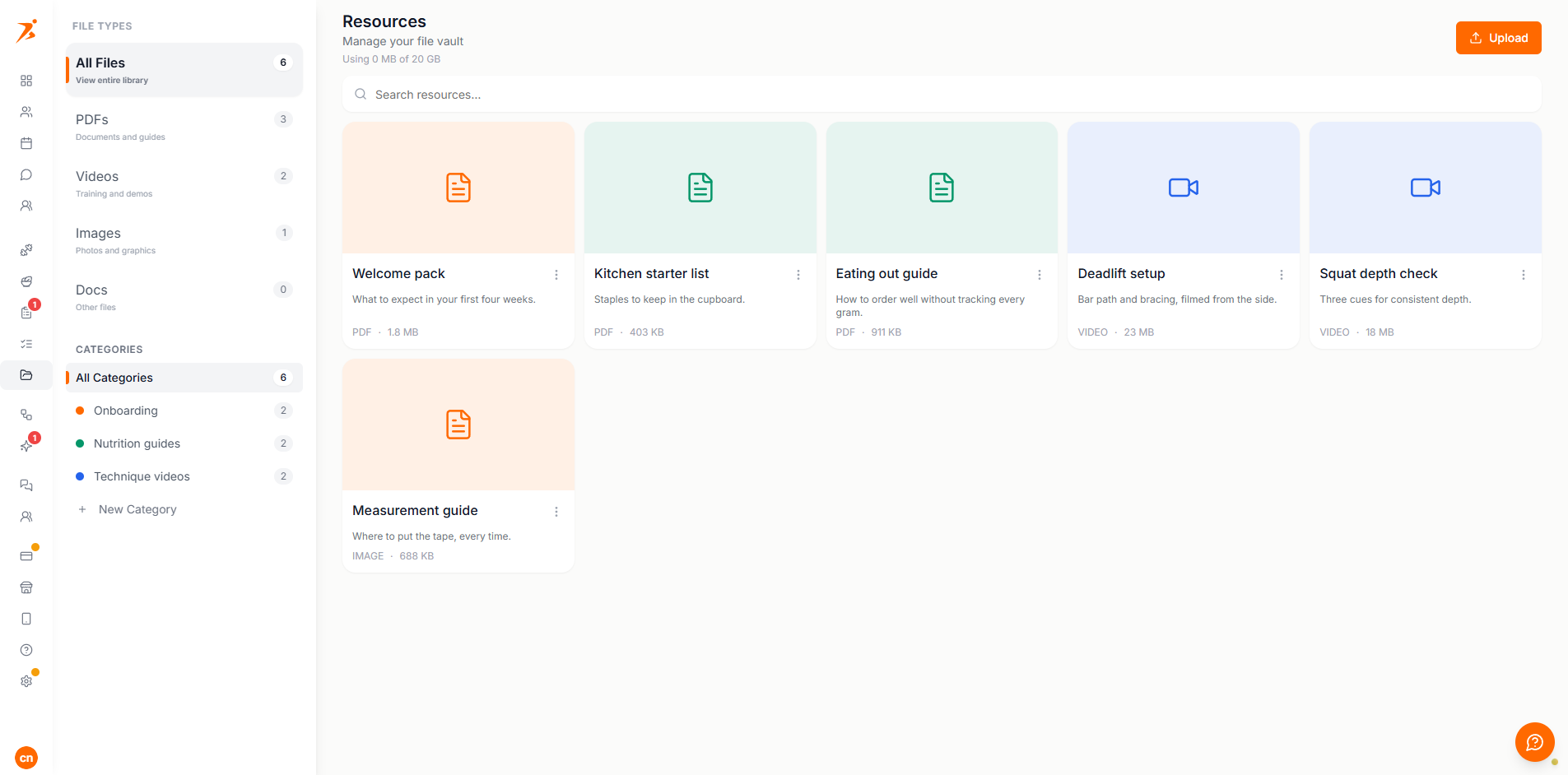
Open Vault in the sidebar. Every file you upload lives here first, shared or not, so you only upload it once. Filter by file type or category on the left and search by name. Rename or delete a category from the sidebar. Deleting one keeps its files. Each card shows how many clients a file is shared with.
Uploading
Click Upload and pick a file. Each type has its own size limit.
- Up to 25 MB.
- Images
- JPEG, PNG, WEBP or GIF, up to 10 MB. Large photos are scaled down on upload.
- Video
- MP4, WEBM or QuickTime (.mov), up to 100 MB.
- Docs
- Word (.doc, .docx) or plain text, up to 25 MB.
Storage
Your plan sets how much you can store in total. The header shows Using X of Y, and uploads stop when you reach the limit. Exercise videos you upload elsewhere in Scraler count against the same allowance.
Covers
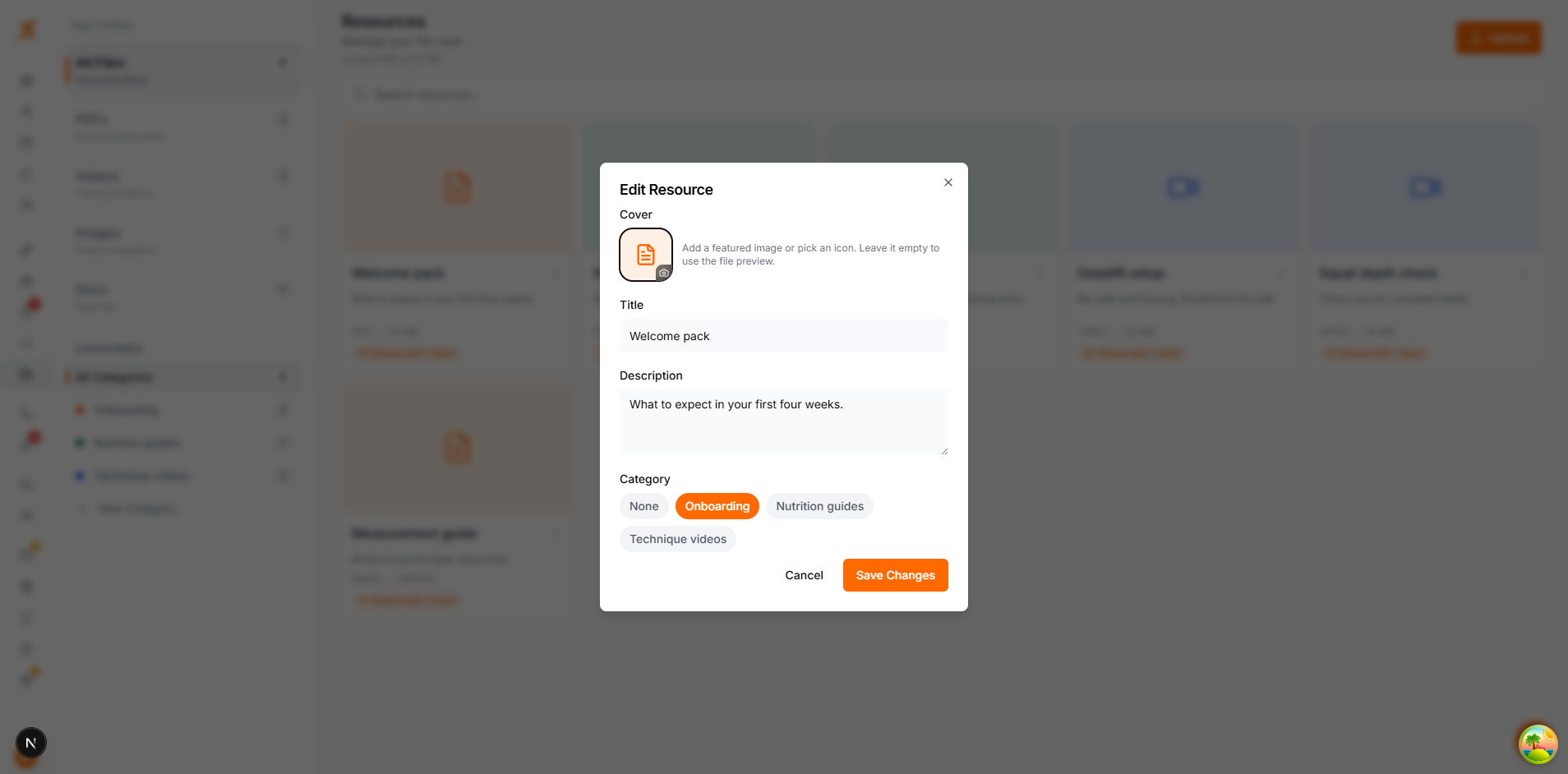
Open the menu on a card and choose Edit to rename a file, add a description, pick a category or give it a cover. A cover is your own photo or an icon and colour. With no cover, the vault shows a preview of the file.
Sharing
Open the menu on a card and choose Share. Pick one or more clients and click Share. The card then shows how many clients it is shared with.
Share Resource
Visible to Client
Visible to Client. On, the client sees the file in their app straight away. Off, the file is attached to the client but only you see it, for example while you are still preparing their files.
You can also share from a client's profile. Open their Vault tab and click Add Resource. From Vault picks a file you already have. Upload New adds a fresh one to your vault and shares it in one step.
On a client's Vault tab, Shared and Private list what they can and cannot see. The menu on a file has Make Private, Share with Client and Remove. Remove unshares it from that client only. Nothing here deletes the file from your vault or from other clients.
What the client sees
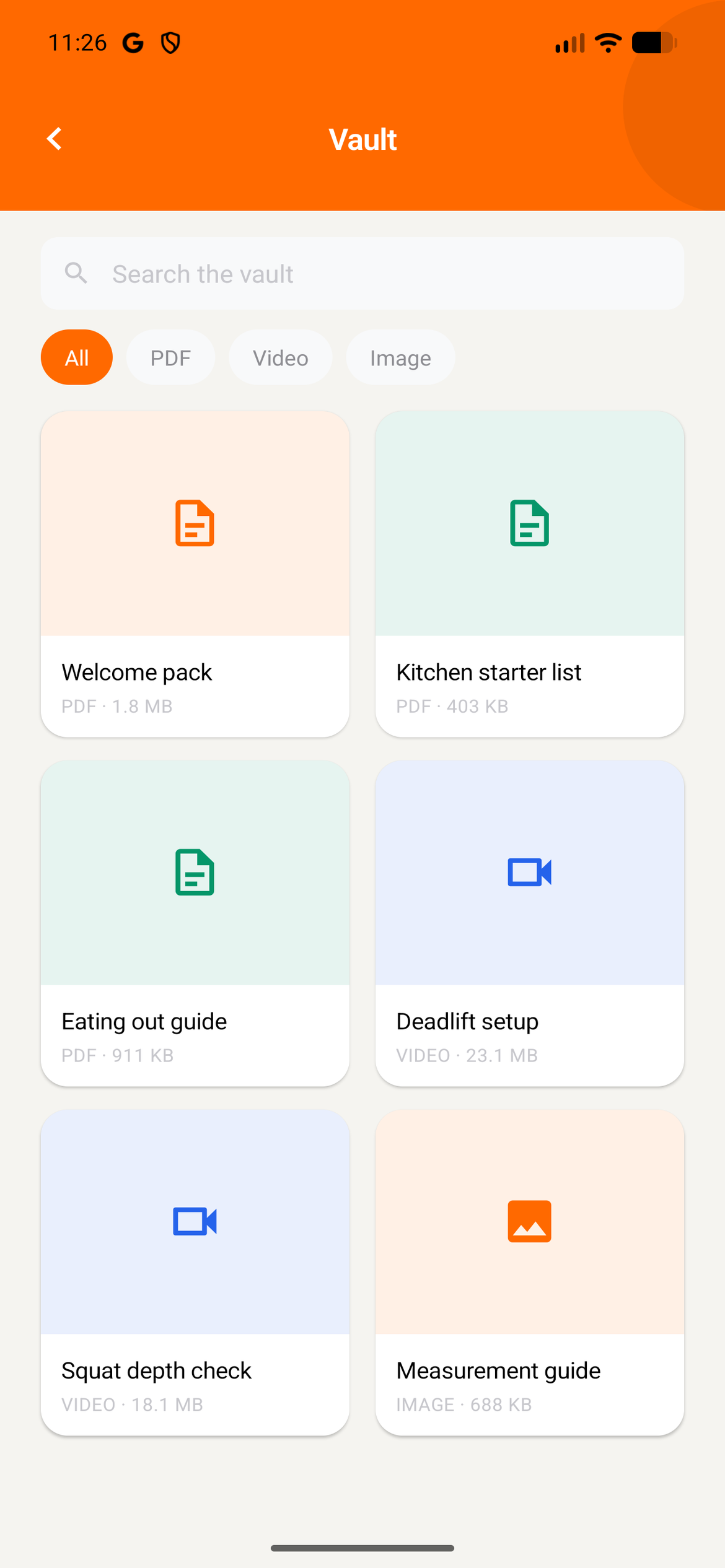
In the app clients open Vault and see only the files shared with them as visible. They can search, filter by type and open or download a file.
To hide it for one client, turn off Vault in their profile under Settings, Features.