Create your own exercises with custom names, descriptions, and media. Add instructional videos or GIFs to help clients perform exercises correctly.
Start by giving your exercise a name and selecting the exercise type (e.g., Strength, Cardio, Stretching). Then choose the primary muscle groups this exercise targets. You can select multiple muscle groups — for example, a bench press might target Chest, Shoulders, and Triceps.
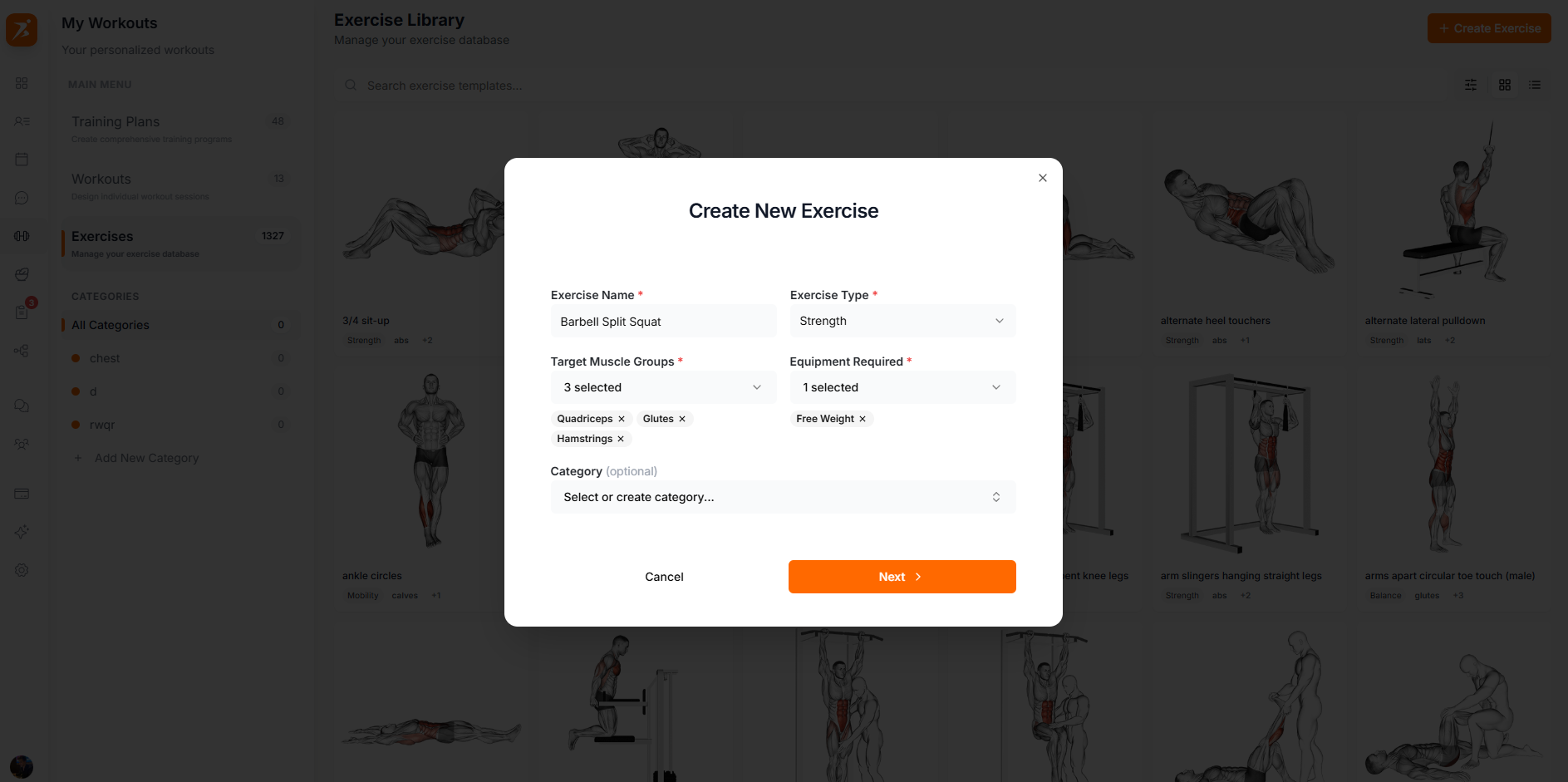
A clear, descriptive name your clients will recognize
Strength, Cardio, Stretching, Plyometrics, etc.
Select primary and secondary muscles targeted
Step-by-step text instructions for proper form
Upload a demonstration video or GIF so clients can see exactly how to perform the exercise. You can also paste a YouTube URL for longer instructional videos. Media is optional, but it dramatically improves the client experience — especially for exercises with tricky form.
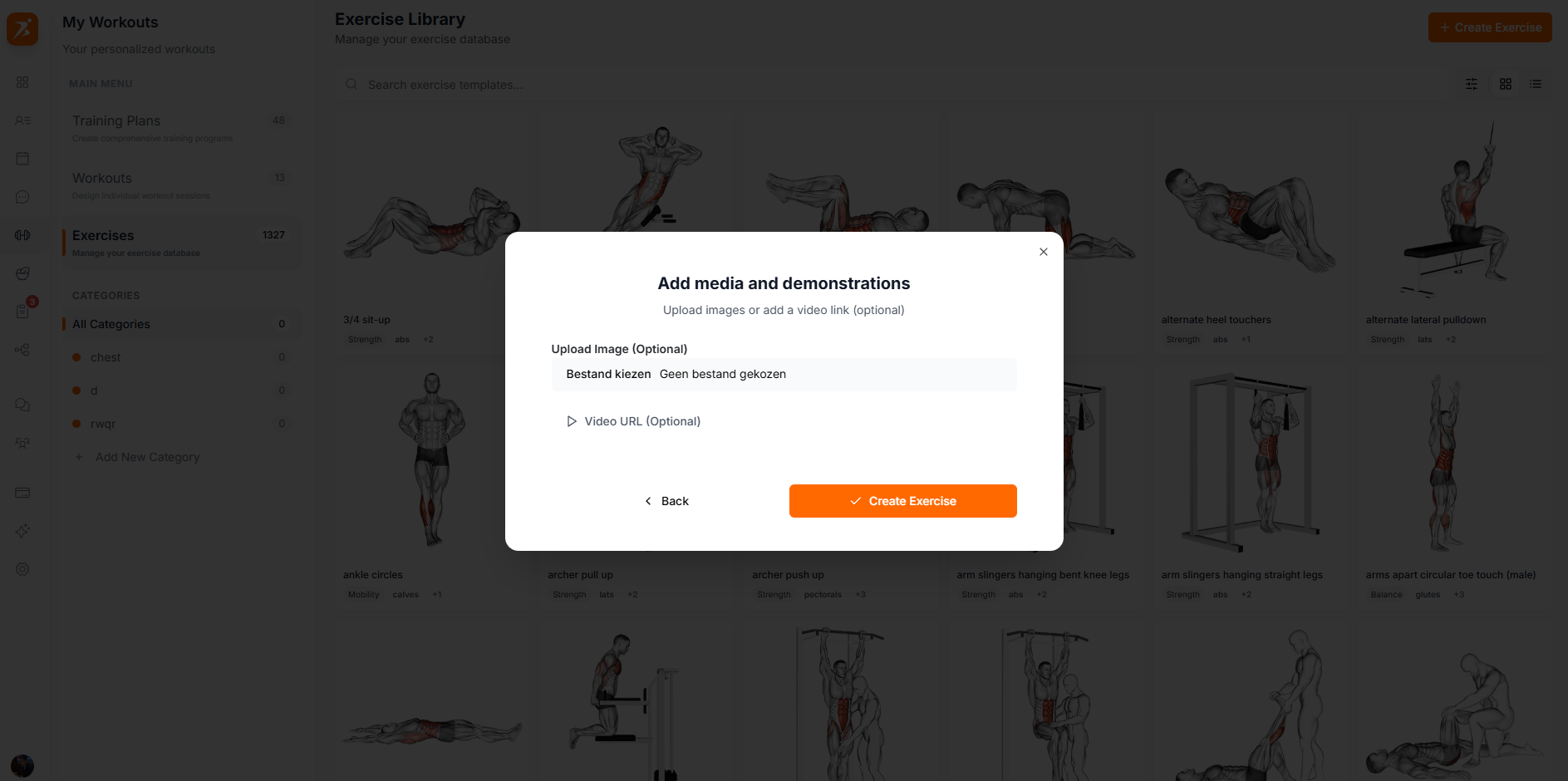
Short looping animation showing the movement
Full-length instructional video file
Link to an existing YouTube demonstration
A few best practices to make your custom exercises shine:
Use consistent naming conventions (e.g., "Dumbbell Bench Press" not "DB BP")
GIFs work best for simple movements; use videos for complex exercises
Tag all muscle groups involved so exercises appear in the right filters
Write instructions as if the client has never done the exercise before
