The Settings tab in your earnings page gives you quick access to manage your payment configuration. Each setting card redirects you to your Stripe Dashboard where the actual configuration is managed.
Your finance settings are managed directly through Stripe. The Settings tab in Scraler provides convenient shortcut cards that open the relevant section in your Stripe Dashboard. This ensures your payment configuration is always secure and up to date with Stripe's latest features.
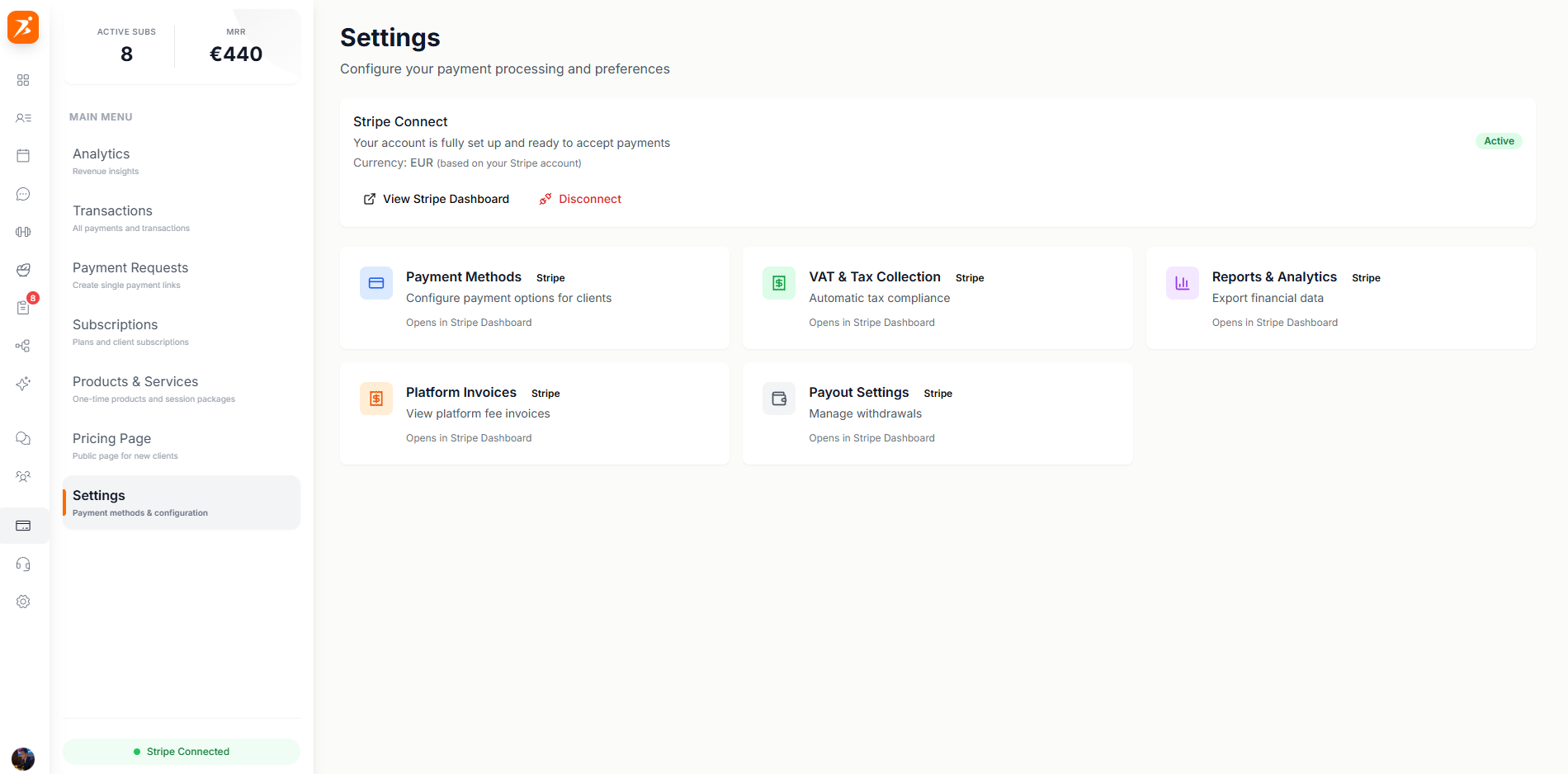
Each card on the Settings tab links directly to the corresponding page in your Stripe Dashboard.
Opens Stripe to configure which payment methods your clients can use (cards, iDEAL, SEPA, etc.).
Opens Stripe to manage your payout schedule, bank account details, and payout history.
Opens Stripe Tax to configure VAT/tax rates, tax IDs, and automatic tax collection.
Opens Stripe to manage invoice templates, numbering, and automatic invoice generation.
All finance settings are handled by Stripe to give you the most reliable and secure payment experience.
Stripe is PCI-DSS Level 1 certified, so your financial data is always protected.
Stripe handles tax calculations and compliance for regions worldwide.
Accept payments in 135+ currencies with local payment methods.
Stripe offers round-the-clock support for any payment-related issues.
Configure your finances
Connect Stripe and manage your payment settings from one place.
Get Started Free