Create and sell digital products, session packages, training plans, cookbooks, and services directly from your dashboard.
You can create different types of products depending on what you want to sell.
An all-in-one offering — training, nutrition, and check-ins bundled together for a fixed duration.
Sell a complete training plan clients can purchase and follow.
A recipe collection clients can buy and access.
A bundle of training sessions at a discounted rate.
Click "New Product" to open the 5-step wizard: pick a type, fill in the basics (name, description, image), add its contents (a linked training plan, cookbook, or session details depending on type), set the price, then review and create.
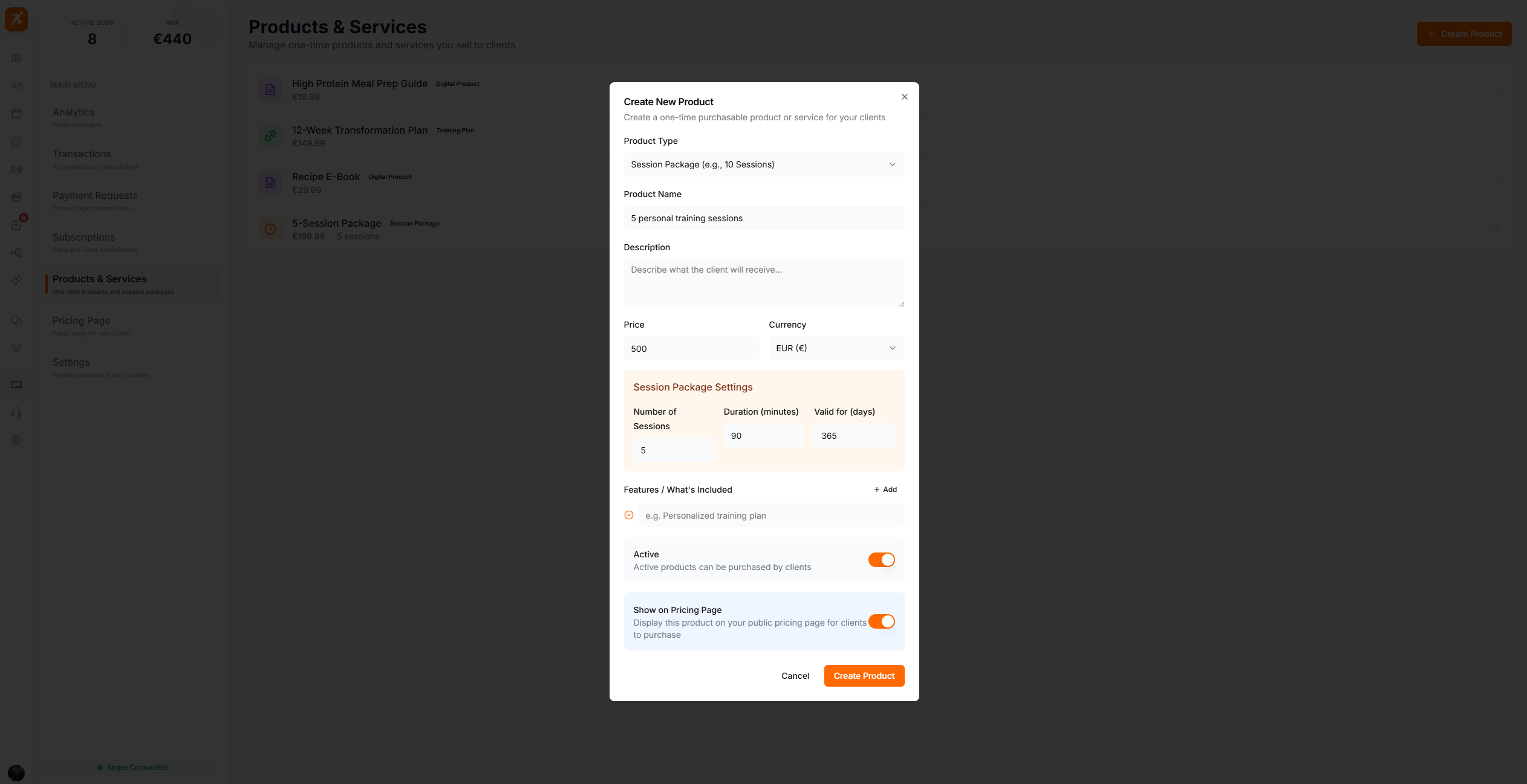
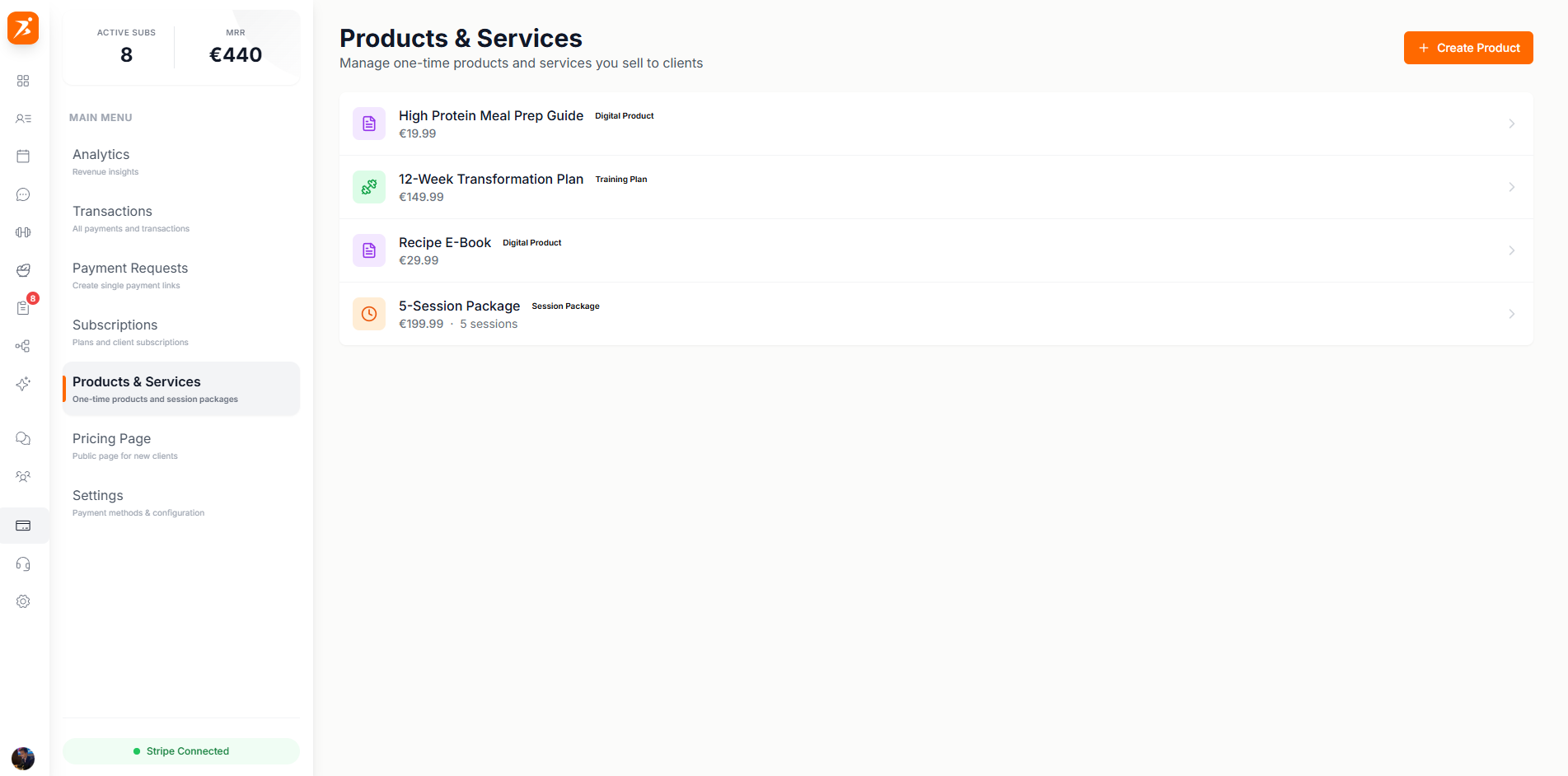
The products page shows all your products in a grid layout with images, names, prices, and type badges. Filter by product type and see total sales at a glance.
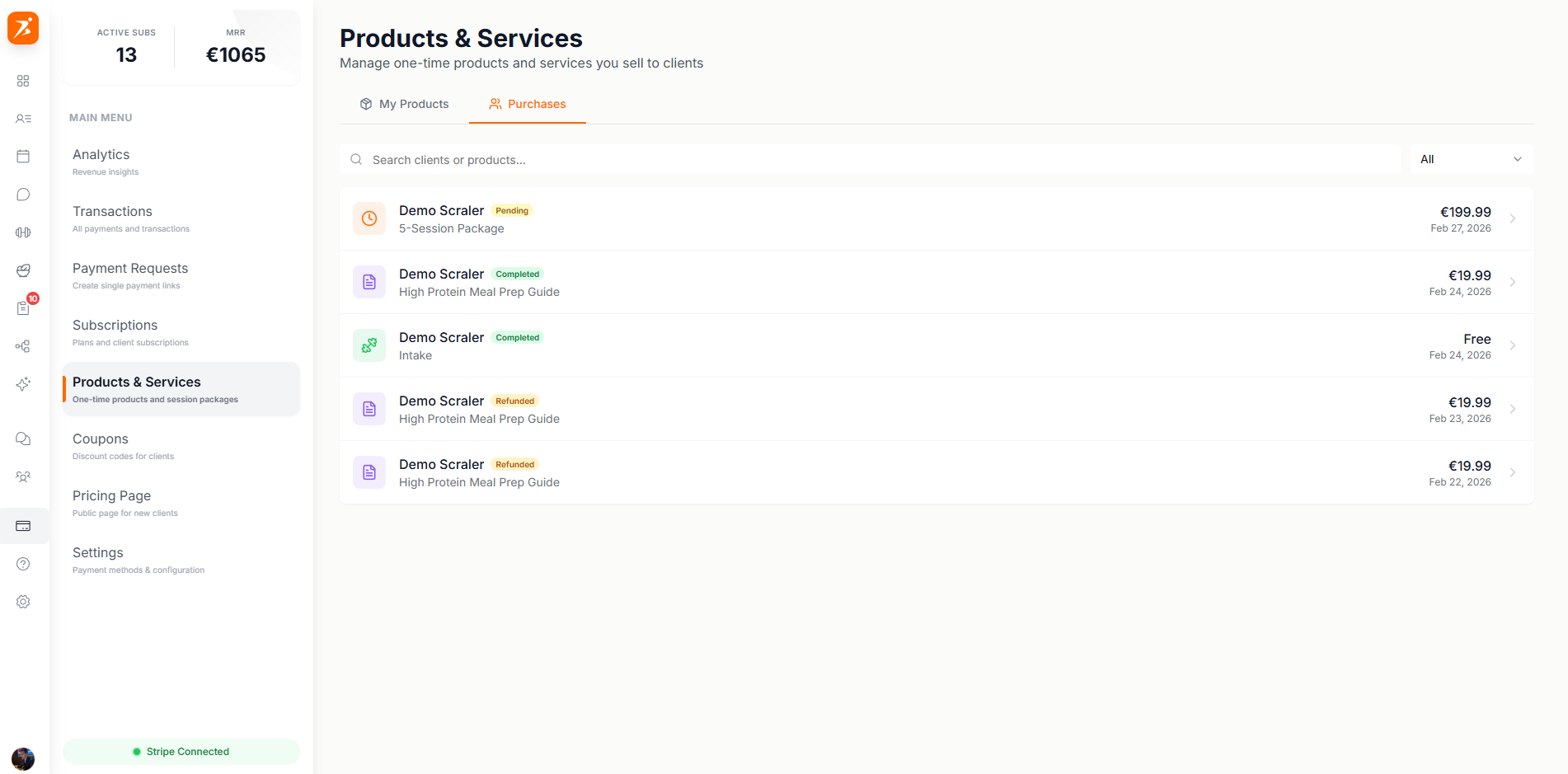
Each product shows its total sales, revenue generated, and a list of clients who purchased it. Track product performance over time.
Sell services, digital products, session packages, training plans, and cookbooks.
Products sync with Stripe for seamless payment processing.
Track revenue, purchase count, and buyer list for each product.
List products on your public pricing page for clients to browse.
