View and manage appointments scheduled with this specific client. See upcoming sessions, past appointments, and booking history.
See all future appointments with this client, including date, time, and session type.
Review completed sessions with notes, duration, and payment status.
Book a new session directly from the client profile without leaving the page.
The schedule tab shows a clean list of all appointments with this client, sorted by date. Upcoming sessions appear at the top, with past sessions below. Each appointment shows the date, time, session type, duration, and whether it's been paid for.
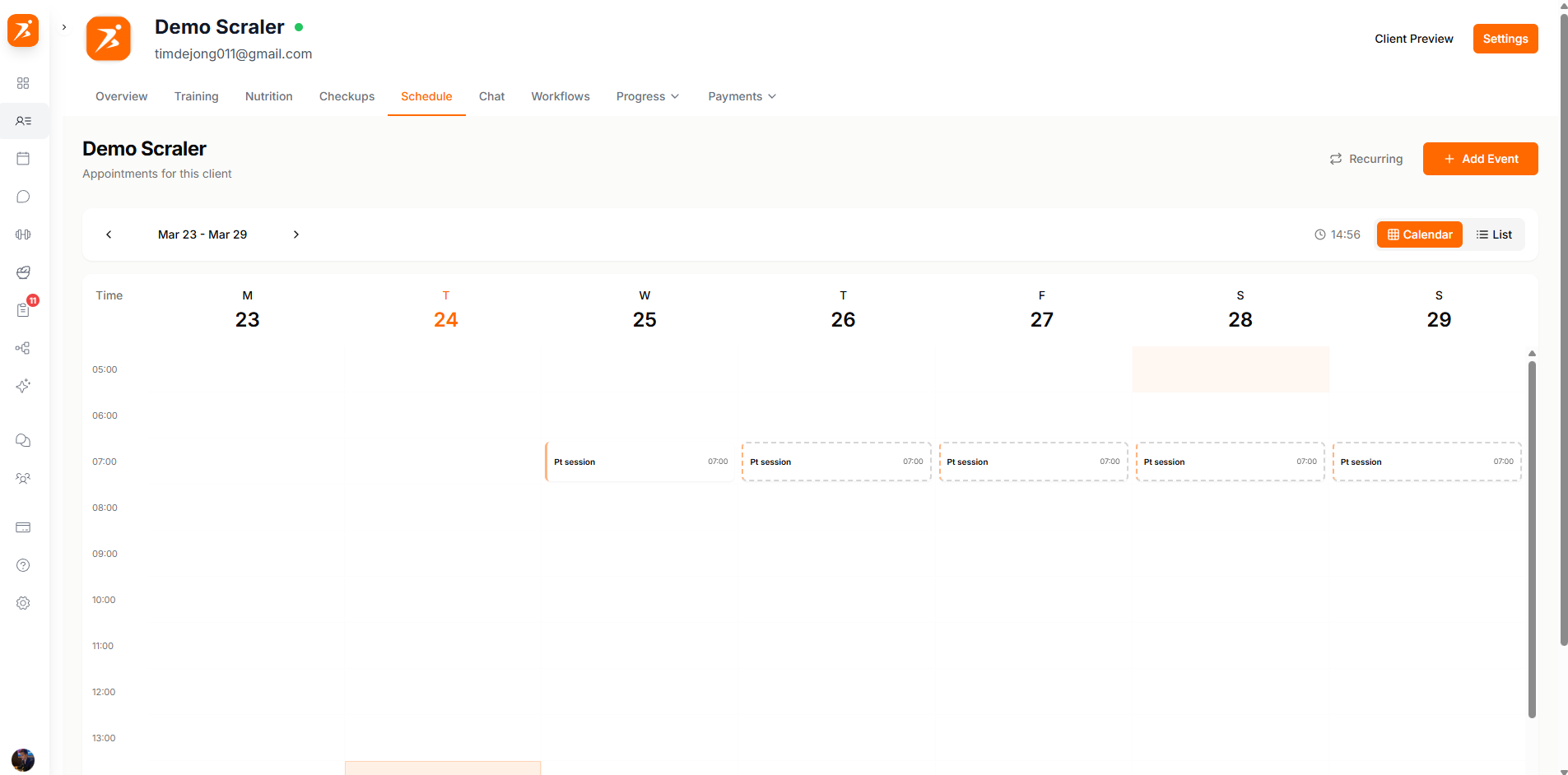
Appointments are labeled by type so you can tell at a glance what kind of session is coming up.
In-Person Training
Face-to-face sessions at a gym or studio location.
Online Session
Remote sessions conducted via video call.
Group Class
Sessions where this client is attending a group workout.
Consultation
Initial assessments, goal-setting meetings, or progress reviews.
Click the booking button to schedule a new appointment with this client. Pick a date and time, select the session type, set the duration, and add any notes. The appointment shows up on both your calendar and the client's mobile app.
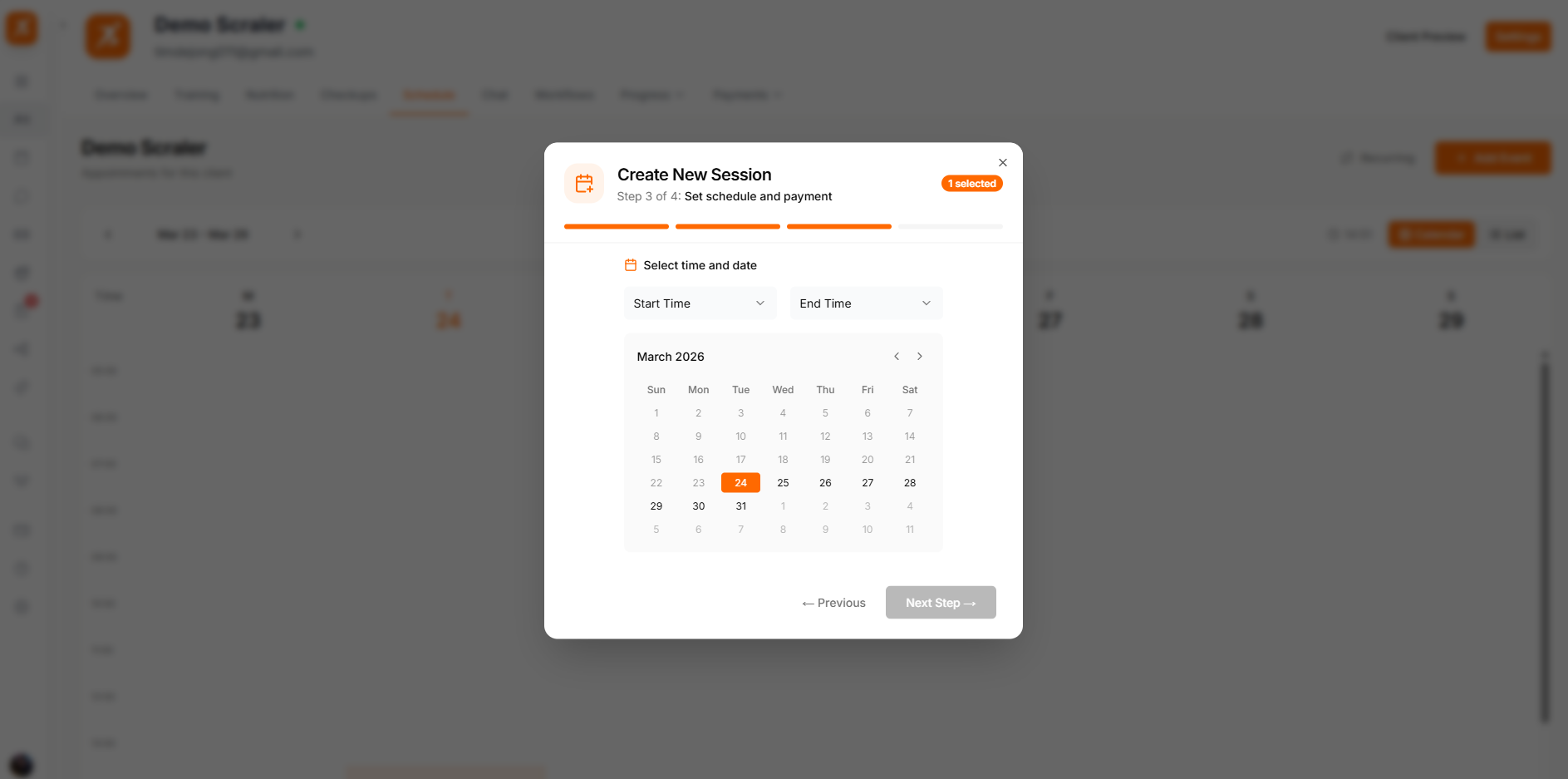
Each appointment shows a payment badge so you know whether the session has been paid for.
Paid
The client has paid for this session, either through a subscription or a one-time payment.
Pending
Payment hasn't been received yet. You can send a payment request from here.
Included in Plan
The session is covered by the client's active subscription plan.
For a full view of all your appointments across clients, see the Calendar page.
