View your team, reassign clients, update roles, and remove managers. Keep your studio running smoothly.
See all team members, their assigned clients, roles, and activity status.
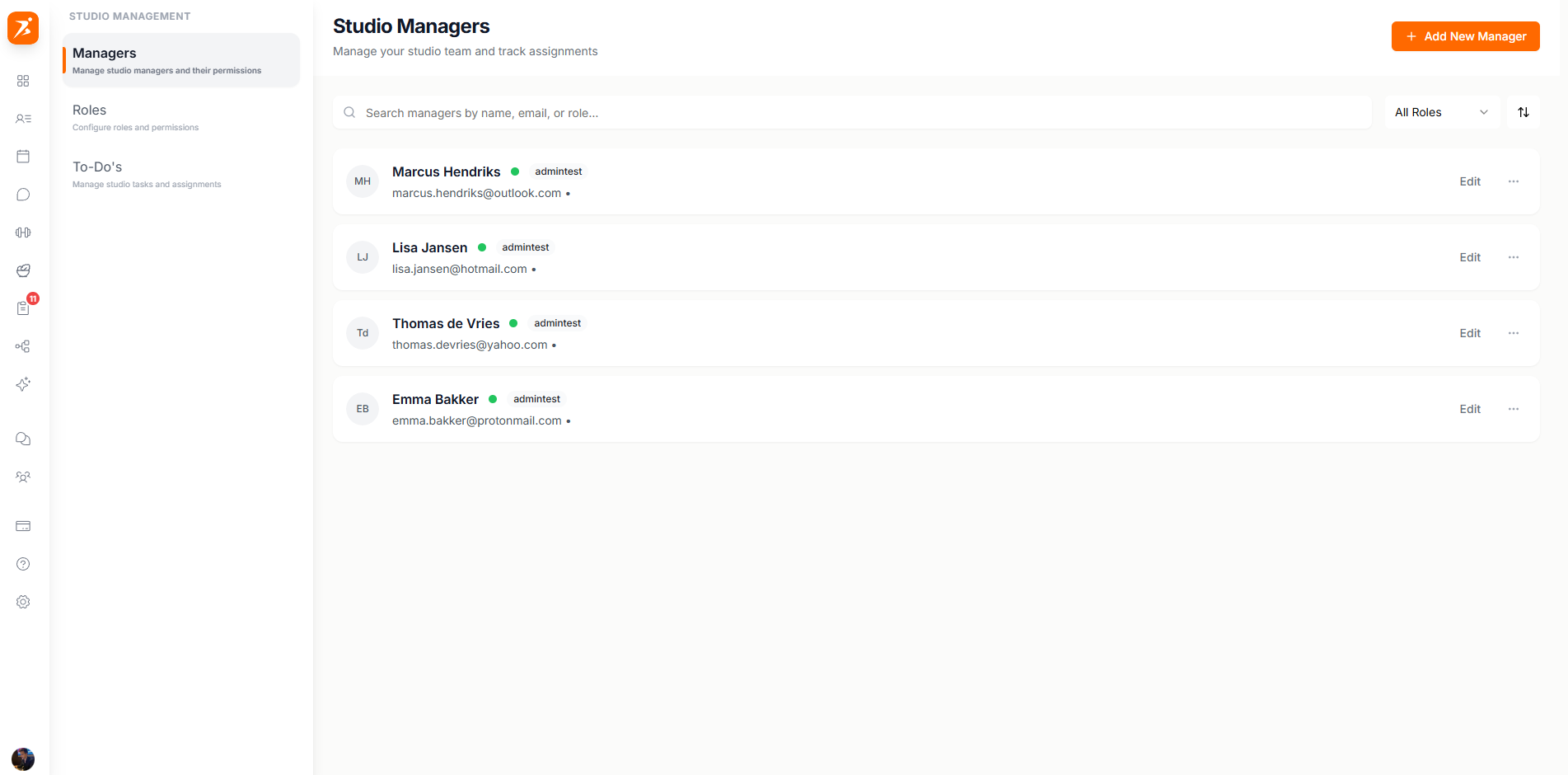
The team members list shows everyone on your studio with their current status and assignments.
See name, email, and profile photo for each team member.
Each member shows their assigned role for quick reference.
See how many clients are assigned to each manager.
Active or inactive status is clearly visible for each member.
Transfer clients from one manager to another when responsibilities change.
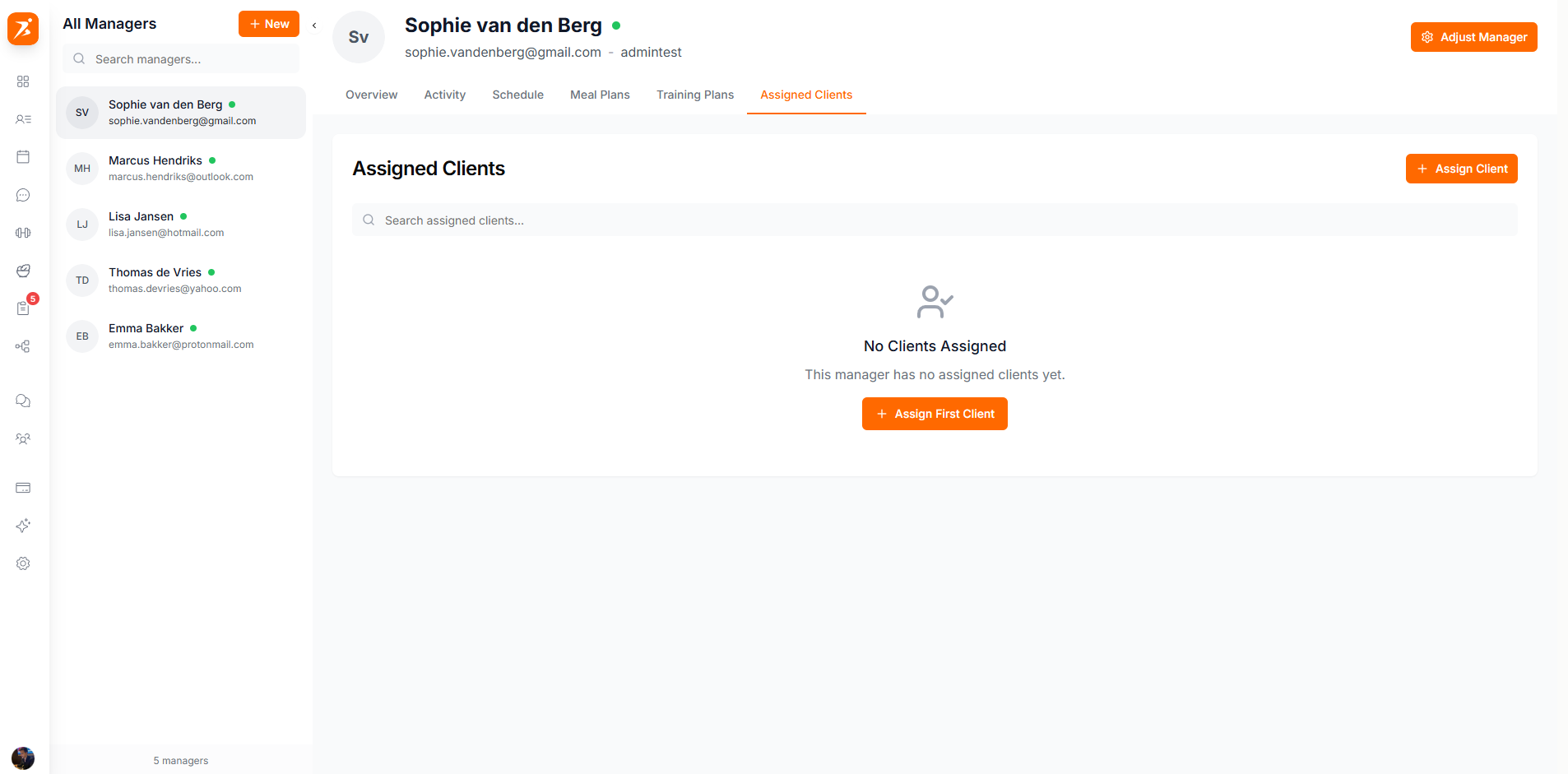
Reassigning clients only changes management — client data, plans, and history remain intact.
Change a team member's role to adjust their permissions.
Role changes take effect immediately — the member's dashboard updates on their next page load.
Deactivate a manager account when someone leaves your team.
The studio owner always has full access regardless of role configuration.
All team management actions are logged for accountability.
Deactivated accounts can be reactivated without losing any data.
Add as many team members as you need. There is no limit on the Ultimate plan.
