The nutrition tab lets you manage your client's meal plans, track their food intake, and monitor macro adherence from one place.
Assign weekly meal plans from your template library or build custom ones for this client.
See daily calorie, protein, carb, and fat totals at a glance with progress bars.
Review what your client actually ate versus what was planned.
The calendar shows the client's assigned meal plan laid out by week. Each day shows the planned meals — breakfast, lunch, dinner, and snacks — along with a macro summary bar so you can see at a glance whether their daily targets are being met.
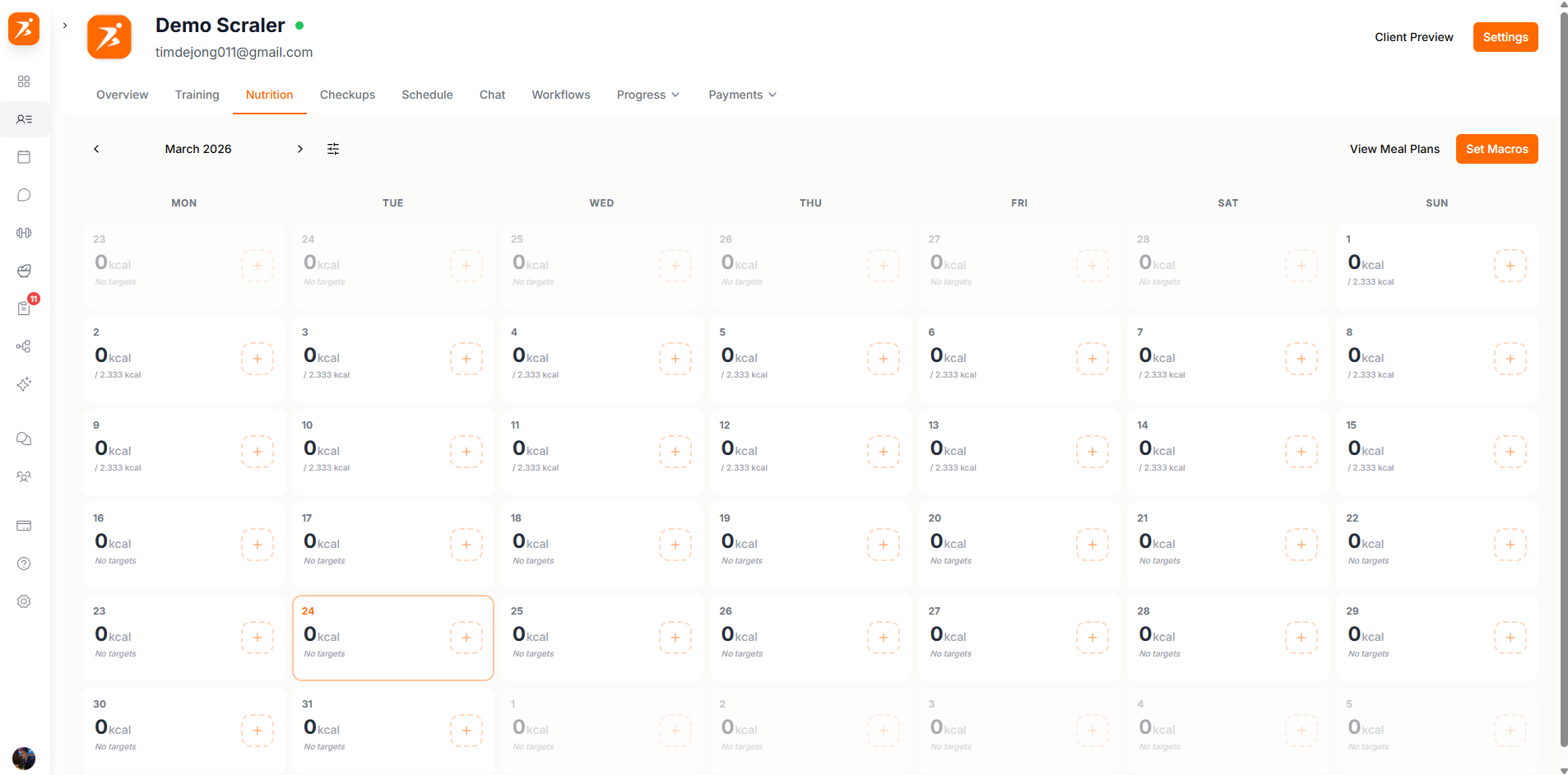
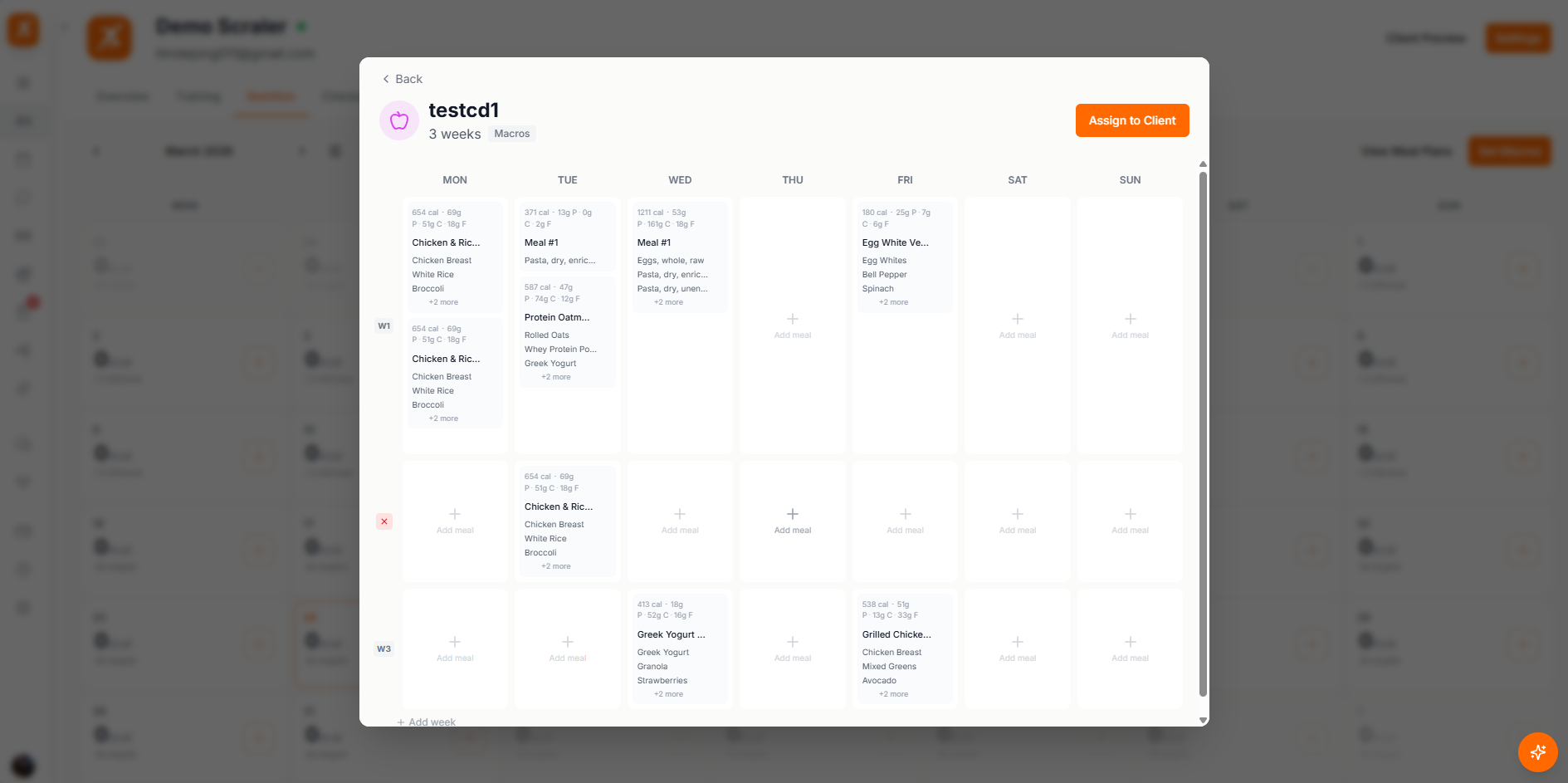
Assign a meal plan by clicking the assign button at the top of the tab. Pick from your template library or create a new plan from scratch. The meals populate the calendar starting from the date you choose.
From Template
Select a meal plan template from your library. It gets copied to the client so you can adjust portions and meals without changing the original.
Custom Plan
Build a brand new meal plan specifically for this client with their dietary needs in mind.
Each day on the calendar shows the total macros across all meals. You can quickly spot whether the client's nutrition is on target or if adjustments are needed.
Calories
Total daily energy intake
Protein
Grams of protein per day
Carbs
Grams of carbohydrates per day
Fat
Grams of fat per day
When food tracking is enabled, your client can log what they actually eat through the mobile app. Their entries show up here so you can compare planned meals versus actual intake. Each entry shows the food, portion size, and macro breakdown.
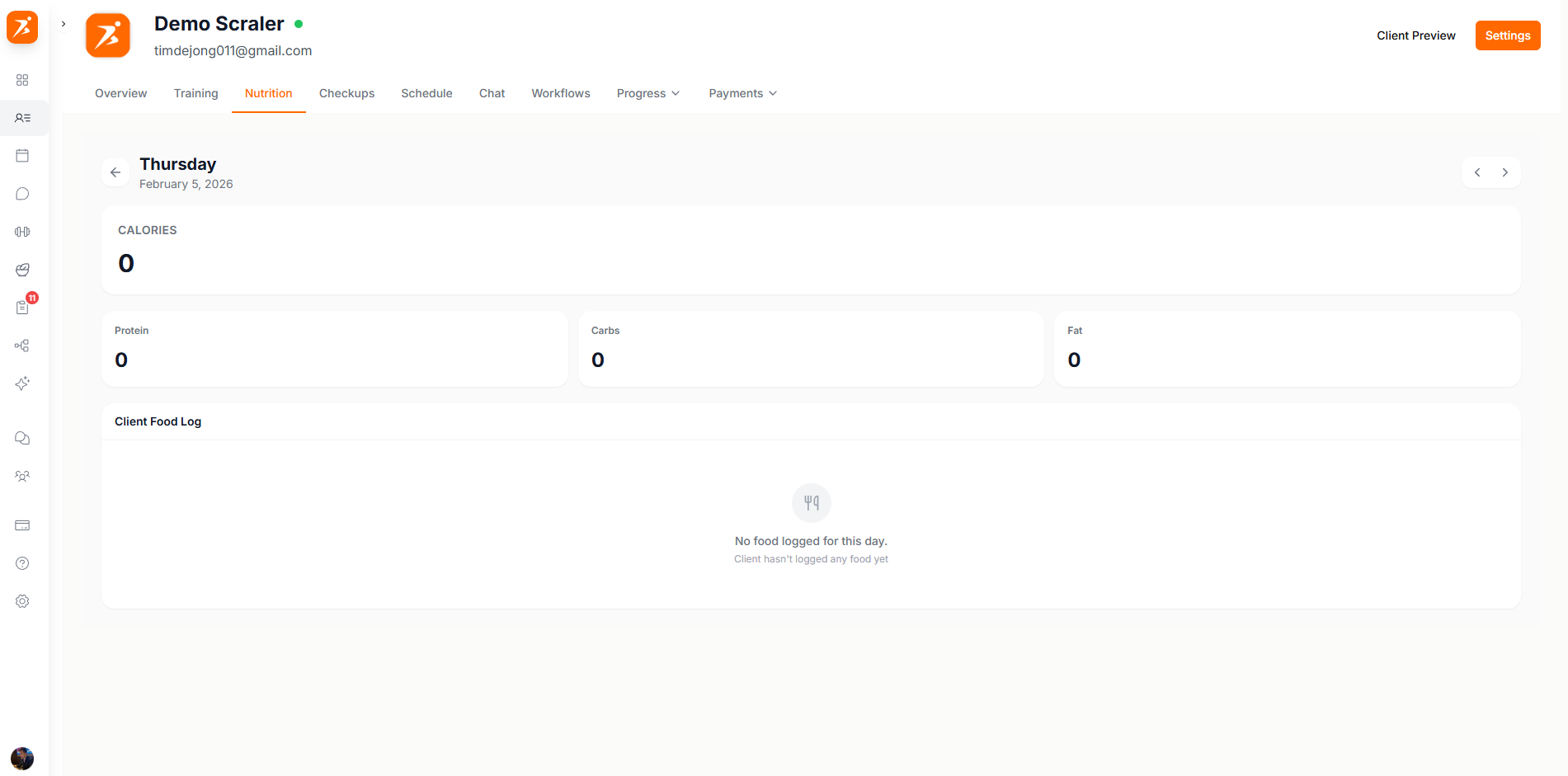
Food tracking needs to be enabled for the client. You can turn this on in the Client Settings tab.
