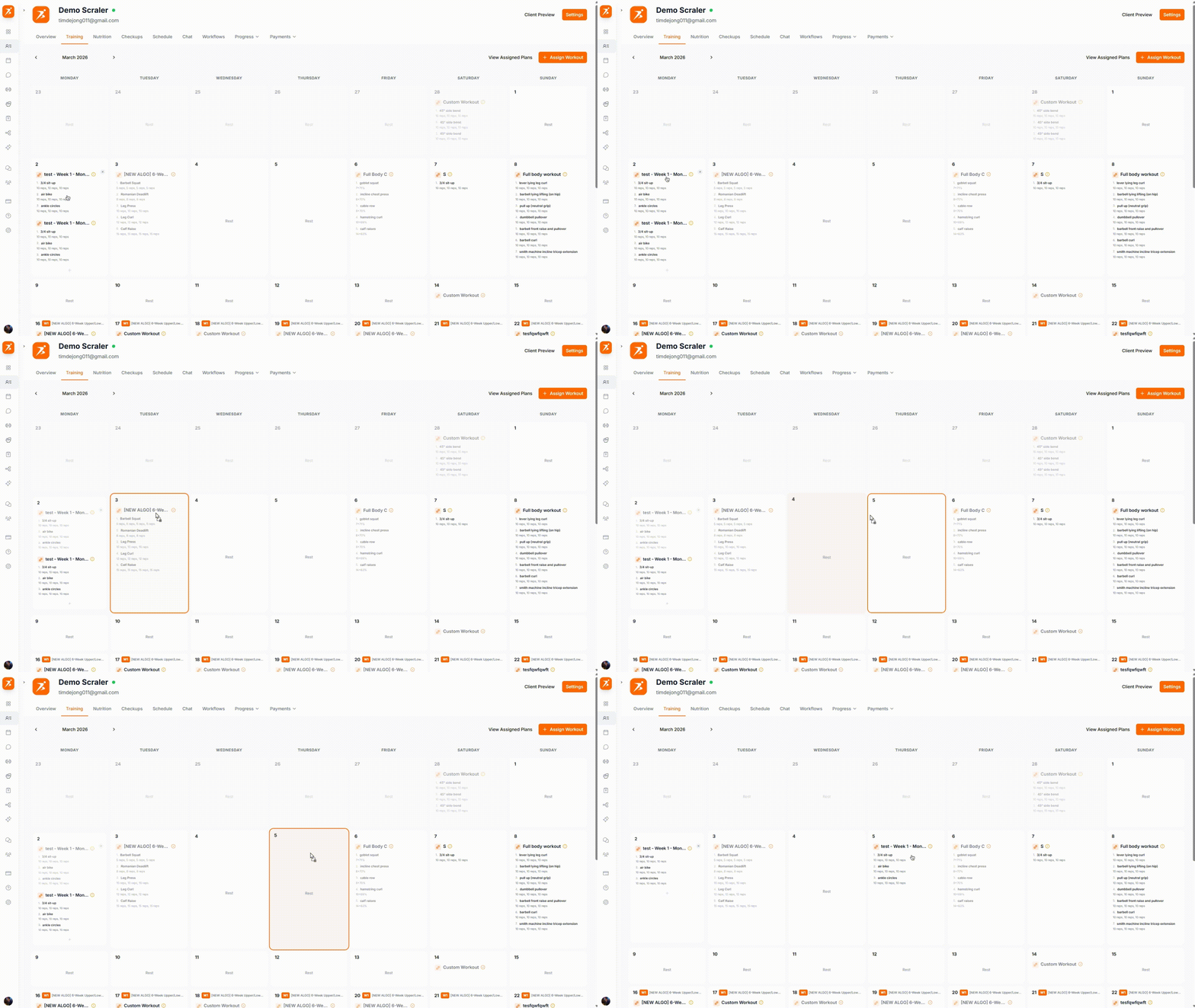
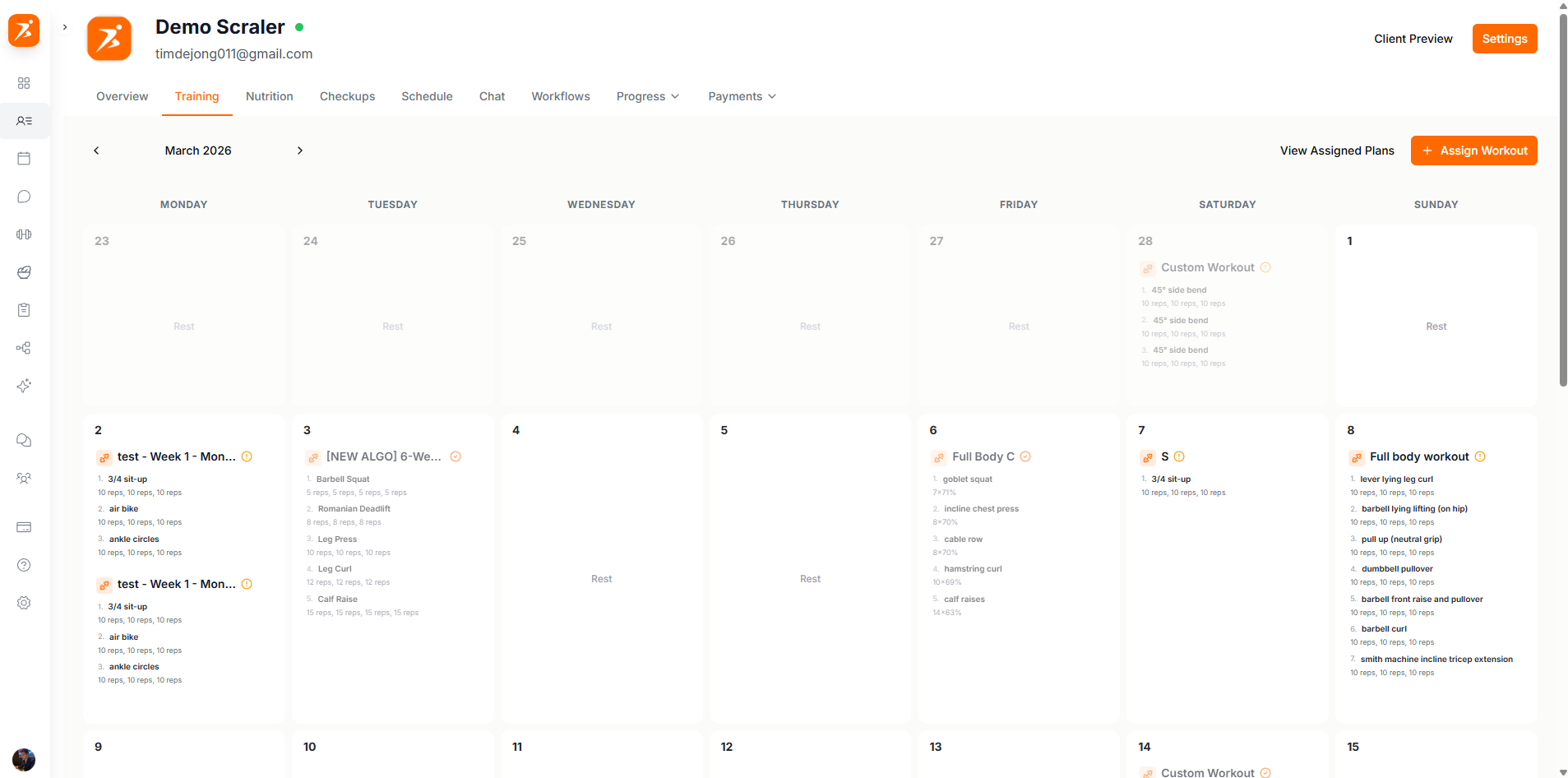
The training tab in the client profile shows assigned training plans, workout calendar, and exercise progress. Manage all training-related content for your client here.
See every workout laid out across the week with color-coded completion status.
Assign plans from your template library or create one-off workouts for this client.
The calendar shows your client's workouts laid out by week or month. Each workout block is color-coded so you can tell at a glance what's been completed, what's coming up, and what was missed.
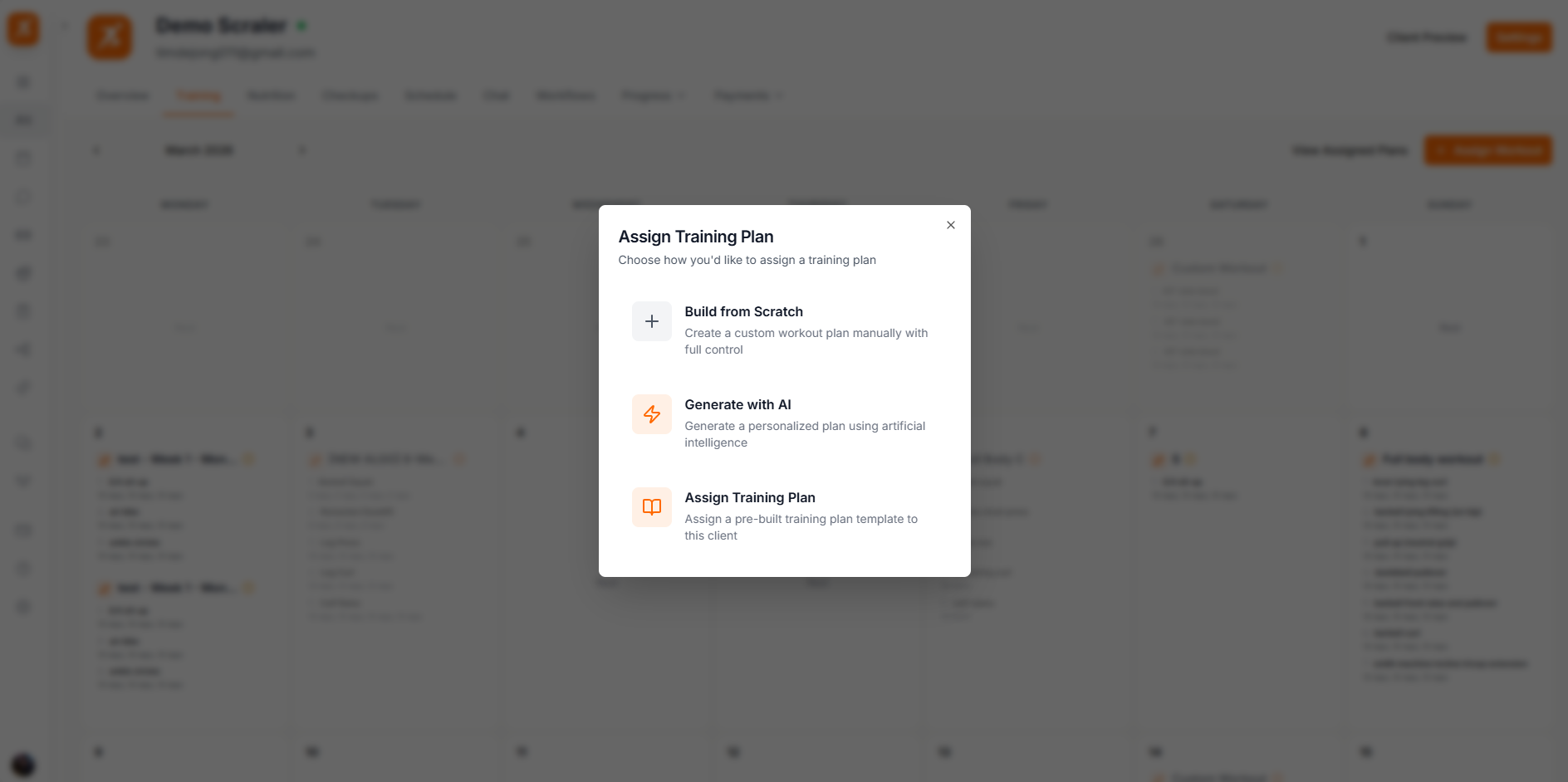
Click the assign button to attach a training plan to this client. You can pick from your saved templates or build a new plan on the spot. Set the start date and the plan will automatically populate the calendar with workouts.
From Template
Pick a plan from your template library. The workouts are copied to the client so you can tweak them without affecting the original.
Individual Workout
Schedule a single workout on a specific date without attaching it to a full plan.
Every workout on the calendar shows a completion status. When your client logs a session through the mobile app, it automatically updates here.
Completed
The client finished the workout and logged their sets and reps.
Scheduled
The workout is planned for today or a future date.
Missed
The scheduled date passed and the workout was never logged.
Need to move a workout to a different day? Just drag it on the calendar and drop it where you want. The client's app updates immediately.