Click "Send Check-in Request" on the Templates tab, then build a check-in from scratch or start from a saved template:
Click "Send Check-in Request" on the Templates tab, then build a check-in from scratch or start from a saved template:
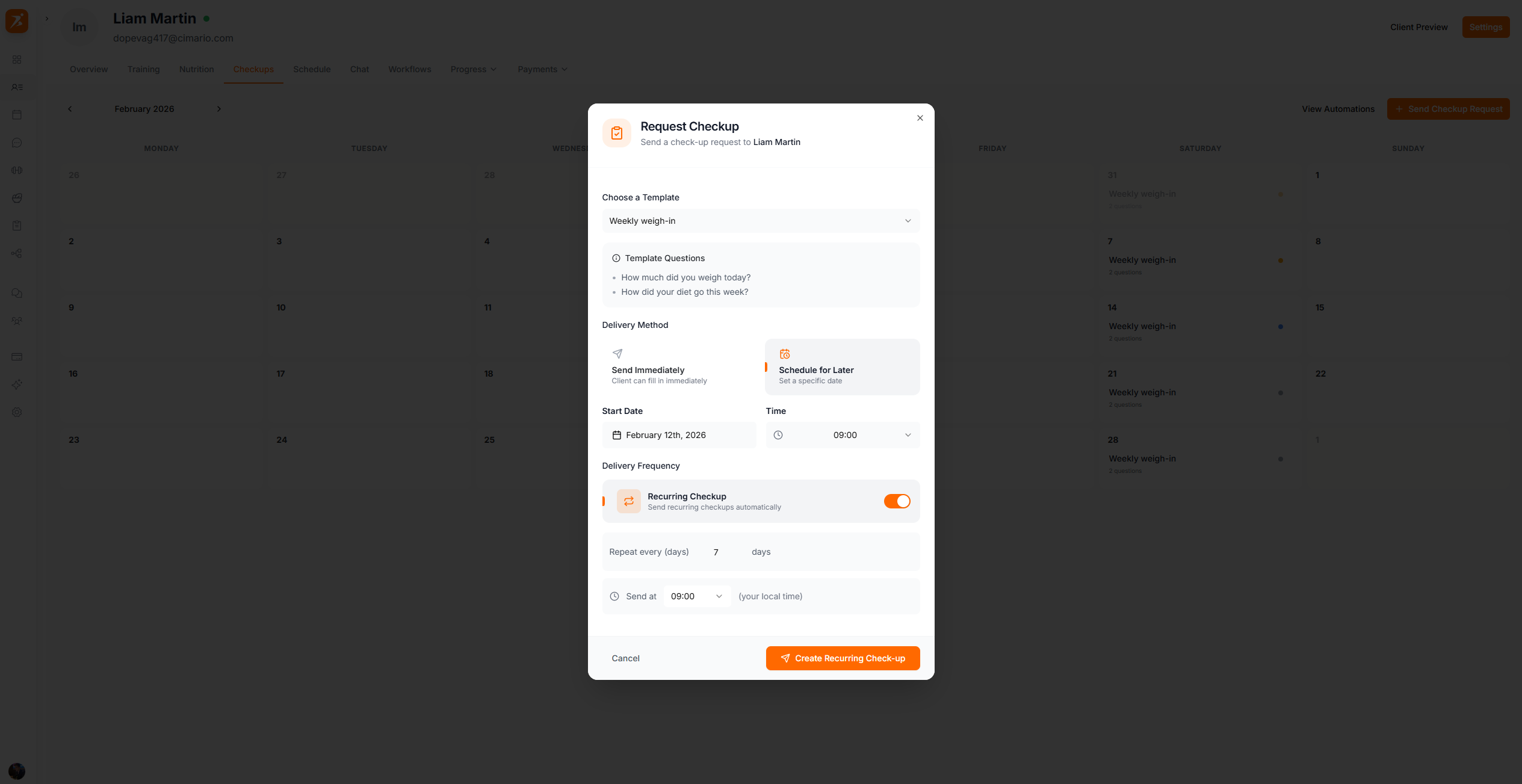
Three delivery options:
Sends now, client fills it in at their convenience
Send on a specific date
Repeats on a day or monthly interval, with an option to auto-add each answer to progress.
Stay on top of every client's progress
Automated check-ins, templates, and approval workflows.
Get Started Free