Learn how to organize your schedule effectively — drag to reschedule, set recurring sessions, and manage your availability.
Drag and drop appointments to reschedule, set up recurring sessions, and block off personal time.
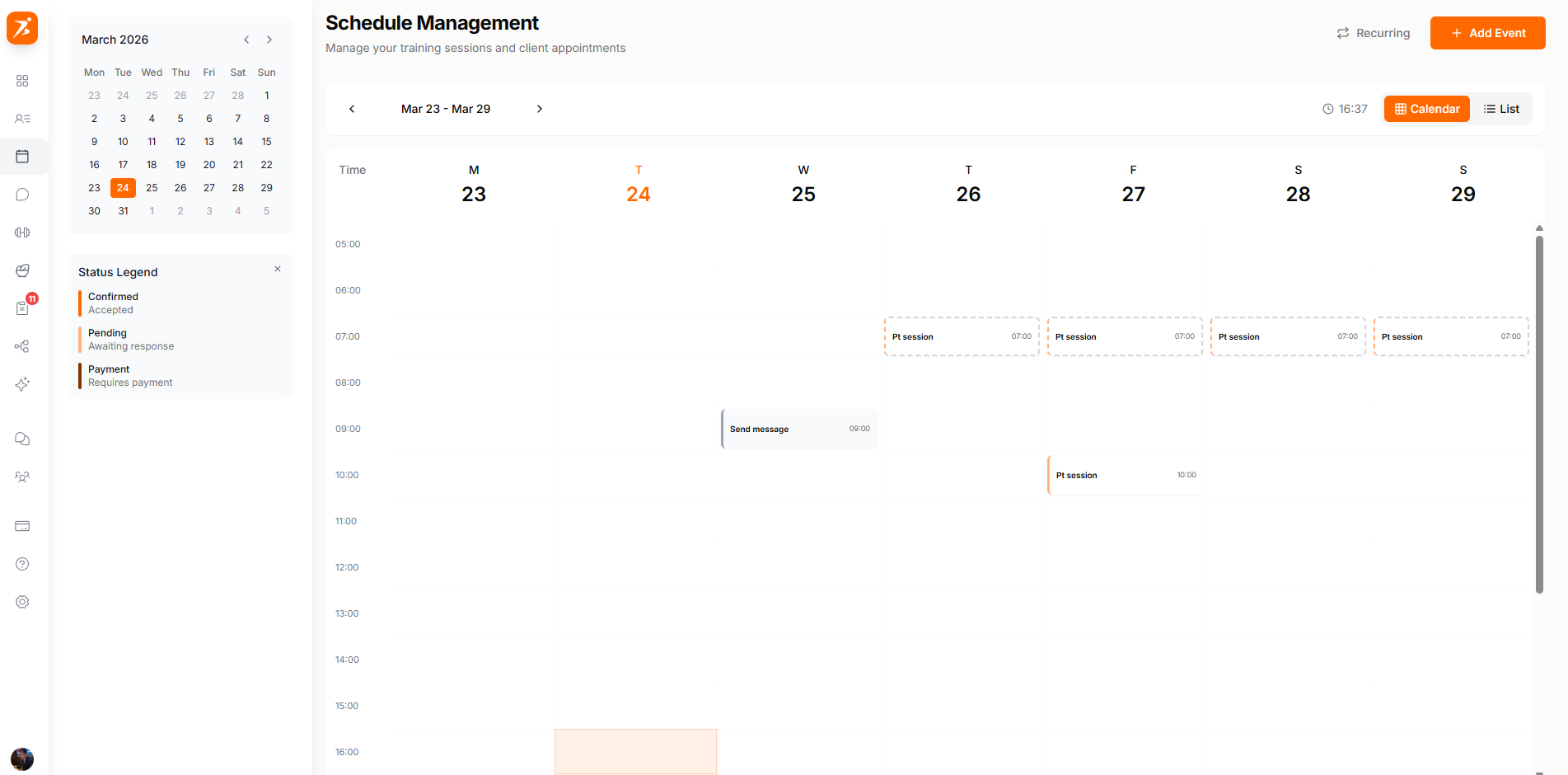
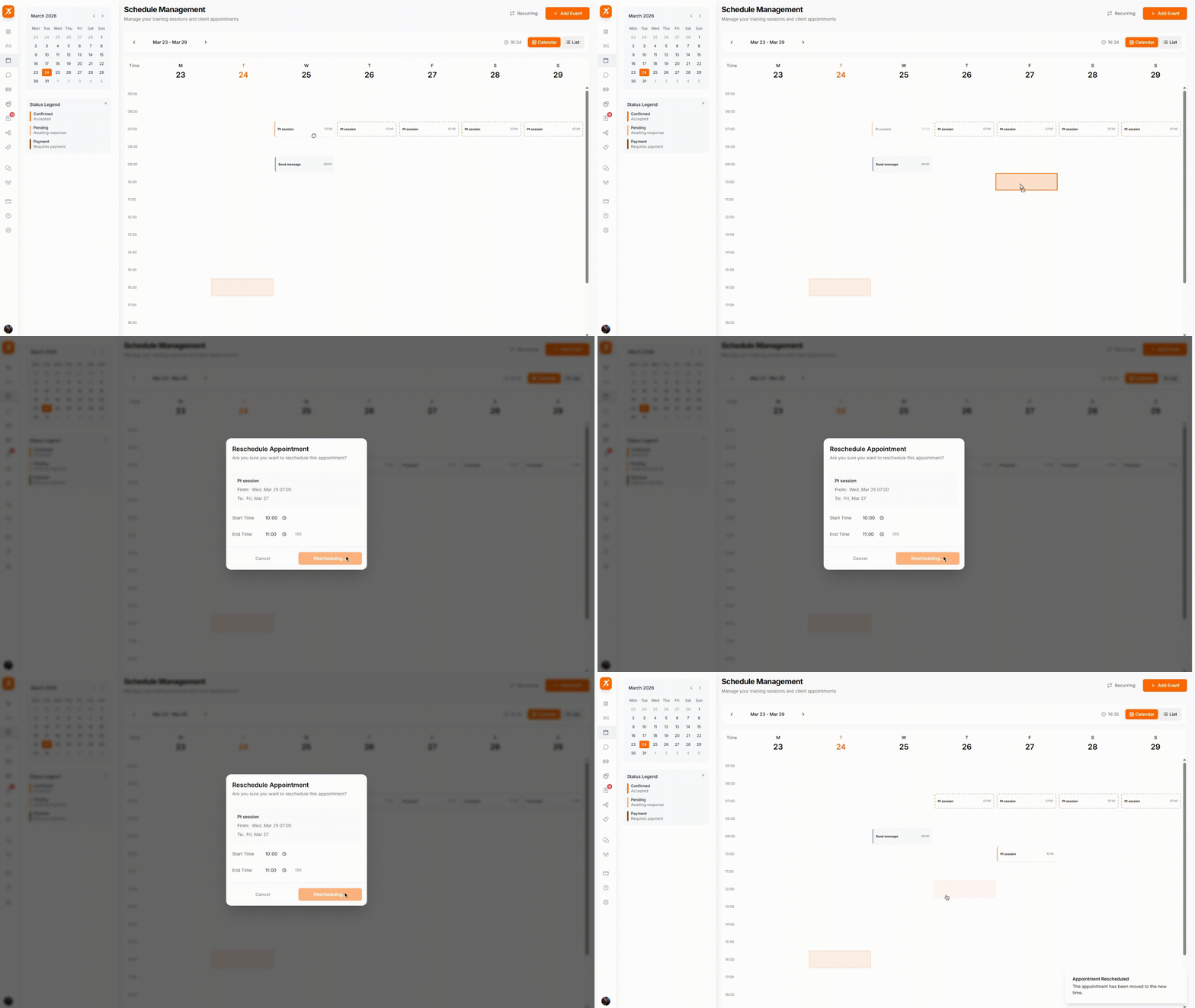
Simply grab any appointment and drag it to a new time slot or day. The client is automatically notified of the change.
Set up sessions that repeat automatically so you don't have to create them each time. Free recurring sessions are available on Plus and up — to charge for a recurring session automatically, you'll need Premium or Ultimate.
Daily
Repeats every day — great for intensive programs or daily check-ins.
Weekly
Same day and time every week — the most common option for regular clients.
Biweekly
Every two weeks — ideal for clients on a lighter schedule.
Monthly
Once a month — perfect for progress check-ins and program reviews.
