Configure the 12 permission areas available for studio roles. From client management to finance access, set exactly what each role can do.
Each role can be configured with specific permissions across 9 areas of the platform.
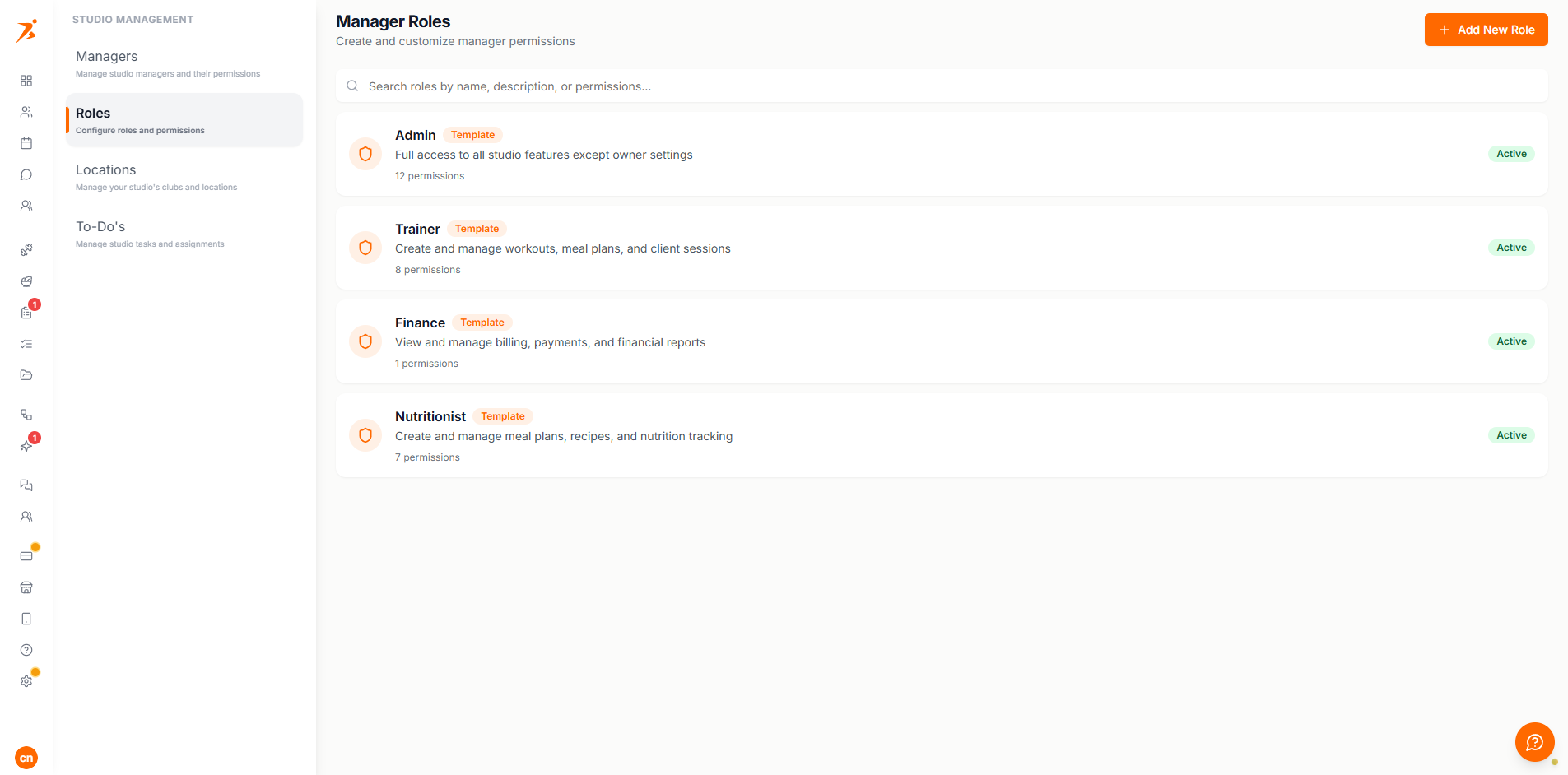
Each permission area controls access to a specific part of the platform.
Clients
View, add, edit, and manage client profiles and their data.
Workouts
Create, edit, and assign training plans and workout templates.
Meal Plans
Create, edit, and assign meal plans, recipes, and cookbooks.
Schedule
View and manage appointments, availability, and calendar settings.
Chat
Access client conversations and send messages.
Check-ins
Create check-in templates, send check-ins, and review submissions.
Habits
Create and edit habits and habit categories, and assign them to clients.
Community
Create and manage communities, post content, and moderate posts and members.
Automation
Access automation workflows, build automated sequences, and configure triggers.
Finances
View transactions, send payment requests, and manage products.
Studio
Manage team members, roles, and studio-wide settings.
Branding
Upload a logo, set brand colours, and manage branding settings.
Each permission is a simple on/off toggle that controls access to an entire feature area.
The team member can fully access and use this feature area.
The feature area is hidden from the team member's dashboard entirely.
Permissions are additive — a member sees the union of all permissions from their assigned role.
Here are some common role setups to inspire your own:
Clients + Workouts + Meal Plans + Schedule + Chat + Check-ins. No Finances, Studio, or Settings.
Clients + Meal Plans + Chat + Check-ins. No Workouts, Schedule, Finances, Studio, or Settings.
Clients (view) + Schedule + Chat. No Workouts, Meal Plans, Check-ins, Finances, Studio, or Settings.
The studio owner always has full access — permissions don't apply to the owner account.
Permission changes take effect immediately when the member reloads their dashboard.
Disabled permissions hide the feature from the dashboard, and the server independently rejects any matching API request.
Roles are designed to be composable — create specialized roles for different team functions.
