Communicate with your studio team in dedicated group chats. Coordinate schedules, discuss clients, and share updates.
Studio chats provide a private space for team communication, separate from client conversations.
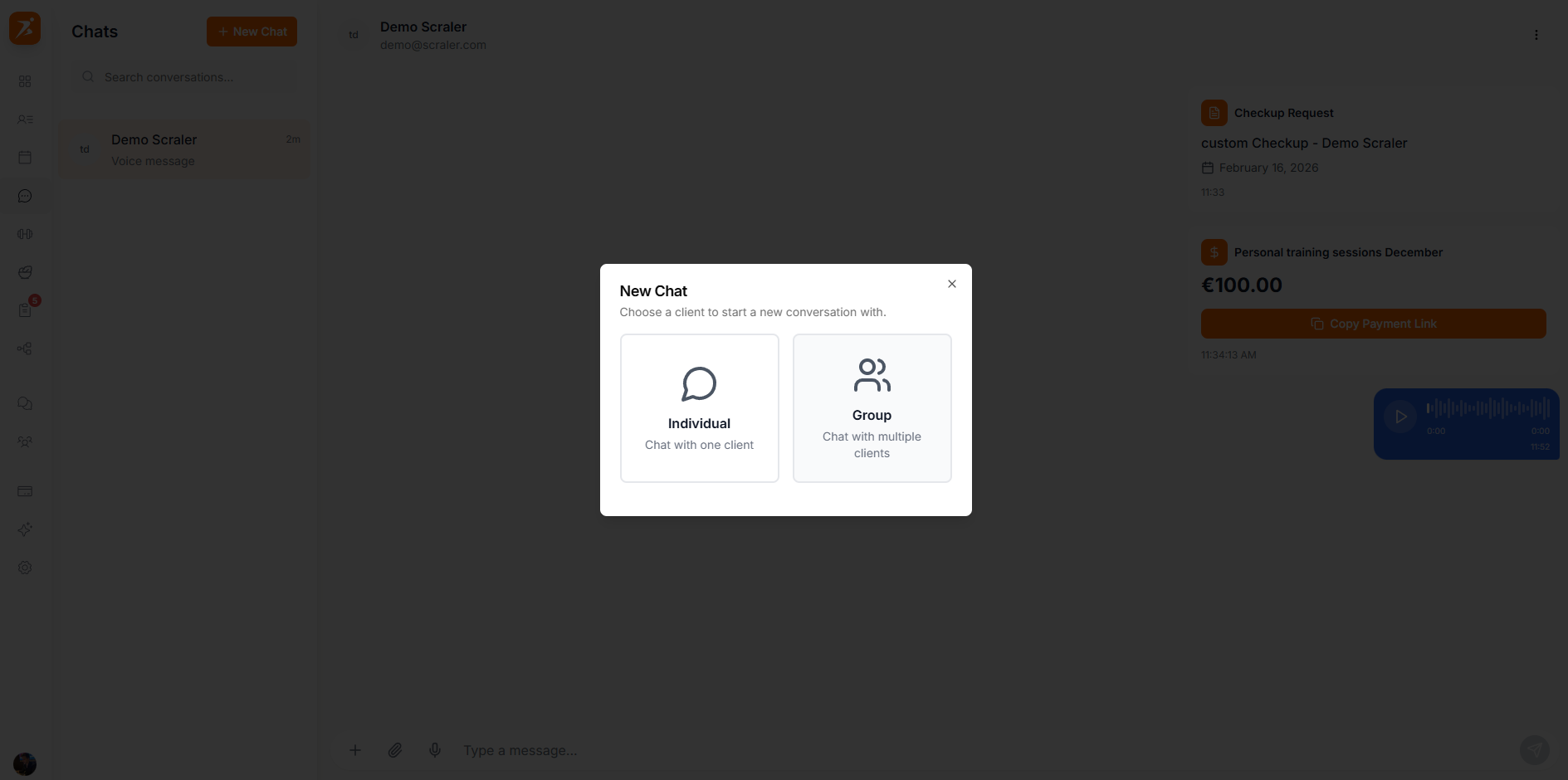
Create dedicated chat channels for different topics or teams.
Create separate channels for different topics — a General channel for announcements and specific channels for each team.
Add or remove team members from channels as your team changes.
Studio chats include the same powerful features as client chats.
Messages are delivered instantly with read receipts and typing indicators.
Share images, documents, and files directly in the chat.
Record and send voice messages for quick communication.
Studio chats are encrypted in transit and at rest. Only the team members in a chat can open it.
Here are some ways studios use team chats:
Share studio news, schedule changes, and policy updates with the whole team.
Discuss client handoffs, program design, and training strategies.
Coordinate front desk tasks, equipment maintenance, and studio logistics.
Studio channels are completely separate — clients never see team conversations.
Team members receive push notifications for new messages in their channels.
All message history is preserved — new members can scroll back to see past conversations.
Studio chats are accessible from both the web dashboard and the mobile app.
