View and manage all payment transactions in one place. Track payments, refunds, and payouts with detailed filtering and search.
The transactions page displays all your payment activity in a searchable, filterable table. Each row shows the client, type, date, amount, and status.
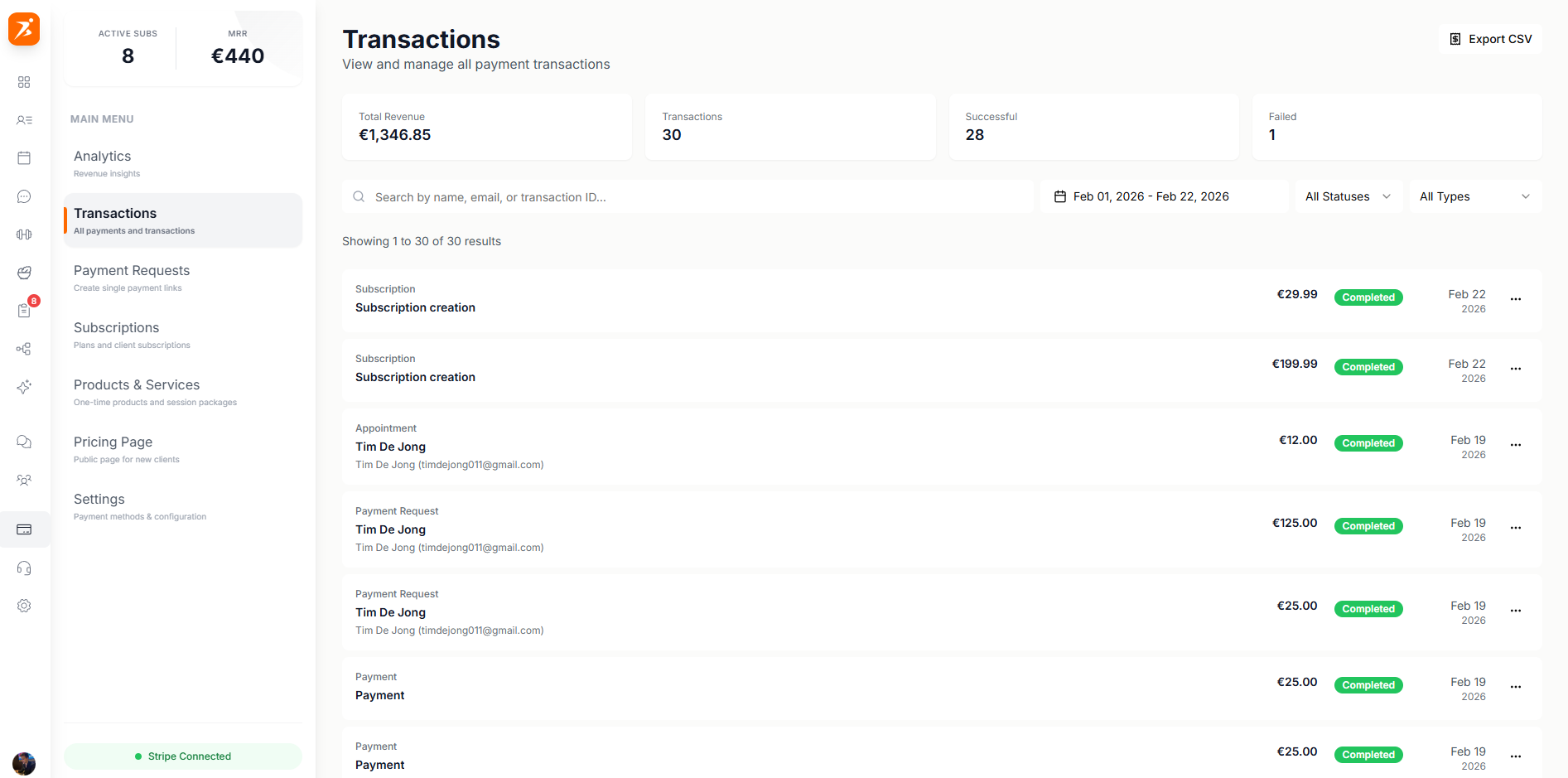
Transactions are categorized by type so you can quickly understand your payment activity.
A recurring subscription payment from a client.
A one-time charge you sent to a client.
A cookbook purchase from a client.
A paid session or appointment booked by a client.
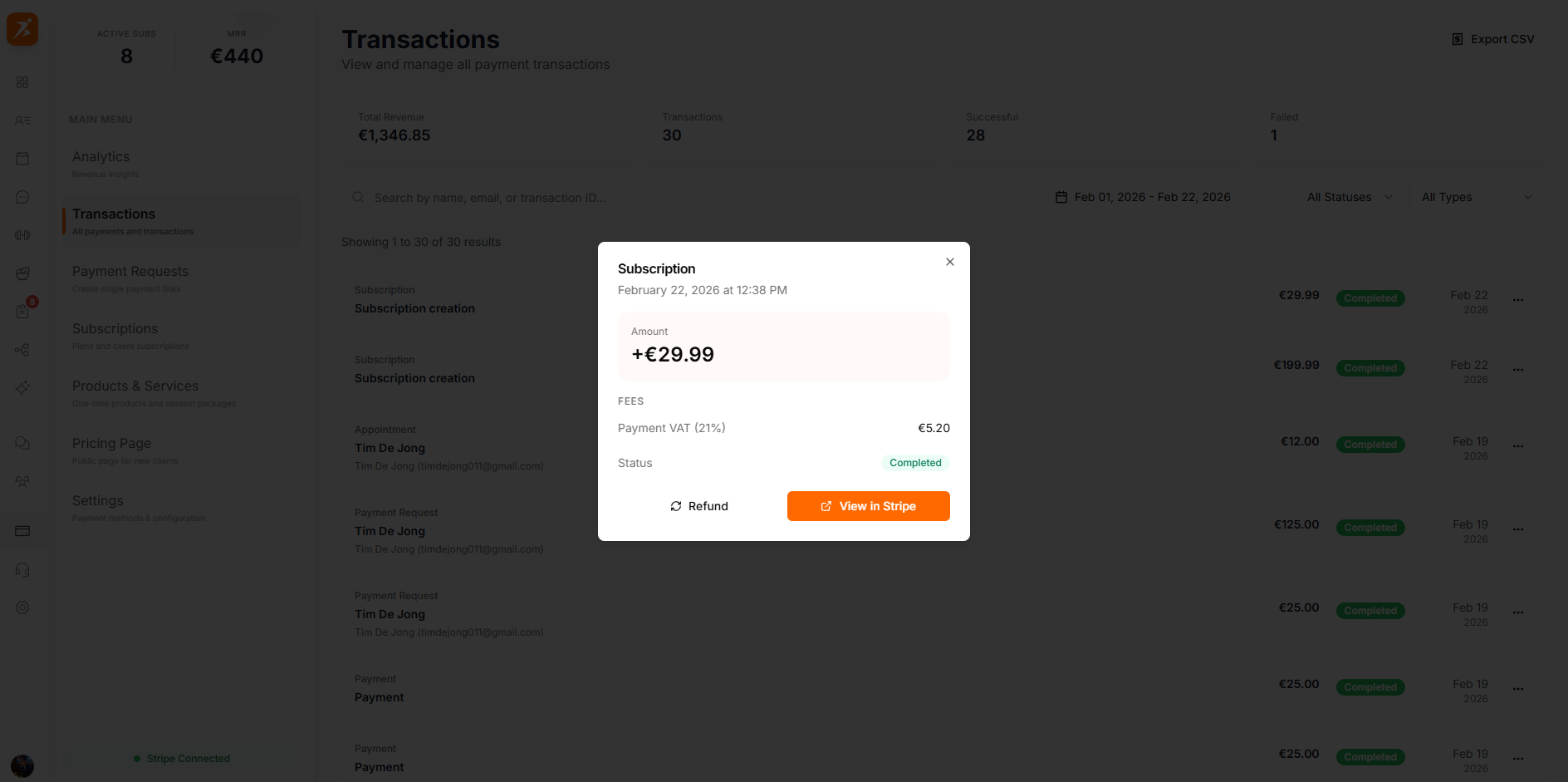
Click any transaction to view full details including payment method, Stripe transaction ID, and a direct link to view it in your Stripe dashboard.
Quickly find specific transactions using the built-in filters and search.
Search by client name, description, or amount.
Toggle between the last 7, 30, or 90 days.
Transactions sync automatically with Stripe so your data is always current.
Full payment history with client name, amount, method, and status.
Quickly narrow the list to the last 7, 30, or 90 days.
Jump directly to any transaction in your Stripe dashboard for more details.
