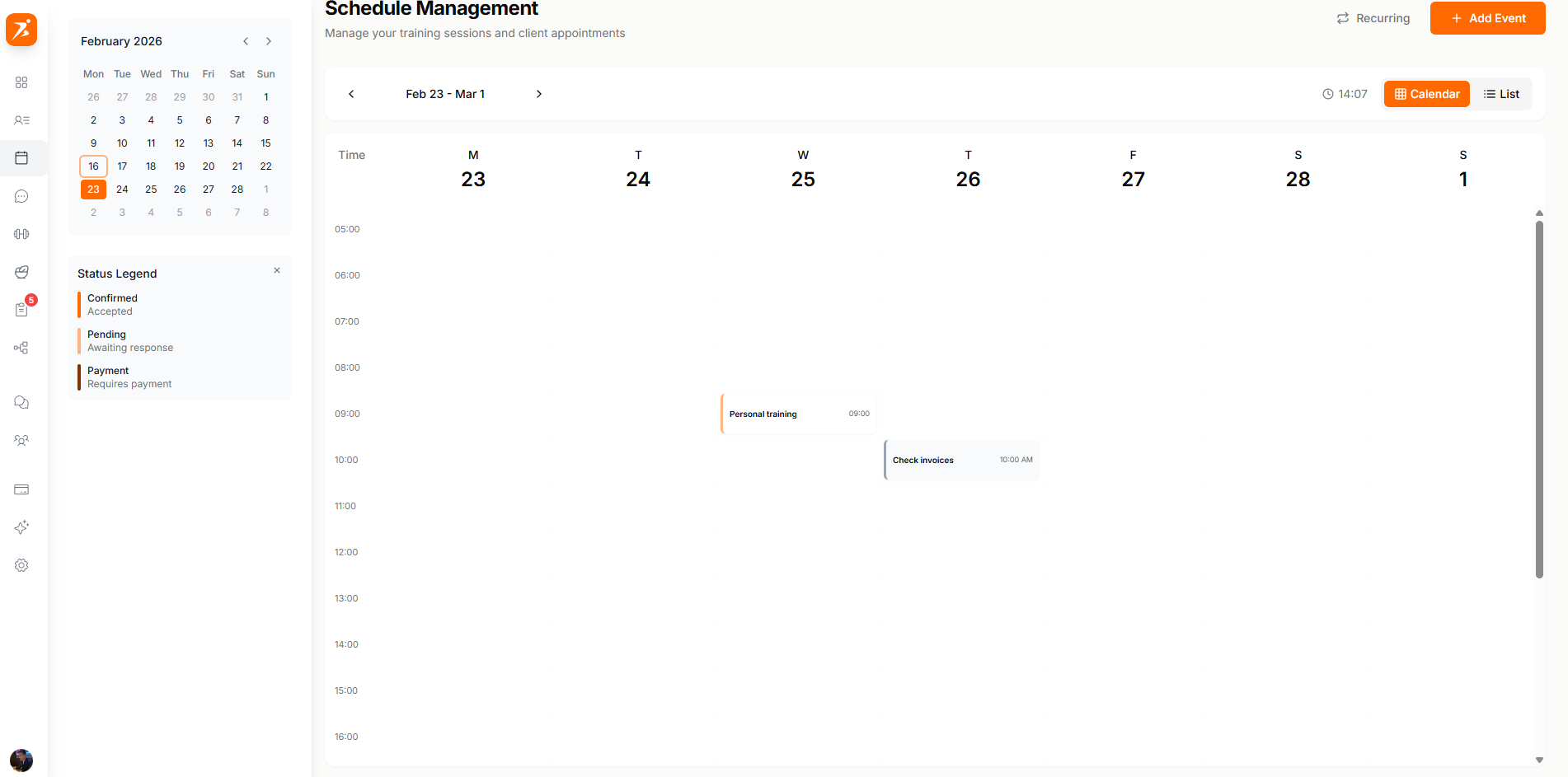
Your calendar gives you a bird's-eye view of all appointments, sessions, and tasks. Switch between the weekly calendar and a simple session list to stay organized.
The weekly view shows a 7-day grid with all your appointments, sessions, and personal tasks. Color-coded status bars help you see what's confirmed, pending, or needs payment at a glance.
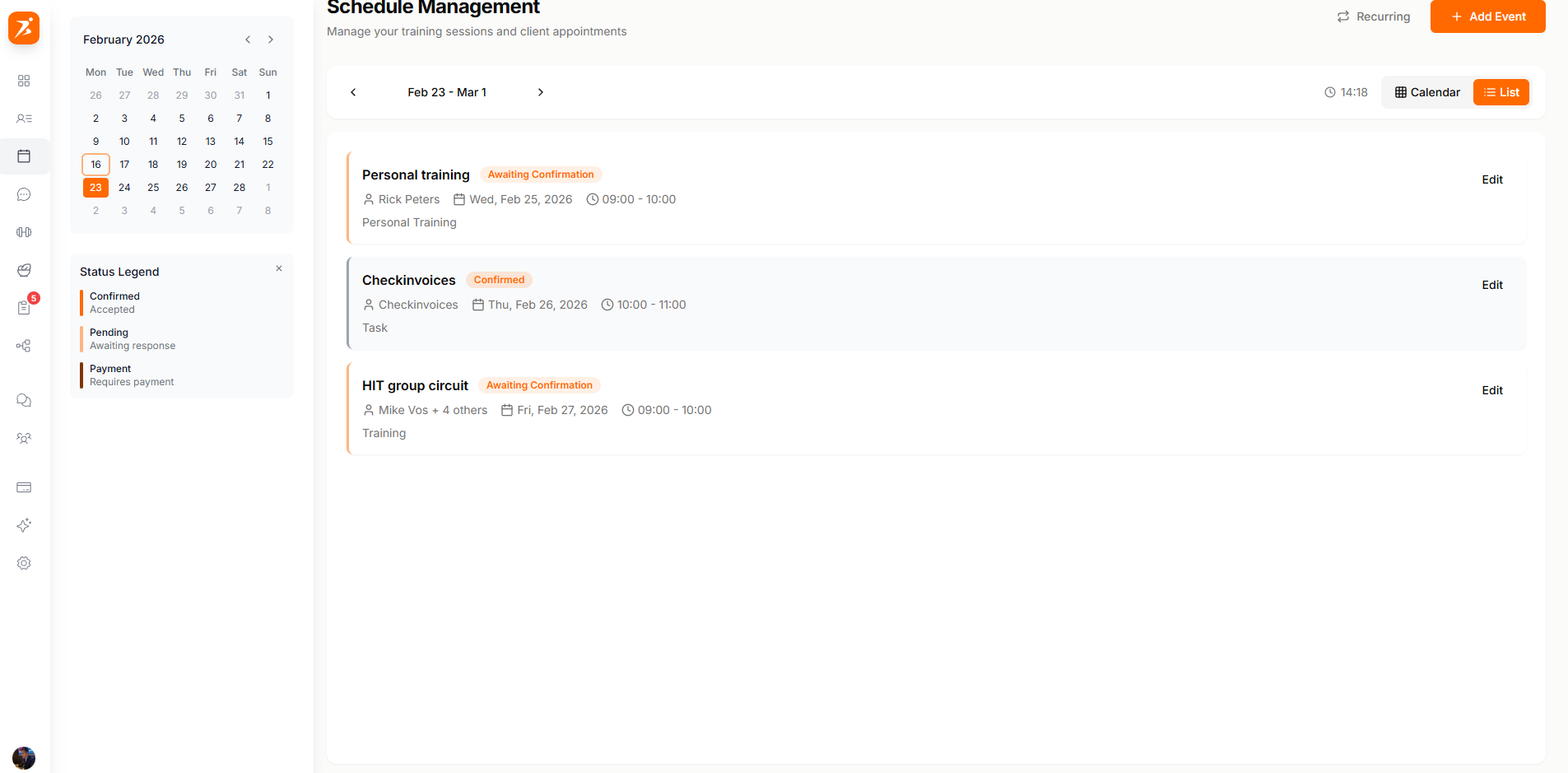
Prefer a simple list? Switch to the session list view to see all your upcoming appointments sorted by date, with status, client name, and price at a glance.
The sidebar puts three things within reach: a menu to jump between Schedule, Availability, and Appointment Types, a mini month calendar for quick date navigation, and a status legend so the calendar's color-coding makes sense at a glance.
Studios on the Ultimate plan with more than one active location also get a Location dropdown here, which narrows the whole calendar to a single club. See scheduling per location.
Accepted and on the books.
Awaiting a response.
Needs payment before it's locked in.
Block out time for non-client work — admin, breaks, session prep, anything. Personal tasks are just a title, an optional note, and a time block; they appear on your calendar but aren't visible to clients.
Drag and drop to reschedule, click to create, and hover for quick details.
Set up weekly or biweekly recurring sessions that auto-populate your calendar.
See payment status directly on each appointment — paid, pending, or overdue — or open the Session Payments tab for one view across every session.
Schedule group classes with multiple clients and track attendance.
