Clients go through four states: Not Invited, Invited, Active, and Archived. This page covers the invitation flow and troubleshooting.
Every client has one of four statuses:
Not Invited
In your roster but no invitation has been sent yet
Invited
Signup email sent, account not yet created
Active
Full access — app, chat, workouts, meal plans
Archived
Doesn't count toward your plan's client limit. Reactivate any time from the client's profile or card menu
Open the client profile and click "Invite Client". The invitation email includes:
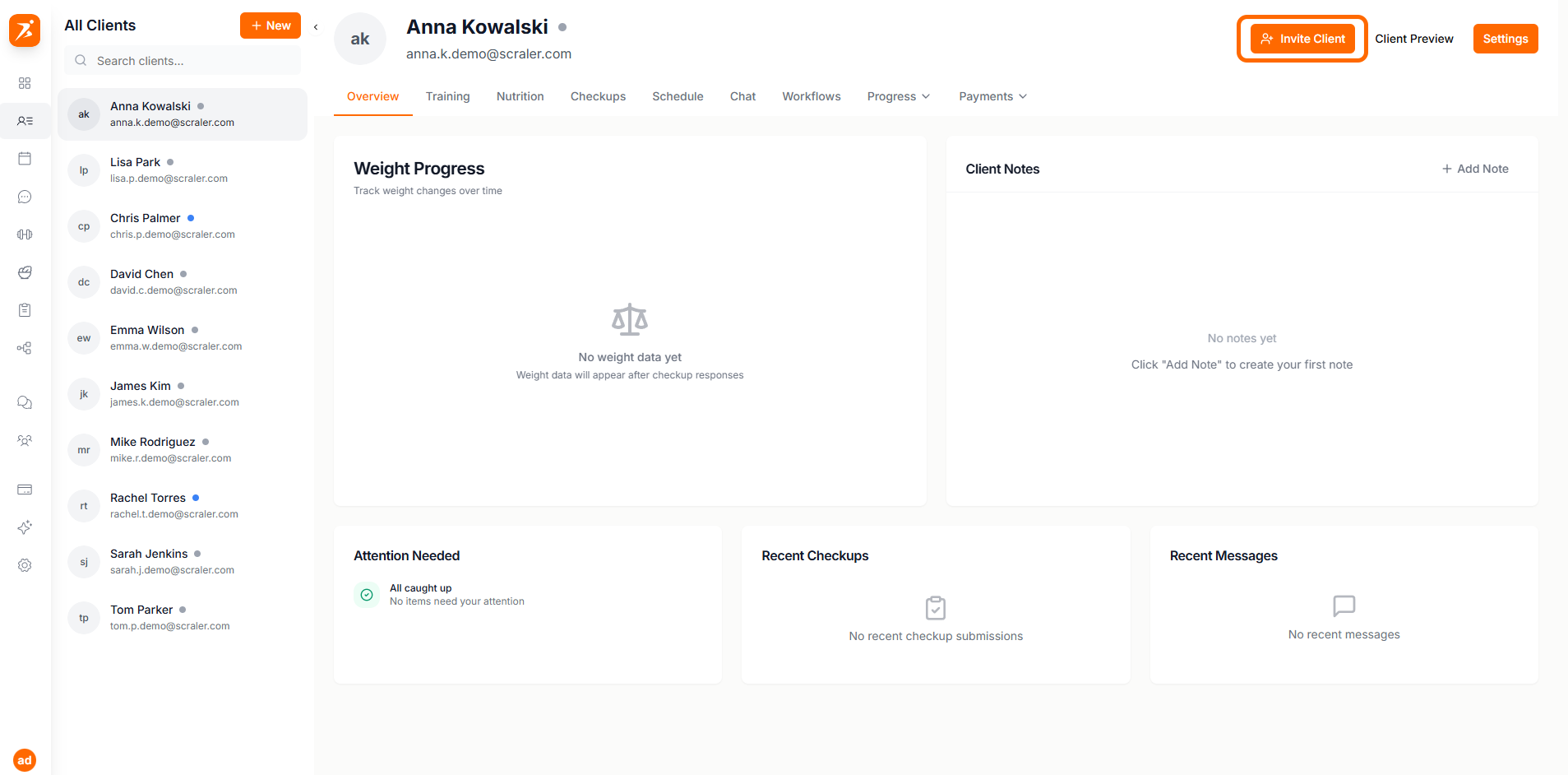
The email includes:
Personalized welcome message
Your business name and branding
Secure signup link
Setup instructions
For Invited clients, the button changes to "Re-invite Client" to resend the invitation:
Security: Each resend generates a new link and invalidates the previous one.
When a client clicks the invitation link, they complete:
Create Password
Set a secure password for their account
Profile Info
Confirm or update personal details
Goals
Optionally set their fitness goals
Complete
Account activated and ready to use
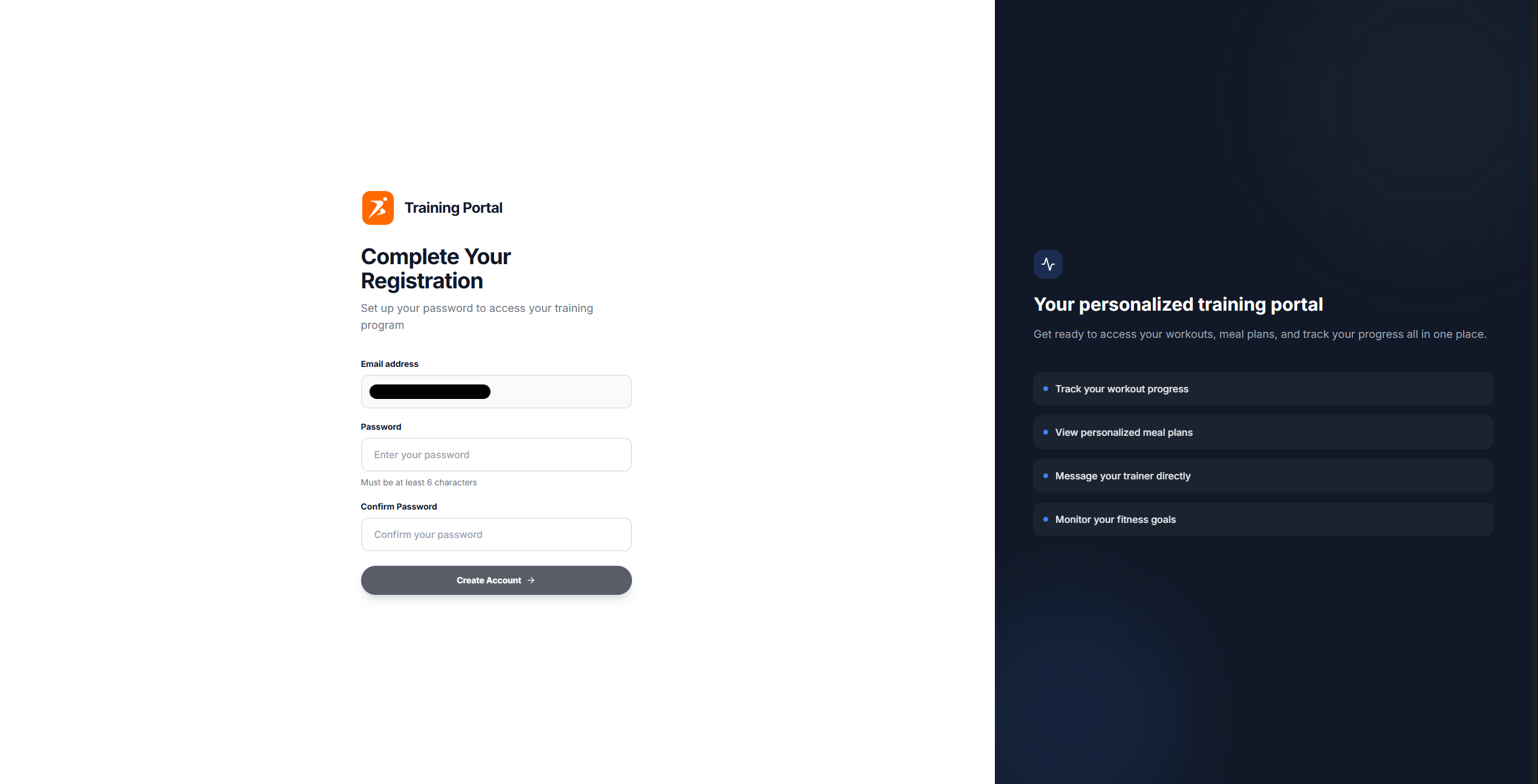
Invitation links expire after 7 days. Resend the invitation to generate a new link.
Use the sidebar to filter clients by status:
All Clients
Active Clients
Clients with full access
Invited Clients
Clients awaiting signup completion
Not Invited
Clients added but no invitation has been sent yet
Archived
Clients who were archived (data preserved)
