Store PDFs, images, videos, and documents in one library, then share them with the clients who need them.
Open Vault from the sidebar to see your library. Every file you upload lives here first, whether or not it is shared with a client yet, so you only ever upload something once.
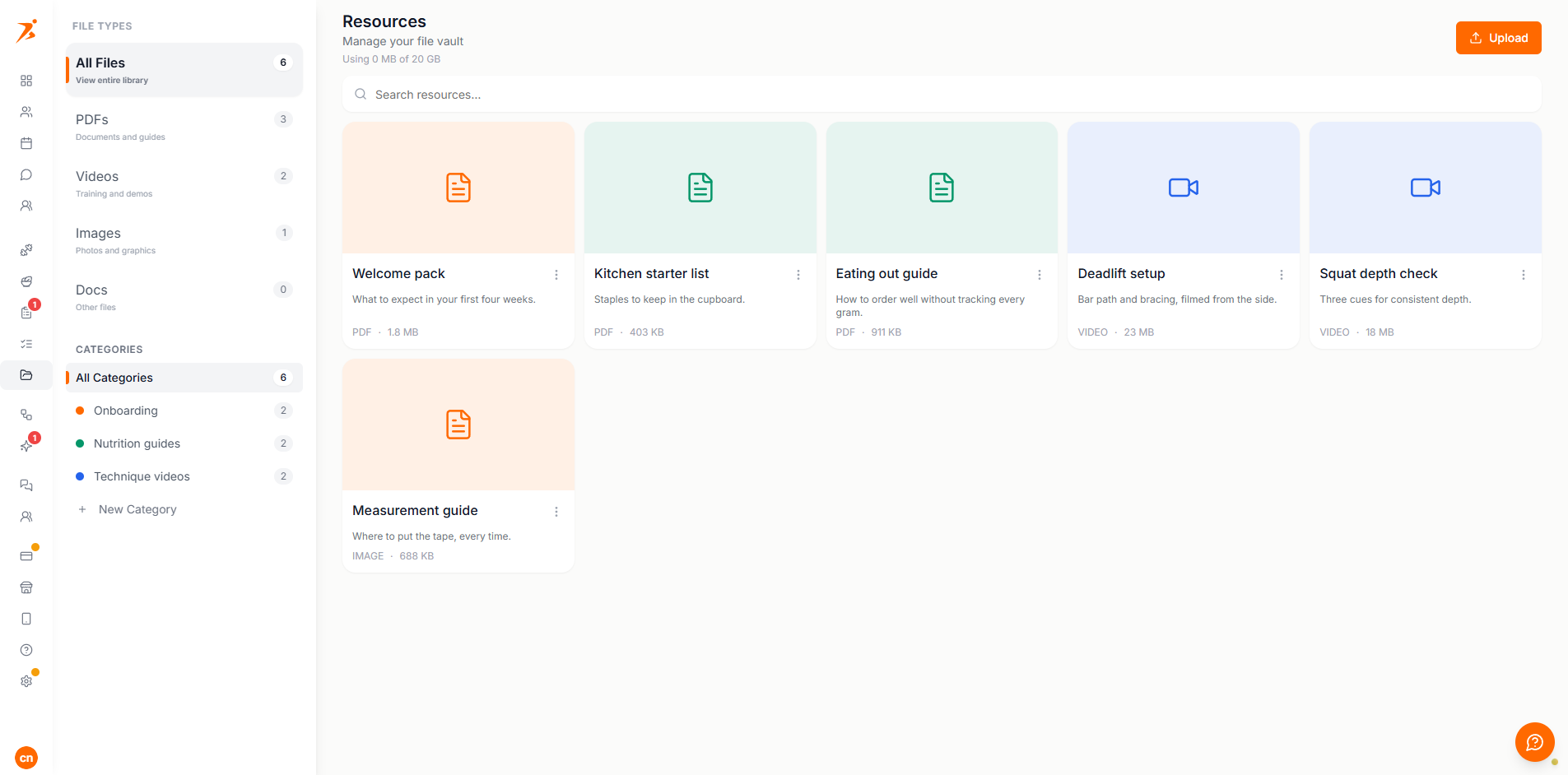
Click Upload and choose a file. Each file type has its own size limit, enforced on upload:
PDF documents, up to 25 MB.
Images
JPEG, PNG, WEBP or GIF, up to 10 MB.
Video
MP4, WEBM or QuickTime (.mov), up to 100 MB.
Docs
Word (.doc/.docx) or plain text files, up to 25 MB.
Your plan sets how much you can store: Plus 1 GB, Premium 5 GB, Ultimate 20 GB. Basic has no upload allowance. The vault header shows "Using {used} of {quota}", and the limit is enforced on upload, both as a warning in the app and again on the server, so it cannot be bypassed. The same allowance also covers exercise videos you upload elsewhere on the platform.
Filter the library by type (PDFs, Images, Videos, Docs) or by category, and use search to find a file by name. Rename or delete a category from the sidebar. Deleting one does not delete its files.
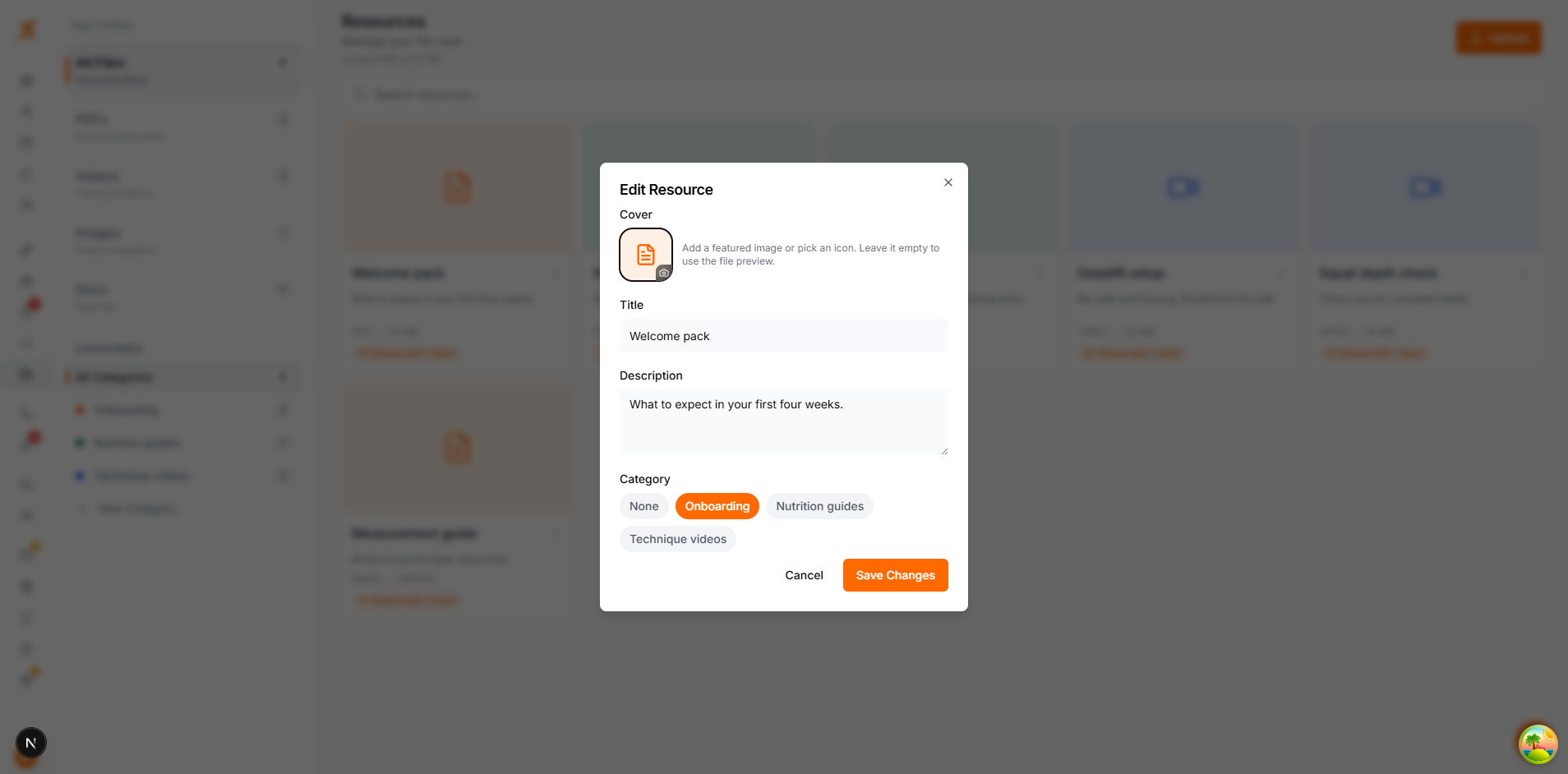
Give a resource a custom cover image, or pick an icon and colour, from its Edit dialog. Leave both empty and the vault shows an automatic preview based on the file type instead.