Manage your profile photo, business name, and account preferences. Update your password or turn on two-factor authentication from Security.
Edit your profile photo, business name, and regional preferences. Configure security options like password reset and 2FA.
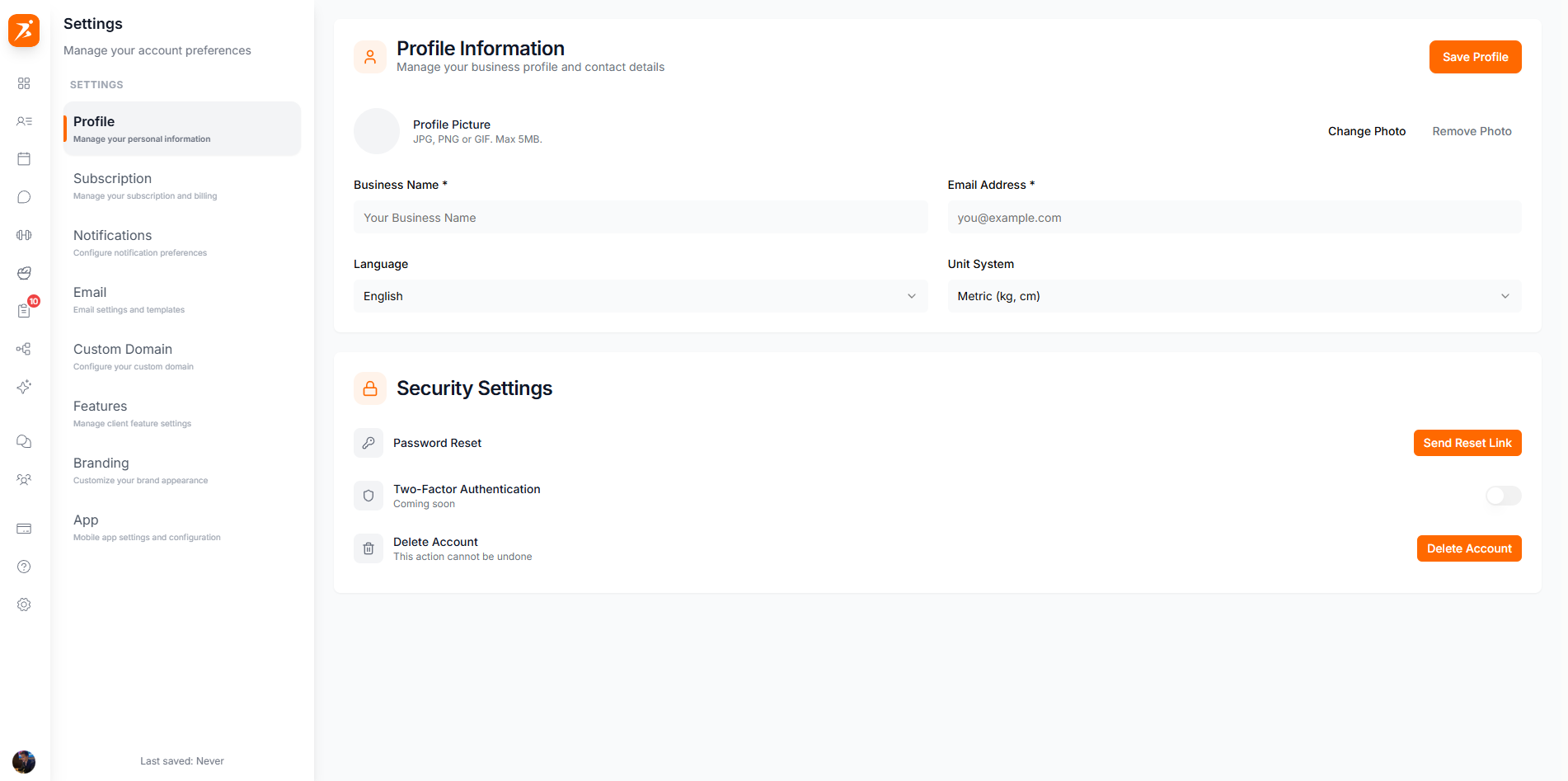
The photo, business name and email that appear across the platform. Business name is required and shown to your clients.
Required. Shown to clients and used for your subdomain (e.g. yourbusiness.scraler.com).
Used for login, notifications, and client communication. Read-only here — contact support to change it.
Upload a professional photo that appears on your profile and in chat.
Set your preferred language, measurement units, timezone, and country. These settings affect how data is displayed across your dashboard and your Stripe payout country.
Choose the interface language for your dashboard and client communications.
Choose Metric (kg/cm) or Imperial (lbs/ft) for weight and body measurements.
Set your local timezone for accurate scheduling and appointment times.
Used as your Stripe payout country once you connect Stripe. It can't be changed after your Stripe account is set up.
Reset your password, manage two-factor authentication, and delete your account from here.
Scraler emails you a secure reset link — there's no in-page current/new password form.
Add an extra layer of security by requiring a verification code when you log in.
Save the manual entry key shown during setup somewhere safe — it's your backup if you can't scan the QR code again. There are no separate recovery codes.
Click Disable 2FA, then enter a fresh 6-digit code from your authenticator app to confirm. 2FA is removed immediately.
Permanently delete your account and all associated data. This can't be undone.
Stripe keeps payment records separately for legal and compliance purposes, even after deletion.
Change your business name or photo any time, with instant updates across the platform.
Password management and 2FA keep your account and client data safe.
Set your language, units, and timezone for a personalized dashboard experience.
Upload a high-quality profile photo to build trust with your clients.
