The feed is where everything happens. Share text updates, run polls, and promote your offers — then watch clients like, comment, and join the conversation.
The feed shows every post in your community, newest first, with pinned announcements always at the top. To start a new post, click New post in the top right and pick the type of post you want to create.
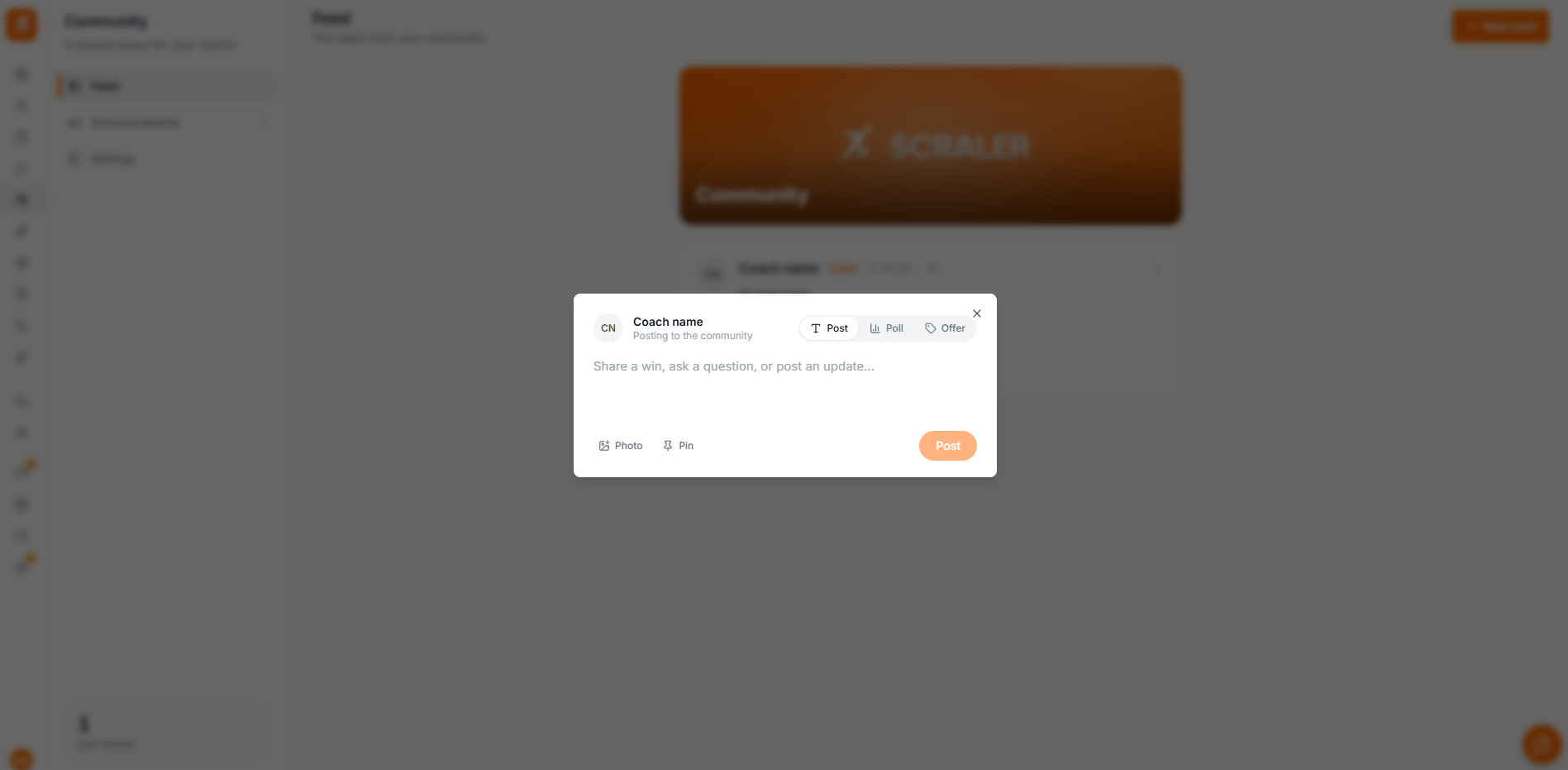
Text posts are the everyday heartbeat of your community — a quick win, a reminder, a bit of motivation.
Switch the composer to Poll mode to ask your community a question with up to six options. Members vote with one tap and instantly see the results as a bar chart. Polls are a quick way to gather feedback, pick a challenge theme, or get clients involved.
Each member gets one vote, and they can change it at any time. Individual votes stay private — only the totals are shown.
Offer posts let you promote something you sell directly in the feed. Switch the composer to Offer mode, pick what you want to feature, and it appears as a tidy card with an image, price, and a buy button that takes clients straight to checkout.
Promote a recurring subscription plan. Clients can subscribe in a couple of taps.
Feature a cookbook for sale. The card shows the cover, price, and a Get it button.
Want to post later instead of right now? While writing a text post, click Schedule for later, pick a date and time, and it publishes automatically. Check the Scheduled tab to see what's queued and how many posts are pending.
Every post can be liked and commented on, by you and by your clients. This is what turns a feed into a community — conversations, encouragement, and questions answered in the open.
Tap the like button to react. Tap again to remove it. The count updates in real time.
Open a post to read and add comments. Your replies show a coach badge so clients know it's you.
New comments and reactions appear live for everyone viewing the feed.
